Fixing World of Warcraft's Hyper-Fast Mouse Camera Movement on Windows 8.1
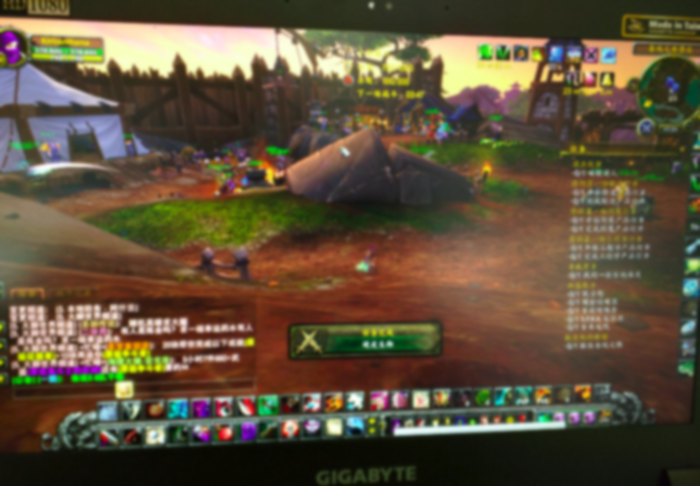
A friend bought a gaming laptop and brought it over for me to install the OS, since he plays World of Warcraft on it. After the install was done, he fired up WoW and ran straight into a problem…
Once you hold right-click to move the camera, the speed is insane — so fast you can’t control it at all…
Changing the mouse speed doesn’t help. Changing the in-game mouse speed doesn’t help either. Some searching later, it turns out this is a bug Blizzard has actually confirmed, related to HiDPI support under Windows.
http://us.battle.net/wow/en/forum/topic/10102720358?page=25
Specifically, if you have scaling enabled, you’ll hit this.

The fix is simple: just disable scaling for World of Warcraft’s Wow.exe / wow-64.exe.
Speaking of which, this gaming laptop’s performance is stronger than my AMD 965 at home…
Comments are hosted on the Chinese main site. This mirror is read-only.