Fixing Firefox's default handler for unknown files on Ubuntu
This is a stupid-ass problem that’s been bugging me for six months.
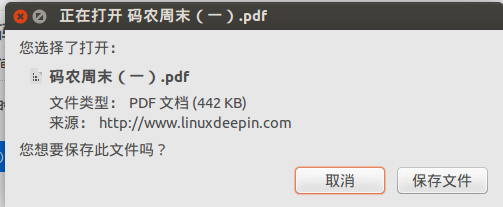
Normally when Firefox downloads a file, it looks at the extension and offers a matching handler, like this:
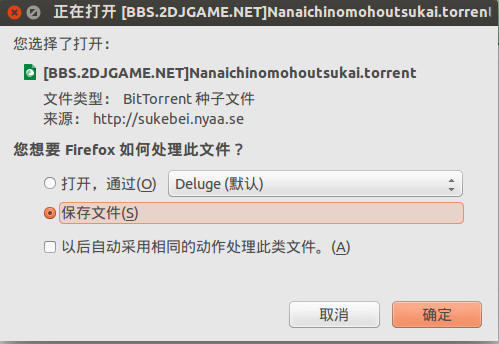
But sometimes, even when the extension is obvious, Firefox still tags it as “unknown” — and on this machine of mine, Firefox actually suggested opening PDFs with gedit by default.
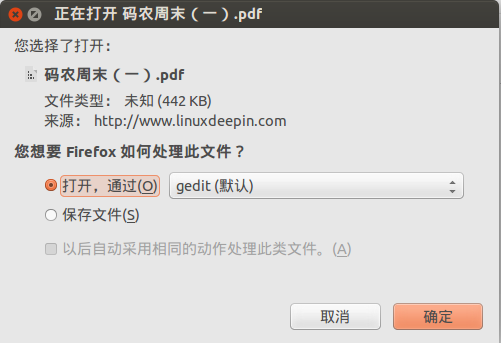
Turns out this depends on the site, not the extension. PDFs downloaded from some sites are recognized fine, but on other sites even a zip file gets flagged as “unknown” — and the default handler is gedit, of all things. Infuriating.
What does that mean? Even if you pick Save, then click the file from Firefox’s download menu…
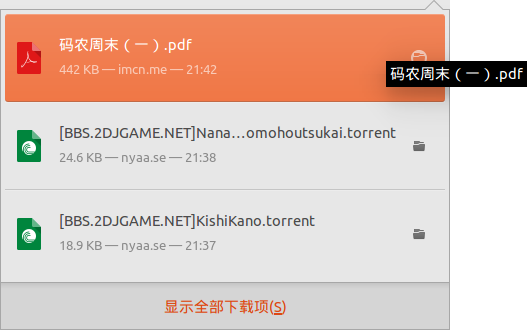
Exactly that.
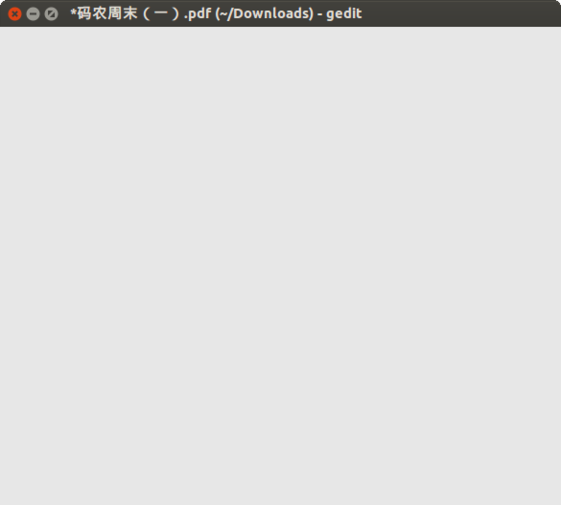
Not just PDFs either — ISO, ZIP, RAR all pulled the same trick. Opening a multi-GB RAR in gedit is a miserable experience, so I’d end up opening the downloads folder, finding the file, and double-clicking it manually.
I checked Firefox’s file associations, checked nautilus’s file associations, checked everything I could think of, and nothing looked wrong. The problem stayed. I tried asking on Reddit, posted on askubuntu and similar places, but no luck — most people just blamed the PDF/ISO file associations.
The interesting part: I made a new user account, logged in, and the problem wasn’t there. So it had to be something in the config files.
Then today I stumbled on where that config actually lives:
~/.local/share/applications/mimeapps.list
And inside, this line:
application/octet-stream=gedit.desktop;
Deleted it, problem solved.
For an explanation of the application/octet-stream file type, see here: https://kb.iu.edu/d/agtj
My guess is Firefox falls back to this mime type for downloads that don’t declare a file type clearly, treating them like email attachments — and since it was associated with gedit, you got this baffling result.
Comments are hosted on the Chinese main site. This mirror is read-only.