Fixing VMware module compilation on the Linux 3.19 kernel
Advertisement
Times change, kernels change. The old VMware build method for 3.13 stopped working after 3.16.
Today I upgraded my desktop’s kernel on impulse, just to try out 3.19’s new support for the Logitech T650 touchpad. So of course VMware’s module compilation failed.
Advertisement
When it fails, all you can do is fix it.
Fortunately there’s no shortage of writeups on this. This one is fairly close:
https://communities.vmware.com/message/2469395
Detailed error output:
http://rglinuxtech.com/?p=1258
That thing is written horribly, though. Luckily you can just check the Arch Linux wiki, where someone already wrote the patch.
https://wiki.archlinux.org/index.php/VMware#3.19_kernels
curl http://pastie.org/pastes/9934018/download -o /tmp/vmnet-3.19.patch
sudo -i
cd /usr/lib/vmware/modules/source
tar -xf vmnet.tar
patch -p0 -i /tmp/vmnet-3.19.patch
tar -cf vmnet.tar vmnet-only
rm -r *-only
vmware-modconfig --console --install-all
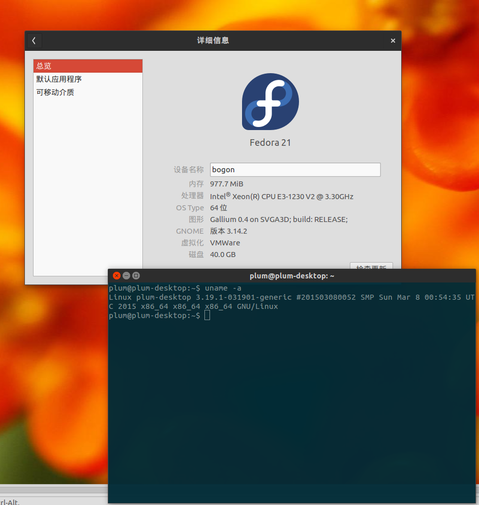
Once that’s done you can go back to running Fedora in VMware~
Comments are hosted on the Chinese main site. This mirror is read-only.