Handling Multiple Sample Rates in Linux... and the FiiO E17
Whether built-in or external, some USB DACs support 24-bit 96kHz or even 24-bit 192kHz sample rates. In Linux you can set this correctly with some PulseAudio configuration — I wrote about it before: PulseAudio sound quality tweaks on Linux
Known facts:
- The Sony PHA-2 and ASUS Xonar U7 support up to 24-bit 192kHz over USB.
- The FiiO E17 only goes up to 24-bit 96kHz over USB.
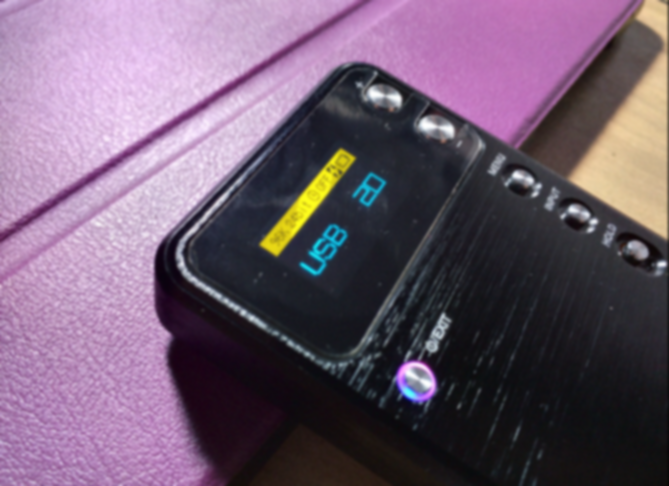
So the question: how do you configure PulseAudio so it adapts to both devices at once?
As I mentioned in the earlier post, adding the following to /etc/pulse/daemon.conf enables the default 24-bit 192kHz rate:
default-sample-format = s24le
default-sample-rate = 192000
Now we need to add one more line:
alternate-sample-rate = 96000
According to the official docs, default-sample-rate is the default and alternate-sample-rate is the fallback — if the default fails, it falls back to the alternate.
Restart PulseAudio after setting:
pulseaudio -k
pulseaudio --start
Now the FiiO E17 and ASUS Xonar U7 can coexist on the same machine. Check the info to see the effect (ignore the 32-bit on those two onboard cards):
pacmd list-sinks | grep sample

Some products adapt automatically, but if yours doesn’t, try this parameter.
Now about the FiiO E17 amp:
Why E17 and not E18? For one, the E17 has coaxial input, which is fun to play with. Two, the E18 was out of stock.
The E17’s sound signature matches the Sony PHA-1 — a thick, warm sound. Not surprising since it uses the exact same chip, but it’s much smaller and lighter than the PHA series. The PHA, of course, uses plenty of heavy materials for its chassis.
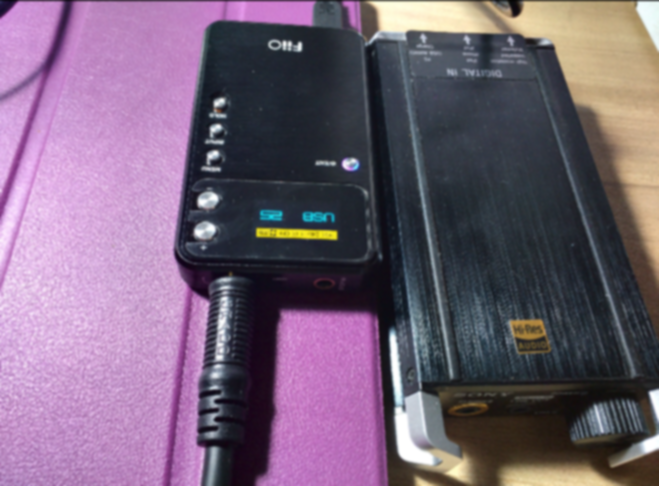
Unlike the PHA series, the FiiO E17 uses an LCD screen and menu buttons to control functions instead of Sony’s switches and knobs. Honestly the controls are a bit awkward, but as a DAC/amp you don’t need to fiddle with them often.
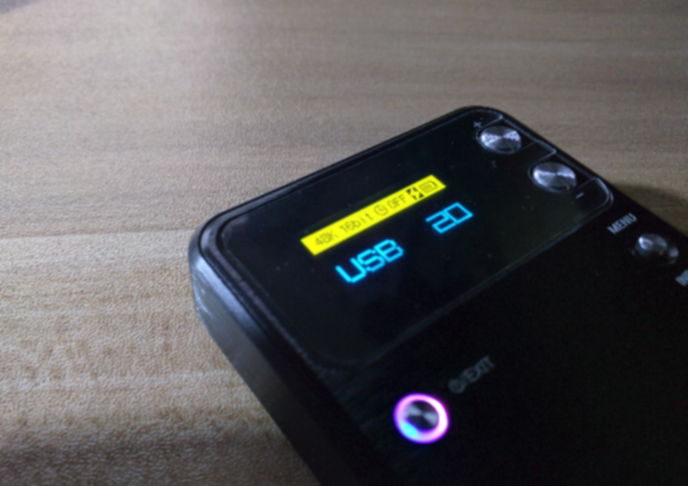
Funny thing: over USB it maxes out at 24-bit 96kHz, but with coaxial or whatever else it can do 24-bit 192kHz. I can’t hear much difference personally.
At first I thought the sample rate shown on screen was fake, but after plugging into a Surface Pro 3 and seeing it change, I believed it.
The product itself is very cheap, build quality is passable. FiiO is an interesting manufacturer — I’ve seen teardowns and the internal circuits seem legit, the design is among the better-looking Chinese products, and more importantly the pricing has always been low, giving huge value. The sound is decent, not much tuning — whatever chip it uses, that’s what you hear. FiiO also nails the Chinese buyer psychology with included accessories: a silicone case and two screen protectors (apply one, keep one). These things are worthless but show the manufacturer cares.
In audiophile mysticism, as long as you’re not dealing with software optimization or driver tweaking, you can safely buy Chinese gear — it’ll show you what real value is.
FiiO’s weakness is the player firmware development, which has always been a weak spot for Chinese brands: ugly UI, missing features, crashes and instability. That’s why I’ve avoided Chinese DAPs. Hopefully FiiO will change my mind.
Comments are hosted on the Chinese main site. This mirror is read-only.