Home Network Overhaul (Part 1): Building a Low-Power, Low-Noise NAS
A while back I moved, and I ended up fiddling with the network at the new place — got a new router, got a new NAS, so I figured I’d write it down. Call it impressions of new gear plus the pits I fell into. This is a three-parter: one part NAS, one part router, one part linking the two locations’ networks together.
I already had a perfectly good Gen8 NAS at home that had been running stably for years, but my wife kept complaining about the fan noise, and since we were moving anyway, I decided to haul the thing to the new place and build a fresh NAS for the old one. So the new NAS had some requirements:
- Low noise
- Low power draw
- Cheap
- It only needs to do syncthing sync, plex playback, and Samba file sharing
Given all that, I hemmed and hawed, then looked at a Raspberry Pi 3 gathering dust at home and finally remembered something called a Raspberry Pi NAS… so I decided to build a NAS out of a Pi.
There are plenty of Pi NAS setups online, but most of them just dangle a hard drive off USB. The Pi has no SATA of its own, sure, but one USB cable flopping out the side looks ugly as hell…
So I hunted around and found a “relatively presentable” USB enclosure:
A Pi NAS kit called the X830
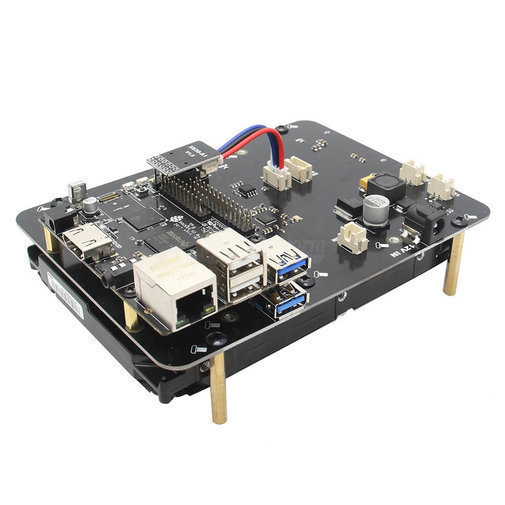
This kit also has a metal box accessory, and it looks like this once assembled.
Honestly there’s nothing special about the kit — it holds a 3.5-inch drive, adapts it over USB OTG, uses external power to feed the whole thing, has a little fan inside, and throws in a power switch. That’s it.
Of course, making it look this “decent” takes effort, so I bought it.
I have to mention here: when I built this NAS, the Raspberry Pi 4 hadn’t come out yet, and I goddamn went and bought a Pi 3 kit. I did wonder whether a Pi 3 could handle NAS duty. The consensus on English forums was: slow, but doable, not unusable — and since I already had a Pi 3 on hand, building on it would be cheaper. So I believed them.
So I bought the following:
- X830 kit
- Western Digital 4TB Red drive
- DC power supply
The drive was probably the priciest bit; all told the budget landed around 500, since I already owned the Pi 3.
Assembly went smoothly enough:
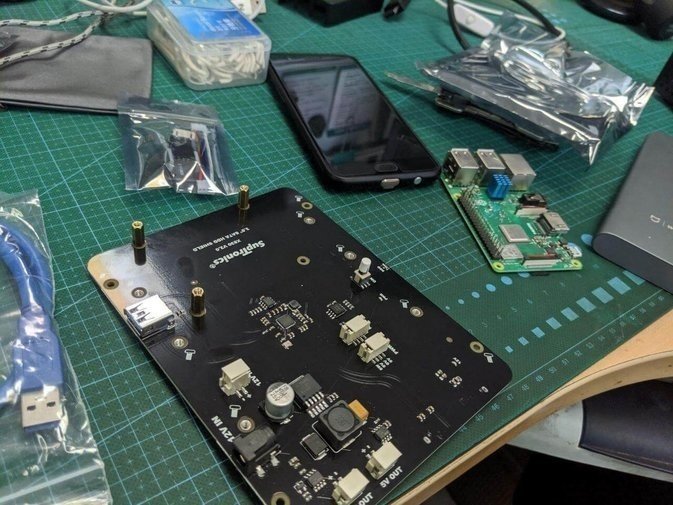
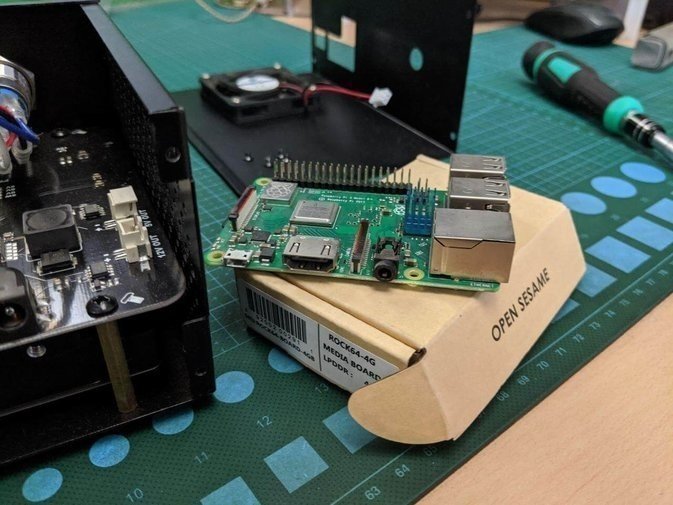
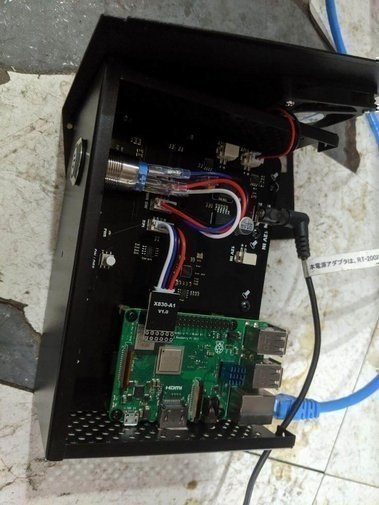
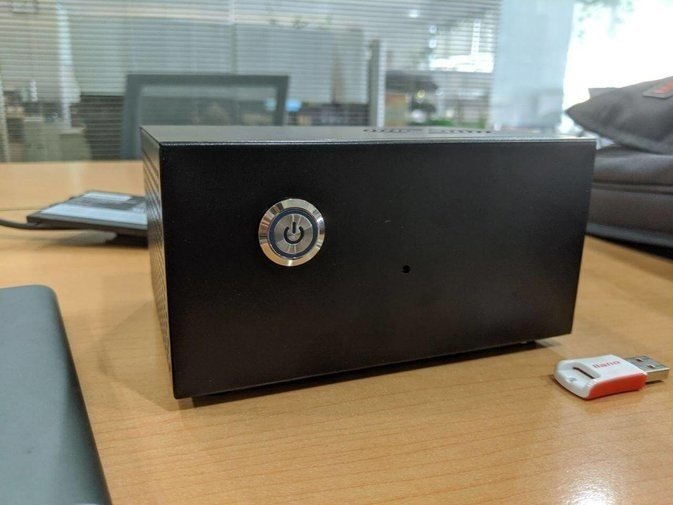
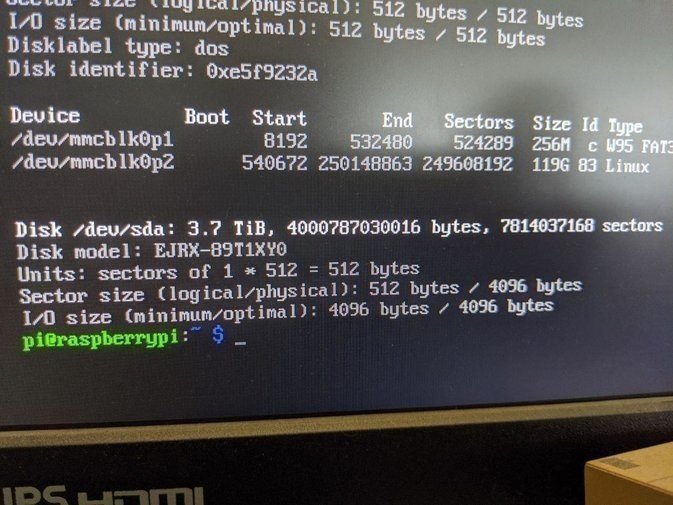
After booting the official raspbian, the drive was detected right away — it’s a 4TB WD Red, and once partitioned it was good to go.
Of course I wasn’t going to run raspbian as the NAS; I wanted the familiar OMV, short for Open Media Vault.
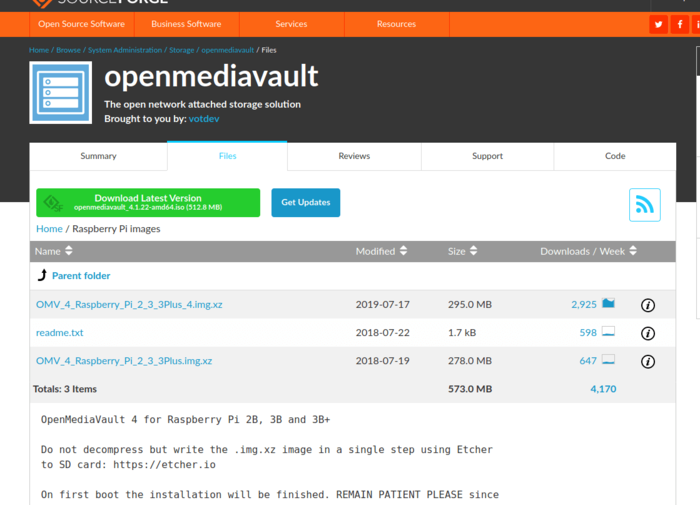
There’s an OMV image for the Raspberry Pi 3 online — flash it and boot straight into it. One thing to watch: the Pi seems to cap the ethernet port at 100M by default to keep the network power stable, and you have to change it to 1000M yourself.
You can set it to 1000M, but the Pi can’t actually hit 1000M, for the following reasons:
- The Pi 3’s ethernet port is USB-adapted
- The Pi 3’s USB ports are USB 2.0
- USB 2.0 maxes out at 480M, so the Pi’s gigabit NIC is basically useless
And even with the gigabit NIC, you still have to “guarantee power supply” — underpower it and the network collapses in no time.
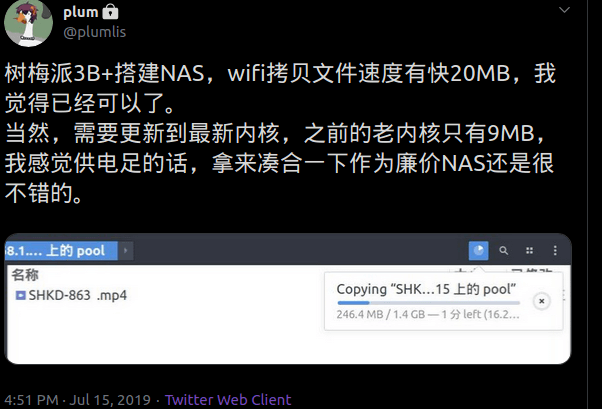
The fastest I ever measured was 20MB/s, and that was peak; most of the time it sat around 12M. I figured that would be good enough… but the Pi 3 as a NAS turned out to be far worse than I expected.
- Network too slow: 20MB/s peak but mostly 10MB/s, and the longer the NAS ran, the slower it got
- Performance too weak: syncthing file analysis and cleanup took literally two days
- Plex runs, but the moment it builds the database the machine locks up
I really regretted using a Pi 3 as a NAS. If I’d known, I’d have grabbed some junk Atom board — even that would’ve been faster. And I bought a whole enclosure too, and the even dumber part is that the Pi 4 had launched by then and this box doesn’t fit it. Despair levels: maximum.
Just as I was despairing, the Taobao seller told me this X830 box supports Rock64 in addition to the Pi 3 — except the power button shutdown on the box doesn’t work, so you have to cut power manually.
So I immediately bought the cheapest Rock64 board on Taobao, and worried about performance, I got the 4G RAM version and set it up the moment it arrived.
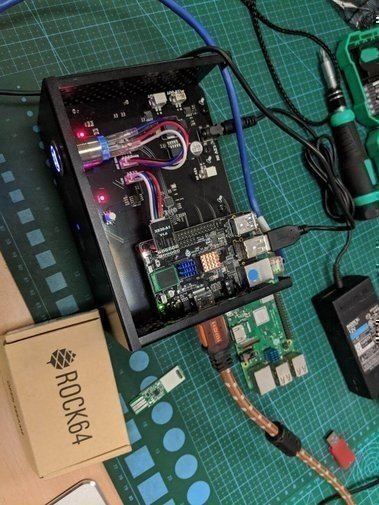
And the Rock64 board supports an emmc module — I pulled out the emmc module I’d originally used for the Pinebook, slapped it in happily, and damn, this was way faster than a shitty TF card.
OMV also provides a Rock64 image, so I flashed the system to emmc, installed, booted, configured, and the speed improved dramatically:
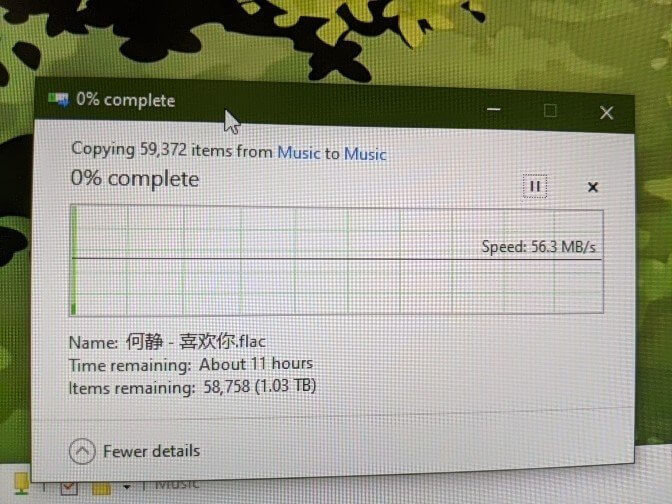
Write speed while Plex was caching:
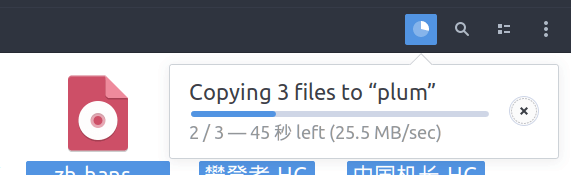
Most important of all: no more lockups. Performance is genuinely strong.
With that, the NAS was basically done. What was left was getting the new place’s router ready and getting file sharing between this NAS and the old one working.
Final roundup of the pits:
- Don’t build a NAS on a Raspberry Pi 3 — performance is dogshit
- Be wary of the Pi 4 too; I recall its thermals being dogshit as well
- The Rock64 is legit — cheap and generous
- A native gigabit NIC really matters
This Rock64 NAS has a flaw though: no RTC, no battery to keep time. I’m planning to deal with that next.
Anyway, if you want to build a NAS on a non-x86 architecture, consider the Rock64, not the Raspberry Pi. Thanks.
As for the leftover Raspberry Pi 3B+, I have no idea what to do with it. Suggestions welcome.
Comments are hosted on the Chinese main site. This mirror is read-only.