Chuwi Minibook: First Thoughts
The Price of Cheap: Chuwi Minibook Hands-On Notes
Why I bought it:
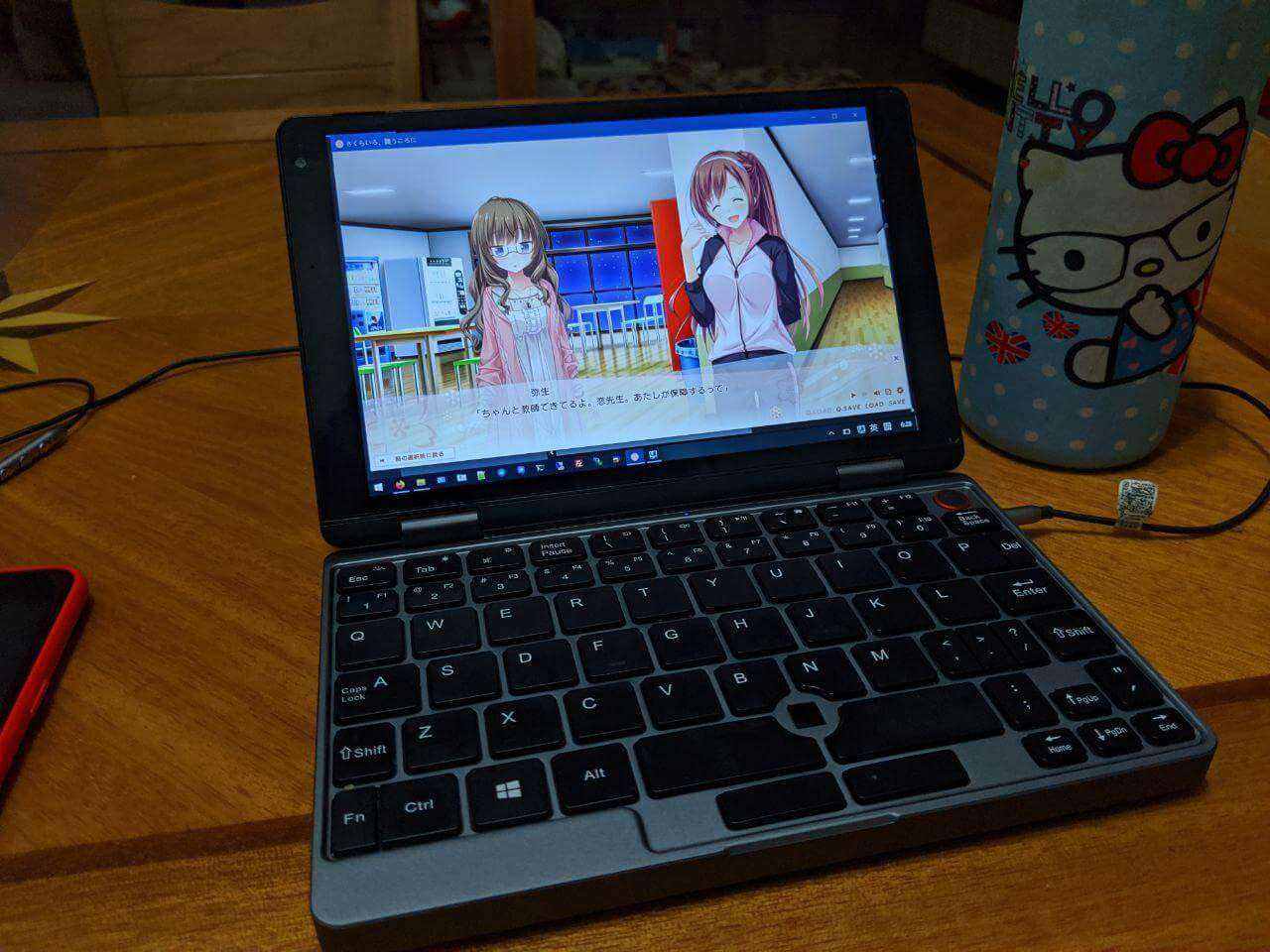
I’ve always used a Surface Pro 4 as my “secondary machine.” The reason is simple: I need Windows, especially for playing Galgame.
Unfortunately my Surface Pro 4 later went to my wife, so I no longer had a Windows machine. I started thinking about getting a new one, and that’s when I saw the Chuwi Minibook project on Indiegogo. I was hooked instantly. I compared it against other similar products, including the GPD Pocket 2 MAX and the One-Netbook, and each had its merits, but the Chuwi Minibook had these highlights:
- Supports Yoga-style tablet flipping
- Front camera quality better than the GPD Pocket 2 MAX
- User-replaceable/expandable NVMe SSD
- The Chuwi Minibook has the biggest keyboard buttons (typing is no problem)
- Internals are closer to a real laptop, with metal shielding — less of the knockoff feel than GPD and the like
- Cheap, cheap, cheap! The One-Netbook with the same specs as the Chuwi Minibook costs more, GPD isn’t cheaper than Chuwi, and it doesn’t support Yoga mode either
- Keyboard backlight, which GPD doesn’t have
- Pressure-sensitive stylus support, which GPD doesn’t have
I figured the Chuwi was the most well-rounded overall and fit my needs well, so I joined the crowdfunding campaign and picked the 16GB RAM / 8100Y version.
The campaign ended in August, with a few free spec upgrades along the way, plus a stylus and an EVA hard shell case thrown in. It didn’t arrive until October, though.
As everyone knows, Chuwi is a Shenzhen shanzhai factory, so I didn’t have to wait for an international package like the other foreigners on Indiegogo. Mine came by SF Express.
But that was only the start of a whole saga.
How it went:
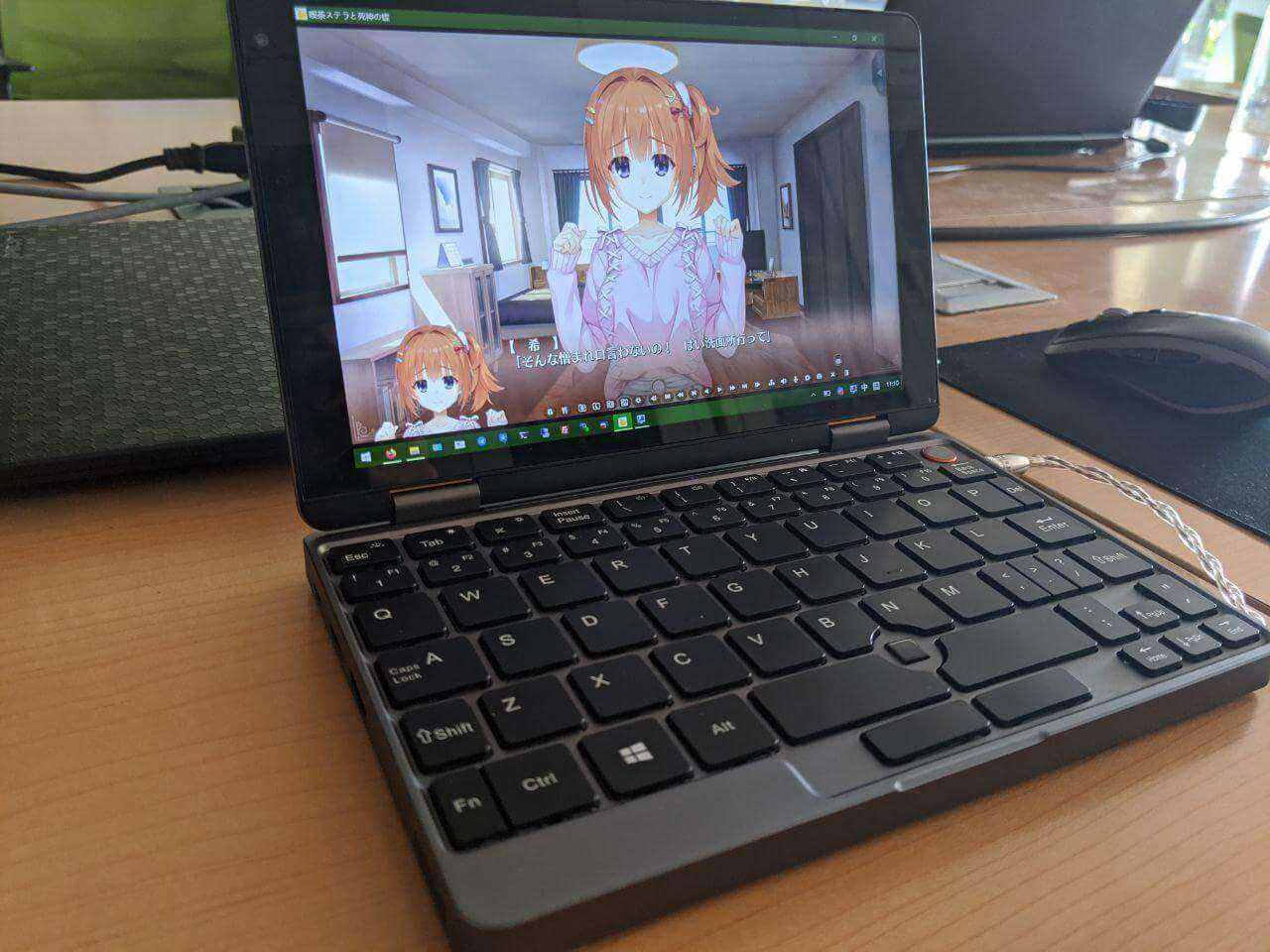
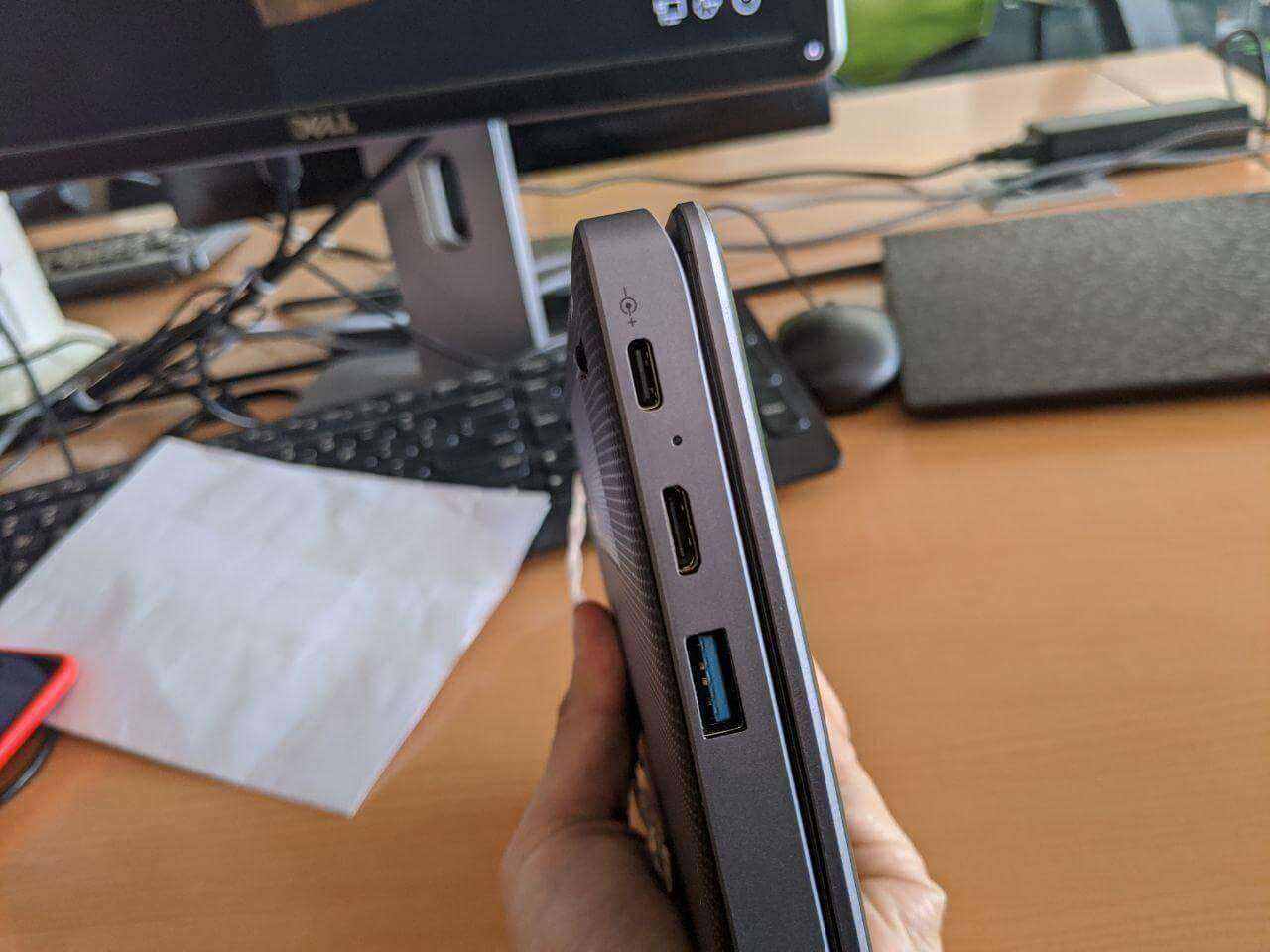
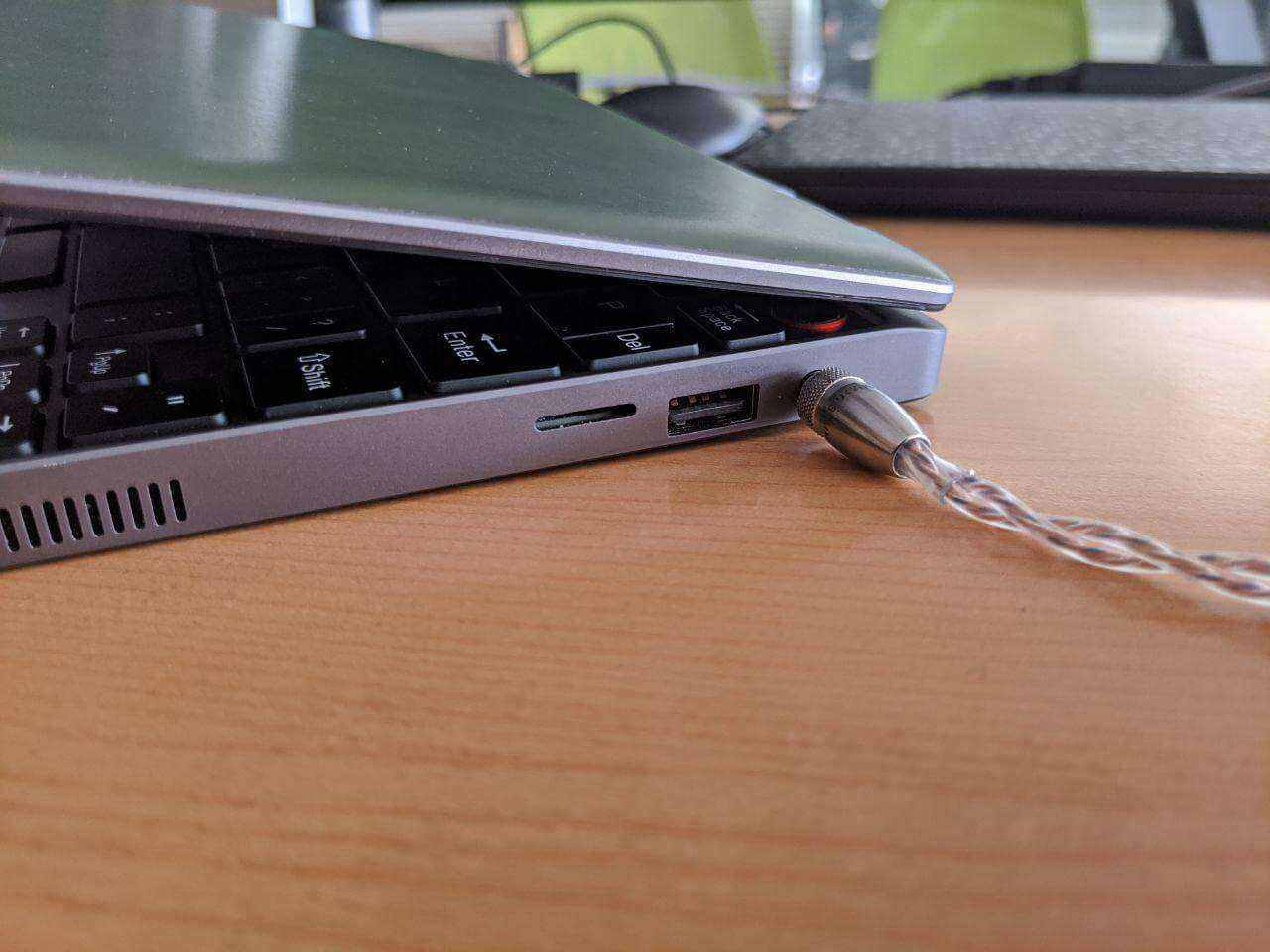
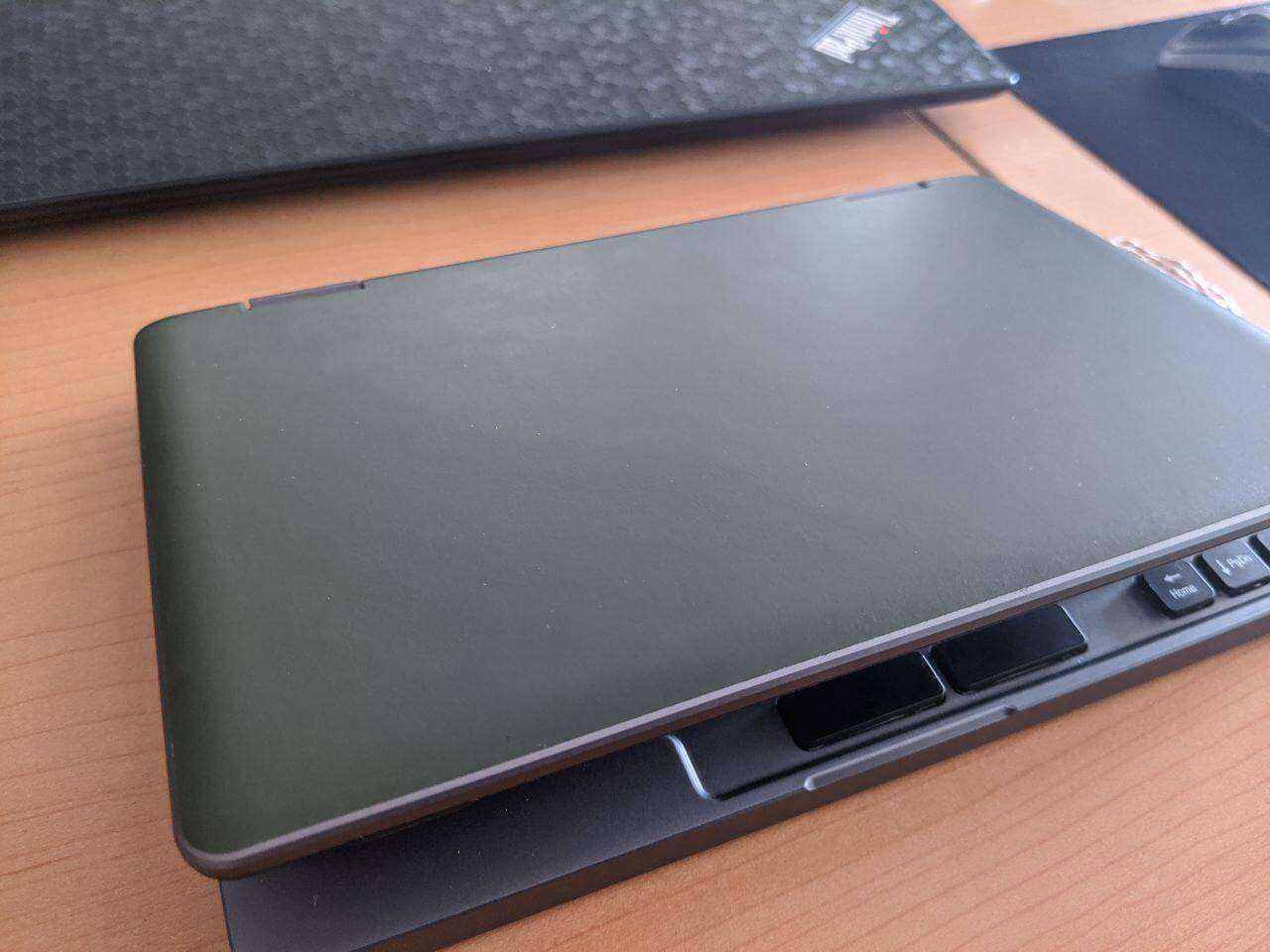
When the machine arrived, the build quality looked satisfying at first glance. My unit had no cosmetic problems, and it fit together miraculously well. After it arrived I added a separate NVMe SSD and installed a system on it, and it boots directly from the NVMe too.
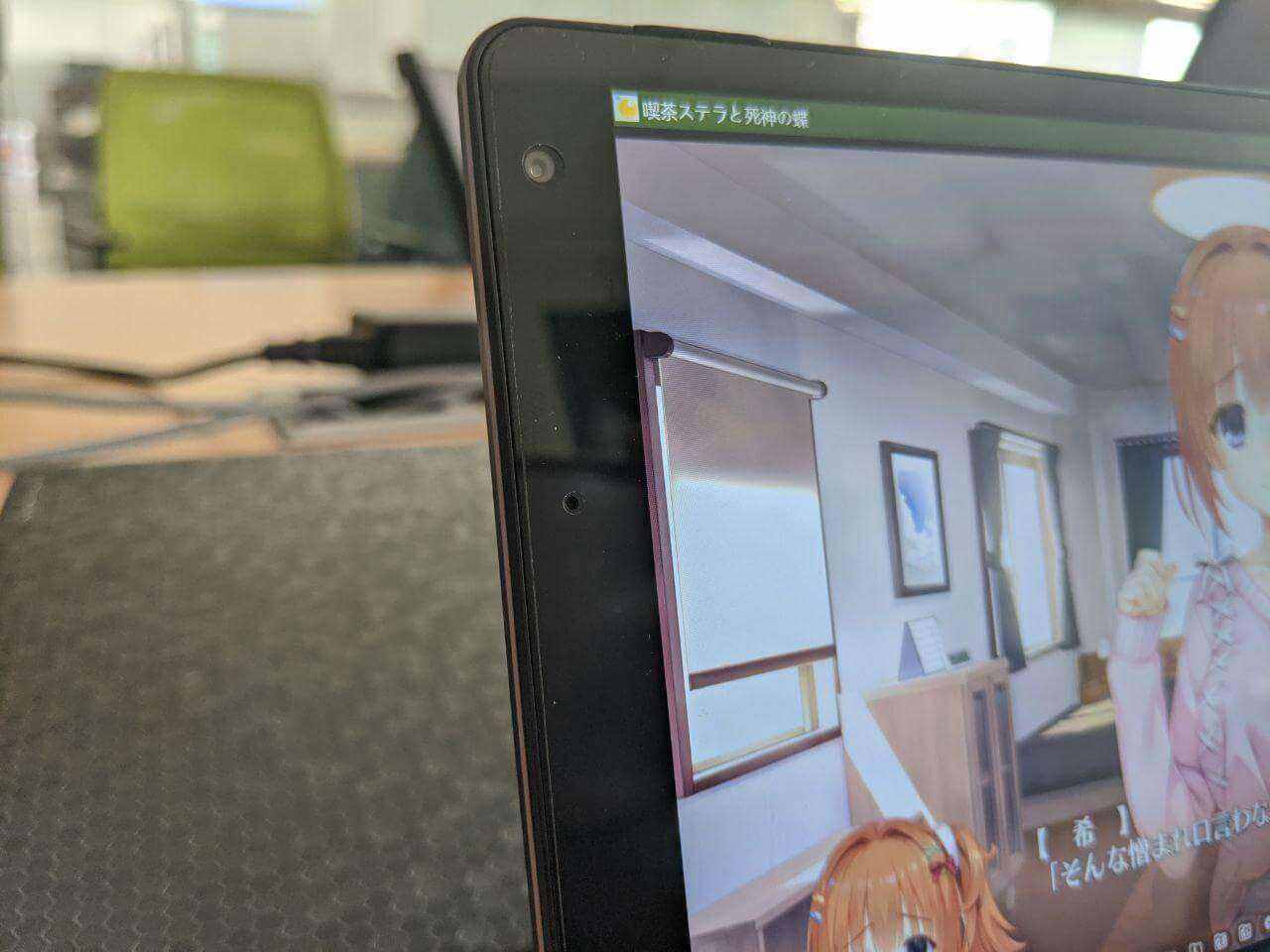
But after using it a while, new problems showed up…
My Chuwi Minibook would randomly blue-screen and crash, mostly after waking from sleep. It also happened randomly right after booting. At first I thought it was a driver issue, so I reinstalled all the machine’s drivers from Intel’s official site, but after a day of normal operation the random blue-screen restarts came back.
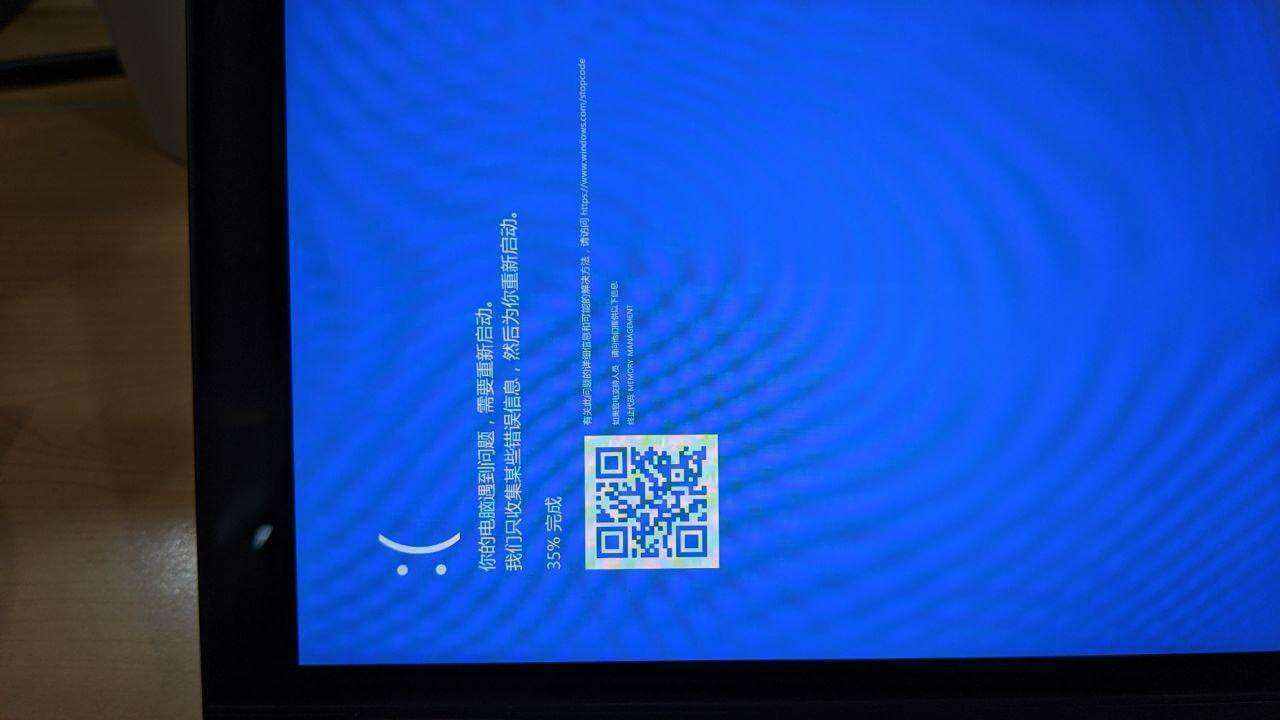
Eventually I tried contacting Chuwi’s crowdfunding after-sales email. The person handling after-sales was a young woman who said I could send it back for inspection and repair. So I shipped it via SF Express, and Chuwi said they’d reimburse my shipping.
After a week of repair, the Chuwi lady sent the machine back. I opened it and nearly spat out my drink — it was still my original unit. From the system you could tell someone had just reinstalled the OS and run a stress test; presumably they found nothing. In reality my blue screens had nothing to do with stress testing. I’d tested the RAM too, no errors. My guess is it was a power delivery problem. The most ironic part: shortly after I booted it up, it blue-screened again. Familiar recipe, familiar taste.
Somewhat helpless and somewhat angry, I just called the Chuwi after-sales lady directly and told her my machine hadn’t been repaired and the original problem was still there. I’d also attached a video of the blue screen as evidence in the email. Her reply was very polite — she offered to replace it with a new one. So I had to send my unit back to Chuwi again.
Another week passed and the replacement came back. I opened it and sure enough, no more blue screens. And I confirmed it really was a new machine. But I found a new problem…
There was a bright dot dead center on the screen… the kind that’s really conspicuous.
Once again I contacted the Chuwi after-sales lady, half laughing, half crying. This time I attached a video of the bright dot. She said that although their standard is “up to three dots is normal,” mine was just too conspicuous, and they’d already put me through several rounds, so they decided to replace it again… and threw in a small gift as compensation.
The machine that came back after that finally had no special problems… though there was a small patch of paint missing below the screen. My guess is they just replaced the screen. The screen still isn’t perfect either — head-on it’s fine, but from the side you can see a small white blotch in one spot. It’s just not obvious enough, so I let it go.

Meanwhile Chuwi emailed asking whether I wanted a USB drive or a three-month warranty extension as the small gift. I picked the warranty extension without hesitation, since a USB drive is basically worthless. I also mentioned the white blotch on my screen to Chuwi, and they said it wasn’t obvious, so just use it for now, and if the blotch grows I could consider mailing it in for a screen replacement. Since the warranty got extended, I figured I’d just make do. No more hassle — it’s been two months back and forth, and it’s been holding up my progress on so many games…
So the machine could finally go into proper service.
Usage impressions:
I can’t be bothered to say much about the Chuwi Minibook’s appearance and reviews and such. It’s a standard tiny computer, and the Chuwi Minibook doesn’t throttle frequencies too aggressively — at least I find it adequate. Let me start with a few obvious impressions:
The keyboard is unexpectedly comfortable The Chuwi Minibook’s keyboard buttons are very large, comparable to a normal laptop keyboard, so typing is no problem at all. In fact, this article was typed on this thing. The only shortcoming is that punctuation is hard to hit because the keys are so small; for text chat I think it’s great, just needs some getting used to. Way better than that GPD Pocket I bought before.
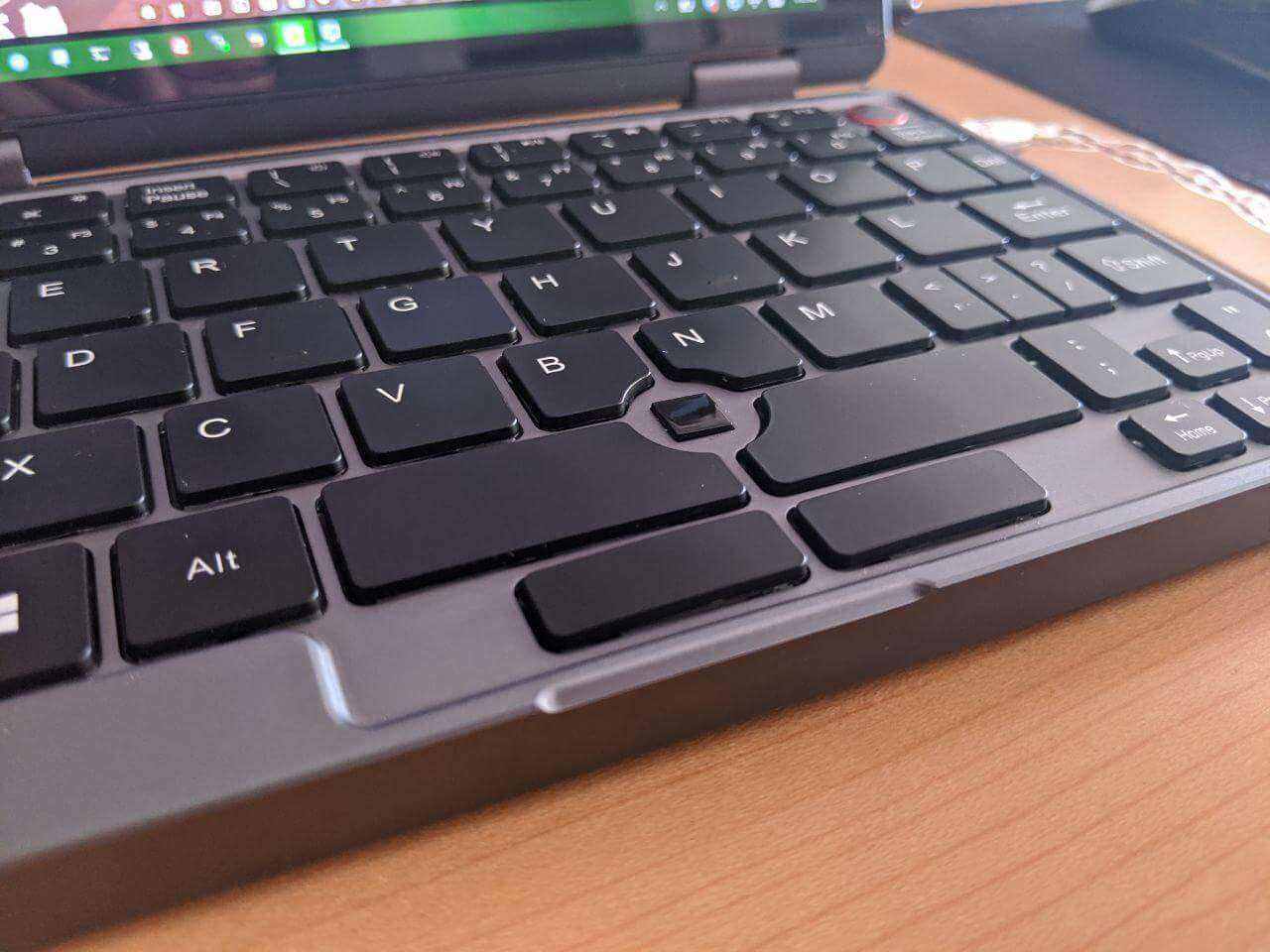
Two-handed holding works fine Maybe because I have big hands, typing while holding it with both hands is basically no problem. After all, I used to play eroge on the Surface Pro 4 typing on the touchscreen with both hands. Now with a physical keyboard it should be even more convenient.
Performance has no major weak spots Even though I bought the M3 8100y 16GB RAM version, the performance isn’t throttled as hard as the GPD Pocket 2. I tried eroge, running multiple Firefox windows, and even World of Warcraft Classic, and it was all very stable. Of course this doesn’t unlock the full performance — later you can flash an unlocked BIOS to adjust the power limits, so it’s not a problem.
Battery life is okay Although the Chuwi Minibook’s battery is the smallest among similar devices, only 26.6Wh, the battery life isn’t that bad. Probably because the CPU is the higher-spec version, many tasks finish quickly and the CPU goes back to idle, so it’s fairly power-efficient. In practice, playing eroge it lasts about 3–4 hours; just browsing and typing it lasts longer, around 5 hours. For such a small device that basically meets the need, and it supports PD fast charging too — when it’s dead, just charge it a bit.
At the same time, using this thing revealed some problems:
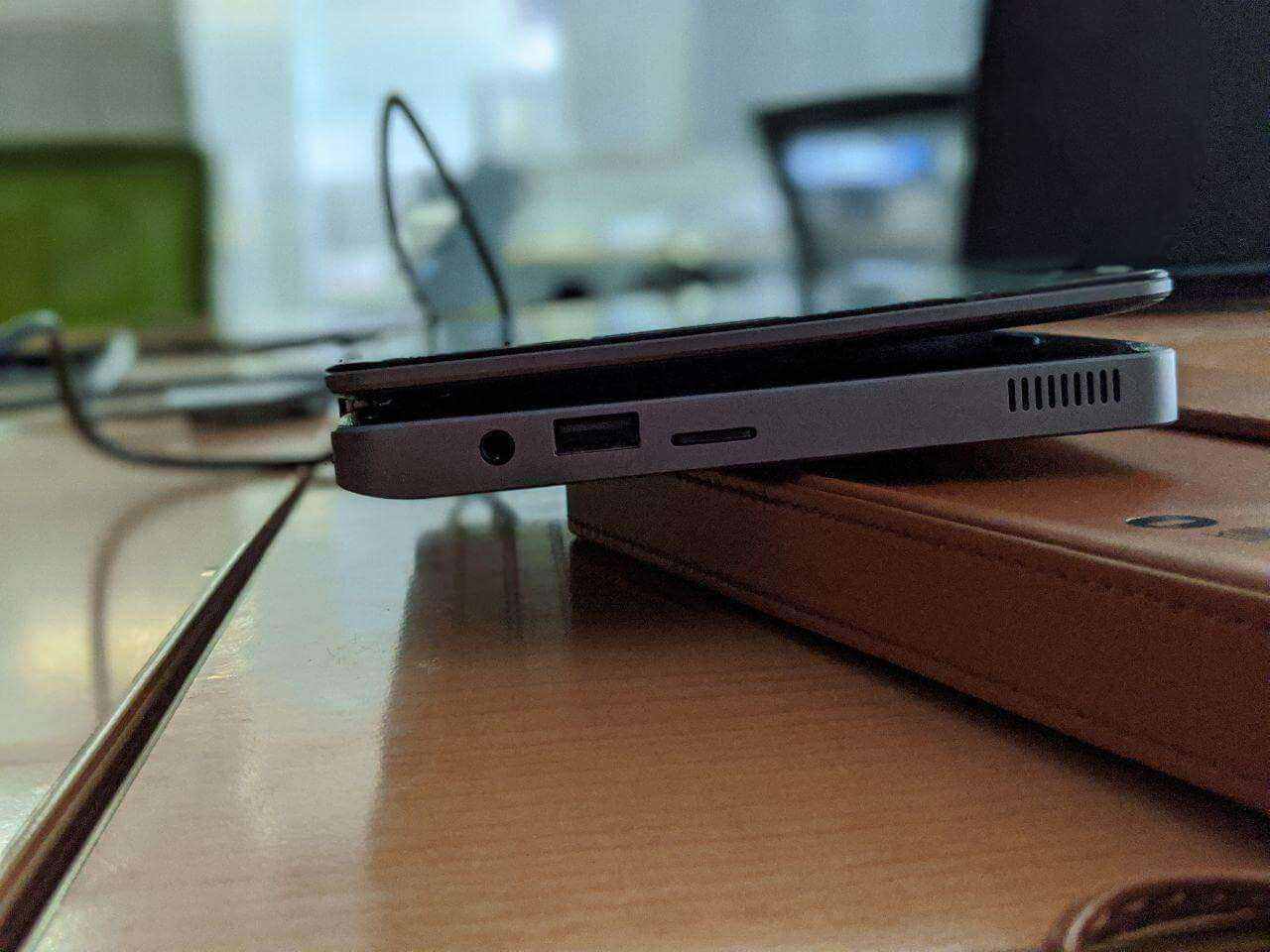
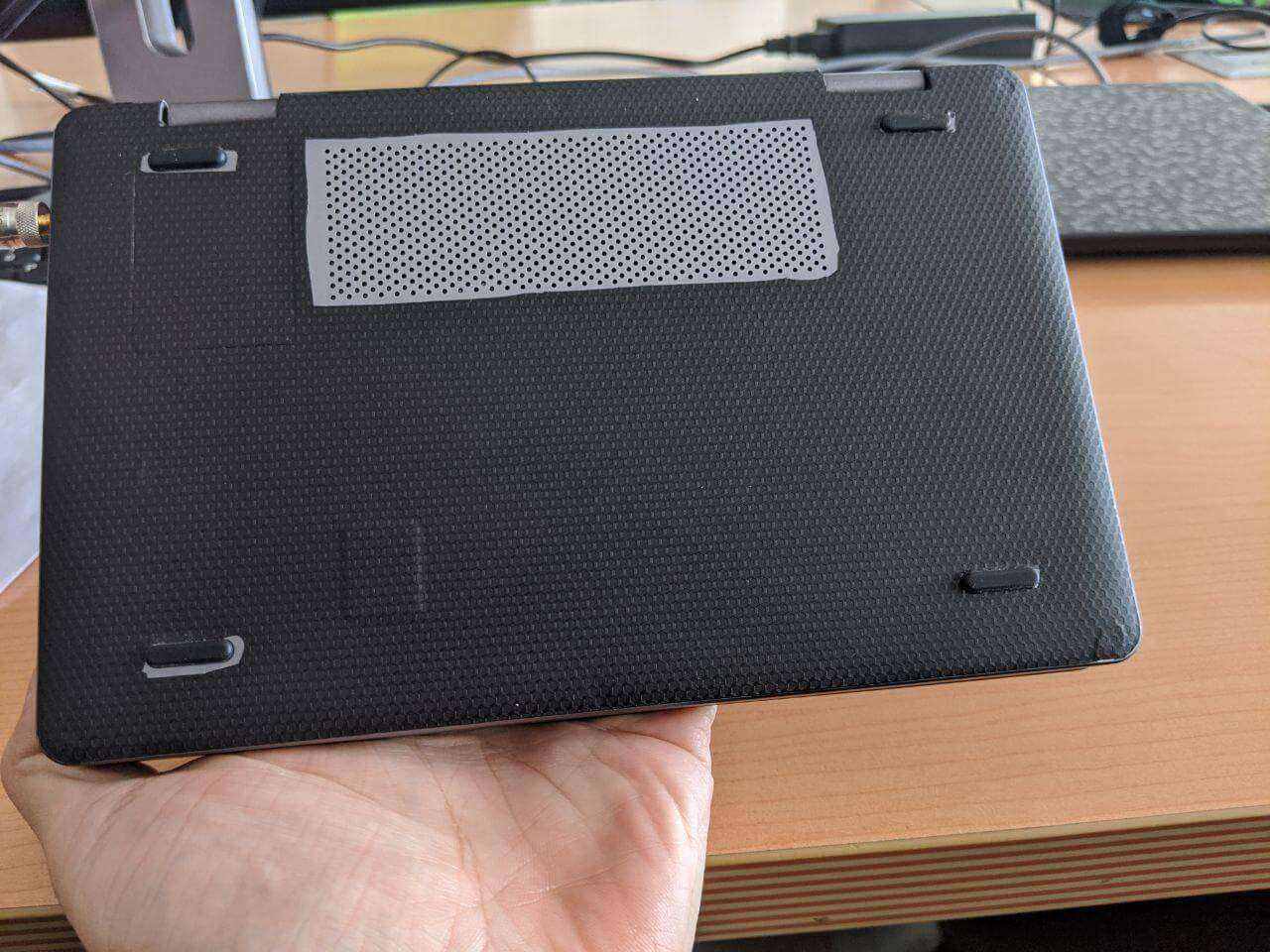
Yoga mode isn’t really Yoga The Chuwi Minibook supports a flipping screen and stylus, the so-called Yoga mode. But this Yoga mode isn’t true Yoga. When I flipped it I found the machine couldn’t fully flip over. Looking closely, the problem is the rubber feet on the back, which are a bit too tall and block the screen. It’s a bit “awkward” of a problem — actually just shaving down the rubber feet would fix it. No idea why Chuwi didn’t address it.
The fan is loud The Chuwi Minibook’s cooling is actually okay; on battery the fan rarely spins. But oddly, once you plug in power the fan takes off frequently. Not sure if that’s an official setting. Some foreigners posted their modified EC ROM, which you can flash to fix it.
Keyboard backlight is always on by default The Chuwi Minibook supports keyboard backlight, but it’s always on by default — whether you wake it or boot it, the backlight comes on by default, and you have to turn it off manually every time. Annoying. I emailed the Chuwi after-sales lady about this, and she gave me a special version of the EC ROM; after flashing, the problem was solved.
Battery level is inaccurate After the Minibook arrived it was okay at first, but soon the battery gauge became inaccurate. Specifically, after charging to full, the battery would stay at 100% for a long time, then suddenly drop from 100% to about 60%, then suddenly fall to 0% and shut off. Clearly the capacity reading is wrong. Chuwi’s official solution is to reflash the EC ROM, which actually doesn’t help. The real fix is to open it up, unplug and replug the battery to do a full discharge/recharge cycle, so the capacity gets reset and updated. But Chuwi machines have a tamper sticker. After emailing the Chuwi lady, she agreed to give me permission to open it and guaranteed my warranty. If you want to open yours too, I’d suggest clarifying first whether it affects the warranty.
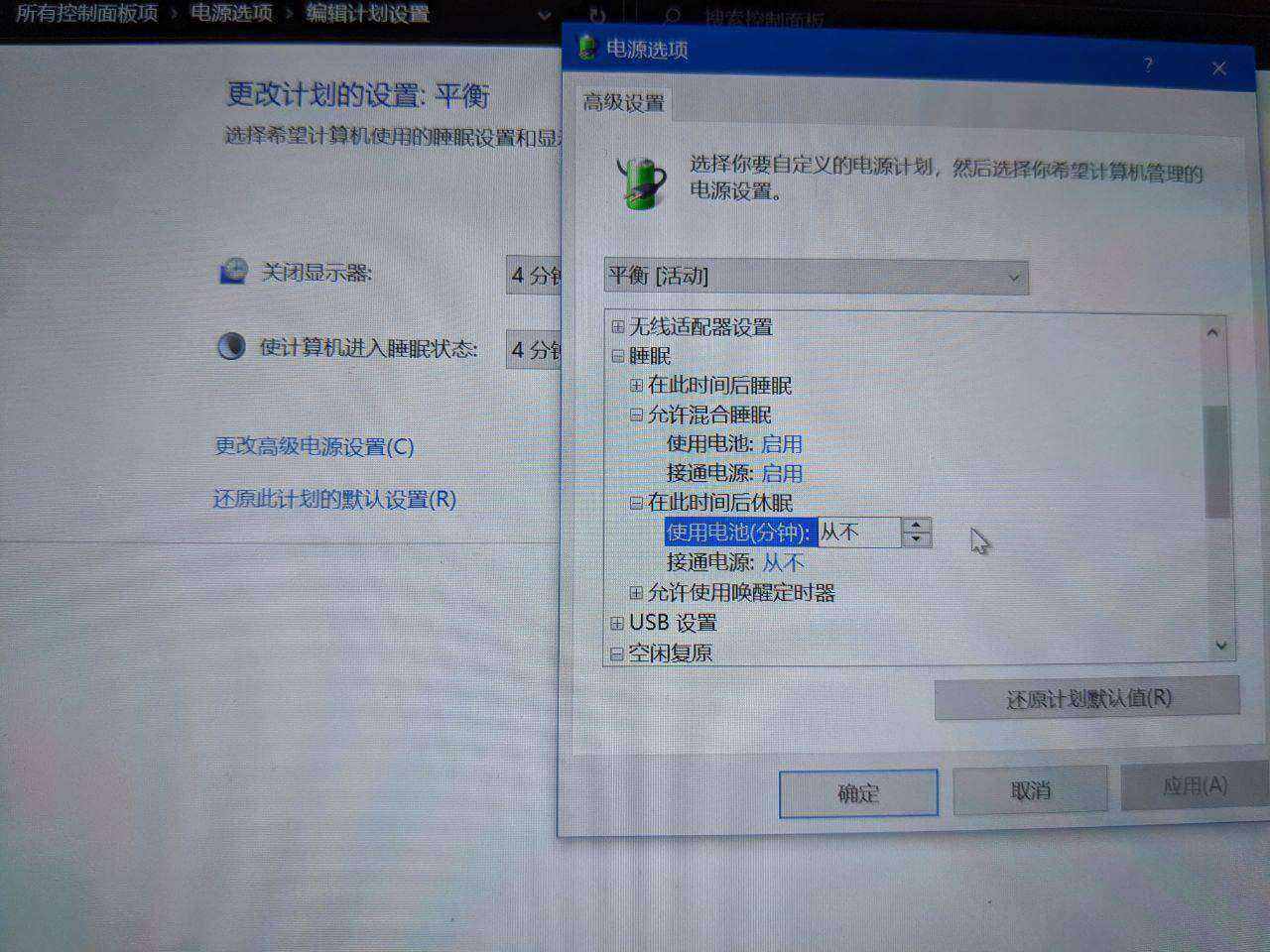
The machine won’t sleep and keeps waking up for no reason The Surface Pro 4’s sleep has two stages: first it enters “hybrid sleep,” and after 30 minutes of hybrid sleep it switches to “deep sleep.” The Chuwi Minibook’s sleep settings match the Surface Pro 4’s — first hybrid sleep, then deep sleep — but the Chuwi Minibook can’t enter deep sleep. So on the way from hybrid sleep to deep sleep it wakes up, then can never sleep again, draining the battery. The fix is simple: enable hybrid sleep and turn off “enter deep sleep after 30 minutes” in the power settings, so the machine stays in hybrid sleep for a long time. It won’t save 100% of the power, but at least it saves enough.
The screen is bluish, sickly pale, and flickers The Chuwi Minibook’s screen is probably from some tablet. The colors are actually not bad, just uncalibrated, which makes it look very blue. You can fix it with the color profile provided by a certain review site; at least it’s much more normal. As for the flicker, there’s nothing to be done — PWM dimming — but you can use a PWM adjustment tool to change the refresh rate and reduce the flicker. They say it shortens the screen’s lifespan, but from what I’ve seen foreigners using it haven’t had problems. You can set it up as a bat file at startup.
Unlocking hidden BIOS options On Chuwi’s user forum, someone posted a BIOS with the options unlocked. Download and flash it and you can change various hidden options, and also enable Windows 10’s Standby Online feature. I don’t think it’s much use, but it’s better than nothing.
The headphone jack got stuck This is a problem I found after using it a while: I suddenly noticed my Minibook’s speakers had no sound. Looking closely, the system thought I “had headphones plugged in” the whole time, so it muted the speakers. But I hadn’t plugged in any headphones. After searching for the cause for a while, I found a spring contact inside the headphone jack wasn’t springing back properly. I stuck a cotton swab in and nudged it, and finally fixed it.
Accessories:
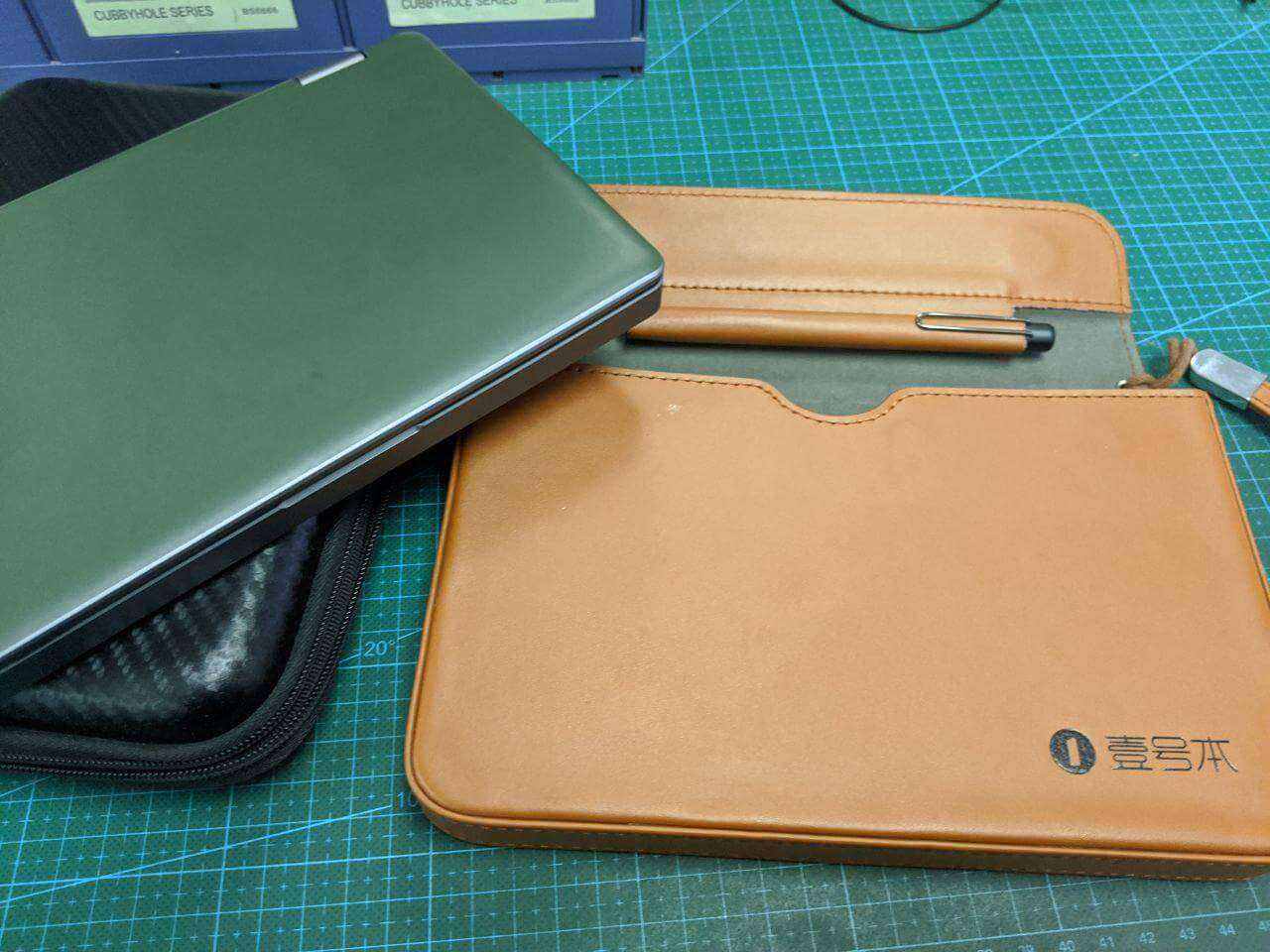
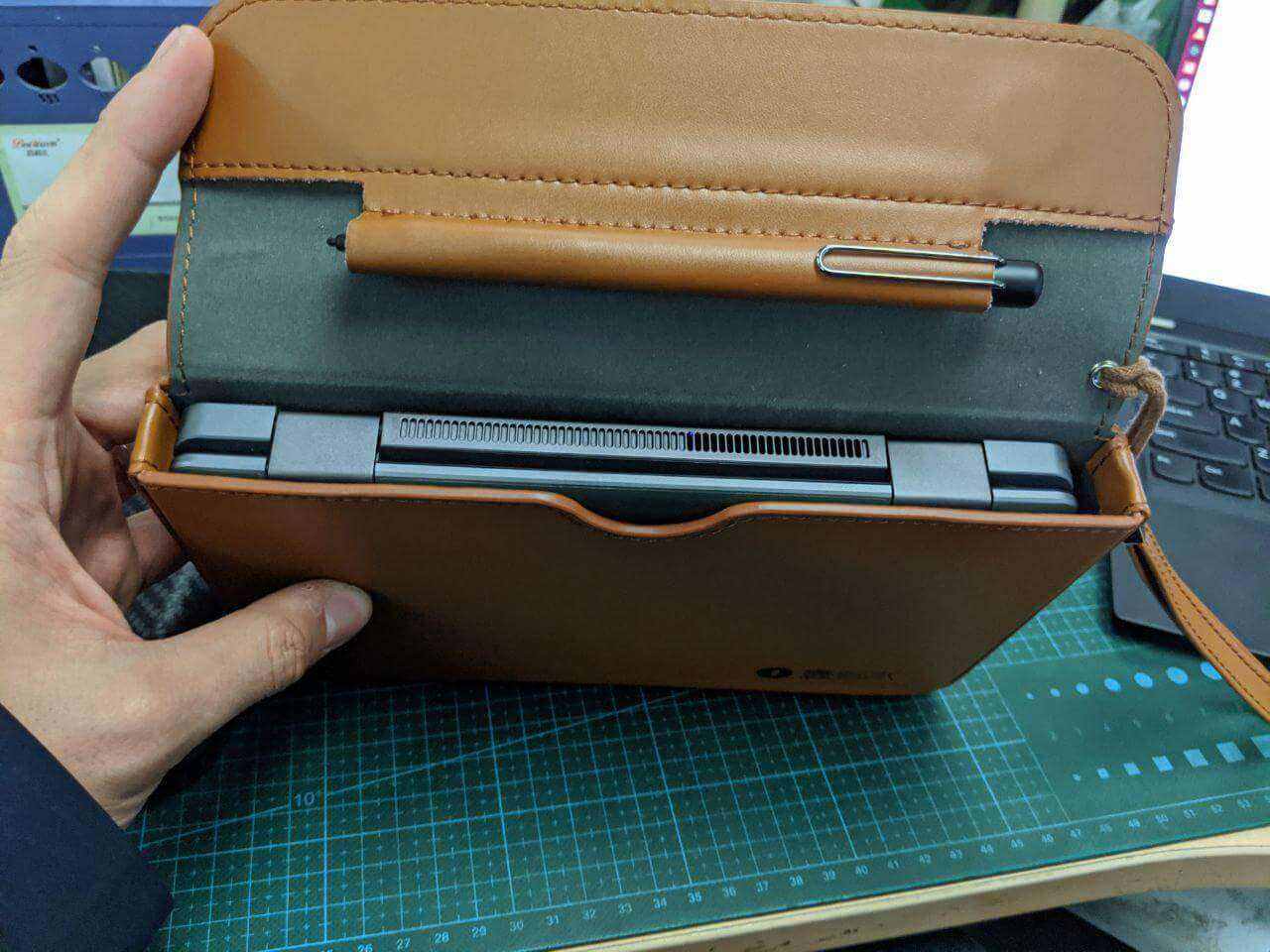
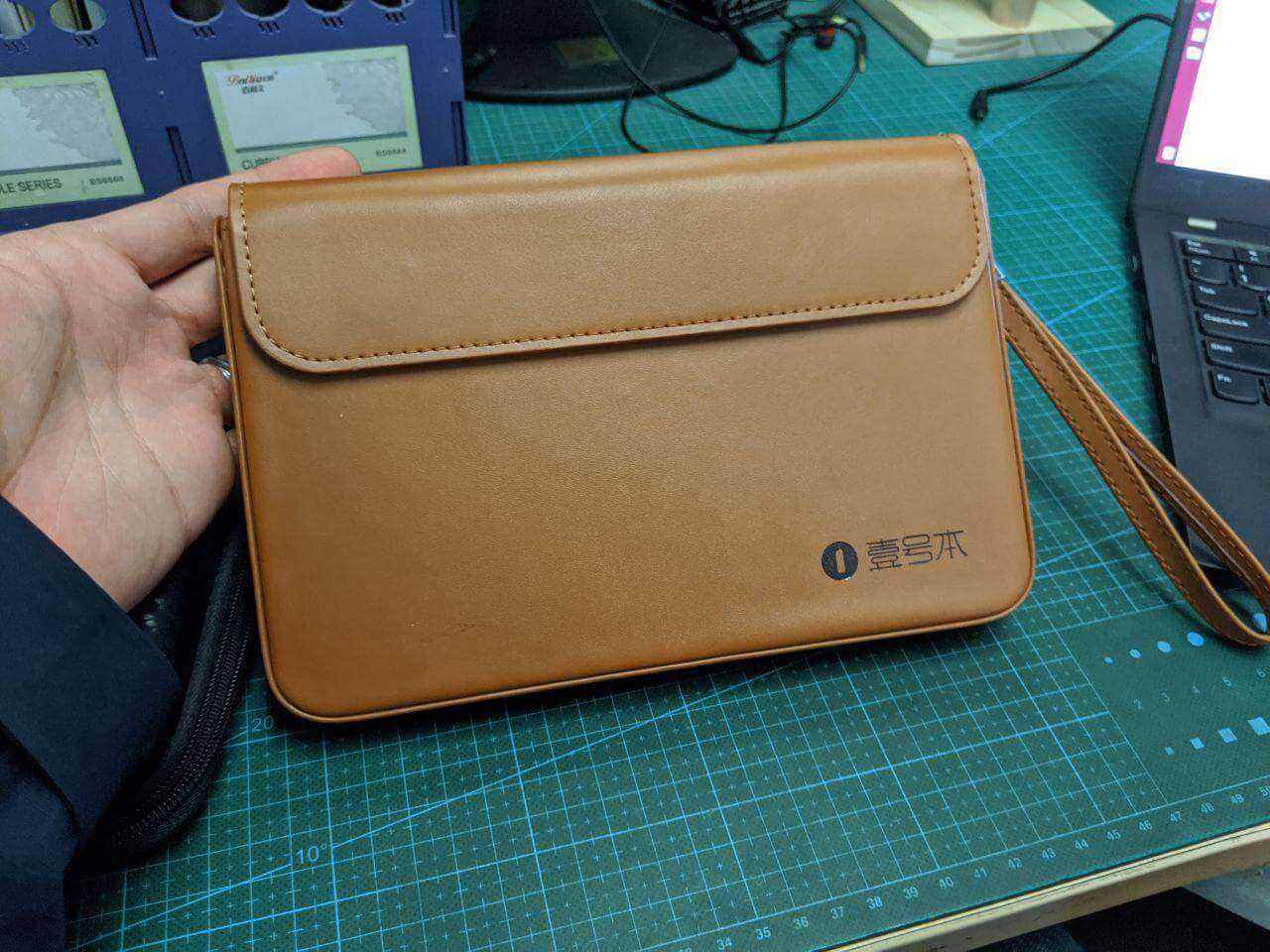
The Chuwi Minibook comes with an EVA case, but that case is too big… very inconvenient to carry. I personally recommend buying the leather case for the “One-Netbook 3”; that case actually fits the Chuwi Minibook perfectly, and also perfectly matches the stylus. Really worth buying.
There’s no domestic channel for Chuwi Minibook screen protectors; if you want one you have to buy from abroad. Currently the available products are from Japan’s “PDA工坊” and a German maker starting with A. I personally recommend the Japanese one. The German one first got lost in shipping, and then when it arrived it didn’t fit — no mic cutout, very awkward. Of course I should mention these are all “soft films,” not real tempered glass, and the Chuwi Minibook’s original screen has almost no oleophobic coating, so be careful about dust when applying.
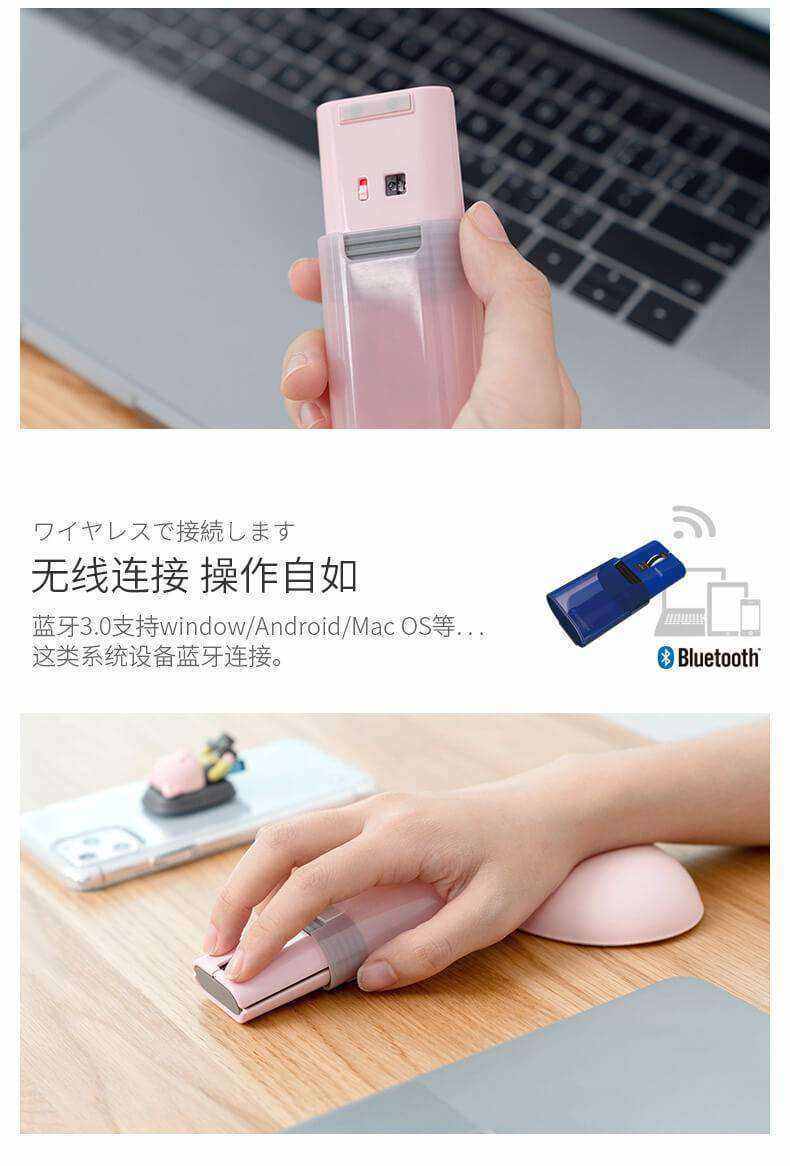
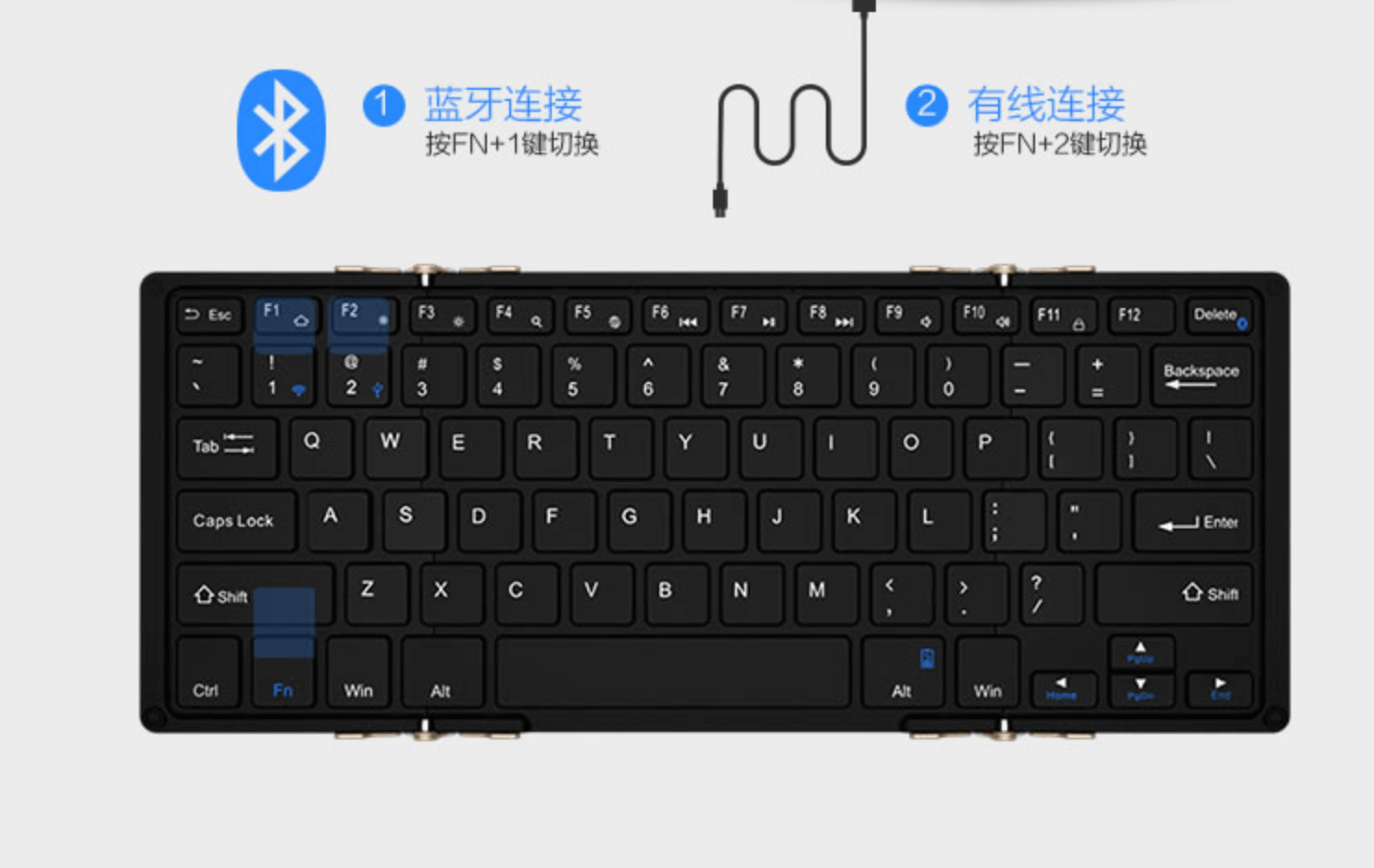
I also got a portable mouse and keyboard for the Chuwi Minibook, both Bluetooth of course. For the mouse I recommend that ultra-portable Elecom product. Originally the pink one sold for 99 on Taobao; I lost the one I bought and went to Amazon Japan for a black one. For the keyboard, the only usable domestic option is Bow 航世. For Bow keyboards you must buy the latest tri-fold version; there’s “Korean factory stock” on Xianyu, cheaper than Taobao, and it’s the same when it arrives.
Oh right, about Bow keyboards, only two products are worth buying. Someone did an analysis here, so I won’t repeat it.
The Minibook supports USB Type-C output, including a range of dock ports. But after testing I found it doesn’t support 4K 60hz, which differs from the official description. Not sure if it can be changed in the unlocked BIOS; it should support it in theory. If you need this, be careful.
Since the machine is all magnesium-aluminum alloy, I wanted stickers for the appearance. The top ones you can buy from Amazon Japan; the bottom ones you’ll have to DIY.
I installed an NVMe SSD and found it does support the NVMe protocol. I bought the 512GB version, kept 256GB for Win10 and used the remaining 256GB for Linux. I tested Ubuntu 19.10 and it basically supports auto-rotation and touch works normally, but I’ll wait for the Ubuntu 20.04 LTS release before installing, so it lasts longer.
Overall impressions:
I’ve used the Chuwi Minibook for nearly two months now, and I have mixed feelings about it.
What I love is that it’s cheap, meets my needs, and is small and fairly usable.
What I hate is that this thing has a lot of small defects — from the early replacement rounds for various problems, to the battery capacity error later, to the headphone jack spring failing. These are all build quality issues. And many places were cut corners: the screen has no oleophobic coating at all, the network isn’t 866 Mbps, the screen isn’t DC dimming, and there’s no color calibration.
I know Chuwi is a shanzhai factory, but this build quality is a bit sad. Many problems are caused by “poor materials and quality control,” and Chuwi’s attitude is subtle. First, the after-sales attitude is very good — they apologize first when there’s a problem, then give a solution, and proactively ask you to send it back for repair while reimbursing shipping. But the repair quality is hard to praise. And the after-sales channel for Chuwi crowdfunding products is email only, and replies are slow, but at least if you send enough times they’ll definitely reply. It’s not that after-sales is bad, it’s just that the build quality is too much of a gamble. Also, if you report software problems through the after-sales email channel with enough detail, you can get a reply from a software engineer. I’m not sure how Chuwi’s crowdfunding projects operate — maybe a small group develops and runs them independently?
Someone on Chiphell revealed that Chuwi actually doesn’t make money from crowdfunding, nor from domestic products. Most of these products are a “flexing” exercise; Chuwi’s own production line quality is average, and they just need to make sure the product has no major problems. Chuwi’s main customers are OEMs of ultra-cheap tablets for poor third-world countries, so they don’t seem to care much about sales of things like the Minibook — it’s just to prove they have “the ability to make this kind of thing.”
Currently the best-made similar product is probably GPD, but I think GPD is getting greedier and doesn’t have particularly good after-sales either (at least the attitude isn’t good). Besides, is GPD’s build quality really better than Chuwi’s? I don’t think so.
So whether a Chuwi product is worth buying depends on your luck and your time. If you just want a toy, you can try it; if you have problems after joining the crowdfunding, you can get them resolved through email, and quality issues are no big deal — just send it back for a replacement, it just costs you some time. If you plan to use it as your main machine, I think the Surface series is probably more suitable, even though many people say its build quality isn’t great either — at least I think it’s better than Chuwi’s.
As the old saying goes, what we gain, we inevitably lose something for. So since I bought the cheap, fully-featured Chuwi Minibook, what I face is naturally the price of cheapness. Whether that price is bearable depends on each person’s own choice.
Comments are hosted on the Chinese main site. This mirror is read-only.