Fixing the Chuwi Minibook's Sleep and Charging Problems
I’ve been using the Chuwi Minibook for a while now, and two problems have been bugging me the whole time.
The first is charging. As I mentioned before, the battery indicator is always off — it sits at 100% for ages after a full charge, then suddenly shuts down around 50%. The fix is to delete the battery driver, open the thing up, and reseat the battery, but the problem creeps back every so often, which is annoying as hell.
The other one is sleep. The method I was using before was enabling Hybrid Sleep and disabling hibernate. It sort of worked, but it’d still wake up on its own now and then. So I wrote to Chuwi’s after-sales support describing the problem.
The support lady emailed me back and told me to download the new BIOS and EC ROM and see if that fixes it.
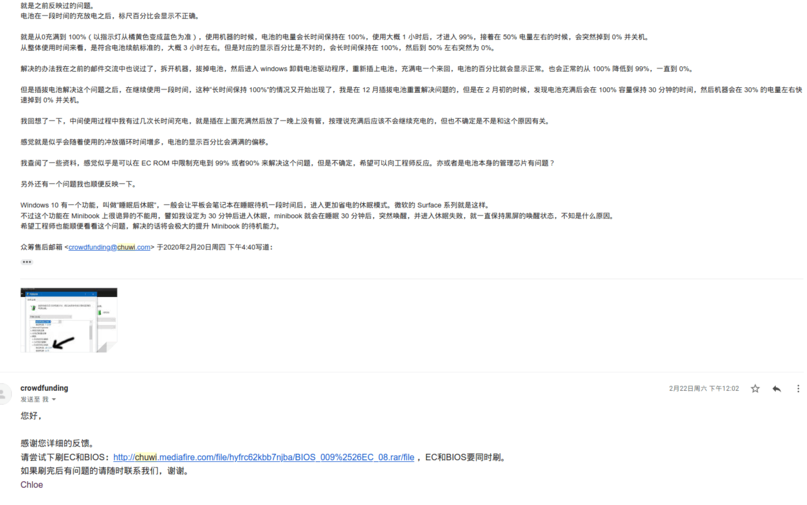
After flashing it, I found the BIOS is now locked down, so I can’t mess with it the way I could on the unlocked version. Honestly, I never knew what to change on the unlocked one anyway, so whatever. The EC probably controls the battery capacity. It’s been over two weeks now and there’s no obvious drift yet, though the last 6% still drains fast as hell.
Hopefully this gets it sorted, and the Minibook becomes that much nicer to use.
Comments are hosted on the Chinese main site. This mirror is read-only.