mCover ThinkPad X1 Carbon 2017 Case
As a ThinkPad X1C 5th user, there’s actually one problem that’s been bugging me.
The laptop is so thin that the screen hits the keyboard when the lid is closed, leaving keyboard marks. That’s also why I recommend a screen protector.
But a screen protector isn’t a real fix, and putting one on a laptop is honestly pretty dumb. So I thought of another solution.
Use a “shell.”
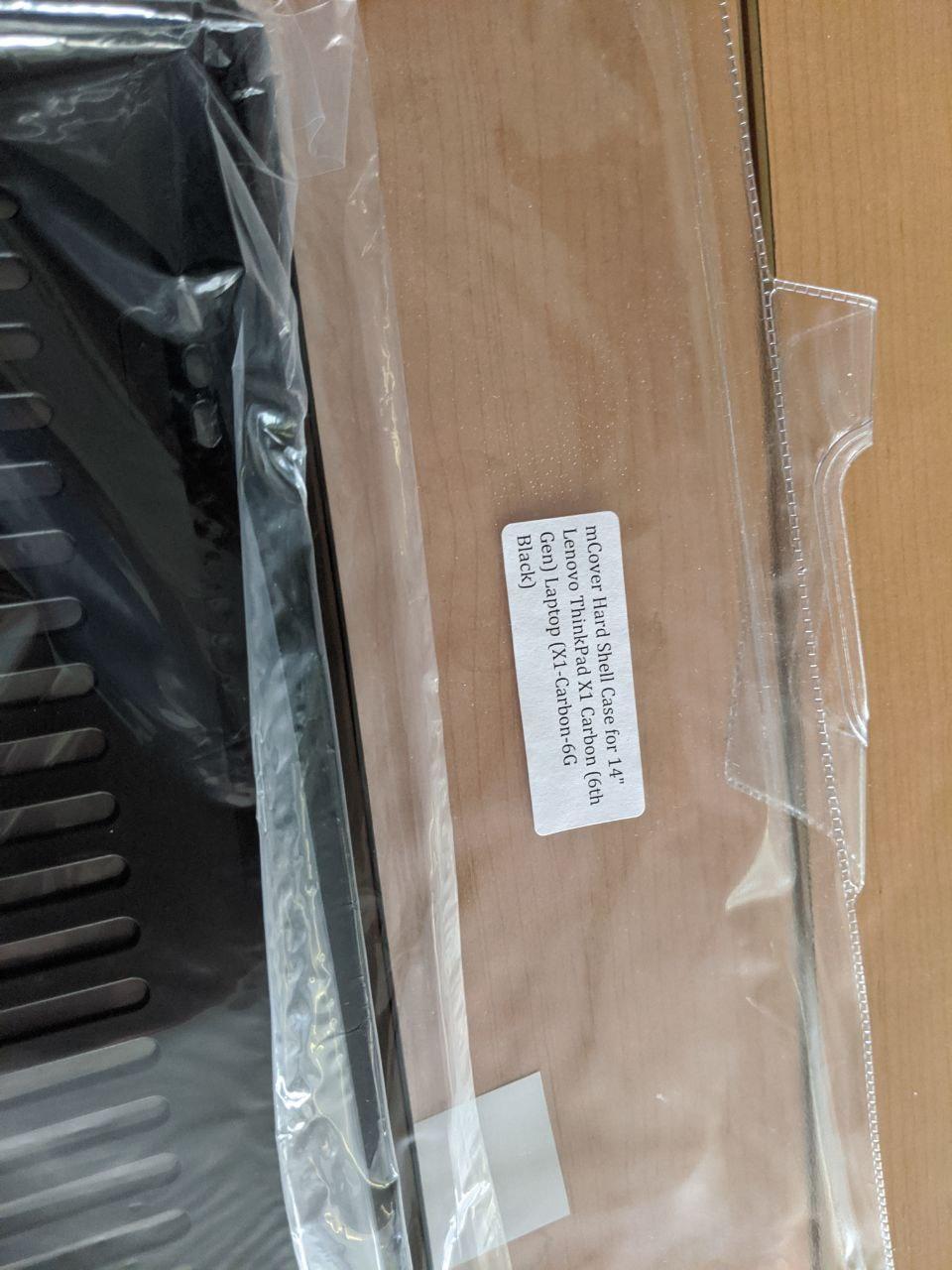
Putting a case on a laptop isn’t anything new. Plenty of MacBook Pro users do it, and there are mature products for that. But for non-MacBooks, the options are slim.
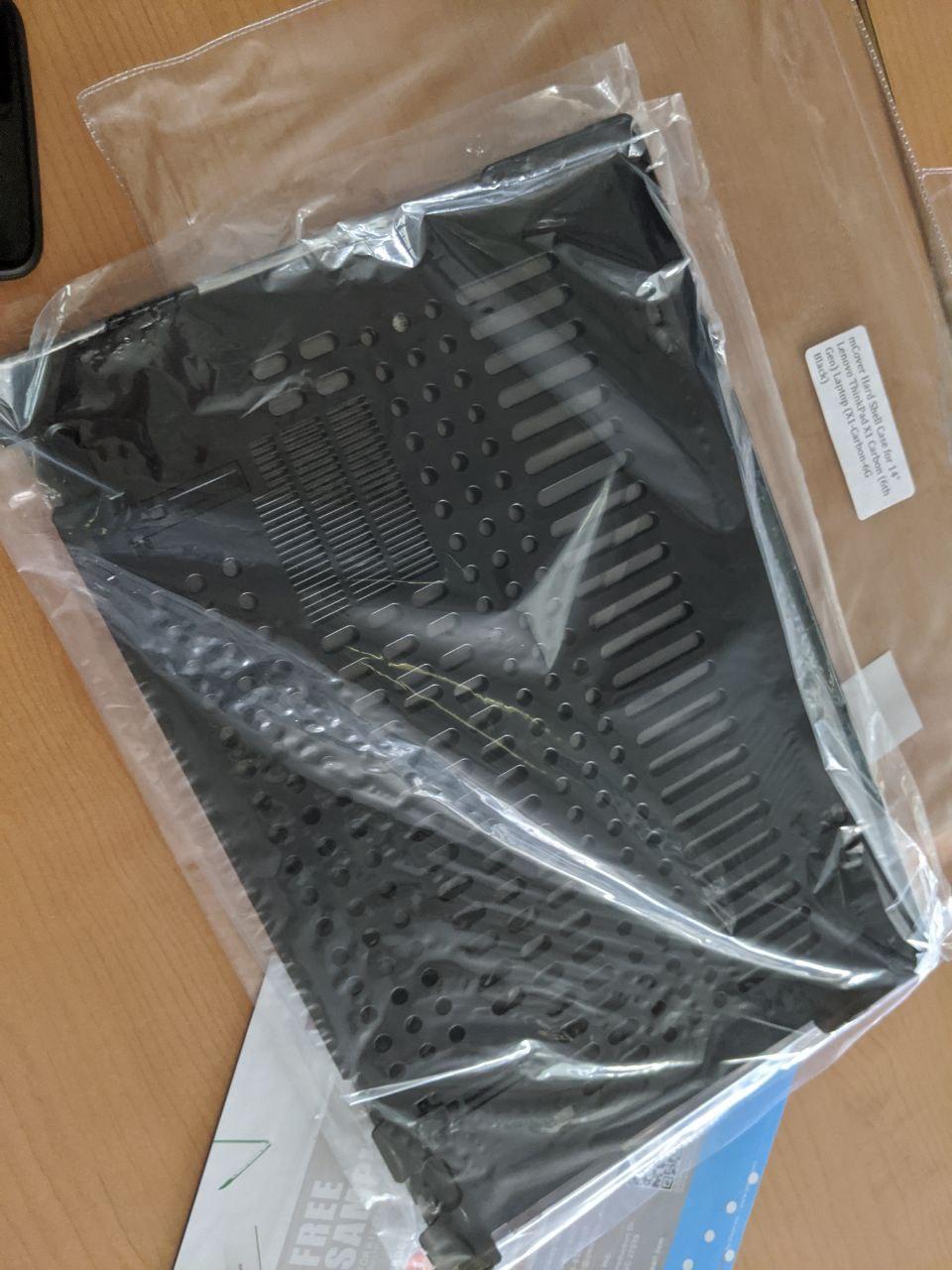
Fortunately, there’s an option for the ThinkPad X1C too: this mCover.
Not sold on Taobao, but Amazon has it. You can import it, and sign up for a free Prime trial to scam the shipping.
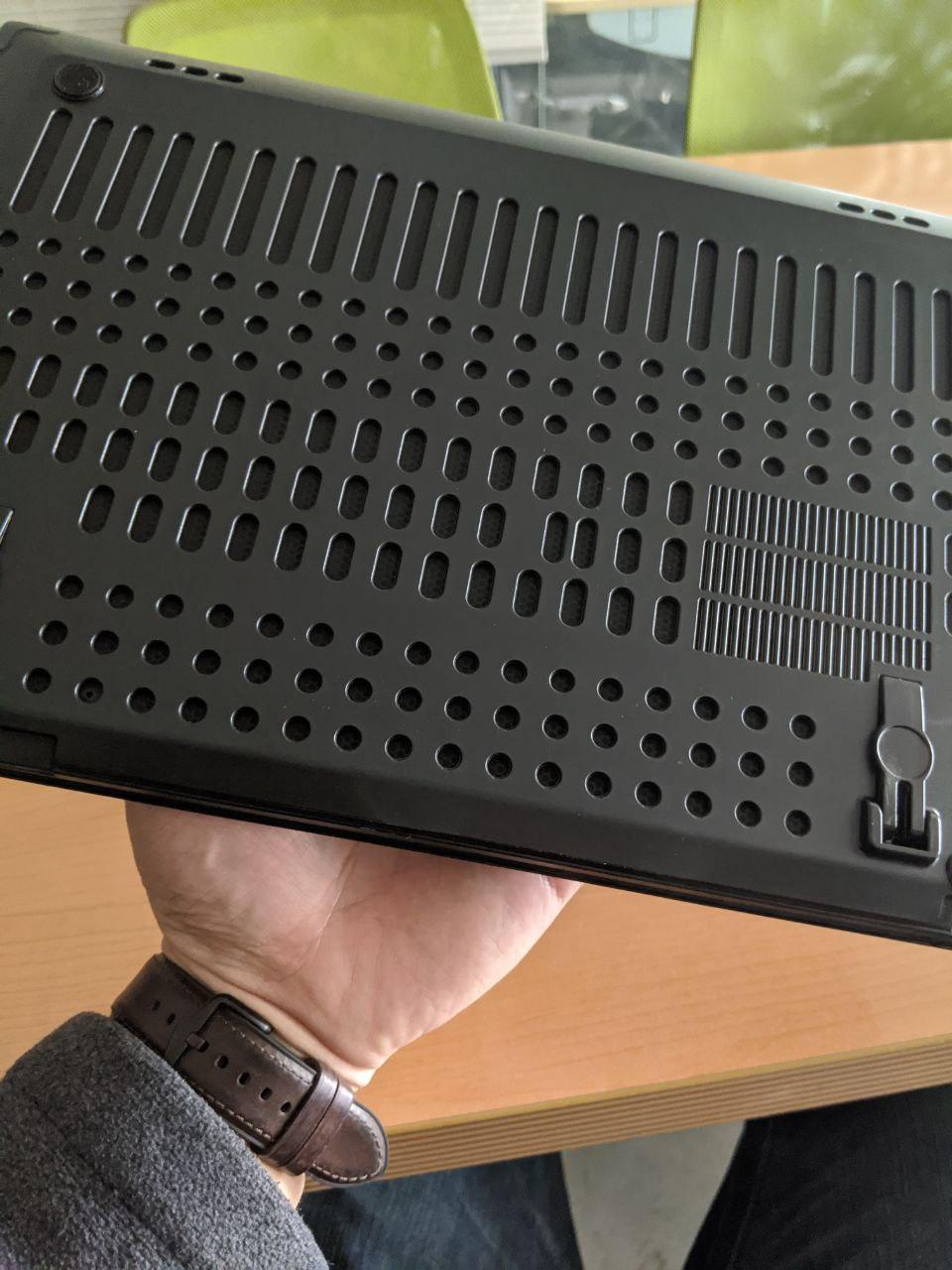
I was pleasantly surprised when it arrived. The shell fits snugly, and it’s translucent, so you can see the little red ThinkPad light.
The bottom has plenty of cutouts, so cooling isn’t an issue. It also gives you two “feet” that let you prop the laptop up.
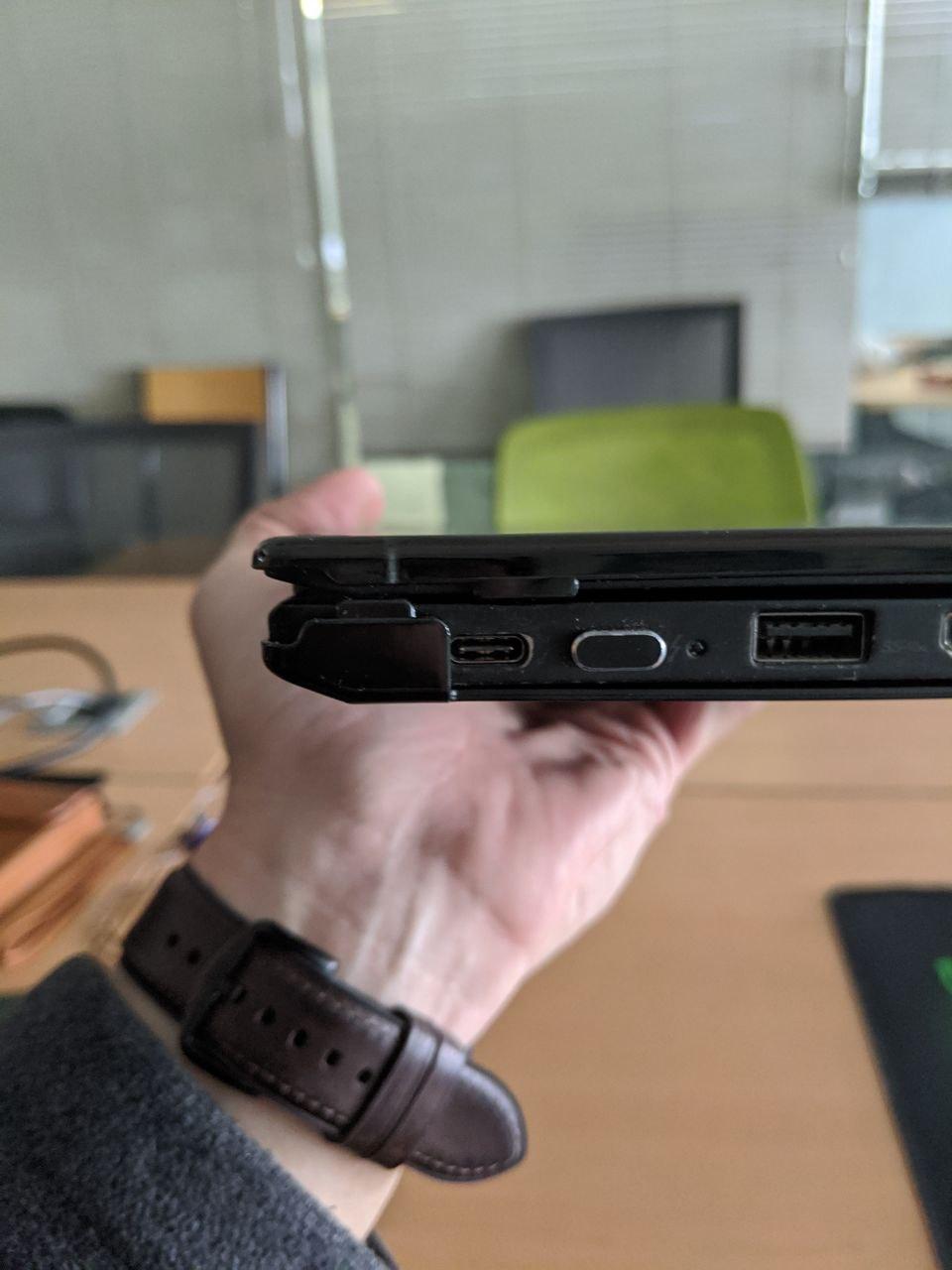
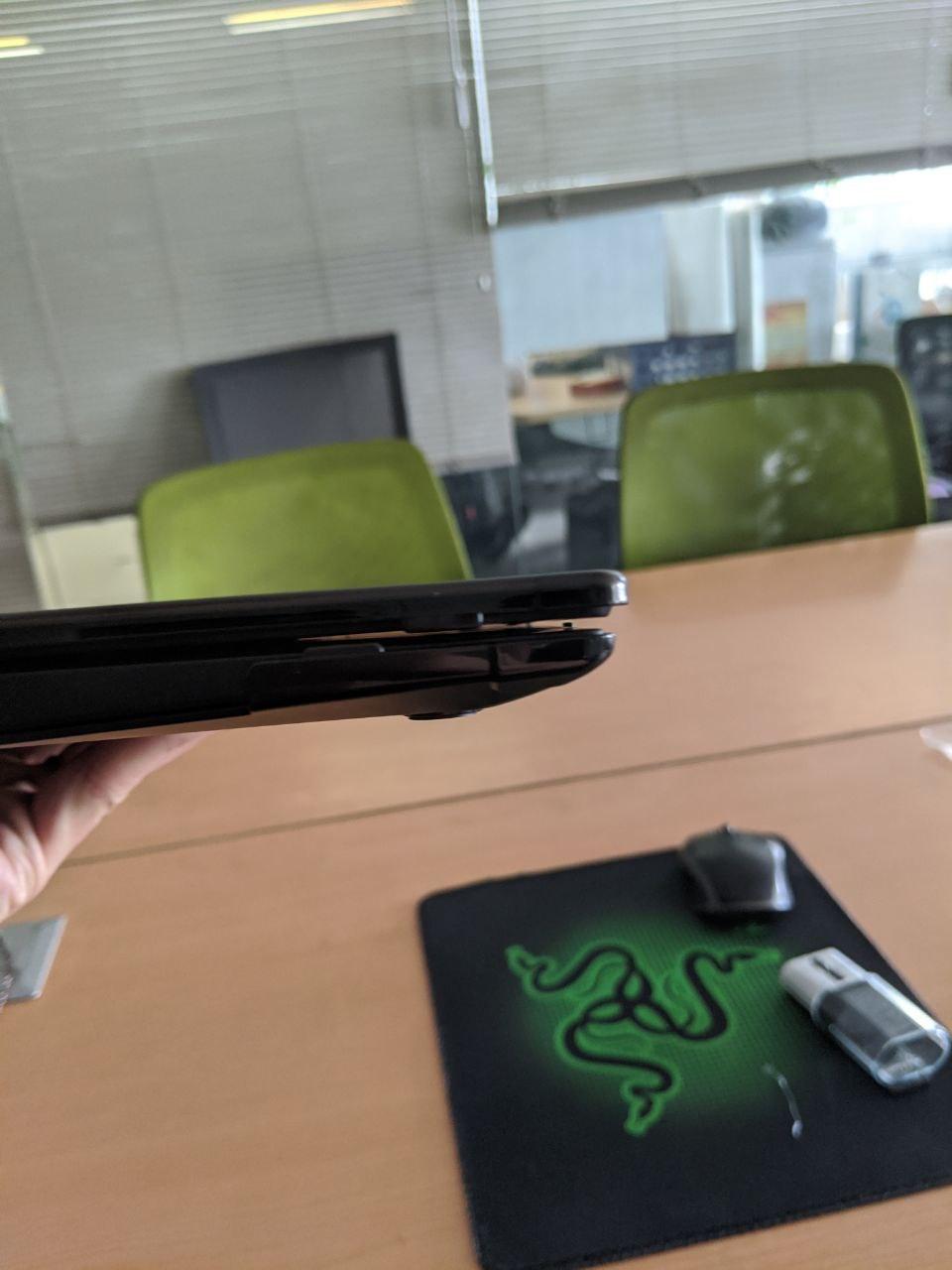
Most importantly, the shell leaves a small gap between the screen and keyboard, so you won’t get keyboard marks as easily anymore.
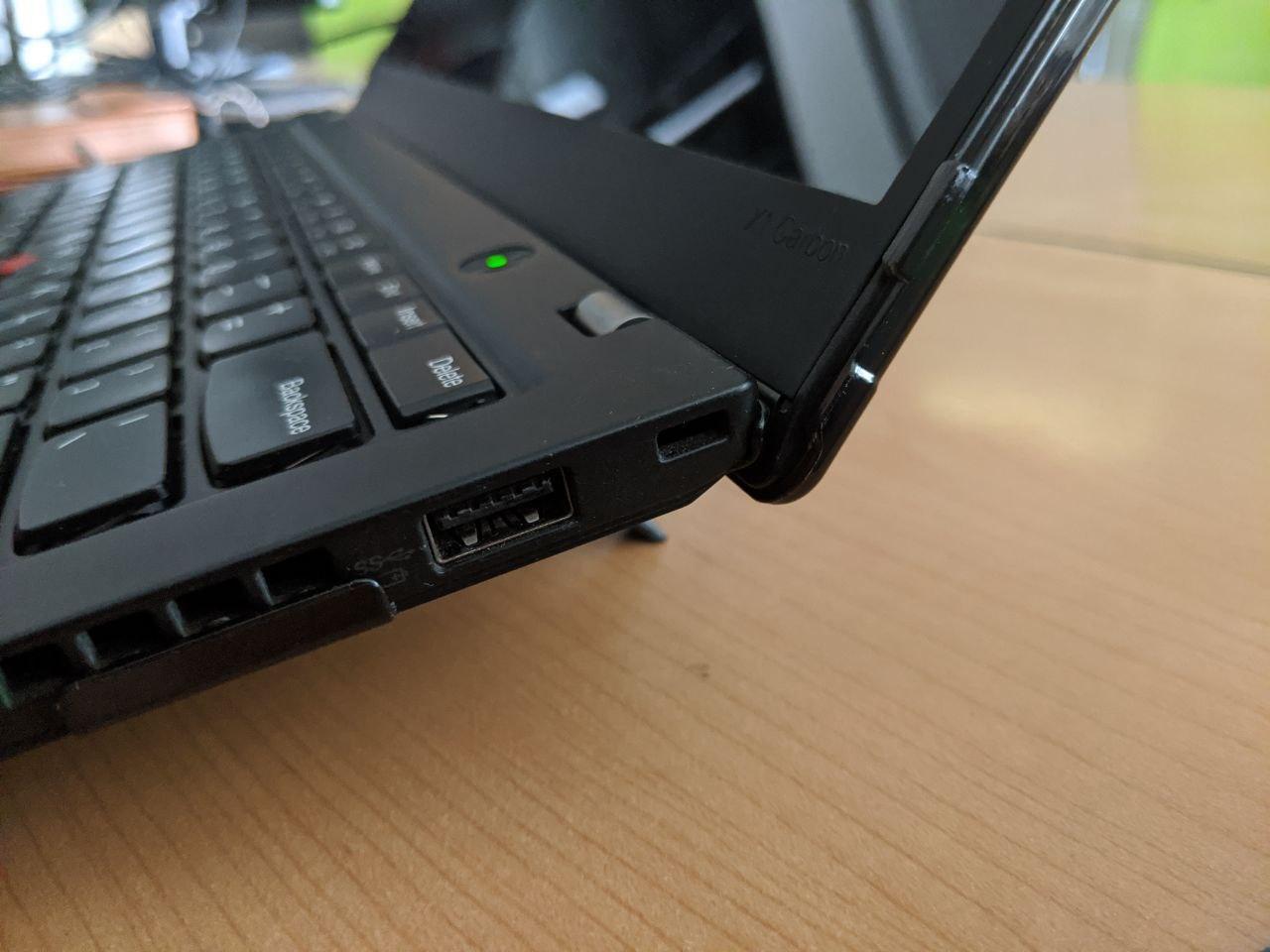
Overall, I’d recommend it. I got it on sale on Amazon, and the price was pretty reasonable. No idea what it costs now, though.
Comments are hosted on the Chinese main site. This mirror is read-only.