ThinkPad X1 Carbon 5th
ThinkPad X1 Carbon 5th 4K Screen Upgrade
So I upgraded to a 2K HDR screen a while back, used it for a bit, and honestly the colors are a little too vivid, and even with 500 nits I never use the brightness. But the biggest thing:
2560 x 1440 is just stuck in an awkward middle ground.
I’m a Linux user, and Linux has always been terrible at fractional scaling. People say Wayland supports it now, but one, my discrete GPU has no Wayland driver, and two, Wayland performance is a joke — the mouse stuttering in particular is absolutely maddening. Word is Wayland mouse handling goes through libinput, which shares a single thread with gnome-shell, so high system load equals stutter.
Fucking stupid. In the end I couldn’t stand 2K’s nonsense scaling anymore and chose to “throw money at the problem” — went 4K.
There’s basically no guide online for the 4K swap. What little exists says you “need to mod the A-cover.” I had no idea how, and Boss Zhang over at 51NB is the only one who claims the 4K swap is doable — plus he’s from my hometown — so I gritted my teeth and bought his swap package.
Impressions:
- The swap process is identical to the 2K one, same method
- The “A-cover mod” people talk about just means that when you seat the screen, the two bottom corners of the cable board won’t fit. Zhang’s solution is to snip them off with pliers. He says you can also grind down the hinges so the screen fits, but cutting works fine — the downside is the screen loses its warranty once cut
- After the swap Zhang tapes the B-cover back on with double-sided tape, and honestly it looks like crap. I’d recommend buying your own replacement B-cover and sticking that on
- The panel is apparently the 4K one from the Lenovo Yoga C730 or something — an LG LP139UD-SPA1. Zhang claims 400 nits, the internet says 350. Decent specs, just no HDR
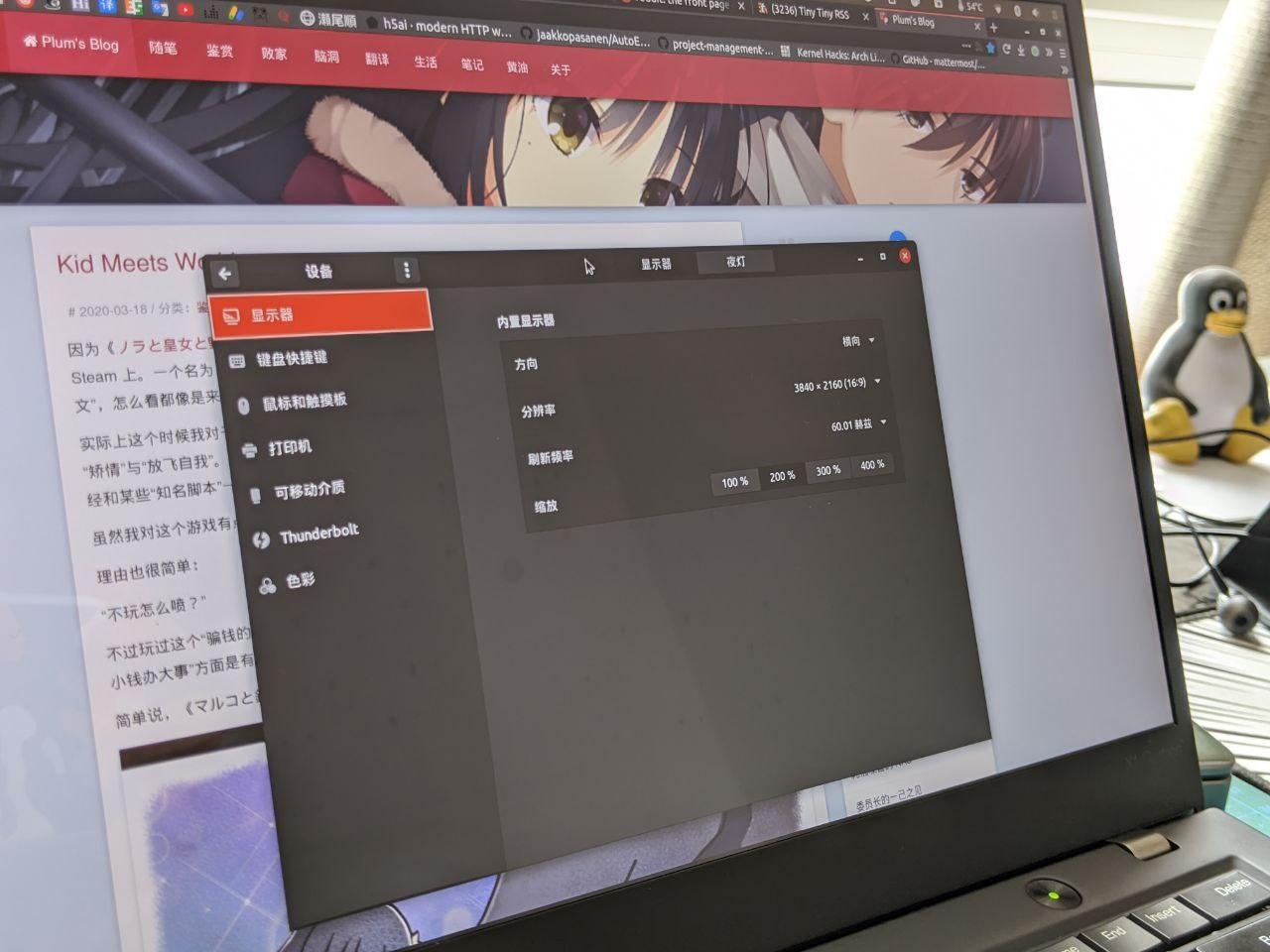
- With 4K you can run 200% scaling perfectly in gnome-shell, which is great. Power draw does seem higher though, and battery life is down
So, “is it worth paying someone else to do the mod?”
Personally, no. You can buy this panel on Taobao yourself, and after the mod the B-cover isn’t even stuck down properly, so you have to buy a new B-cover anyway. Most importantly, the so-called “A-cover mod” is just cutting two corners off — anyone can do that. Not worth paying for at all.
If you can, do it yourself: buy a screen, buy a B-cover, snip the two corners, and follow my earlier method.
Oh right — if you’re starting from a 1080p screen, you’ll need a 40-pin cable.
Comments are hosted on the Chinese main site. This mirror is read-only.