DIYing a Portable Monitor
So I swapped that laptop over to a 4K panel a while back, and selling off the leftover 2K screen would’ve been a losing deal. Better to just mod it into something.
There’s no shortage of kits online for turning a laptop panel into a portable monitor, but my list of demands was a bit long.
- 2K (2560x1440) support
- HDR support
- USB-C single-cable
- Built-in battery would be nice
- As thin and light as possible
Which all sounds like the kind of wishlist that never ships, so I settled for “however many of these I can actually get.”
Lucky for me, I found a kit that covers most of it. Thin and light is fine; a battery is out of the question. At least the single-cable thing works, which makes up for some of it.
- 2K HDR support
- USB-C single-cable
- Reasonably thin and light
- But you glue the panel in yourself — tape it from the back first, then apply the adhesive
Here’s how it turned out:
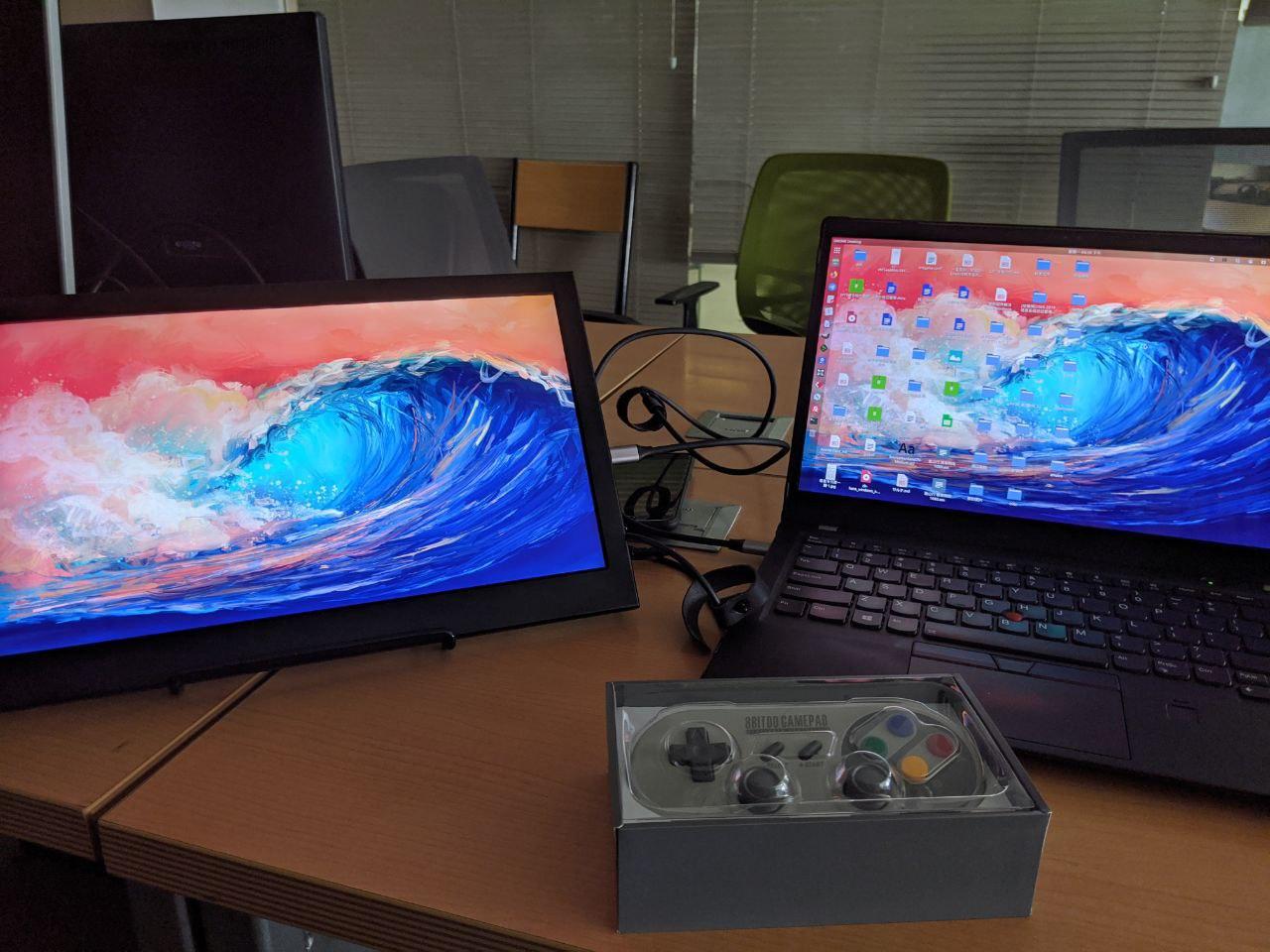
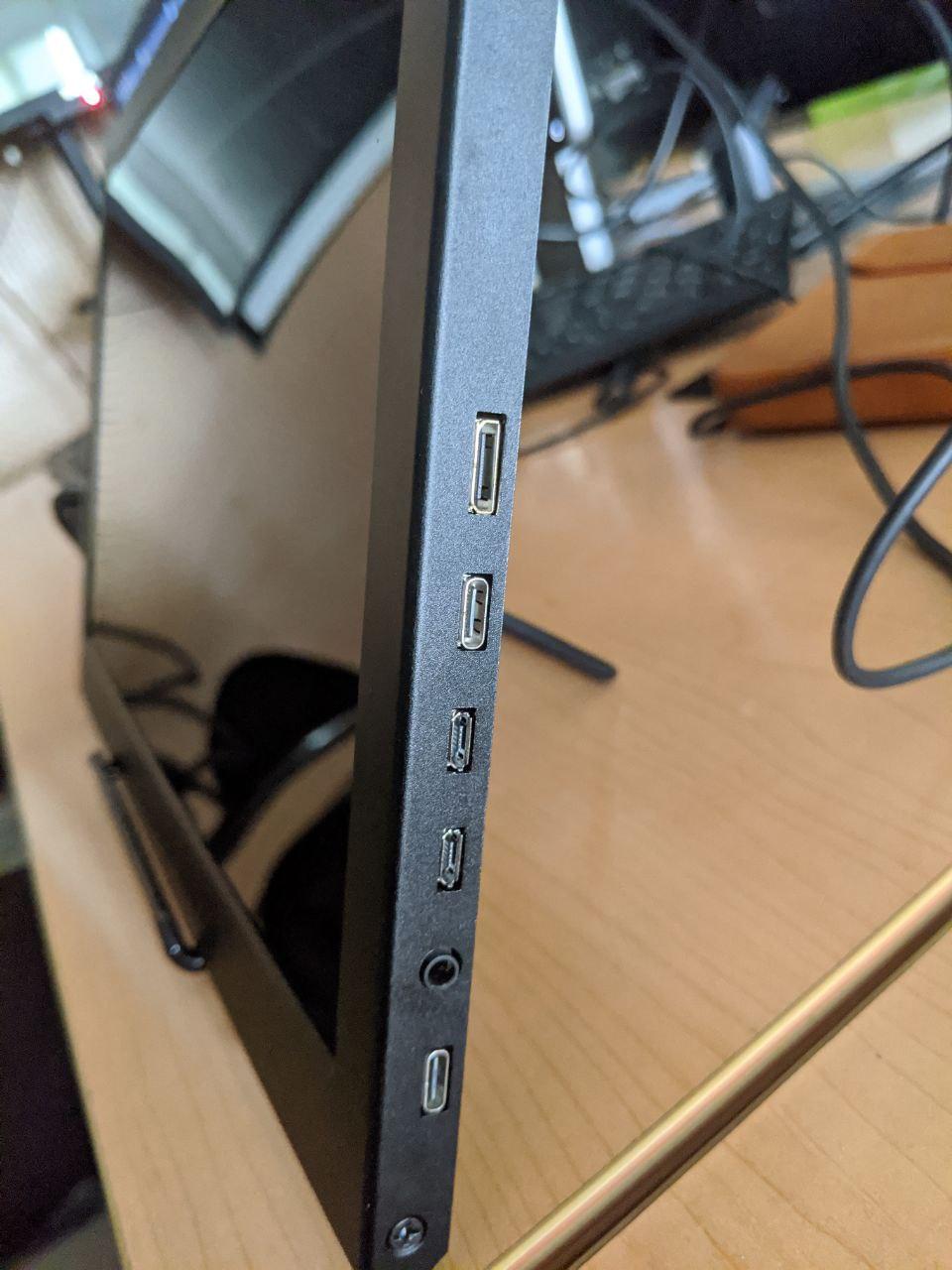
As you can see, the ports are MiniHDMI, USB-C for power, MicroUSB for power, and USB-C single-cable.
It feeds straight into a Switch or any other device that does USB-C video out — you just have to power the monitor first, and then it passes power back over the same cable to your Switch / laptop / phone. No second power brick.
All in all, pretty convenient.
Comments are hosted on the Chinese main site. This mirror is read-only.