Fixing WenQuanYi Font Korean Overlap on Fedora
Advertisement
The great open-source shepherd that is Fedora ships WenQuanYi Micro Hei by default, and the moment it hits actual Korean text the glyphs pile up on top of each other. Looks like absolute garbage.
See:
Advertisement
No wait, wrong one. This one:
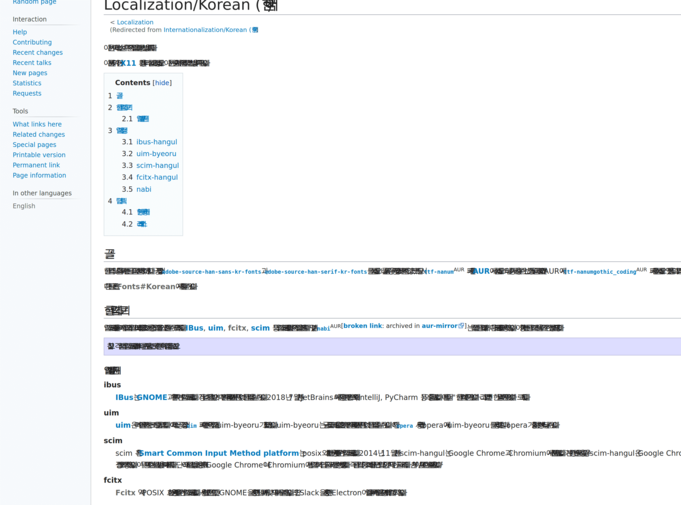
So the fix is dead simple. It’s a bug in WenQuanYi Micro Hei. Debian already patched it, Ubuntu just took Debian’s work, but our great Fedora naturally has to 自分らしく生きている, so of course nobody fixed it there.
The workaround is easy — go read the ever-righteous Arch Linux wiki
https://aur.archlinux.org/packages/wqy-microhei-kr-patched/
or just yank the font straight out of Debian’s repos
https://packages.debian.org/jessie/all/fonts-wqy-microhei
Unpack the ttc and replace your current font with it. You don’t even need to refresh the font cache or restart the browser.
Comments are hosted on the Chinese main site. This mirror is read-only.