I Installed Windows 10 on an iMac 2011
Haven’t written a blog post in a while. Mostly because I figure I should take blogging a bit more seriously from now on — slow work makes fine craft, or whatever. The other reason is that I recently went through the whole “install Windows 10 on an old Mac” ordeal. It was a real rollercoaster, I hit a mountain of pitfalls, wasted a ton of time, and eventually got it working. So I decided to write it up, partly as a summary and partly in the hope it helps someone else.
Someone recently handed me an iMac and asked me to put Windows 10 64-bit on it, so their kid could watch educational videos. Personally I think an iMac should stick to macOS — sure, it’s kind of crap, but it can still play videos fine. But the owner asked for it specifically, so all I could do was see if it was even possible.
This iMac is the 2011 model: i5 CPU, discrete AMD GPU, no SSD, just a 500 GB mechanical drive. The default system is Windows 7 installed via Boot Camp, and the original macOS is Lion. Truly an ancient machine.
Attempt #1: Try upgrading macOS
Normally when I install Windows on a Mac, I upgrade macOS to the latest version first, then use the latest Boot Camp to install, so you get the best drivers and experience. That was my plan for this iMac too, but things did not go my way — upgrading the system hit a massive wall. The current system is Lion (10.7), and the newest macOS the 2011 iMac supports is High Sierra. But you can’t upgrade directly from Lion, because the upgrade requires at least 10.8 (Mountain Lion), and Mountain Lion itself was a paid upgrade — Apple hadn’t gone free yet back then…
In short, to get this iMac to the newest system, I’d first need to upgrade to Mountain Lion, and only then could I continue upgrading to High Sierra, the newest this machine supports. And getting to Mountain Lion required paying…
Worse, I couldn’t find a “harmonized” copy of Mountain Lion anywhere online either — basically nobody uses it anymore. But I did find an El Capitan upgrade image that also supported upgrading from Lion…
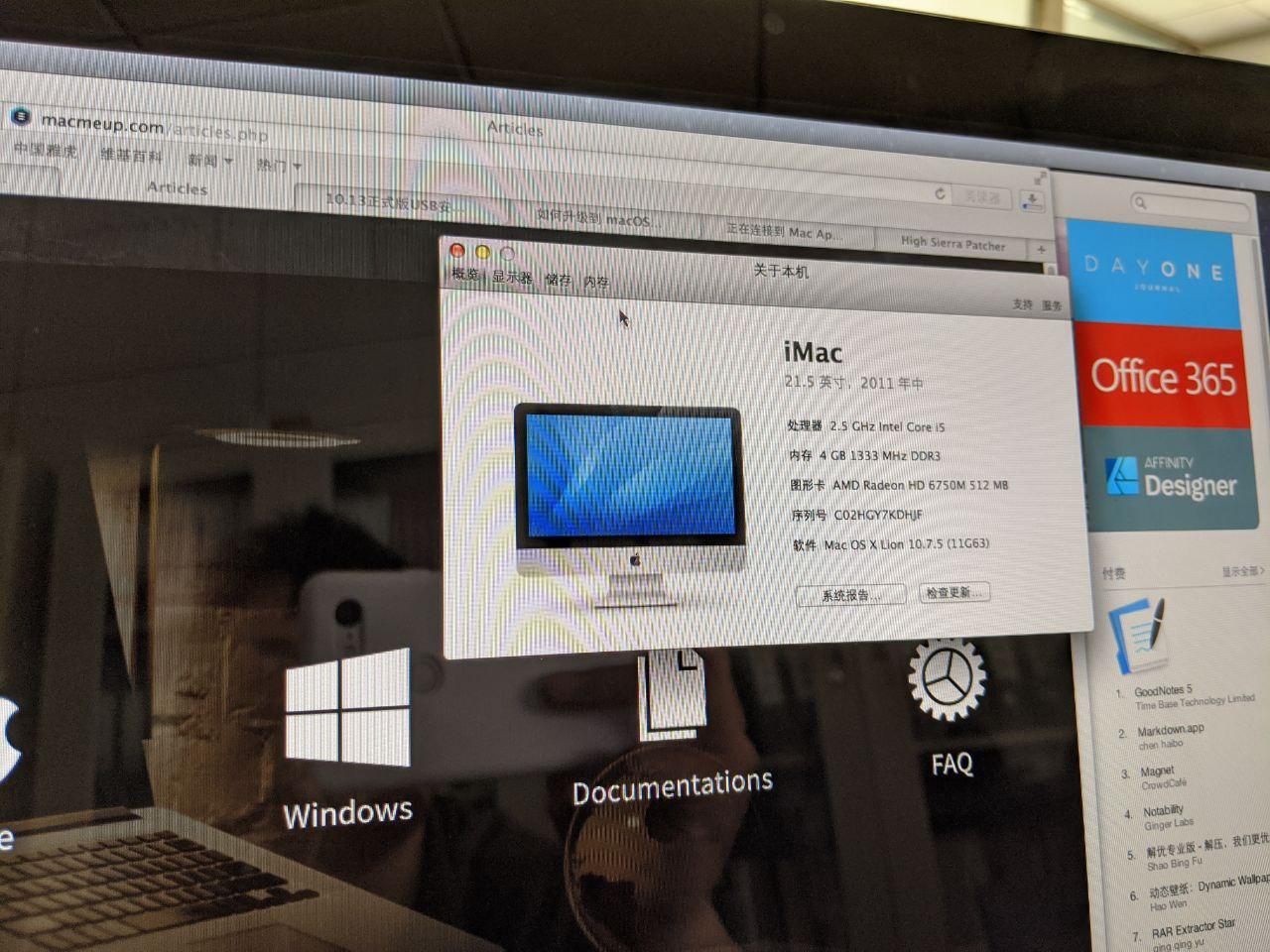
So I upgraded. Result: white screen, stuck for over an hour with no response. And now macOS wouldn’t boot either.
Maybe I should try macOS “online recovery mode”? Hold Apple+Option+R at boot to enter online recovery. Turns out Lion can’t be downloaded anymore, and online recovery only restores the default system version the machine originally shipped with — it can’t update to the latest. That route was dead too.
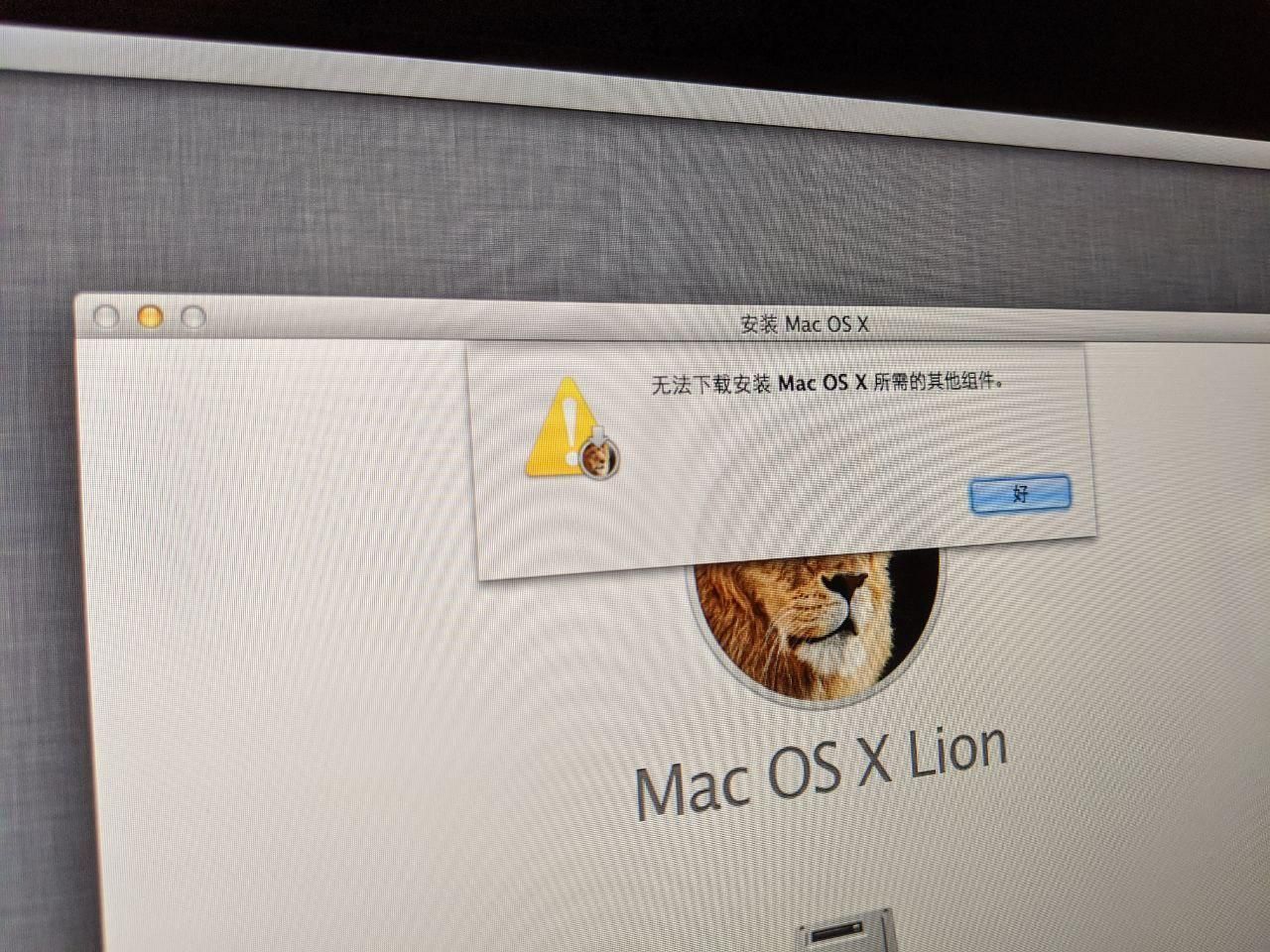
So attempt #1 at upgrading macOS was a failure. Then I remembered my backup plan: the default system is Win7, installed via Boot Camp — surely that doesn’t stop me from upgrading to Win10? I could just upgrade directly, right?
Then I looked, and the Win7 was 32-bit. Which means no upgrading to Win10 64-bit… and the person who brought the machine specifically asked for Win10 64-bit.
Fine. I gave up entirely and went looking for another way.
Attempt #2: Delete all partitions and just install Win10
Not only did attempt #1 fail to upgrade macOS, I also trashed MacOS Lion — it wouldn’t boot anymore. So I figured: this iMac supports UEFI boot anyway, why not just make a Win10 install disk? And “Boot Camp” is really just a driver package — I can download the drivers from the official site, install Win10 first, then add the drivers. Easy.
So that’s what I did. The install went smoothly, downloading Boot Camp was fine too — sure, the official site for the 2011 iMac says it doesn’t support Windows 10, and Boot Camp only offers V5, no V6 for Win10, but whatever, we can mix V5 and V6 and get all the drivers on. Worst case there’s always stuff like Driver Booster…
The system installed fast. GPU and network card both driven, FaceTime even worked, Bluetooth was OK. But then I found the problem…
No sound.
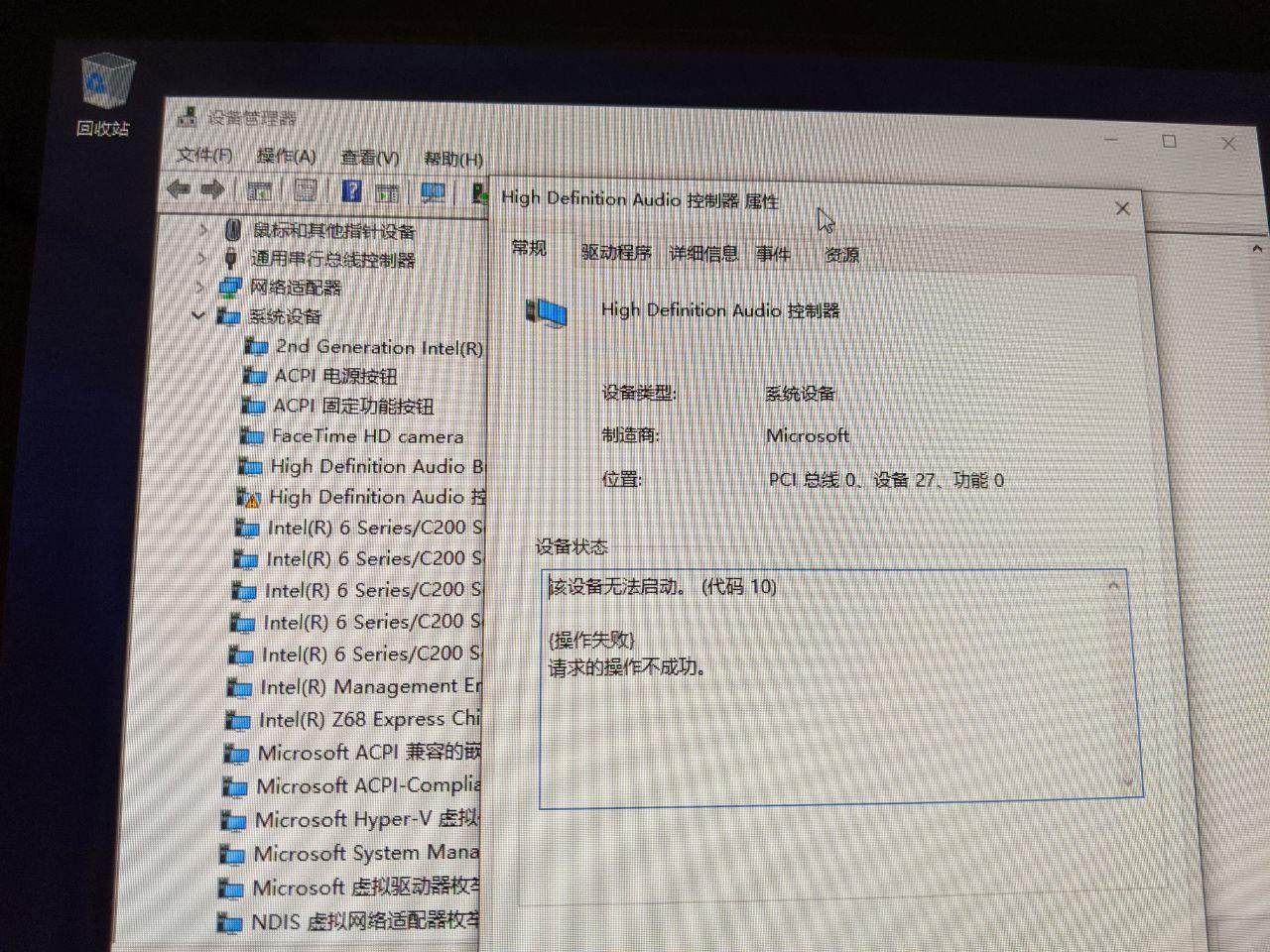
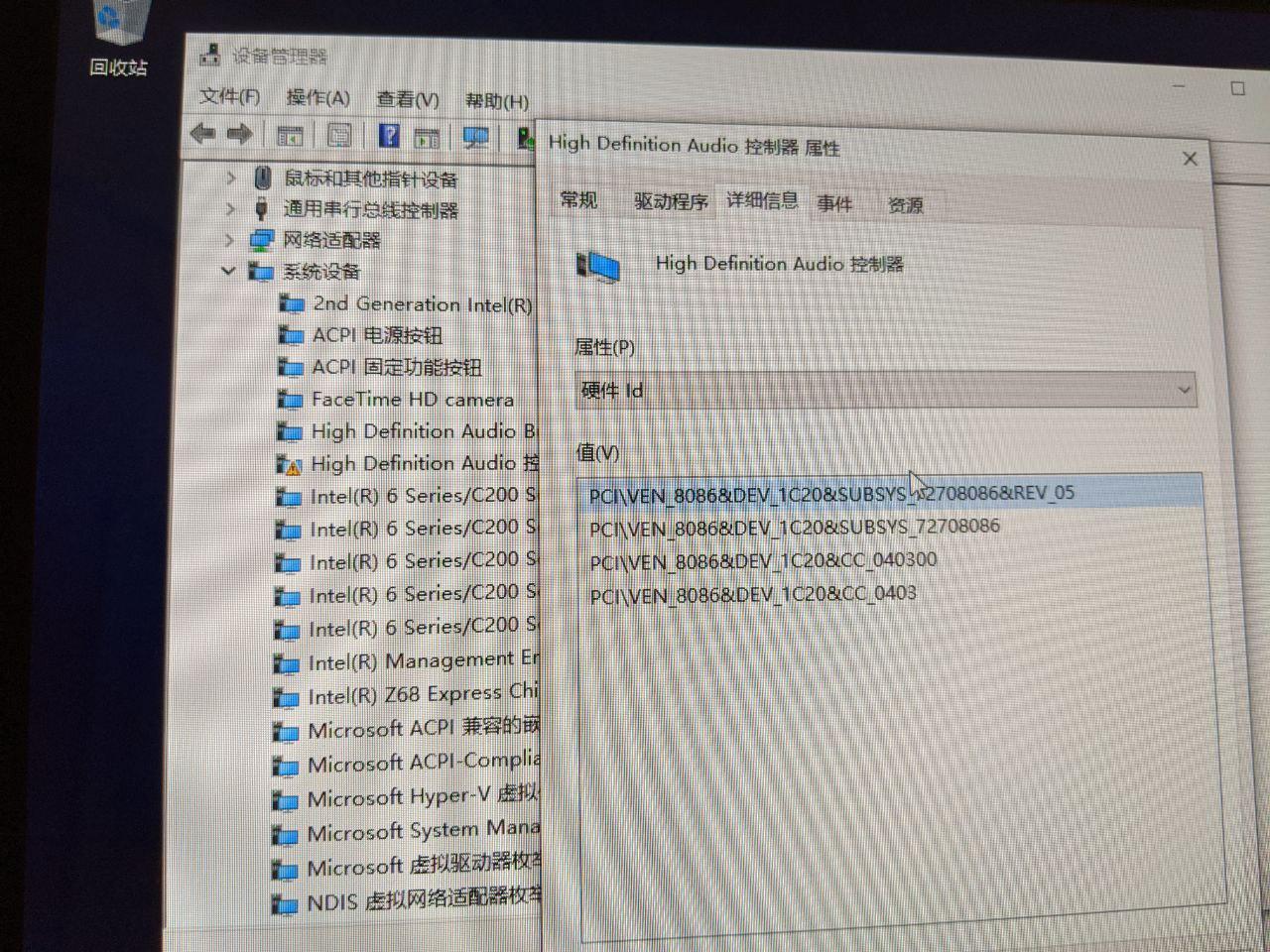
And one audio driver absolutely refused to install. It was recognized as an Intel IC20 audio driver, but it just wouldn’t work.
After a lot of searching I finally understood the problem:
That IC20 isn’t actually an Intel device — it’s the Cirrus sound card. When Apple boots Windows via EFI, the device gets misidentified as an Intel motherboard chip instead of a sound card. The sound card only installs correctly when you use Boot Camp with an MBR partition table.
Holy shit, how was I supposed to know Apple pulled a trick like that?
There are workarounds. Someone proposed replacing the EFI boot files under Windows to force the hardware device back, and there’s some foreigner’s (long, ugly, awful tool), another Chinese one, and an even simpler idiot-proof script. I tried both — neither worked. And anyway, those tools say they’re for MacBook Pro 2011, not iMac, so maybe they just don’t apply here.
In the end I gave up, deleted that Win10, and went back to the old road: install macOS, then install Windows via Boot Camp.
Attempt #3: Reinstall macOS, install Win7, upgrade to Win10
If I’m reinstalling macOS, obviously I’ll go straight to High Sierra, the newest this machine supports. The DMG is everywhere online, but I don’t have a Mac handy, so to make a Mac-bootable USB installer I need a Windows machine and a tool called TransMac.
Good thing this software, while paid, doesn’t really limit features — just a 14-day trial and a 15-second startup delay. I only need it for one day, don’t care.
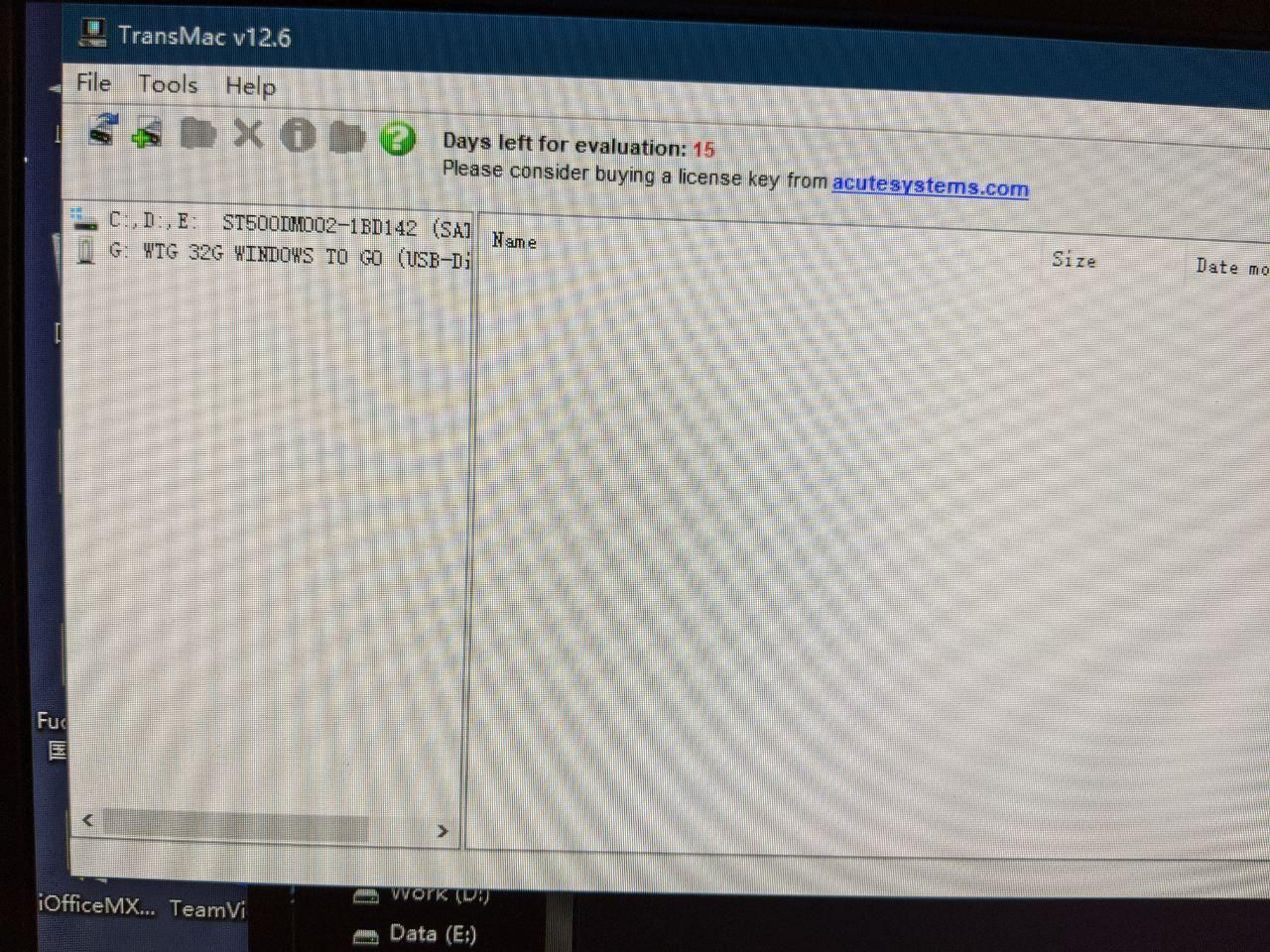
After formatting the USB and writing the DMG with this tool, I plugged it into the iMac, held Option (Alt on a Windows keyboard), and… nothing showed up in the boot devices.
That’s when it hit me: there are two kinds of DMG downloads. One includes an EFI boot image, the other only runs the installer from within macOS.
Goddammit…
After more searching I downloaded a new DMG that claimed to support EFI boot, wrote it the same way, booted again — and the installer threw an error:
Said my install media (the USB) was corrupted.
What the hell, that scared me. I searched around and found this is another one of Apple’s dumb traps: to install High Sierra you need to set the clock to around 2016, because in 2020 it refuses to install and uses “USB is corrupted” as the excuse. Fucking idiotic.
Opened Terminal, typed date to change the clock, and then the install went smoothly… my ass.
Remember how I’d previously installed Win10 directly? Well, now Apple wouldn’t accept that GPT table, and the disk couldn’t be formatted. What the hell — they’re both GPT, how are they incompatible? Eventually I grabbed an Ubuntu Live CD, nuked all the partitions on the drive from there, came back and installed. Finally, success.
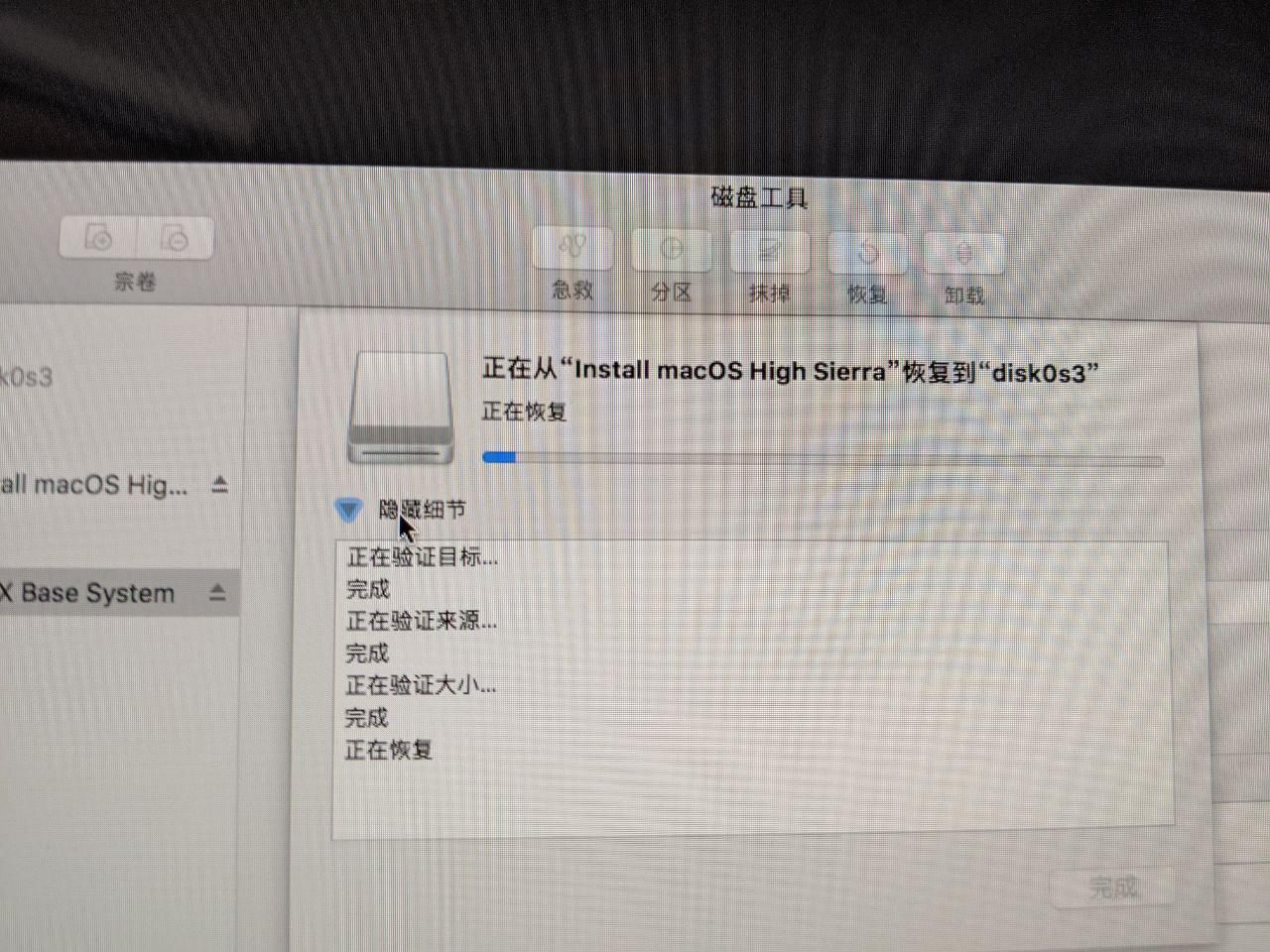
With High Sierra installed, I could now use Boot Camp to install Windows. Except this version of Boot Camp requires a Win7 disc. No disc, no deal. Win10 won’t work, mounting the ISO won’t work, a USB won’t work — it has to be an optical disc.
Yes. It has to be a disc.
And without a disc, it won’t even let you into the next step: the Boot Camp partitioning. And partitioning is exactly what I needed.
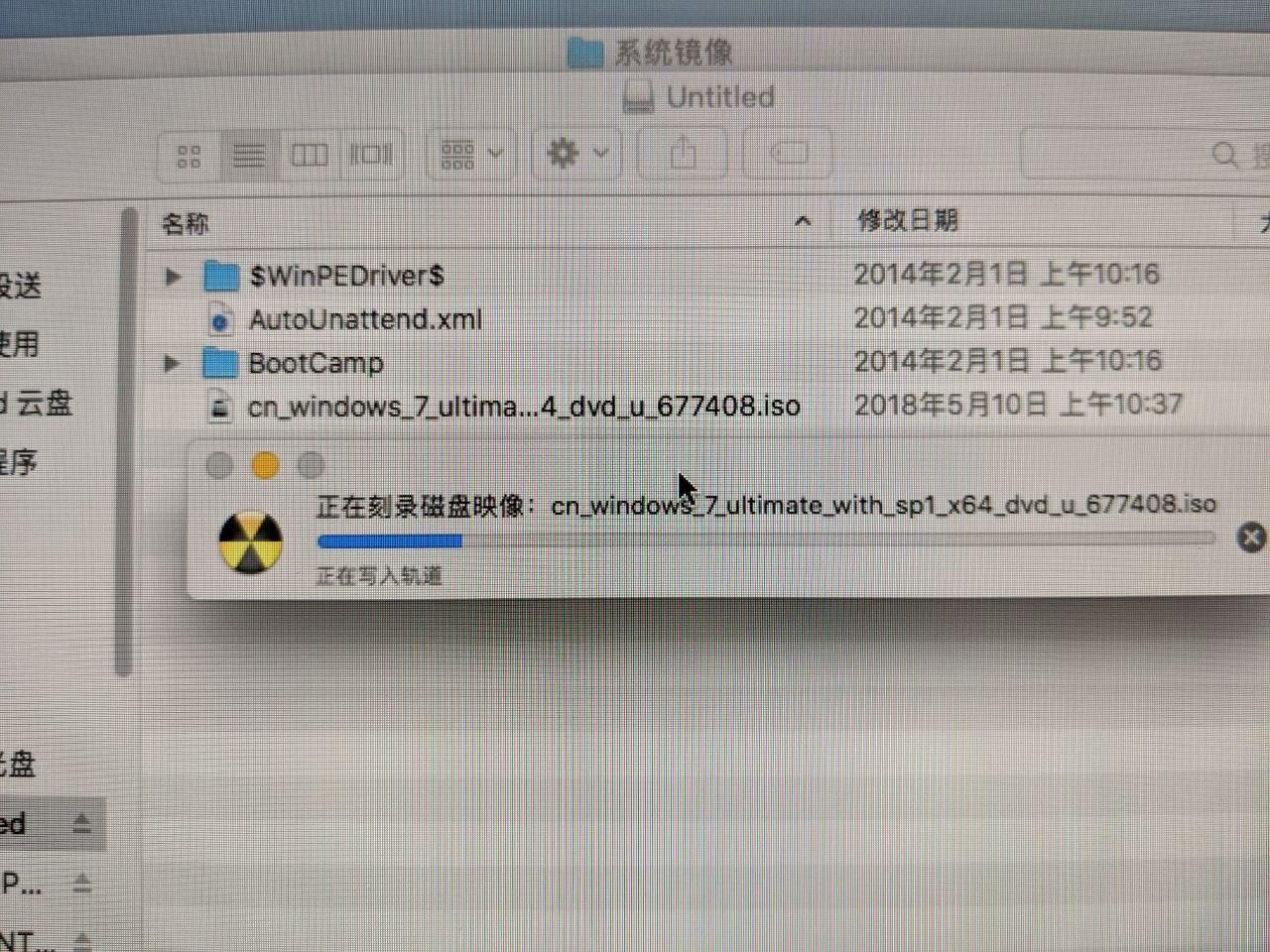
Goddammit… So I burned a Win7 disc. Luckily this dumb iMac has a SuperDrive built in. Put the disc in, plugged in a USB to hold the downloaded Boot Camp drivers, and finally could install Win7.
After Win7 was installed, I installed drivers via Boot Camp, then upgraded directly to Win10. And at last, Win10 LTSC 2019 64-bit was running on the iMac — with sound.
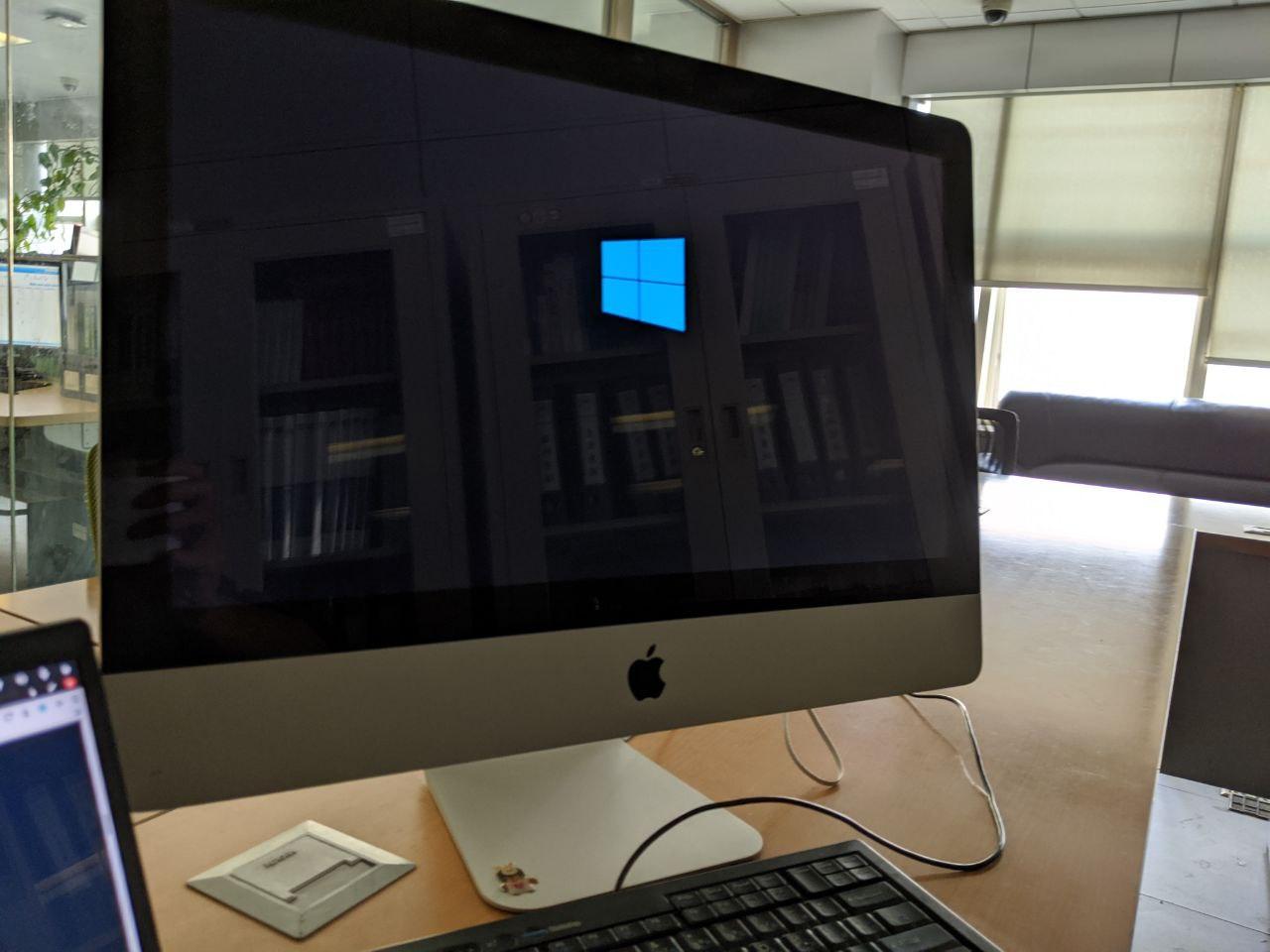
Task complete at last, after nearly two days of fighting it.
Summary:
This install really drained me, and I stepped in a lot of pits — some from Apple’s own restrictions, some from Windows’s. I’ve seen methods online for “upgrading Win7 32-bit to Win10 64-bit,” but I’m not sure they work, and it also seems like the final step of installing Win7 could probably be swapped for just running the Win10 installer directly — after all, you only need the MBR Boot Camp partition, so you could skip the Win7-to-Win10 upgrade step and so on. I never tried it. Maybe it works. But this damn thing had already taken too long out of me, so I just played it safe and gave up on those ideas.
Comments are hosted on the Chinese main site. This mirror is read-only.