Compiling and Installing Pop-Shell for GNOME Shell
Pop-Shell is a plugin made by the company behind Pop!_OS, meant to give GNOME Shell i3wm-style tiling window management.
It actually looks pretty slick, so I figured I’d install it and see.
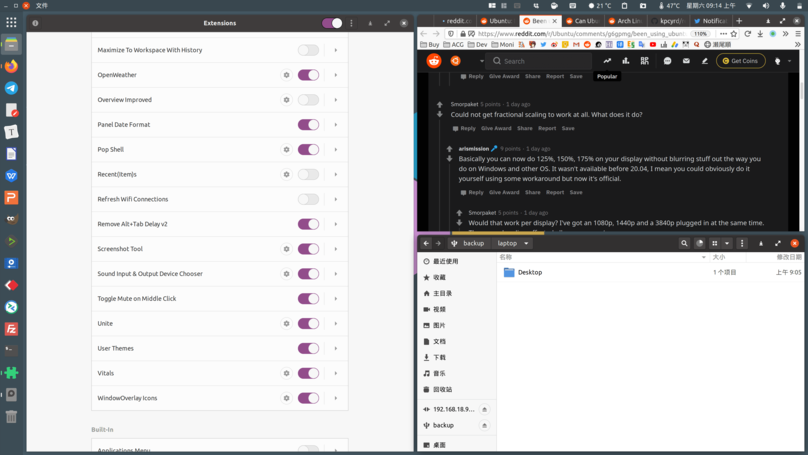
Per the official instructions, you need three things to install this:
- GNOME Shell 3.36
- TypeScript 3.8
- The full GNU Make family
The first and third are no big deal. The second is a pain, because I’m on Fedora 32 — yes, noble Fedora, and its TypeScript is still 2.8. Of course, like Python, which that famous programmer-critic Ji Niao hates so much, TypeScript can just be installed via npm yourself.
npm install -g typescript@latest
Once that’s done, pull the official repo with Git and install:
git clone https://github.com/pop-os/shell.git
sh rebuild.sh
After installing, hit Alt+F2, type R to restart, and it works.
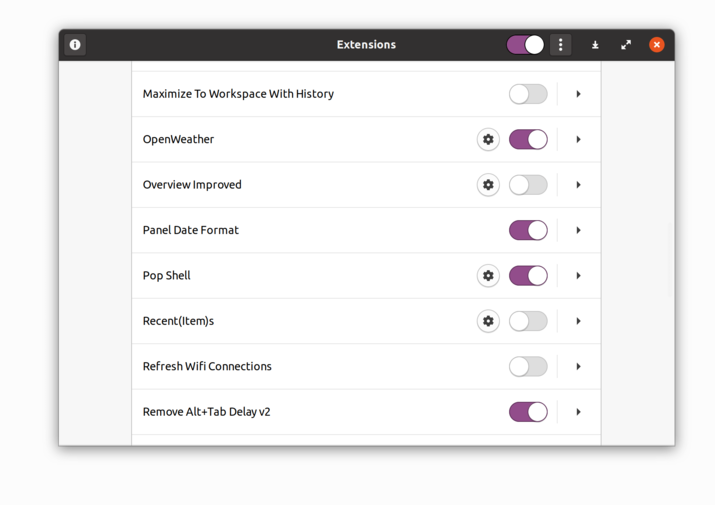
After half a day with it — how do I put this — there are still a fair number of bugs. It looks cool, but it’s a hassle a lot of the time. New windows get auto-shrunk into the tiling layout, which is annoying. The tiling isn’t flexible enough either: it’s either tile everything or tile nothing, the hotkey toggling is awkward, and the learning curve is a bit steep. The biggest issue, though:
“If that’s how it is, why not just use i3wm?”
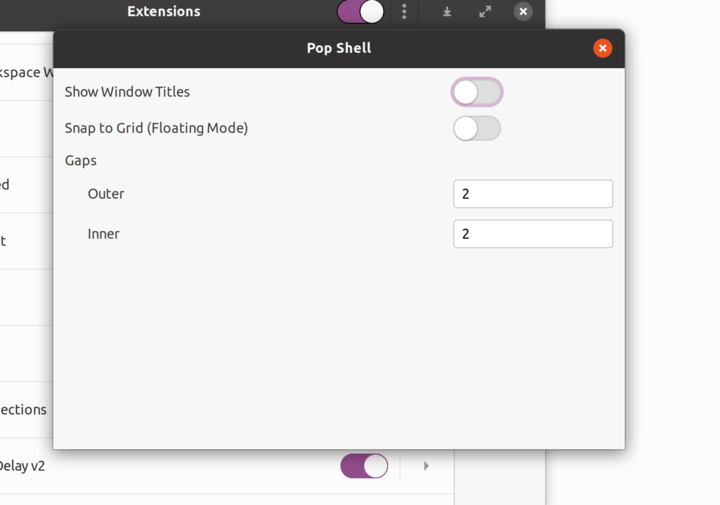
Anyway, it’s worth a try — at least you don’t have to install Pop!_OS just to check it out.
Comments are hosted on the Chinese main site. This mirror is read-only.