Upgrading the RG350 Firmware (External Card Method)
I’ve had the RG350 for a while now, though I don’t play it all that often — mostly just emulators.
One thing bugs me though: the HDMI output on this handheld has never worked. Officially they said a firmware update would add support, but that firmware never showed up.
Turns out I just wasn’t paying attention, because the firmware has been out since last year.
At first I assumed updating the firmware meant cracking the thing open and pulling out the internal TF card, so I kept putting it off. Today I found out you don’t need to disassemble anything — the external card works fine. So I figured I’d give it a shot.
The update process is pretty simple. First, grab the latest firmware from GitHub — you’ll get a file with an .opk extension.
https://github.com/retrogamehandheld/RG-350/wiki/Firmware-and-Software-Updates
Drop that file into the APPS directory on your TF card, put the card back in, and boot up. You’ll see a new OS Update entry in the APP list.
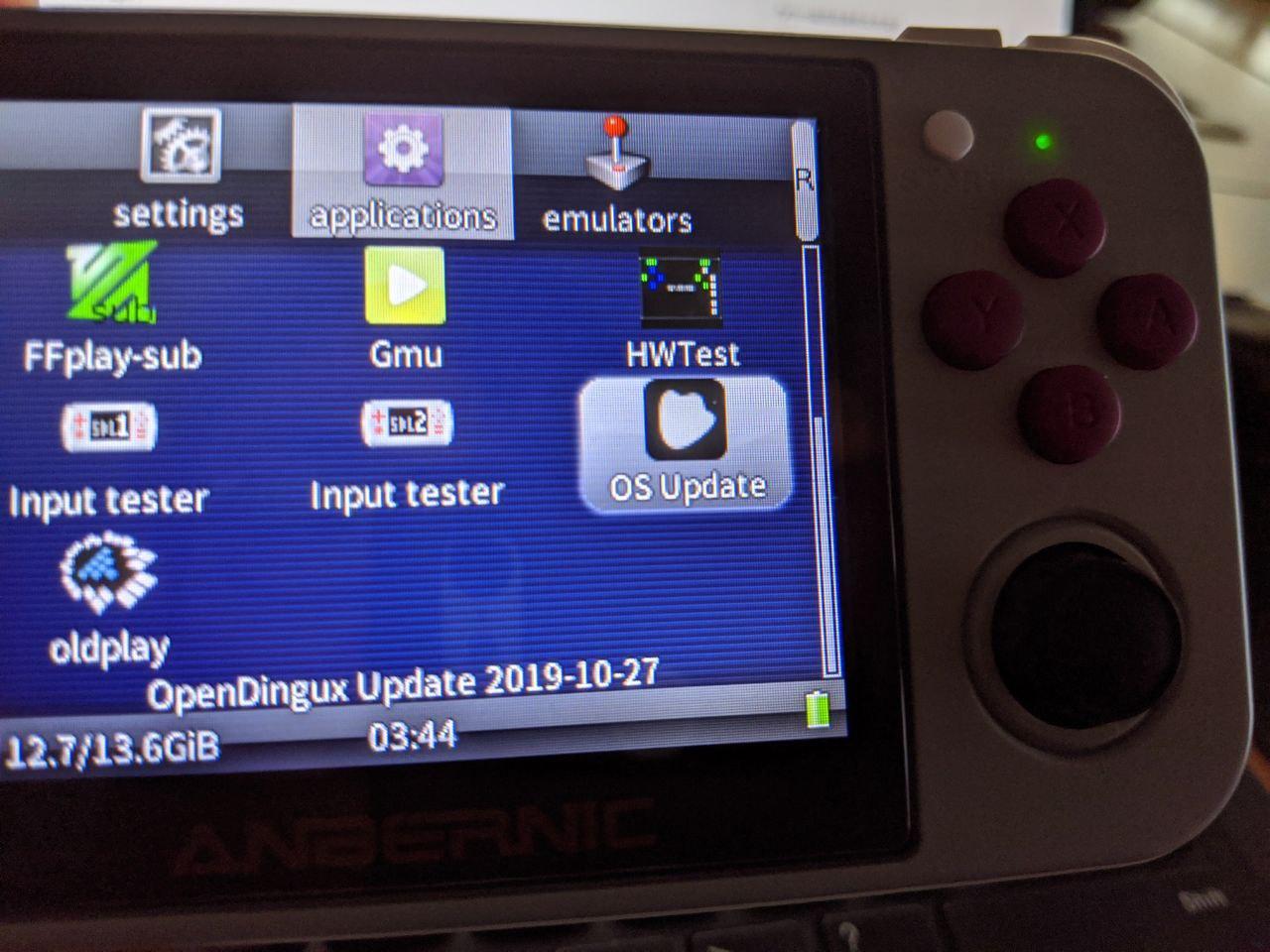
Run it and the upgrade starts, with pretty detailed notes on what to watch out for.
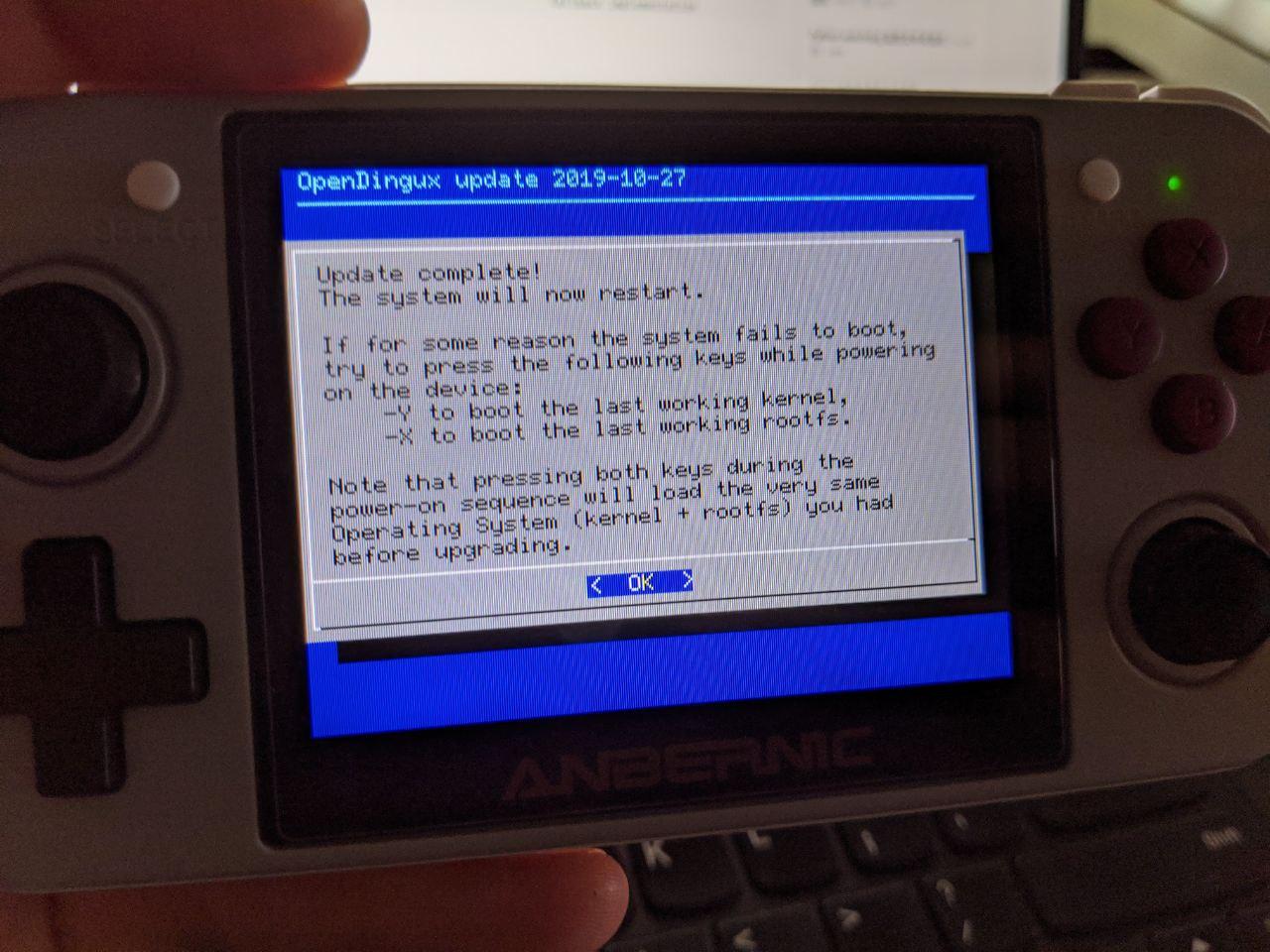
Wait for it to finish and your handheld is on the latest version. Supposedly HDMI works now too — haven’t gotten around to testing that yet. Still, newer has to be better than older, right? At the very least it feels a bit snappier. Might just be my imagination.
Comments are hosted on the Chinese main site. This mirror is read-only.