ODROID-GO Advance: First Thoughts
ODROID-GO Advance: Buying, Assembling, and Painting
The ODROID-GO Advance is the follow-up to that ODROID-GO handheld. Better performance, plus a stick and shoulder buttons. From what I gathered reading various foreign reviews, the performance is supposedly monstrous and it has a huge future ahead of it…
So I bought one. It actually arrived a while ago; I just never had time to put it together, and only recently dug it out and got to work. Recording it here.
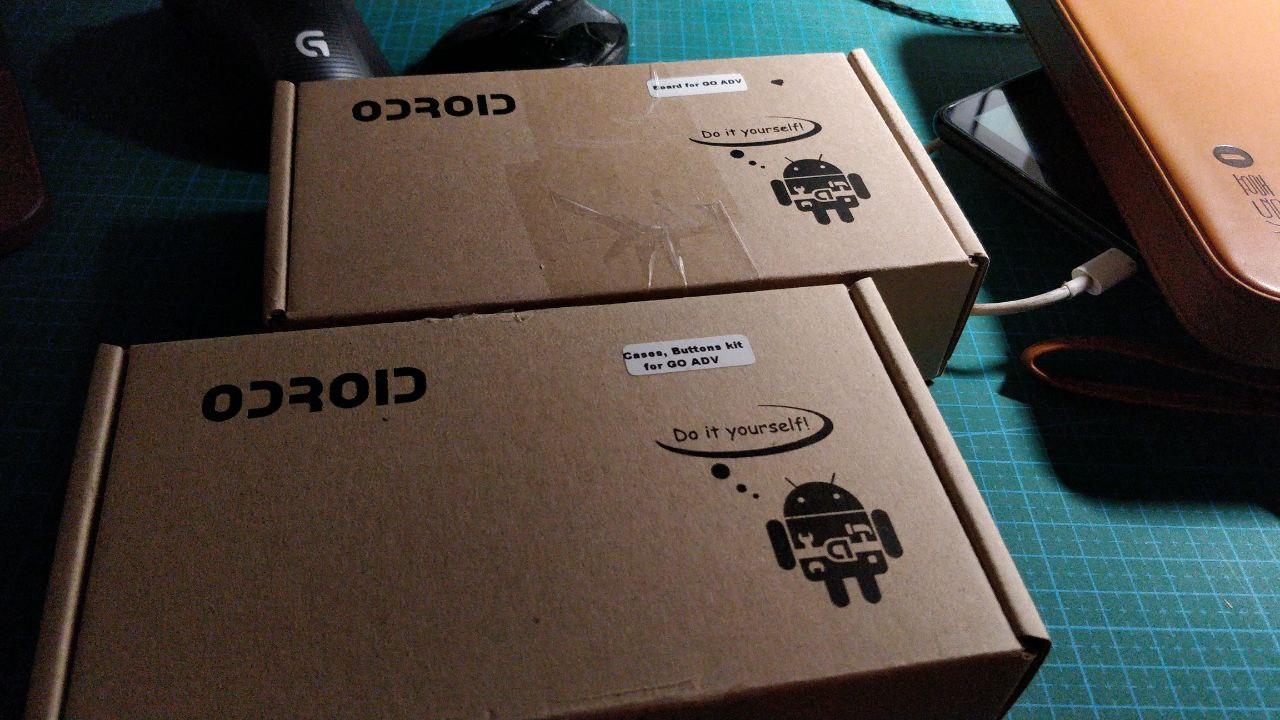
Ordered through Paypal on an overseas site, shipped internationally to China. It showed up as two boxes, both full of parts once opened.
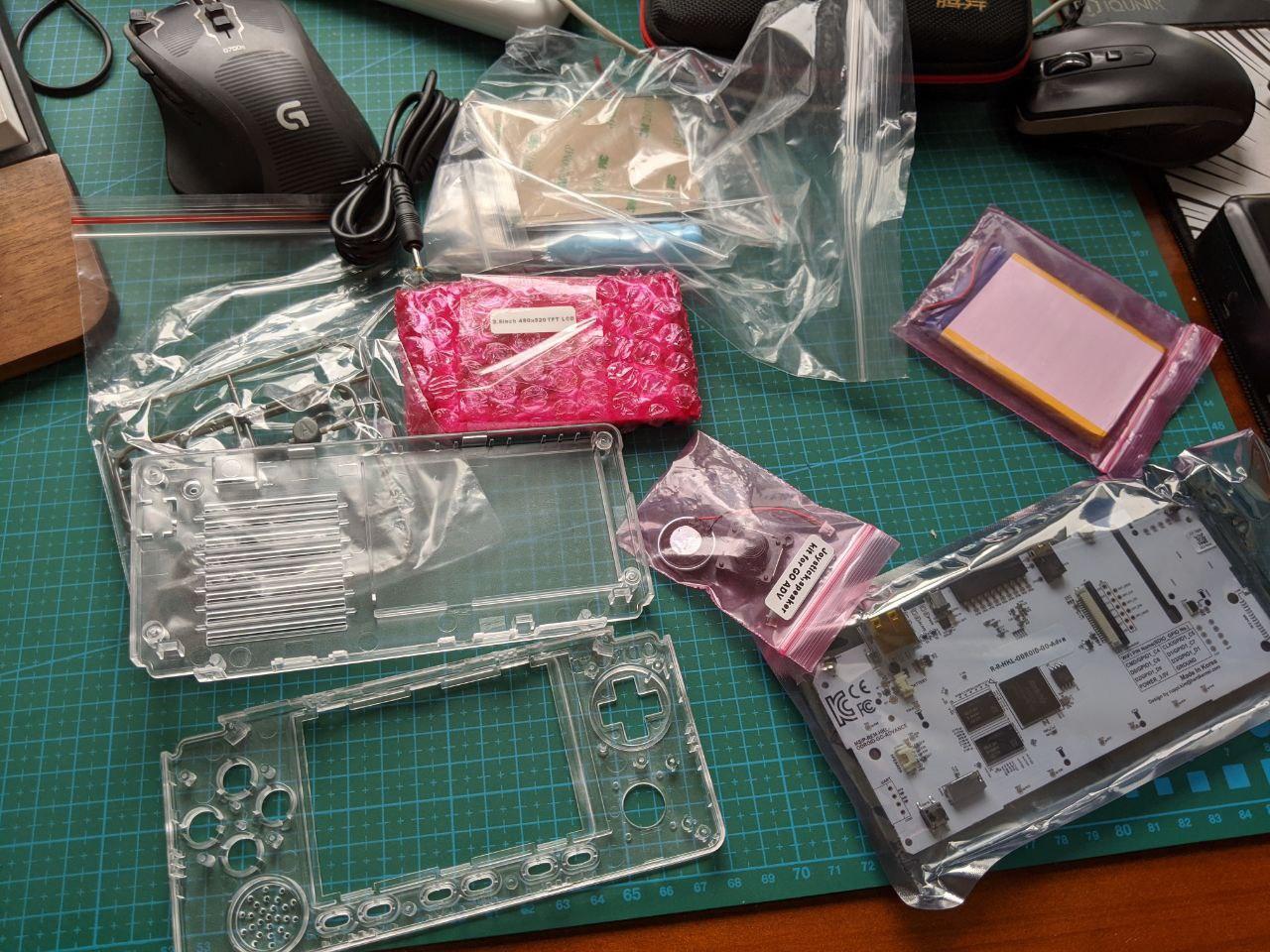
Assembly isn’t especially complicated. There’s no manual in the box, but they give you a QR code that links to an assembly video. Before assembling, though, I decided to paint it first — I’m not a fan of clear shells.
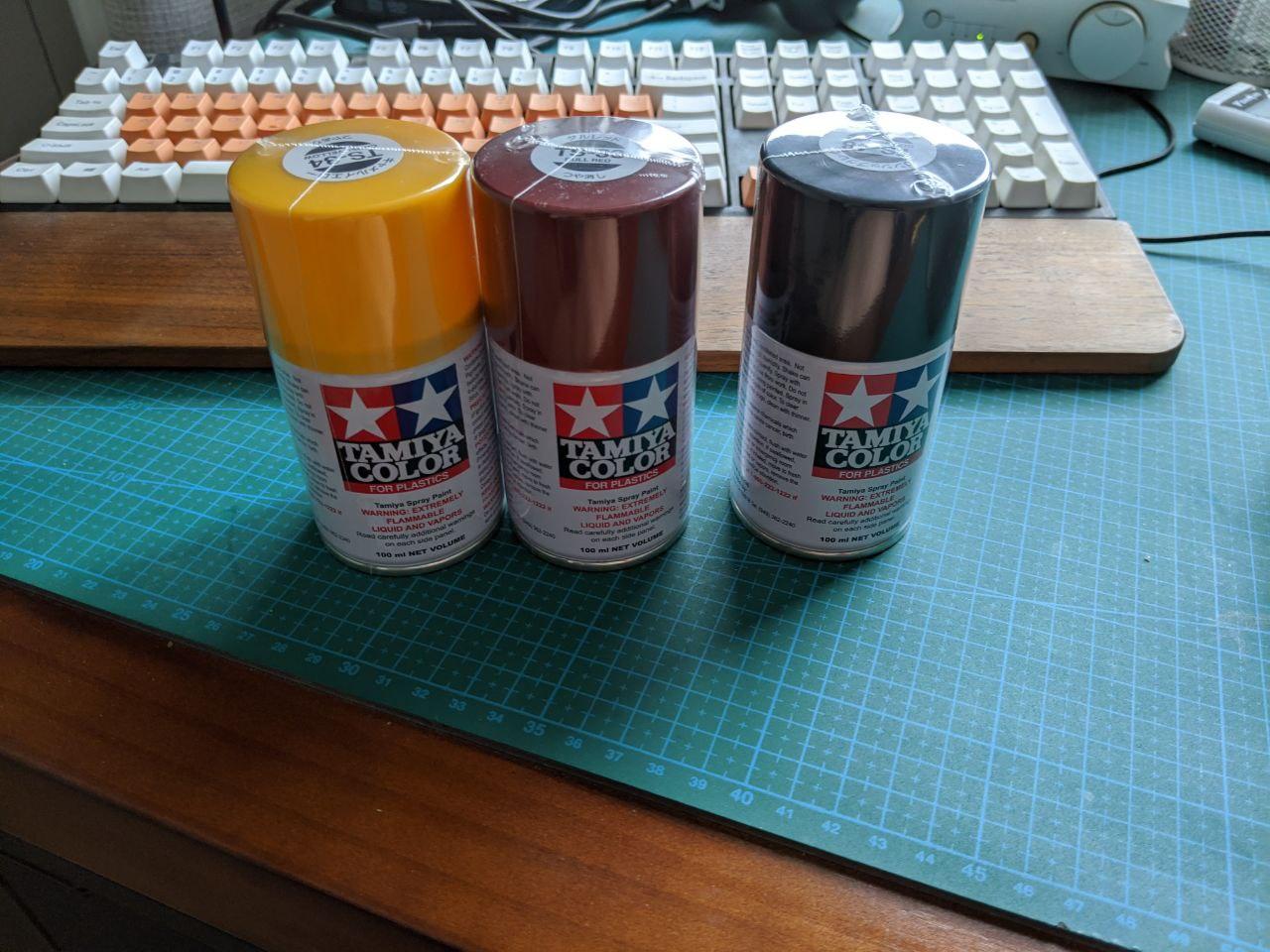
For the paint I used Tamiya’s “Matte Gunmetal Black,” plus a yellow and a red to experiment with on the buttons.
It was my first time spray-painting, but I followed videos on YouTube: find some outdoor space, lay down paper, and spray in sweeping passes.
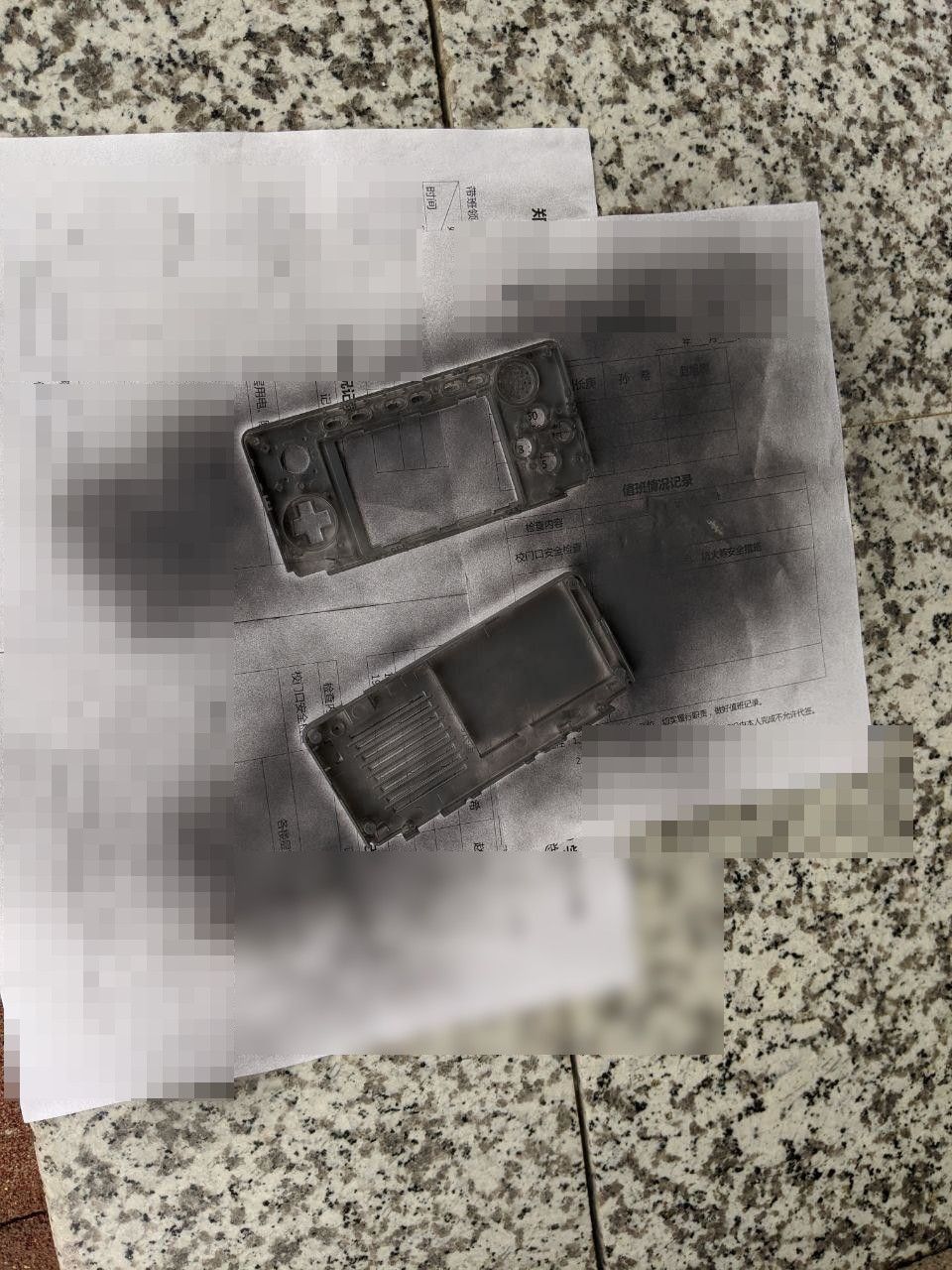
Let it dry and you’re done — seems this plastic paint only needs half a day.
Next up was assembly. One tricky part: installing the screen. It snaps in via clips around the edges, and plenty of people press too hard and end up cracking it…
It’s a plastic shell, so you can finesse it in.
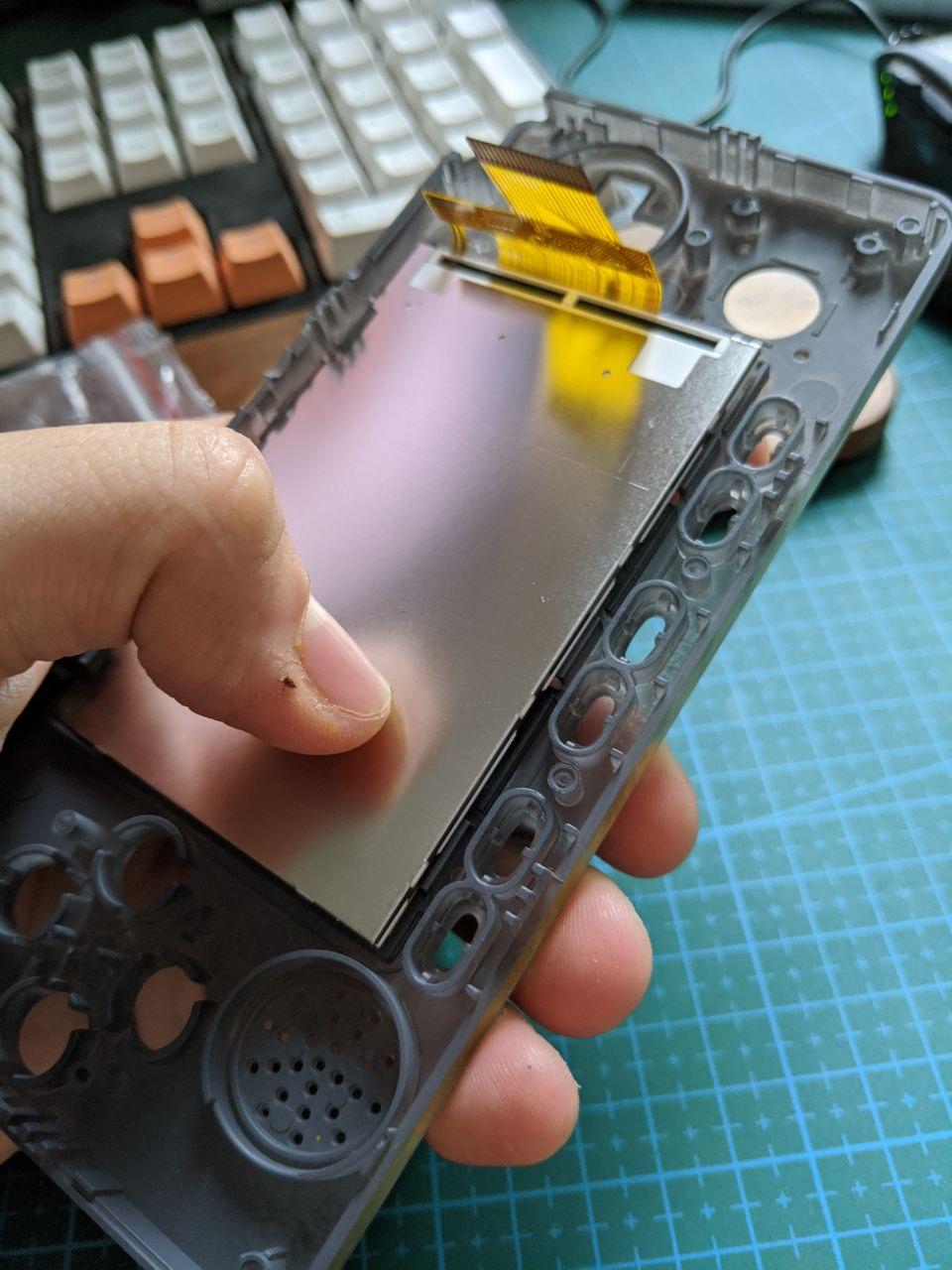
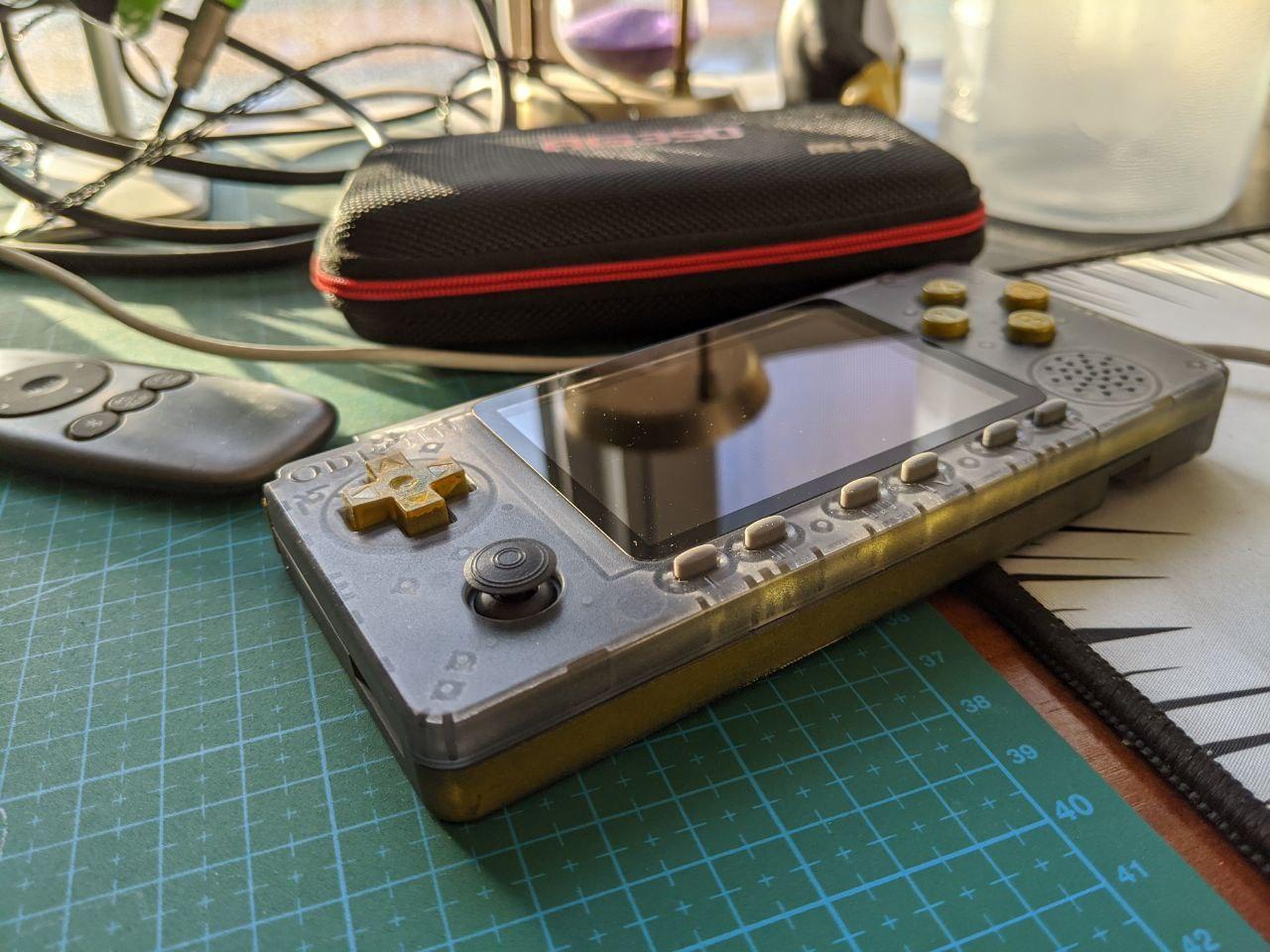
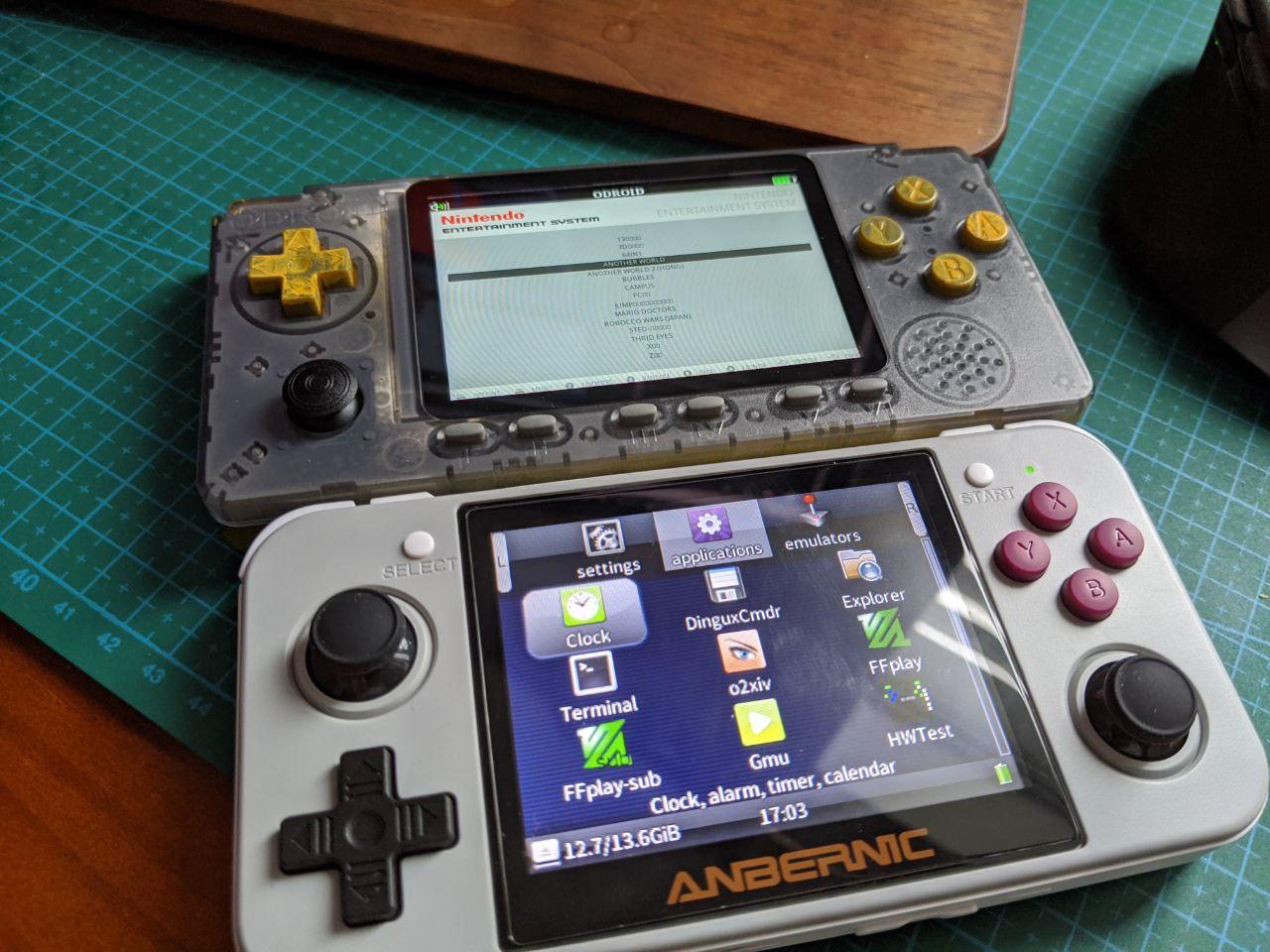
Once the screen’s in, the rest is easy — just follow the steps. Here it is next to an RG350:
By default you have to download a system image from the official site and write it to a TF card, otherwise it’ll boot up complaining there’s no card.
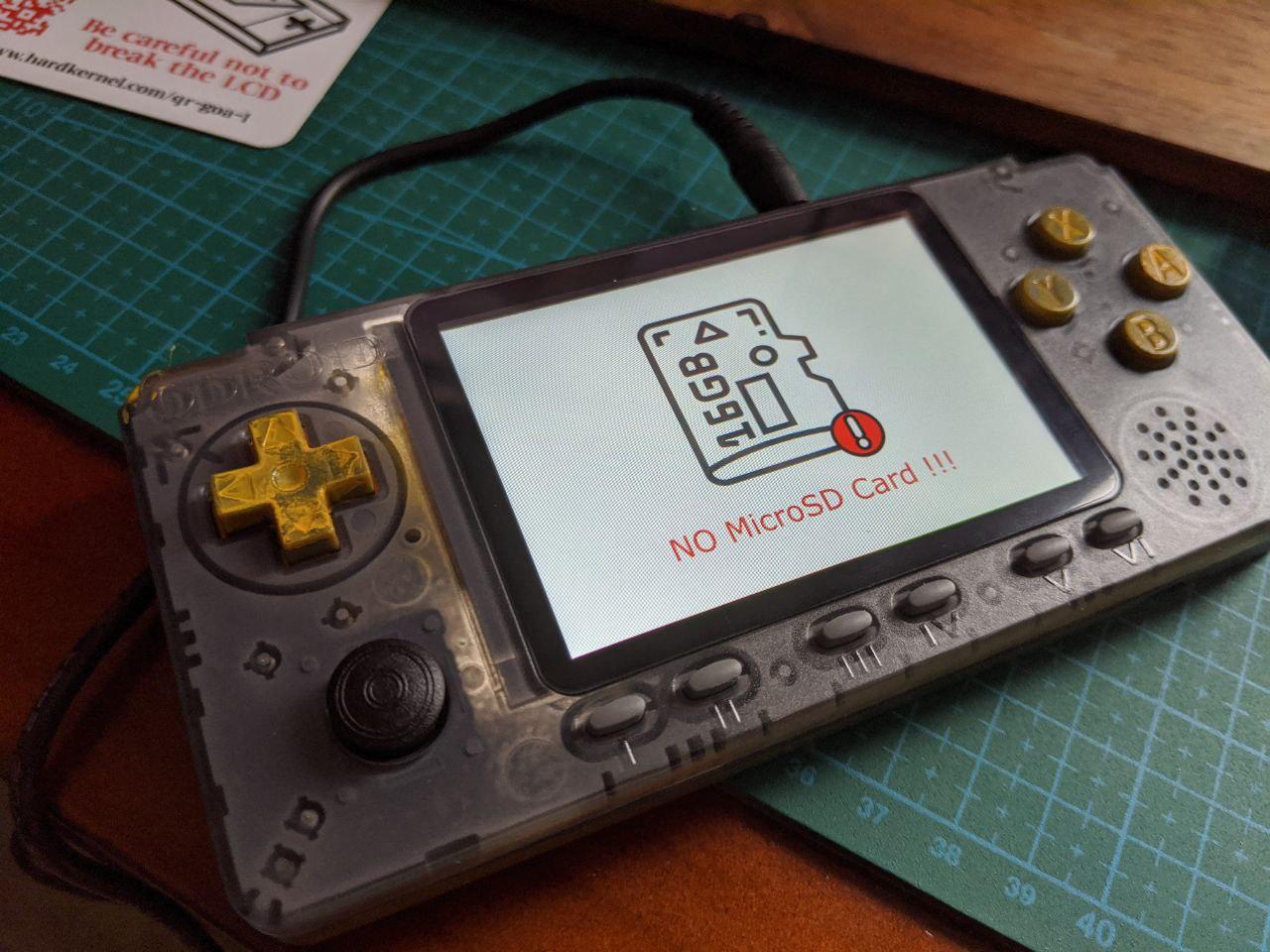
Image address: https://wiki.odroid.com/odroid_go_advance/os_image/ubuntu_eshttps://wiki.odroid.com/odroid_go_advance/os_image/ubuntu_es
And the image is Ubuntu 19.10, of all things…
To play games, drop your emulator ROMs into the Roms directory on the TF card; the system then activates the corresponding emulator icon and you just run it.
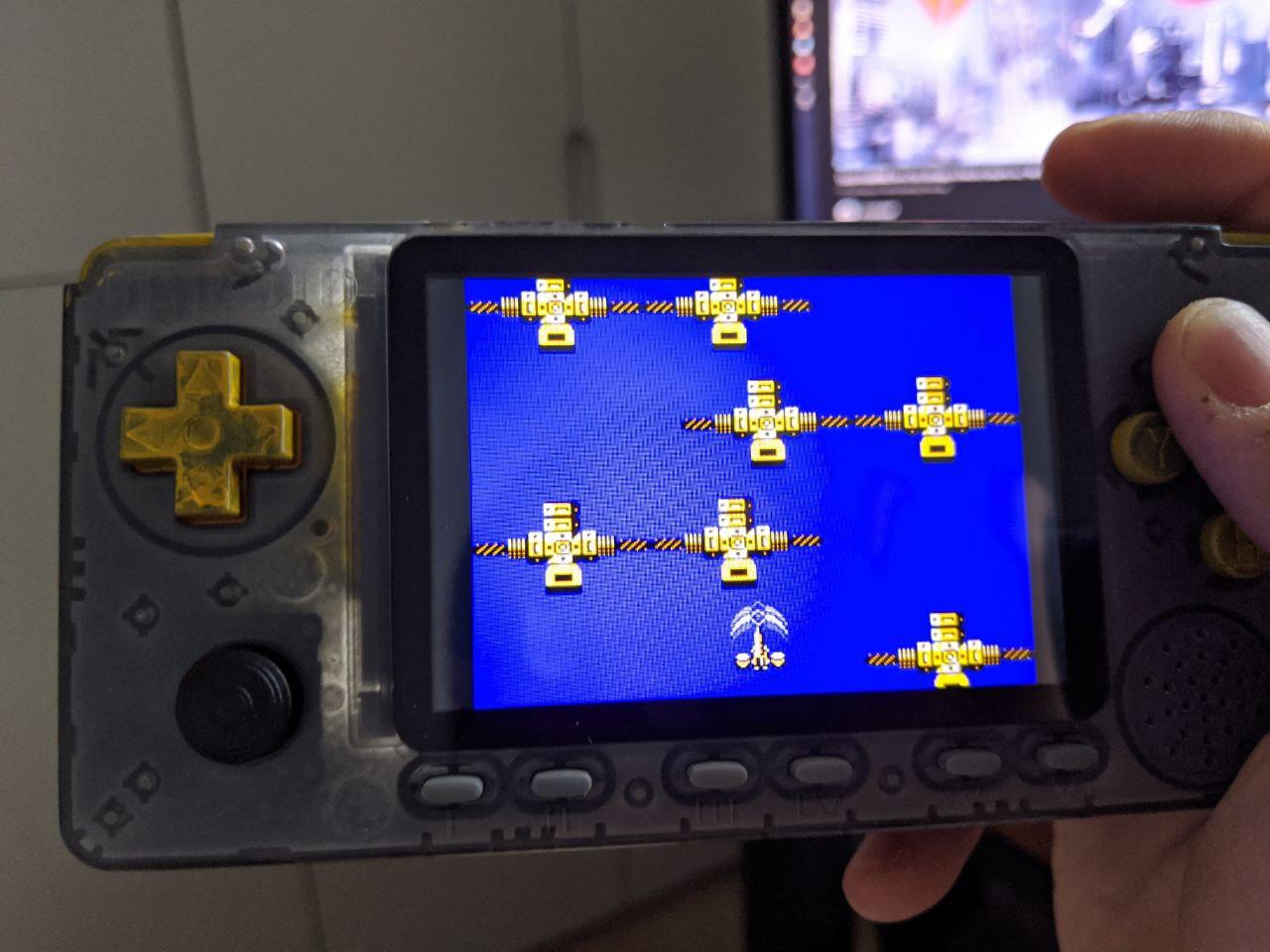
Now, some thoughts:
- Performance is a genuine leap, and the screen resolution is higher too — overall it looks great
- Build quality of the components went down. A screw actually snapped while I was tightening it; I barely got it closed and gave up on that screw. Taobao sells replacement shells, so I’ll just buy one and swap it
- Painting the shell was fine, but don’t paint the buttons — you’d probably need to dye them by soaking. Spraying them, like I did… uneven and ugly. Thinking about stripping the color with a water-based paint remover
- The system itself is impressive: Ubuntu core, custom-built shell, but it’s still incomplete — it doesn’t even support save states or volume adjustment while gaming. Room to improve
- In hand it feels better than the RG350, and that right-side stick on the RG350 always seemed useless to me
- The ODROID-GO Advance’s software potential is much bigger — Ubuntu backing means wrapping emulators is no problem, and firmware development is active, with lots of strong third-party options beyond the official one
- Unlike the previous generation, the official firmware’s emulators no longer fail to run a bunch of games or display garbled graphics
- Battery life feels better than the RG350’s
- Sound still goes to the RG350
Overall, messing with this handheld is a lot of fun, and I think the fun of the device itself is the “messing” — messing with the system, messing with the assembly. Lots of room for hacking. If you just want to buy something to play games, a cheap PSP, PSV, or RG350 is a better choice. If you like tinkering, the ODROID-GO Advance is probably more your thing.
Oh right — while I was writing this, version 1.1 of the ODROID-GO Advance was announced: a black colorway, built-in Wi-Fi, USB-C charging, a few dollars more. Generous, honestly. If you’re buying, the new version is the better pick. I saw someone abroad even got Quake 2 multiplayer working over Wi-Fi — pretty great.
Comments are hosted on the Chinese main site. This mirror is read-only.