A Quick Look at Baidu Pinyin Input Method for Linux
Today I found out Baidu Pinyin has a Linux version now.
Holy shit.
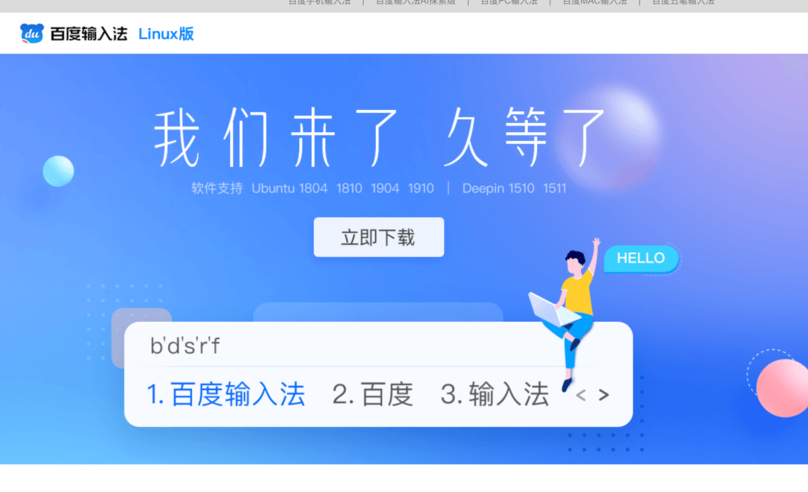
So I downloaded it immediately to test:
Official site http://srf.baidu.com/site/guanwang_linux/
Apparently this build is a collaboration with Deepin, though Ubuntu gets a slice too. I opened the archive and had a good laugh. It’s the familiar Fcitx — wonder what the folks behind that frowny-face logo think of this.
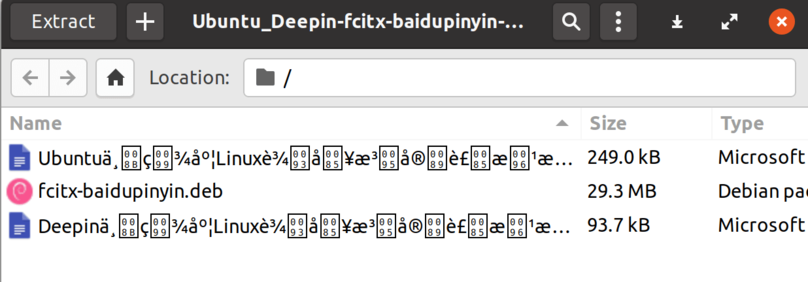
Since it’s a Fcitx add-on, “Baidu Pinyin” is really just an Fcitx module, and like Sogou Pinyin it depends on that QML crap.
After installing, restart or log out and it works — or just add the new Baidupinyin input method directly.
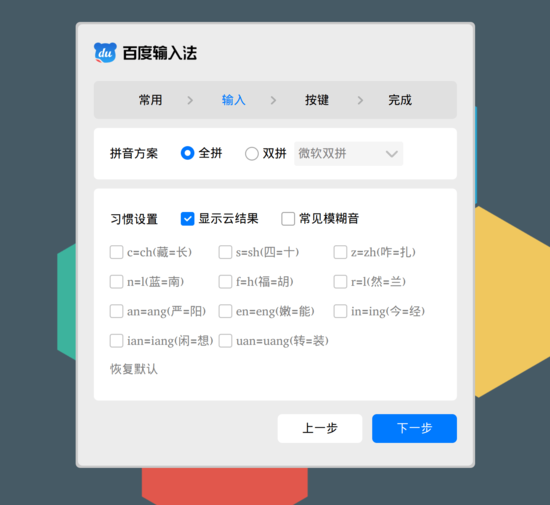
First launch has a wizard, and the scaling support looks decent (well, duh, it’s QML). Set it up and off we go.
The moment I typed, I burst out laughing:
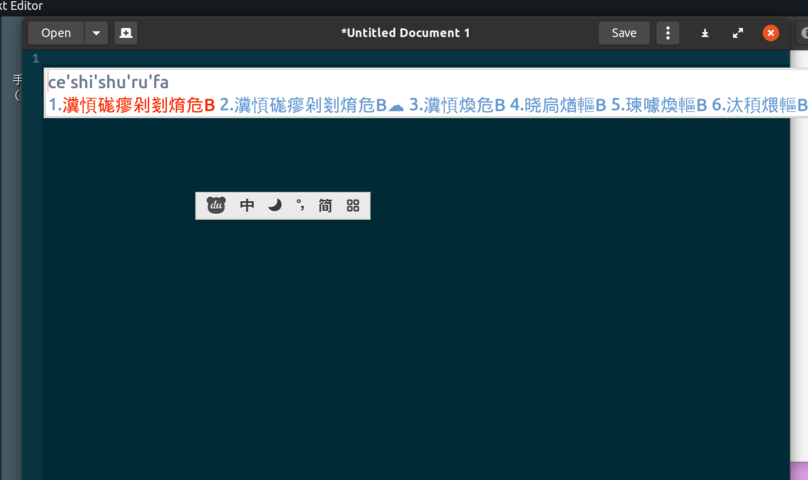
What the hell is this?
I searched around. Sure, there are reports of “Sogou Pinyin Linux candidate window garbled text” online, but the fixes are always the same: kill Fcitx and restart, or kill the config files. I tried both, no luck — still the same flamboyant mojibake. Maybe everything’s encoded in GBK in there.
Anyway, unusable. Filed a bug in the “feedback” section, uninstalled, done.
Oh right — after uninstalling, this thing also messes with your existing Fcitx config. For example, the default input method becomes Pinyin forever instead of English, and Shift stops toggling between English and Chinese. I only fixed it by wiping Fcitx’s config directory and setting it up again.
~/.config/fcitx
Comments are hosted on the Chinese main site. This mirror is read-only.