Fixing the Missing "Ubuntu" Entry in the ThinkPad X1 Carbon UEFI Boot Menu
Back when I installed Ubuntu, picking UEFI would automatically add a matching entry to the laptop’s UEFI menu. Lately, though, it just won’t go in anymore.
The cause is weird. I dug through everything and in the end it somehow fixed itself, so I’m not even sure which of the things I tried actually did anything.
First, to be clear: every time Ubuntu boots it automatically tries to add an Ubuntu entry to UEFI via efibootmgr. You don’t need to add it by hand, which is one less thing to worry about.

At first I tried “restore factory settings” — the boot entry still wouldn’t stick.
Then I turned off Secure Boot in the BIOS and enabled Legacy boot. Still wouldn’t stick.
I removed the password required to enter the BIOS. Still wouldn’t stick.
Finally I tried restoring factory settings one more time, and the entry went in…
I get the feeling these are the things that matter:
- Whether there’s a BIOS password
- Whether UEFI / Secure Boot is enforced — enabling legacy boot is an option
- Trying a factory reset
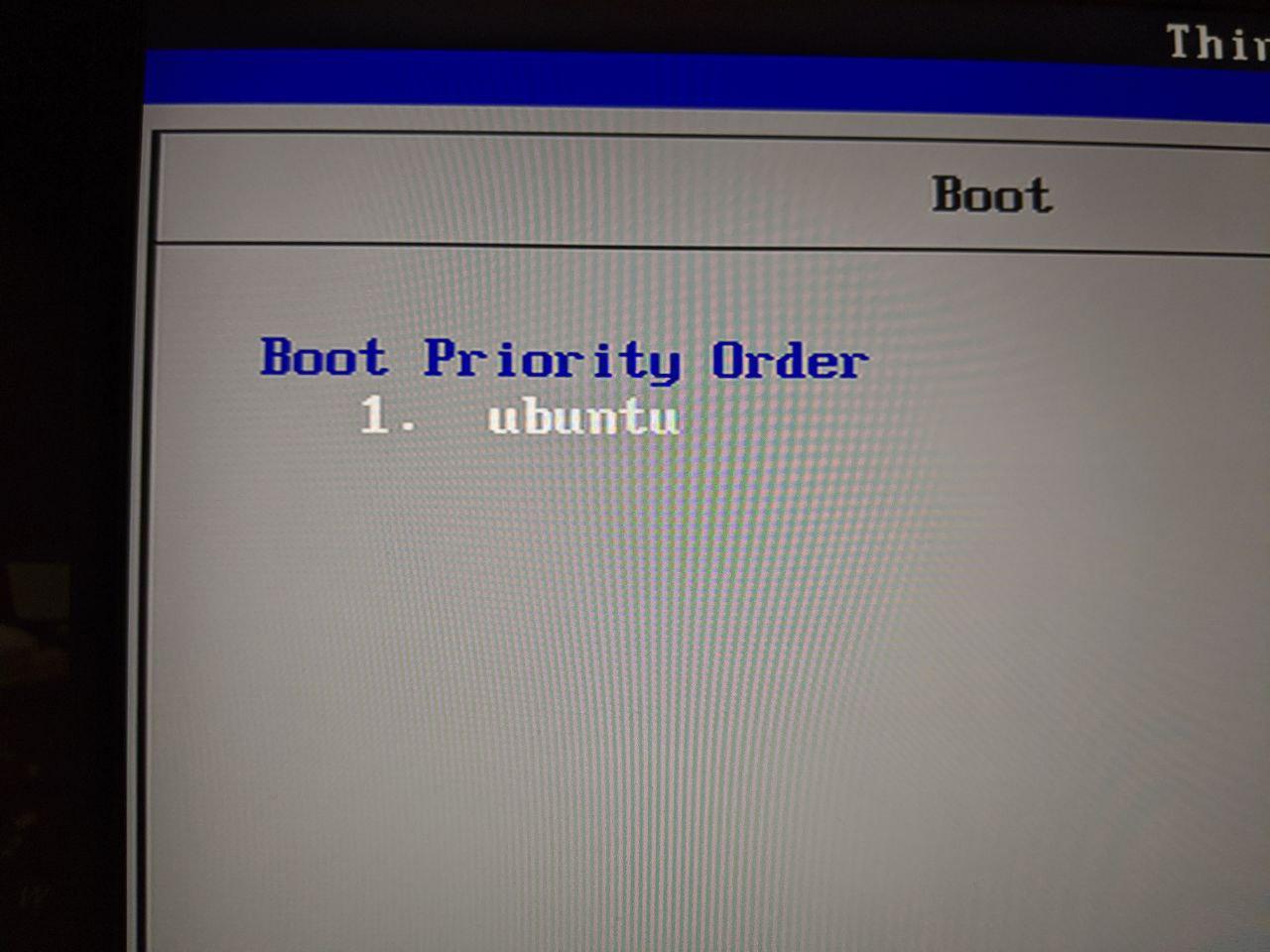
I still don’t know exactly how it got fixed, but if you run through all of the above one by one, at least one of them should do the trick.
Comments are hosted on the Chinese main site. This mirror is read-only.