Using Flatpak on Ubuntu 20.04
I used to figure Flatpak was the same garbage as Snappy, cut from the same cloth. Then yesterday I ran into a piece of software that was Flathub-only, gave it a try, and used it for about five minutes. Holy shit.
I’m a convert.
First, the ways Flatpak beats Snappy:
- Way more packaged software. Plenty of the apps on Flathub are genuinely good, and if you’re on GNOME it’s the obvious pick
- Fast startup. Snappy’s bright idea of mounting a whole image every time is just dumb; Flatpak’s sandbox approach is clearly quicker
- Input methods work perfectly. My Fcitx4 had zero issues, cursor-following and all
Flatpak has downsides too, and they’re obvious:
- Slow installs. No CDN like Snappy has
Still, Flatpak is worth a shot.
Installing Flatpak on your system
Fedora probably ships it by default. On Ubuntu you’ll likely have to install it by hand:
sudo add-apt-repository ppa:alexlarsson/flatpak
sudo apt-get update
sudo apt install flatpak gnome-software-plugin-flatpak
That gets Flatpak support installed. Don’t forget to add the Flathub repo:
flatpak remote-add --if-not-exists flathub https://flathub.org/repo/flathub.flatpakrepo
Then you can start installing things.
Installing with Flatpak is pretty simple: find the page on Flathub and either click Install to open it in the software store (which mostly does jack shit) or use the command line.
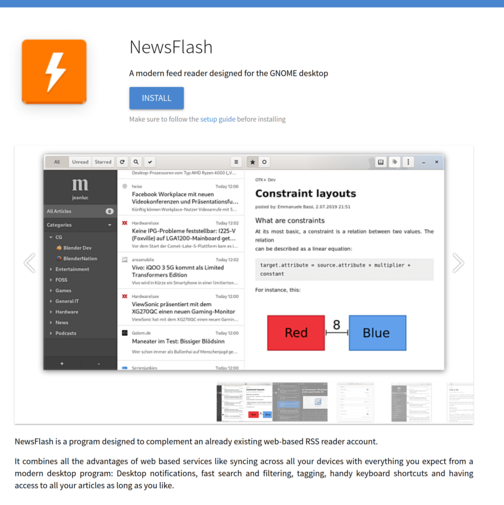
Overall I’d recommend the command line:
That said, the default method is a pain and slow as hell. Personally I’d wrap it in Proxychains.
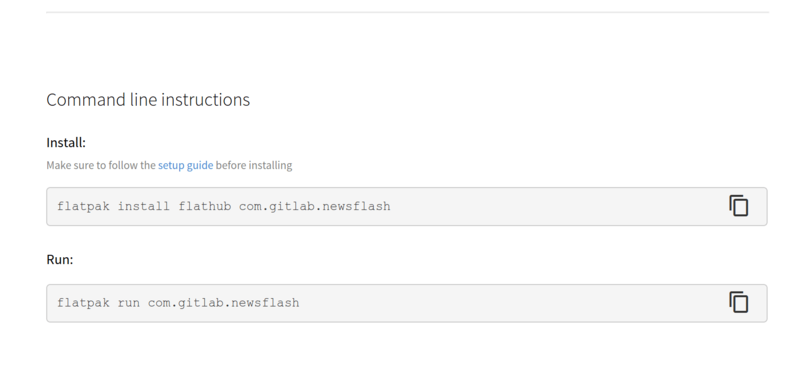
The first install may pull in some GNOME SDKs; after that you’re set and it’s fast. Here’s installing an RSS reader, for example:
flatpak install flathub com.gitlab.newsflash
Fixing font rendering
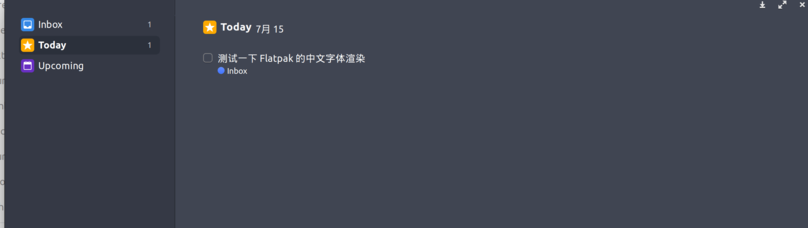
English font rendering in Flatpak is usually fine, but Chinese text goes weird — inconsistent fonts, wrong rendering, that sort of thing.
You can link the system’s font config into the Flatpak container.
In ~/.var/app/ you’ll find the container for each app. Create a fontconfig directory under config, link or copy everything from /etc/fonts/ into it, restart the Flatpak app, and the fonts should be fixed.
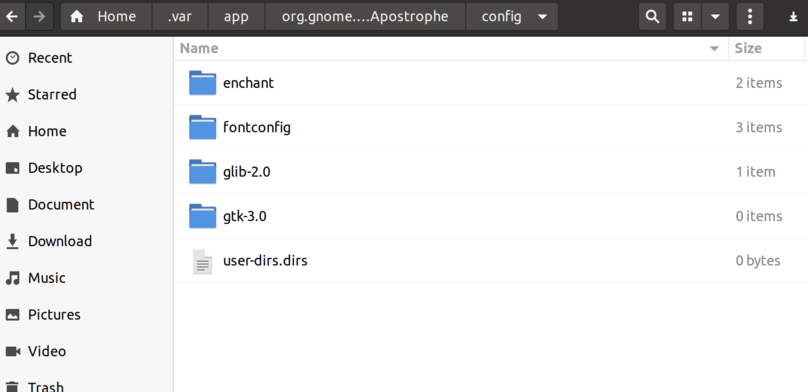
Before the font rendering fix:
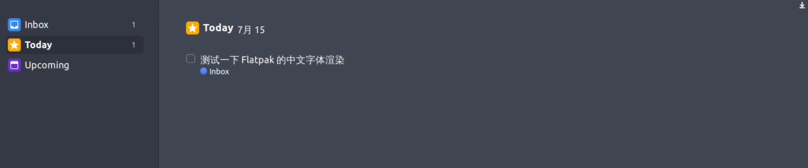
After the font rendering fix:
Anyway, two days in and Flatpak has won me over. Guess I’m a fan now. Here’s hoping Ubuntu 22.04 LTS drops Snappy support entirely and goes all-in on Flatpak.
Comments are hosted on the Chinese main site. This mirror is read-only.