Dareu EK861
Impressions: Dareu EK861 Bluetooth Keyboard
My workplace moved recently, and my old keyboard had developed double-press issues across half its keys. I soldered that one myself, so I figured it was time to buy a new one.
But I’m too broke for a real budget, so I bought the cheapest thing I could find: this Dareu EK861 Bluetooth keyboard.
61 keys, Bluetooth 5.0, a big battery, PBT keycaps, under 300 yuan. What more could you ask for?
I’ve been using it on and off for almost a month now, and I’ve got some pros and cons. Let me keep it short:
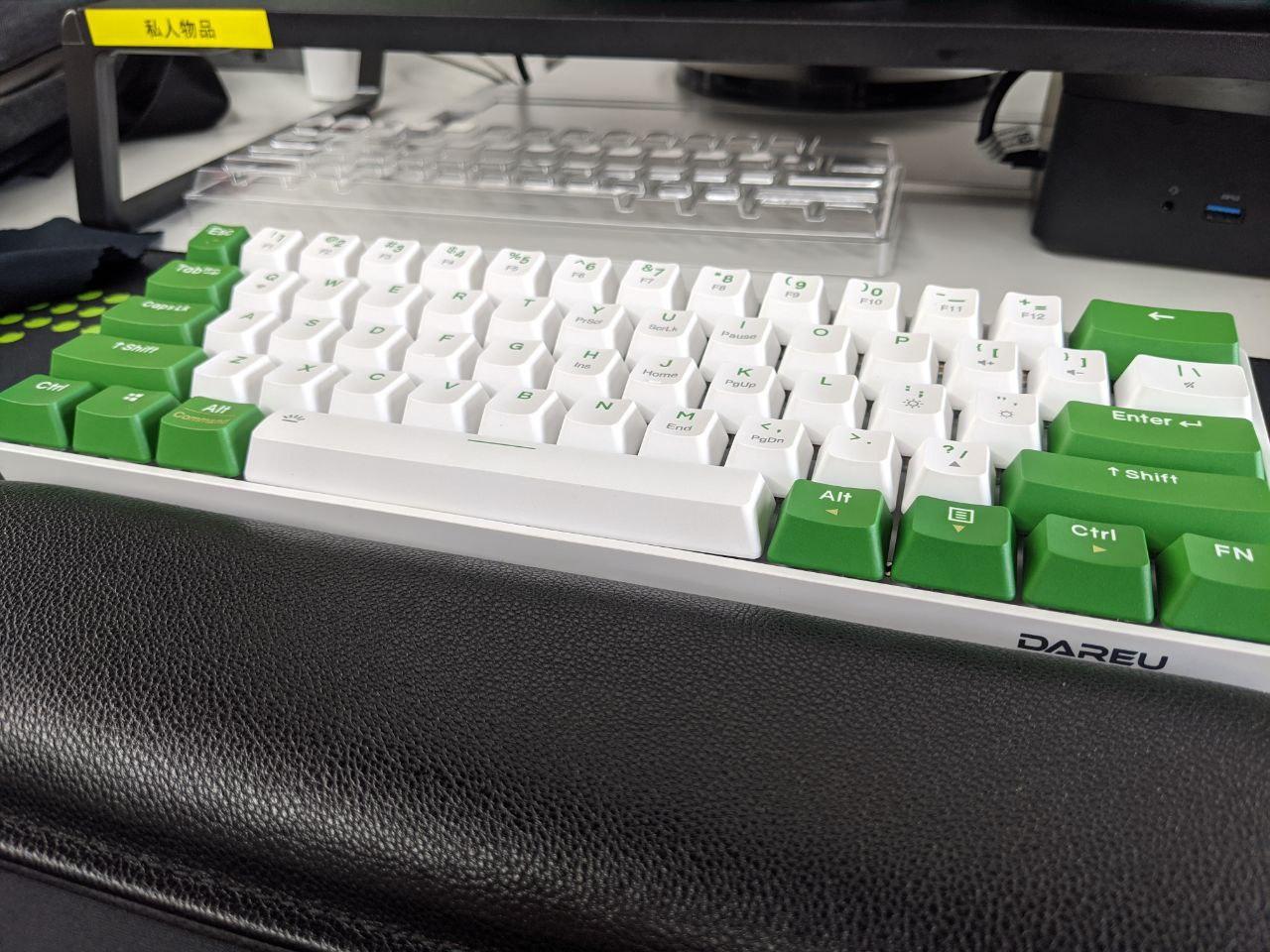
The typing feel is better than I expected
The mechanical keyboard market isn’t what it used to be — Cherry switches aren’t the only game in town anymore. All sorts of Chinese-made switches are doing well now. The upside is they’re cheap. The downside is they probably won’t last as long as Cherry. But come on, five years out of a keyboard is plenty. Are you planning to use one Cherry switch until retirement?
Anyway, the EK861 has blue switches, with some keys in red — a mix, basically. The feel is really good, at least it feels like a proper mechanical keyboard. And most importantly, it isn’t that loud, so you can use it in the office without worry.
The looks and design turn heads
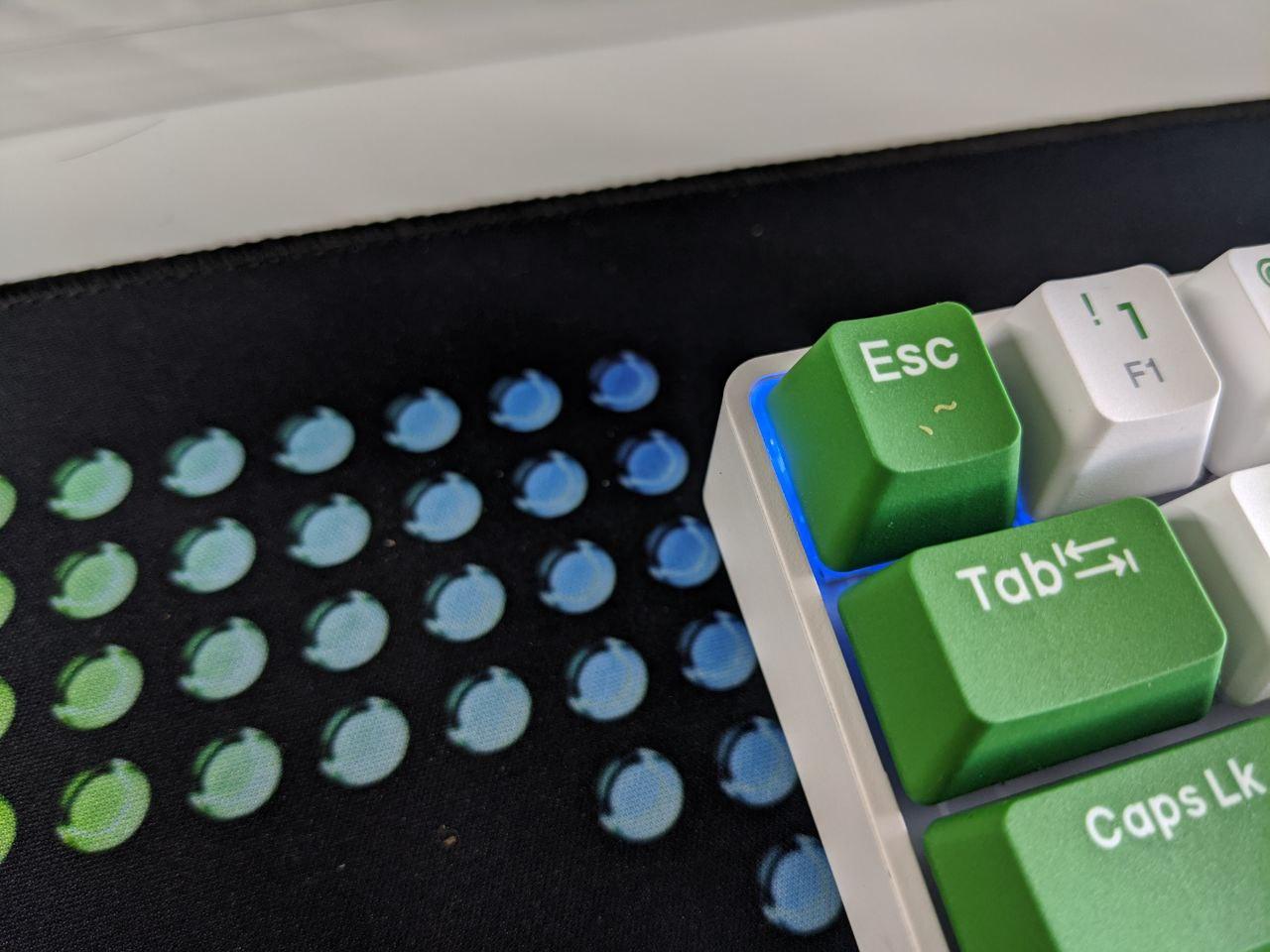
The appearance — well, you can see it in the photos. White and green, and plenty of people have already asked me where I bought it. It also has backlighting, though I rarely use it.
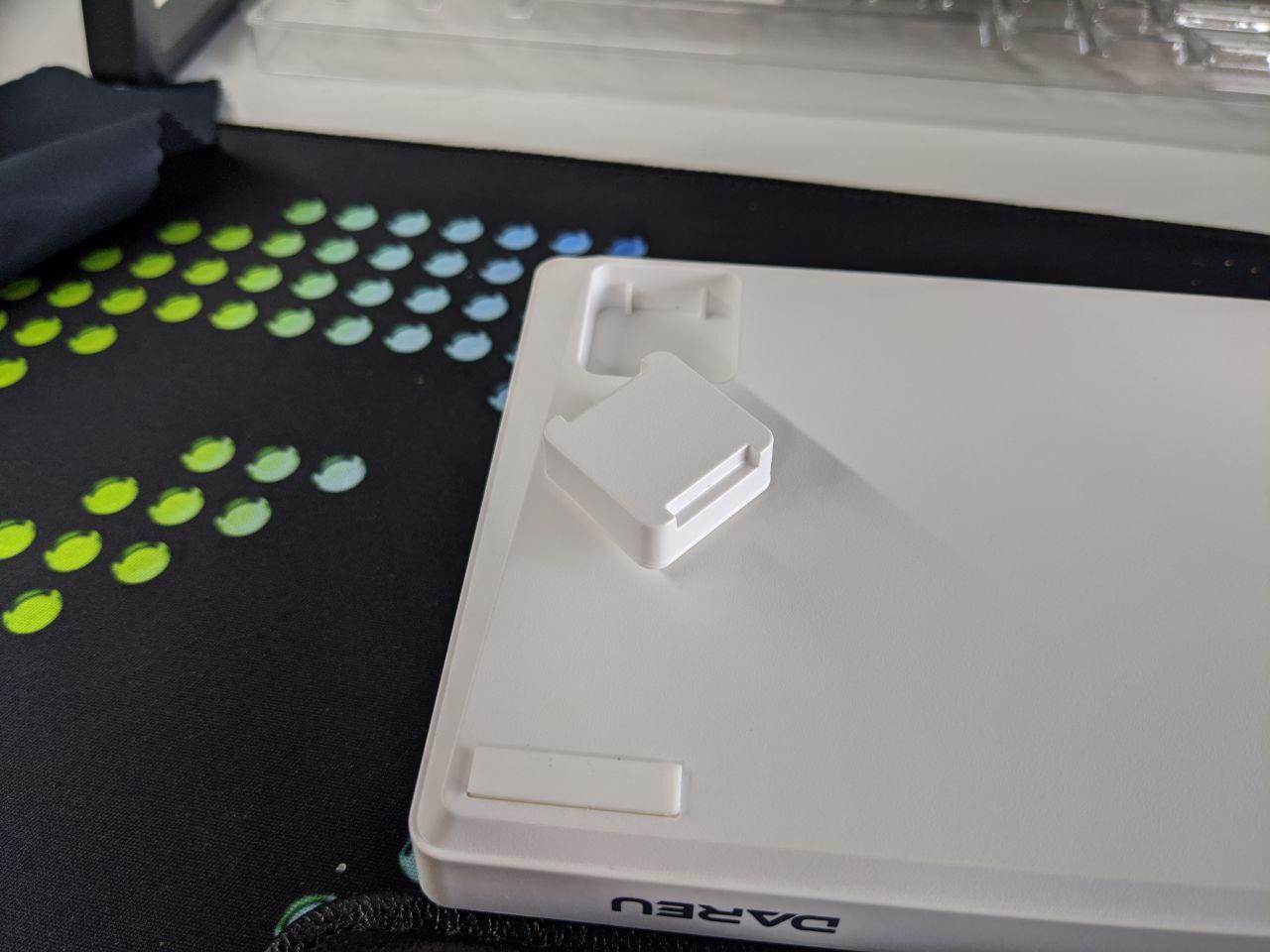
The feet are actually magnetic. You can pop them off and choose whether to prop it up or adjust the height some other way. That’s a genuinely clever design.
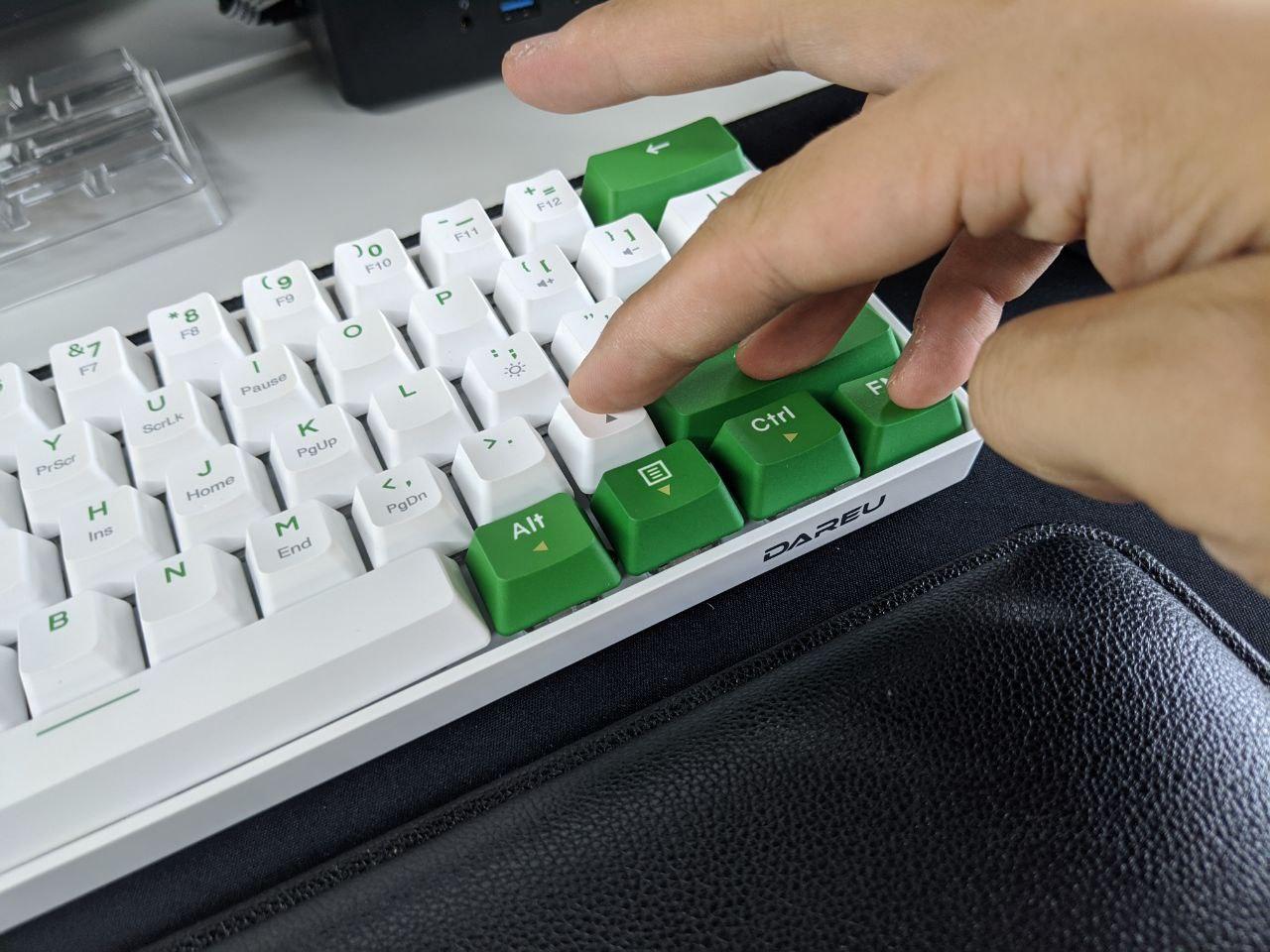
Too many key combos, hard to get used to
The arrow keys and the regular function keys in the bottom right corner are an either/or situation. And the dumbest part: if you pick the regular function keys, you can’t use the arrow keys at all, not even with FN. If you pick the arrow keys, the / key among your function keys becomes the up arrow by default, so to type / you have to hold FN+Shift+/. That really takes getting used to. The question mark is affected too — you need FN + ? for that. It’s just too awkward to use. Plenty of people online say they got used to it, but I’ve been using it this long and I still struggle.
Multi-device support, built-in cheat sheet
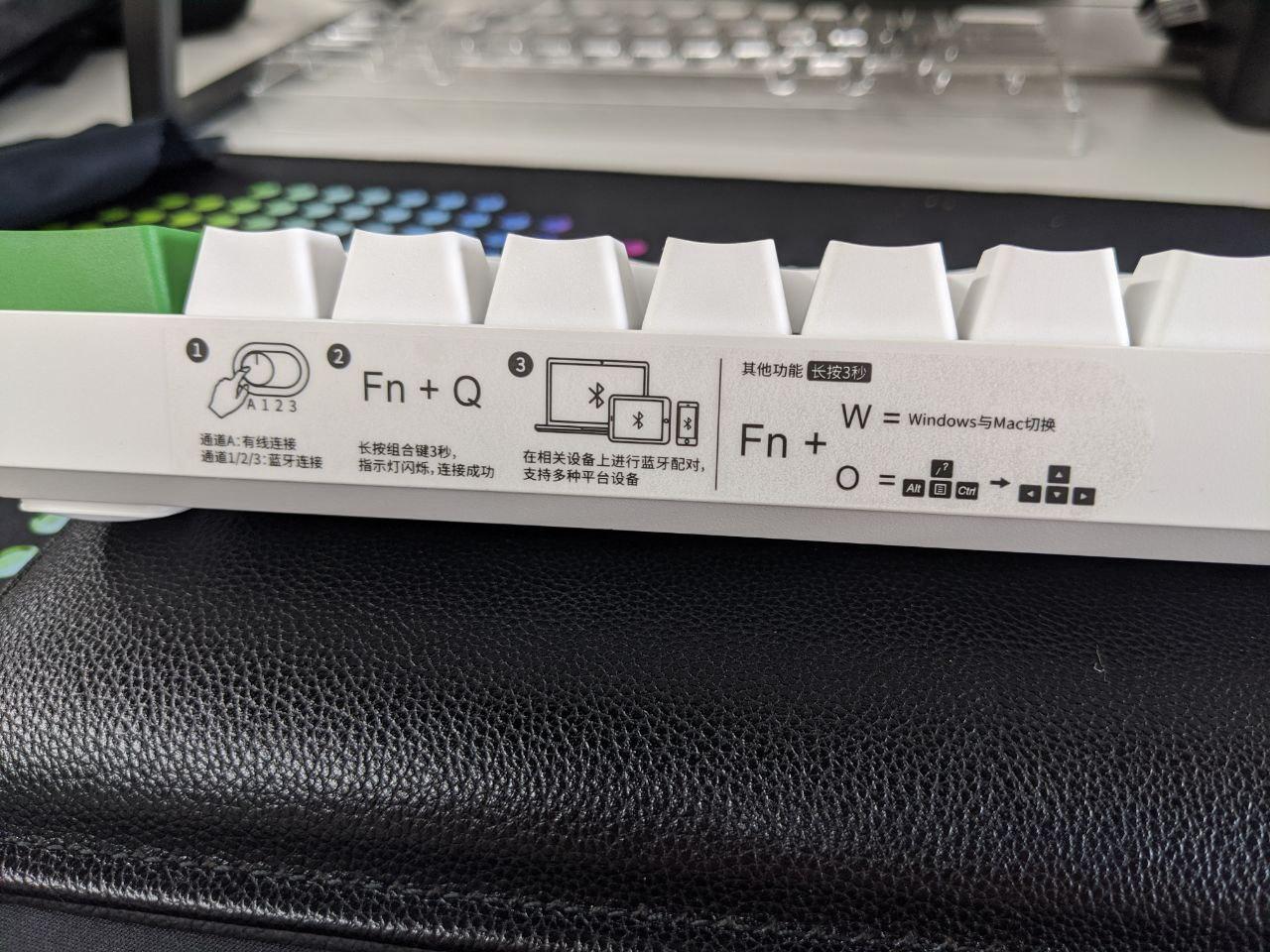
The keyboard theoretically supports three devices, and you switch between them with a switch on top. The funny part is there’s a function-key cheat sheet printed on the top — doesn’t that kind of prove the function keys are too hard to memorize? And many of the function keys require a long press to toggle, which is a real hassle. The official line is that you can customize the buttons via firmware, but I’m a Linux user and I can’t be bothered.
Bluetooth 5.0 plus USB Type-C
If you’re buying a Bluetooth keyboard, definitely get Bluetooth 5.0. At the very least, do not buy Bluetooth 3.0. How bad 3.0 is — anyone who’s used it knows.
And Type-C is standard practice now, so charging is no longer awkward. Thumbs up.
Verdict
All in all, for under 300 yuan, it’s a solid deal. It has everything it should, and it’s good in every respect. The only real downside is those key combos that are hard to remember and hard to adapt to. I can only hope I’ll get used to them eventually.
Comments are hosted on the Chinese main site. This mirror is read-only.