How to Use Fingerprint Unlock on a ThinkPad X1 Carbon 2017 Under Ubuntu 20.04
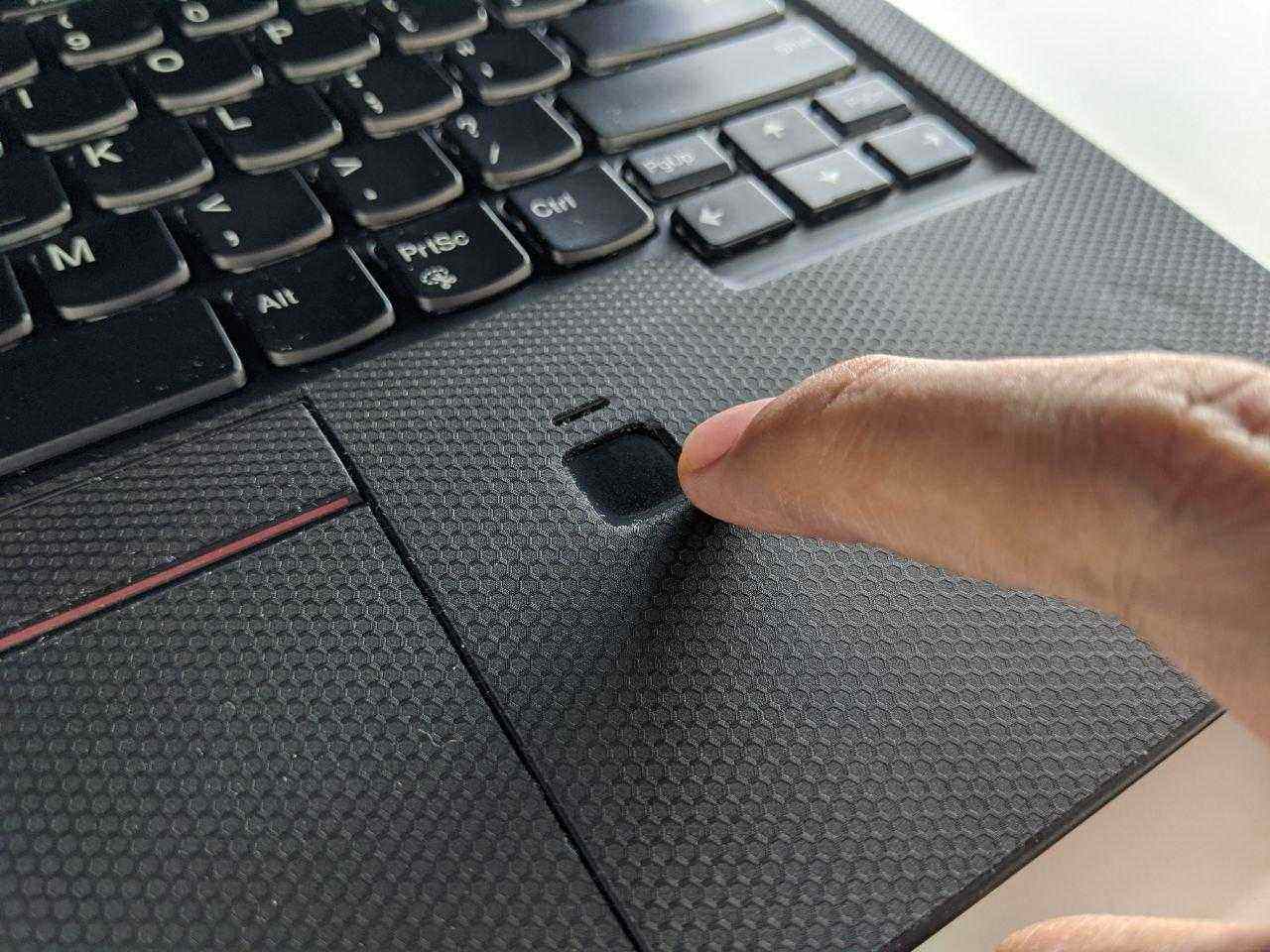
The fingerprint reader in the ThinkPad X1 Carbon 2017 has hardware ID 138a:0097. Unfortunately, the official fingerprint management module under Linux doesn’t support this thing at all. Plenty of people online have been reverse engineering it to make the module usable under Linux, but after all that tinkering it still feels pretty awkward.
There was once a solution that patched libfprint, but it only worked for about half a year. Then libfprint 2.0 came out and the original patch bit the dust.
Recently, though, someone solved the problem with a new approach: they wrote a fingerprint manager and driver directly in Python, replacing the dumb libfprint, and it works. Thanks to uunicorn and Marco and the other people behind the scenes.
$ sudo apt remove fprintd
$ sudo add-apt-repository ppa:uunicorn/open-fprintd
$ sudo apt-get update
$ sudo apt install open-fprintd fprintd-clients python3-validity
$ fprintd-enroll
Delete the original fprintd, install the new open-fprint, replace the backend management, and enroll your own fingerprints. Done.
If you’ve enrolled fingerprints before on this machine, startup may throw an error, so reset it:
$ sudo systemctl stop python3-validity
$ sudo validity-sensors-firmware
$ sudo python3 /usr/share/python-validity/playground/factory-reset.py
$ sudo systemctl start python3-validity
$ fprintd-enroll
Finally, enable fingerprint login and unlock in PAM:
sudo pam-auth-update
Check the fingerprint option with the space bar.
Now you can unlock and log in to your laptop with your fingerprint.
Of course, there’s a problem with this: you may find the fingerprint gets forced into commands like sudo too, which is pretty stupid, so we can tweak the relevant policy:
Edit the file:
sudo vim /etc/pam.d/sudo
Add
auth sufficient pam_unix.so try_first_pass likeauth nullok
Then fingerprints will basically only be used when unlocking the computer, same as the face unlock from before.
Links:
Comments are hosted on the Chinese main site. This mirror is read-only.