Living with 3D Printed Little Red Dot
Every ThinkPad Deserves One: The 3D-Printed TrackPoint
As everyone knows, one of the ThinkPad’s biggest draws is the TrackPoint, and newer ThinkPads have been caring less and less about it — not only has the height been cut way down, but it keeps getting shorter and harder to use, again and again. Maybe the TrackPoint just doesn’t fit with the mainstream Windows laptop push toward touchpads these days, but it’s still the last stubborn holdout for ThinkPad fans.
The obvious fix is to swap the stock cap for a third-party one. I swapped mine out before — a 3D-printed piece by Mr. Saoto in Japan.
My impression back then was that it felt great: it fit the finger nicely and was easy to use. The only downsides were that the color was a bit ugly and the material seemed pretty ordinary — not very durable.
A while back I saw on Etsy that Mr. Saoto had released a new version of the 3D-printed TrackPoint, made with a composite material and with better colors, so I decided to grab one. Getting it, though, was a real ordeal.
Buying experience
I tried to buy one directly early in the year, but Mr. Saoto emailed me to say that because of the pandemic, postal service from Japan to China was shut down, so I’d have to wait. That wait turned into several months. A while ago I got an email from Mr. Saoto saying Japan–China mail had reopened, so I placed an order right away. Since I’d bought successfully before, I used the exact same address as last time, all in pinyin.
But three weeks passed with no movement at all. I figured the package might have been lost, so I reluctantly emailed Mr. Saoto. He replied politely that if it was lost he could mail another one, and patiently asked whether I wanted to add a domestic address.
Actually, the best way to address mail going from abroad to China is to write everything in Chinese, because foreign postal services only handle getting the package to China — the detailed address after that is read by the Chinese post office. So I asked Mr. Saoto whether he could print the shipping address in Chinese, and he said he’d give it a try.
In the end the address was written out in Simplified Chinese, and Mr. Saoto even emailed me a photo of it. Felt like this time it would finally be OK.
But three weeks after it shipped, still nothing. Normally that makes no sense. Then in the fourth week, the security guard who holds packages finally handed me a letter, and the new TrackPoint had arrived.
Unboxing and impressions
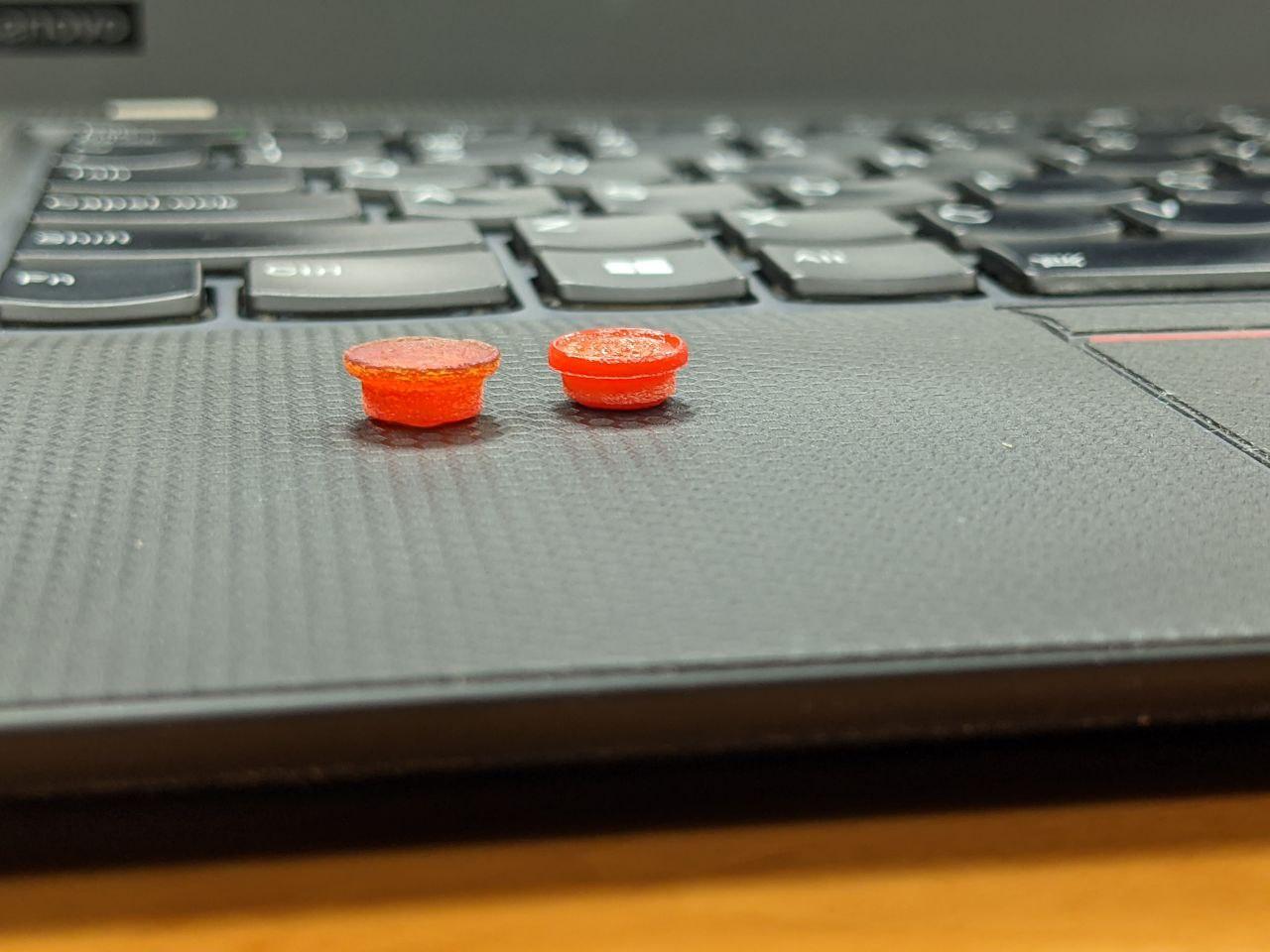
The gap between the new and old versions is obvious. First off, the new one clearly looks more like a “commercial product,” while the old one was pure “personal hobby project.”
The new version’s color is already close to the official TrackPoint, and the feel is more precise than the old version I bought before — though it doesn’t fit the finger as perfectly as before. I think that might be intentional: fitting the finger too exactly can make your operation feel “slippery,” and having your finger slip off during fast movement isn’t a good thing. Too large a surface also causes mis-taps when you’re typing.
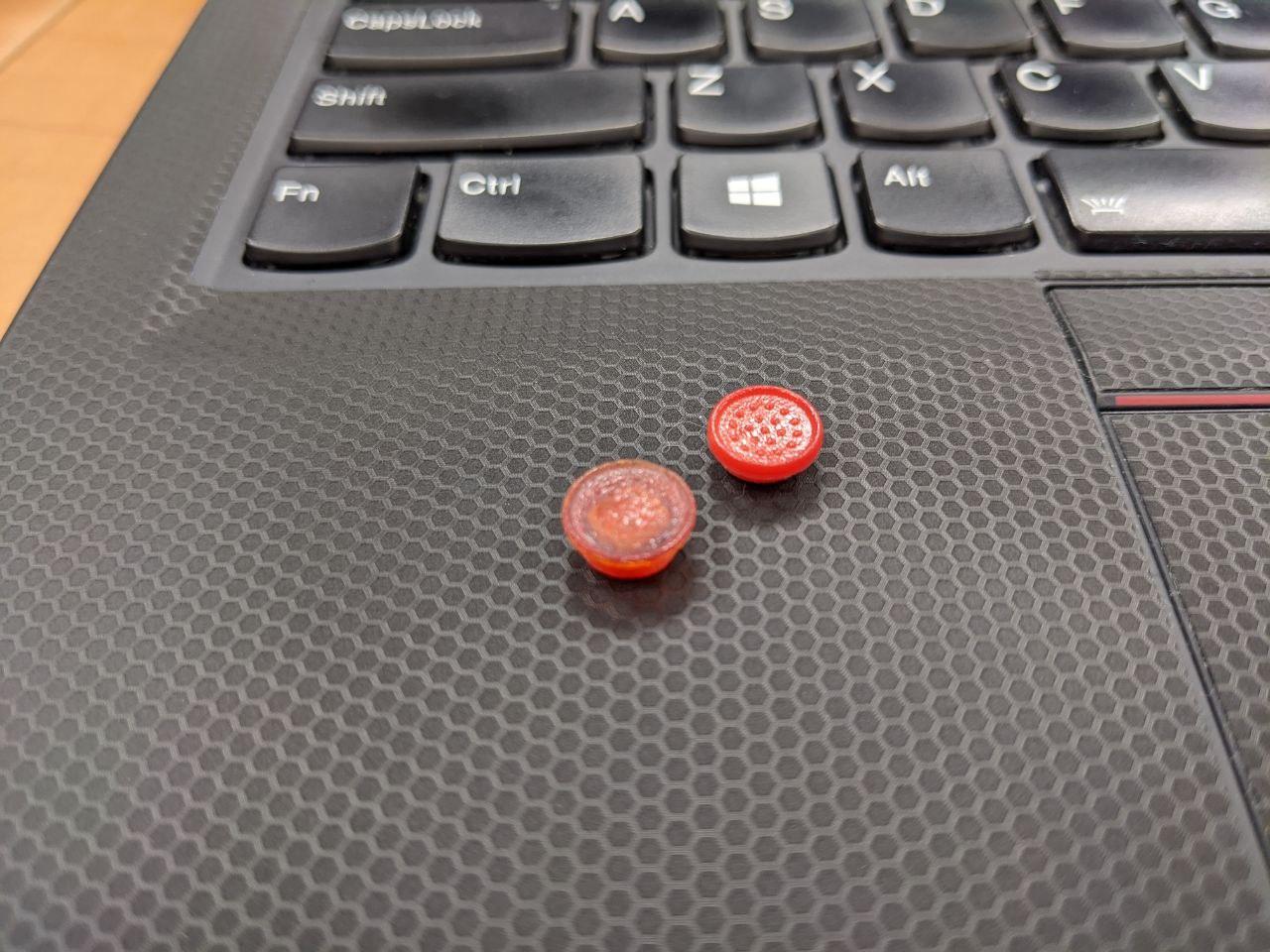
What’s more worth mentioning is that the new TrackPoint is “sturdier” — not as “soft” as the old one. That’s probably the benefit of the new material.
The new TrackPoint sells for 400 yen. As for whether it’s worth it — personally I think it very much is. There’s also a “premium TrackPoint” on the market made by a studio in Taiwan, priced at close to 200 RMB. Compared to that, 400 yen is very reasonable.
Closing
Finally, many thanks to Mr. Saoto for making this TrackPoint. I’d personally recommend every ThinkPad user buy one to replace the stock cap — it’s just so much better to use than the original.
Purchase link: https://www.etsy.com/jp/listing/596313131/super-low-profile-softrim-type?bes=1
Comments are hosted on the Chinese main site. This mirror is read-only.