HKC T278Q: First Thoughts
Not a Death Trap: HKC T278Q Monitor Unboxing and Impressions
The office got renovated and moved into new digs, so I got a new desk. My old busted monitor became unbearable to look at, so I decided to replace it.
But this is still a workplace, after all. I didn’t want to buy anything too nice and look like a show-off. I wanted something cheap, with a resolution I could live with, and a screen big enough to get work done. After some thought, I set three targets for the monitor I needed:
- Under 1000 yuan, and the cheaper the better
- 27 inches is the floor, nothing smaller
- 4K would be ideal, 2K is acceptable
I was initially worried that 2K on a 27-inch monitor would break scaling on my Linux setup, but after a rural schoolteacher on Twitter told me that 2K at 27 inches works perfectly fine at 100% scaling, I stopped worrying.
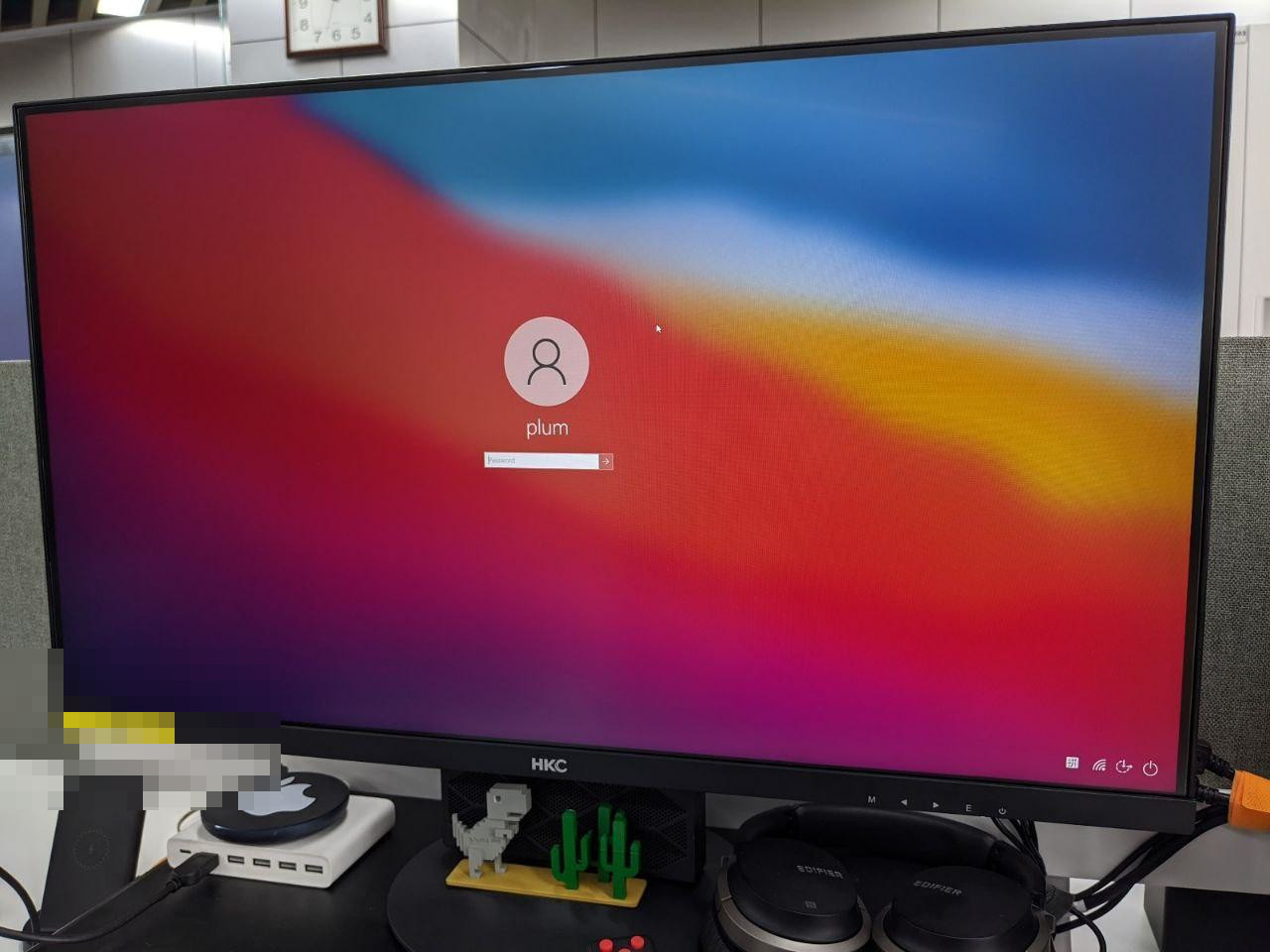
After looking around, I narrowed it down to two models from AOC and HKC. The HKC had a wider color gamut, was cheaper, and supported three-month interest-free installments via Huabei, which sold me. I bought it.
When the monitor arrived, my feelings were complicated:
First, the screen and resolution really are solid. The colors are weird, sure, but there’s plenty to tweak in the OSD. I set it to a warm color profile and it was fine… or at least tolerable. And as I used it longer, I fucking got used to it.
It’s a narrow-bezel screen, but the build quality… yikes. Don’t look too closely at the bezels and everything’s great.
The first unit I received had a crooked stand — the screen always leaned to the left. That’s a serious ideological problem. I contacted customer service, and they said they’d mail me a new base. The first shipment was just the base plate… but the crooked part was the pole.
Customer service eventually sent another pole, and the problem was solved. It wasn’t a big deal anyway — the monitor supports VESA mounting, I’m just too broke to afford a mount.
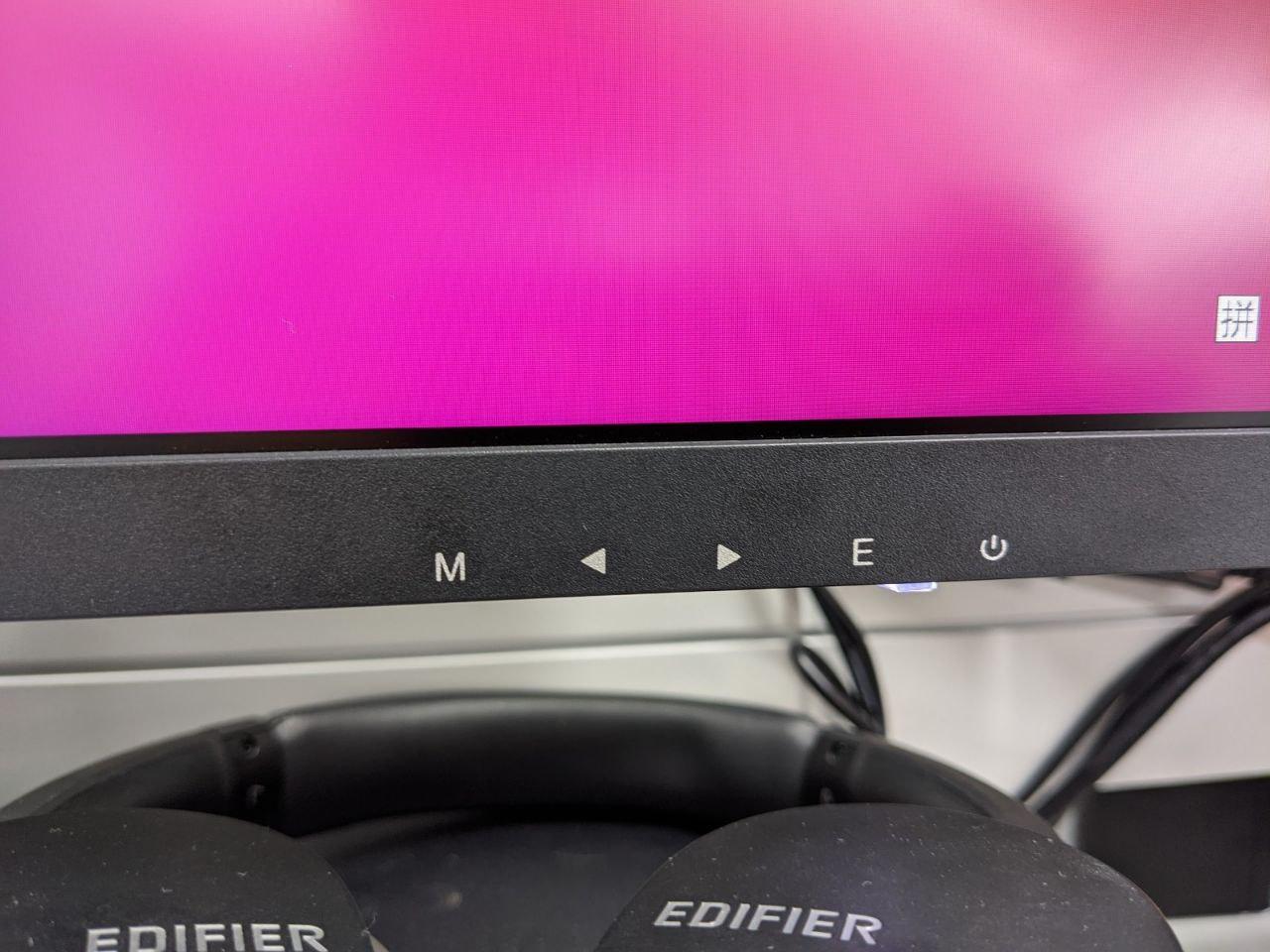 The HKC T278Q has DP, VGA, and HDMI. VGA doesn’t support 2K, and I have no idea why they kept it — maybe for POST screens? I ended up using a DP cable and it worked fine, no issues.
I’ve been using this monitor for almost three months now, and overall I’m satisfied. It was cheap, and nothing has gone wrong so far. The colors are weird and it probably needs calibration, but you can also just get used to it like I did and stop bothering to calibrate.
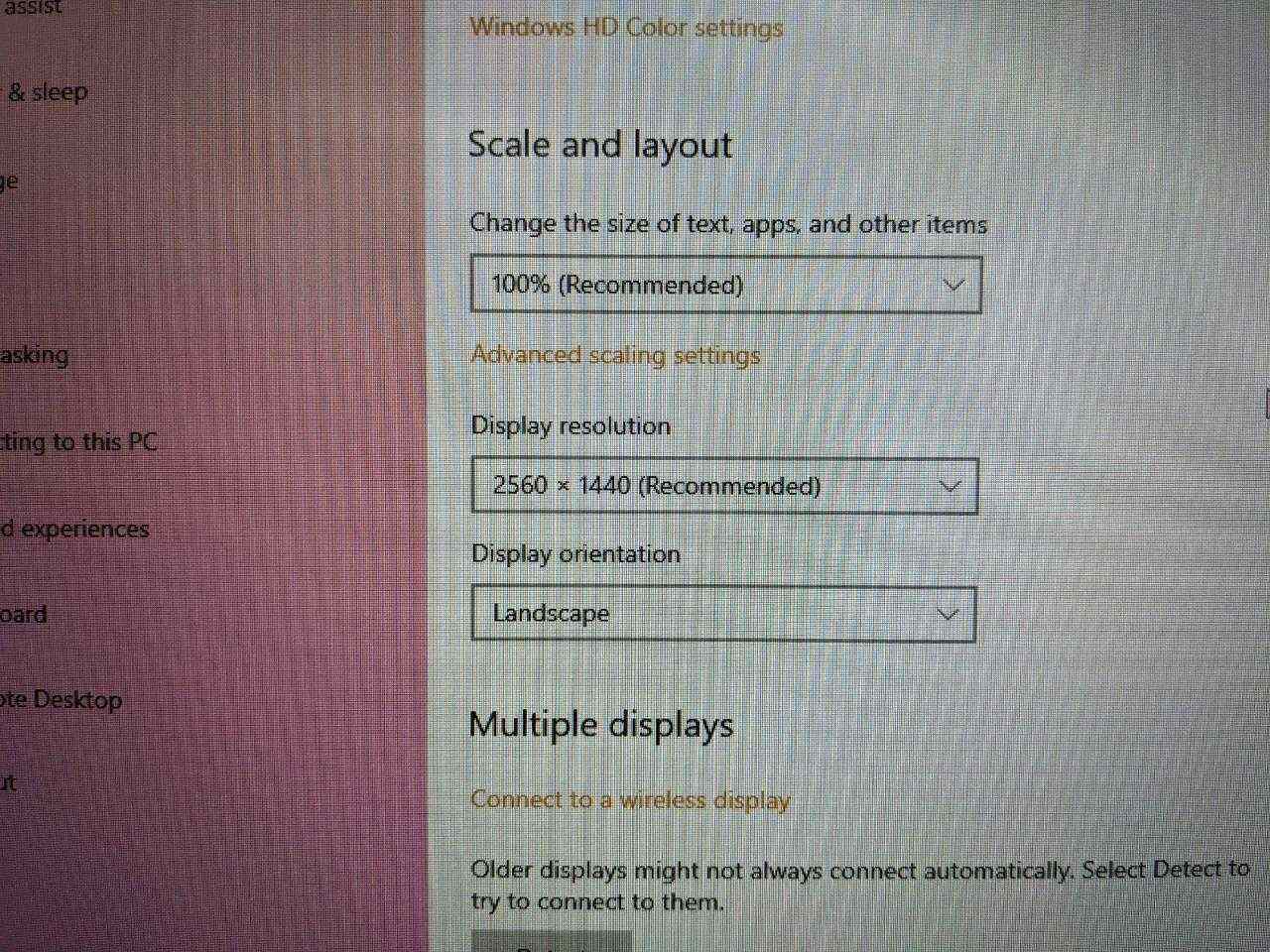
All in all, this monitor is buyable. Not a death trap. It’s cheap, and if something’s wrong you can get it replaced. I’ve seen plenty of complaints online about the build quality — honestly, apart from the bezels looking terrible, everything else is fine. At this price, what more do you want?
That said, if your budget is even slightly higher, stay away from HKC and AOC.
Comments are hosted on the Chinese main site. This mirror is read-only.