Integrating Pidgin with Unity on Ubuntu
As of right now, Ubuntu Linux still ships Empathy as its default IM client.
I won’t go into how bad that thing is, but at the very least it doesn’t even support proxies, so Pidgin is the only way to get things working properly.
Pidgin on Unity already supports integration with the indicator-message in the top-right corner, but there’s one important feature it hasn’t integrated: showing the unread message count on the dock icon, the way Empathy does.
In fact, someone made support for this a long time ago, it’s just that it’s only recently gotten on track. If you’re on Ubuntu 14.10 or later, you’ll find this plugin in your Pidgin install.
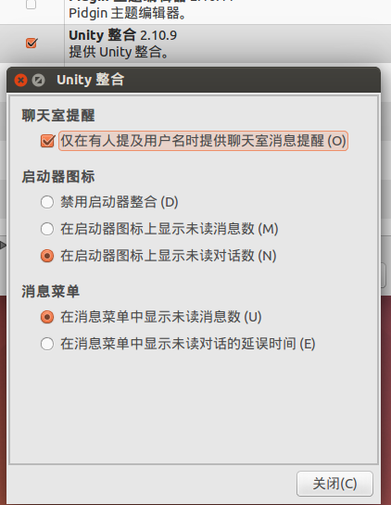
If you’re on Ubuntu 14.04, you’ll have to install it manually.
wget https://plumz.me/storage/unity.so
sudo cp unity.so /usr/lib/pidgin/
Restart Pidgin and enable the Unity integration plugin.
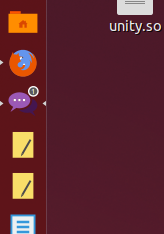
You can see the little number showing up when a message comes in.
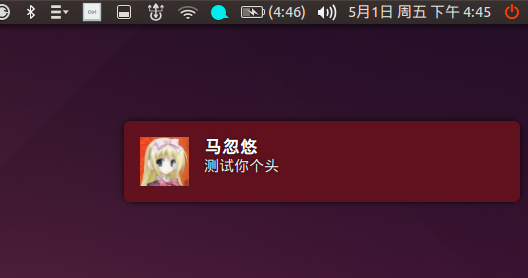
One more tip: be careful with the version in the official Pidgin PPA. Sometimes it breaks the notification bubble in the top-right corner—something like this.
Comments are hosted on the Chinese main site. This mirror is read-only.