Installing Sunlogin on Fedora 33
Advertisement
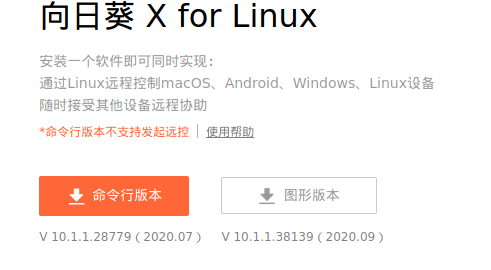
First, download the Sunlogin installer, the rpm one
Advertisement
https://sunlogin.oray.com/download
Install it from the command line afterward. There are dependency problems, so just ignore them.
sudo rpm -ivh --force --nodeps SunloginClient***.rpm
After installing, it throws an error — all it did was copy the files into /usr/local/Sunlogin, and the install didn’t actually finish. The reason it didn’t finish is pretty simple:
This goddamn installer doesn’t recognize Fedora, only CentOS.
Let’s tweak it so it recognizes Fedora:
sudo vim /usr/local/sunlogin/scripts/common.sh
sudo vim /usr/local/sunlogin/rpminstall.sh
sudo vim /usr/local/sunlogin/scripts/start.sh
Replace every “centos” in there with “fedora”.
Finally, run the install/config step and it works:
sudo /usr/local/sunlogin/rpminstall.sh
Reference link: 向日葵远程控制software 在fedora上的安装 附过程 https://tieba.baidu.com/p/7157359656
Comments are hosted on the Chinese main site. This mirror is read-only.