Fixing the DELL MS5320W Bluetooth Mouse Disconnecting Whenever I Use the Scroll Wheel
The DELL MS5320W is a rare and pretty damn good mouse with Bluetooth 5.0. But it didn’t take long after buying it for me to notice a problem:
This piece of junk keeps disconnecting.
At first I figured it was BlueZ. I tried all kinds of tweaks, but then I noticed the disconnect followed a pattern:
- Pairing and connecting is fine
- Normal use is fine
- If I touch the scroll wheel while moving the mouse, it freezes, then takes about 10 seconds to recover
Watching it live with bluetoothctl, every freeze was the mouse dropping the connection, and those 10 seconds were “rediscover the mouse and reconnect.”
But why would it disconnect? I tested basically every BlueZ optimization there is, and even swapped the laptop’s Bluetooth/Wi-Fi card, but nothing fixed it. What’s funny is I dug up an old Bluetooth 3.0 mouse and it was far more stable.
Eventually I found the cause:
I searched the official Dell forums and found this:
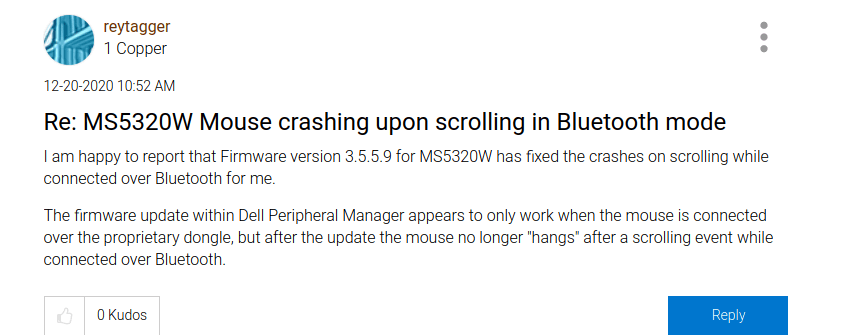
So it’s the mouse itself, goddammit! Dell’s crappy mouse crashes on its own when you scroll? And that’s why it disconnects?
The fix is simple: update the firmware. You’ll need to do it under Windows, of course:
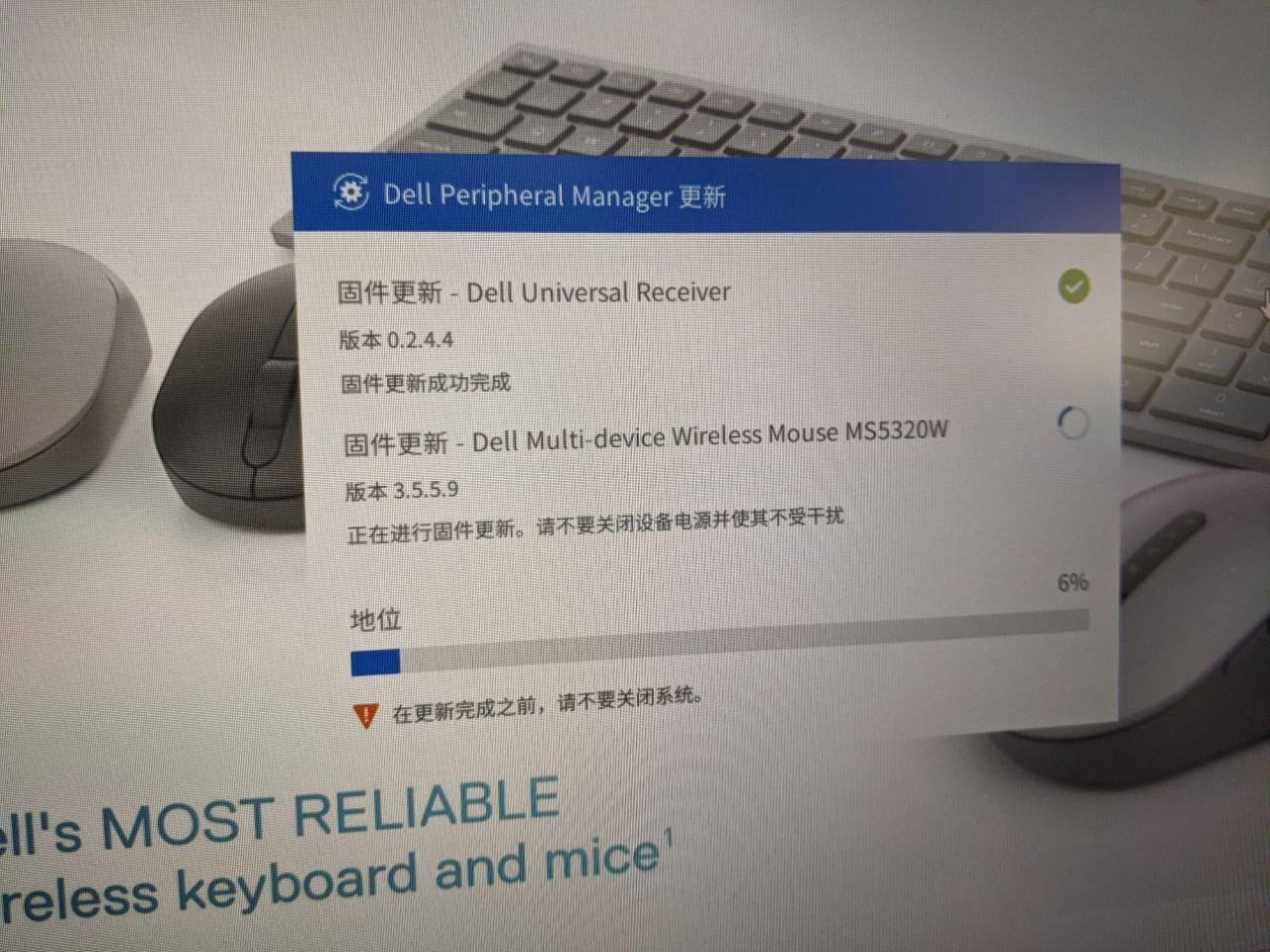
After the update, problem solved.
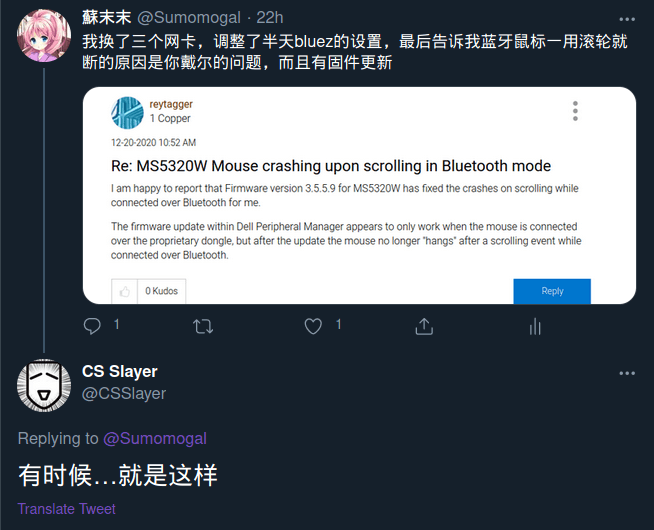
I don’t have much else to say about this one. I’ll just quote a famous line from the 囧 face:
“Sometimes, that’s just how it is.”
Comments are hosted on the Chinese main site. This mirror is read-only.