Downloading m3u8 online streams with ffmpeg
Recently I was asked to download some online stream videos, and judging by their source code, most of them were m3u8 links.
As the name suggests, m3u8 is really just a playlist. Open it and you get a bunch of ts files, and the conventional approach means downloading them in bulk and then merging them.
But flip the thinking around: if you just have ffmpeg decode the stream and save it, things get a lot simpler.
Through the browser’s “developer tools” we can grab the m3u8 address easily:

Then get ffmpeg ready. Whether you’re on Windows, Linux, or even the noble Mac OSX, you can install ffmpeg.
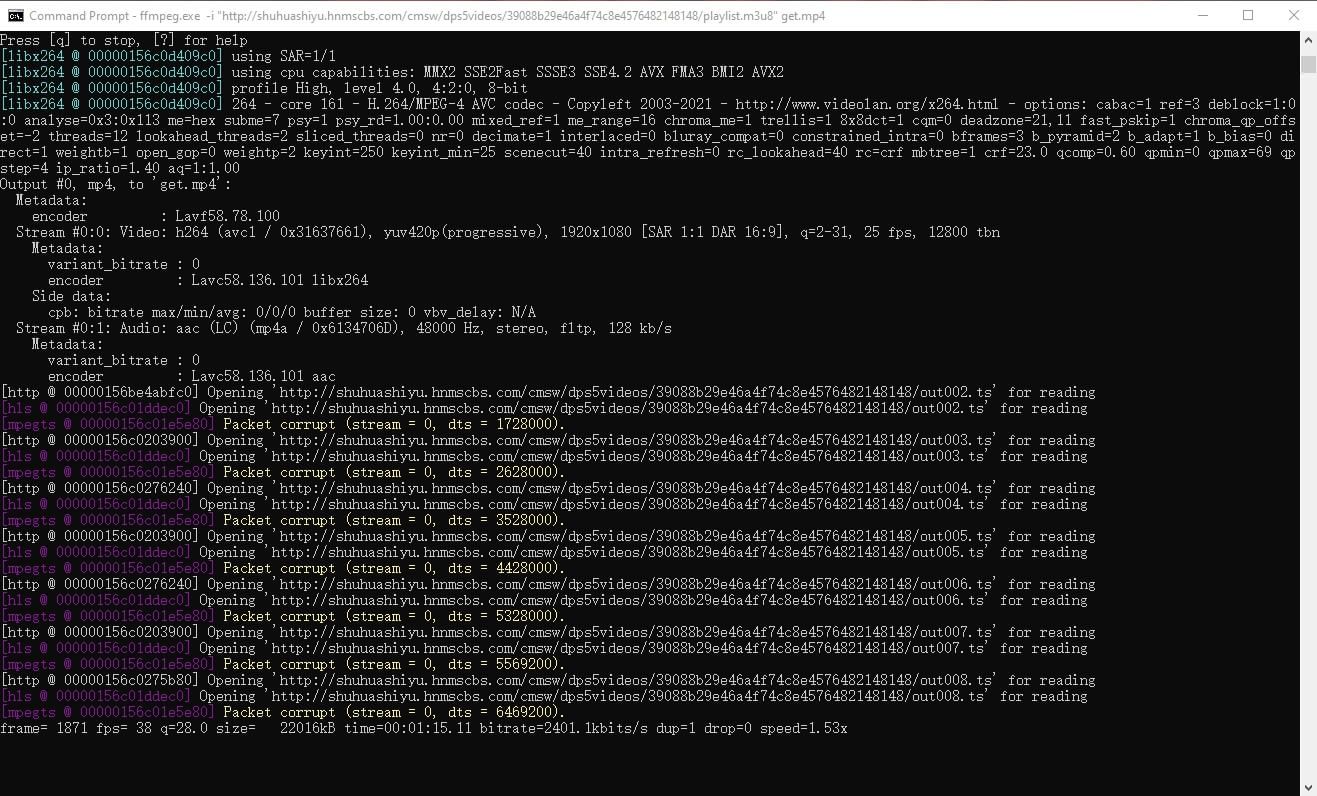
Use the command:
ffmpeg -i “your video's M3U8 URL” the_filename_you_want.mp4
Hit enter and it should start saving. Sure, it might be a bit slower than other tools, but the upside is convenience—ffmpeg is already on plenty of machines.
Comments are hosted on the Chinese main site. This mirror is read-only.