How to Set Up the Logitech Anywhere MX 3 on Linux
I recently bought a Logitech Anywhere MX 3 to go with my new PC, and once it arrived I found out this damn mouse has some changes compared to the previous one:
- The middle click is now pressing the scroll wheel, not the button behind it
- The button behind it now toggles the scroll wheel
- The scroll wheel is still “auto free-spin,” meaning it goes free-spin once you scroll fast enough
Some people like this, some people don’t. I don’t, and I’m really not used to it, so I decided to change it. On Windows you can remap the buttons with software, but on Linux that seems impossible.
Of course, that’s only “seems.” There’s a thing called Logiops that can handle the configuration, and it supports the newer mice too.
https://github.com/PixlOne/logiops
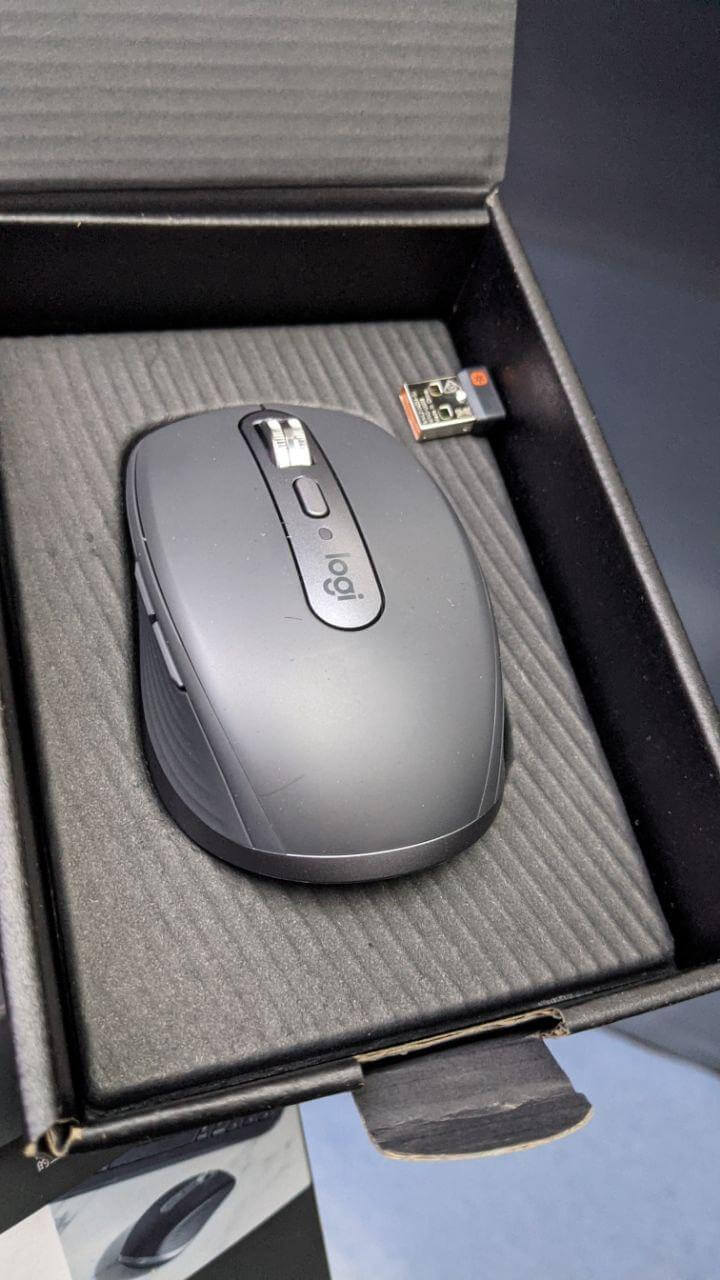
The install instructions are right there on the homepage; after installing you just edit the config file:
devices: ({
Put the name of the device here
        name: "MX Anywhere 3";
        dpi: 1000;
        smartshift: {
                on: false;
                # 1-255 integer
                threshold: 30;
                default_threshold: 30;
        };
        hiresscroll: {
                hires: false;
                invert: false;
                target: false;
        };
        buttons: ({
                # Toggle SmartShift
                cid: 0xc4;
                action = {
                            type: "Keypress";
                            keys: ["BTN_MIDDLE"];
                };
        });
}, {
        # Another device to configure
        name: "Other Logitech USB Receiver: MUST BE CONFIGURED FIRST";
});
I disabled the auto free-spin, changed where the middle click is, and you can also set the DPI. For more options just check the wiki:
https://github.com/PixlOne/logiops/wiki/Configuration
Anyway, problem solved.
Comments are hosted on the Chinese main site. This mirror is read-only.