ThinkPad X1 Carbon 9th
ThinkPad X1 Carbon 9th 2021 China Model Purchase Log
My old laptop was gone, so I decided to buy a new one. And since I was buying new, I figured I’d stick with the X1 Carbon line—especially since around Chinese New Year there were rumors that this generation would bring a ton of great changes. Sure enough, right around the holiday, the ThinkPad X1 Carbon 9th was officially announced: a brand-new 4K screen, a new 16:10 aspect ratio, better speakers, a bigger battery, a beefier Iris integrated GPU, and a shorter key travel. Overall it still looked way better than the old versions—at the very least, that screen alone was worth bragging about. So I decided to go for it.
1. Why I Decided to Buy the China Domestic Model
It wasn’t until mid-April that the X1C 2021 (9th gen) finally launched, but only in the US and Japan, and many configurations were missing. I asked a proxy buyer, and not only was the price sky-high, but I’d have to wait at least a month and a half for it to arrive, with no guarantee on how much customs would charge. Right around then, ThinkKid—the well-known KOL over on the Baidu ThinkPad forums—posted that he was organizing a group buy for the China domestic ThinkPad X1 Carbon 9th. I joined his WeChat group and picked up some info:
- The China domestic ThinkPad X1 Carbon 9th would launch in late April or early May.
- The domestic price would be a pleasant surprise (I didn’t really believe that).
- The domestic model would come standard with 4G (maybe).
- Participating in the preorder group would get you some kind of discount (no idea how big).
So I figured at least the domestic model came with a warranty, and since last year, domestic warranties had matched the US: 3 years, with 1 year on-site and 2 years carry-in. Given the pandemic situation, I thought the domestic price might end up on par with US and Japan pricing, so I decided to go with the domestic model.
Of course, the most important reason was that I genuinely had no computer. This was a necessity—waiting another month and a half was just too long.
2. Domestic Launch and Joining the Preorder
I forget the exact date, but I think it was late April when the China domestic ThinkPad X1 Carbon 9th finally launched. The pricing had both surprises and shocks. First, the entry-level config was a real surprise: 16GB RAM, 1080p, and an i5 for 9,999 yuan, with a 4G modem and a one-year data plan standard across the line. That’s genuinely generous. But I wanted the 4K and 32GB version, and that one was pricey: 18,999 yuan. Still, buying at launch came with some perks:
- Preordering through ThinkKid’s group got you a Thunderbolt dock worth over 1,000 yuan.
- Preordering through ThinkKid’s group gave you priority shipping—for example, the machine wasn’t supposed to take orders or ship until May 31st, but our batch could ship on the 28th.
- Preordering on Lenovo’s official site and posting a photo review before the 30th got you a USB Type-C dock (non-Thunderbolt).
- Preordering on Lenovo’s official site and posting a photo review at any time got you a Lenovo wireless mouse.
- Preordering on Lenovo’s official site and posting a photo review at any time got you 100 yuan cash back.
- Preordering on Lenovo’s official site supported 12-month interest-free installments.
- Preordering on Lenovo’s official site got you a wireless Bluetooth mouse plus a ThinkPad red-dot backpack.
- The domestic model came standard with 4G and a free one-year data SIM.
Looking at it that way, the domestic price didn’t seem so outrageous. After all, it came with a 4G module and a year of free data, plus 12-month interest-free installments, a Thunderbolt dock worth over 1,000 yuan, and some random gifts—add it all up and you’re saving over 2,000 yuan. Basically I got the top spec for around 16,000 yuan, got it early, and had a three-year warranty. If I’d imported the same config, I might have saved a little over 1,000 yuan, but it would come with the smallest SSD and I’d have to spend around 3,000 yuan to upgrade to 2TB myself—so the savings wouldn’t amount to much.
Of course, the domestic model had some shortcomings. For example, the CPU wasn’t the true top spec—the i7 was only the 1165G7, not the 1185G7 (and I heard the 1195G7 was coming soon). But after looking into it, it’s not hard to understand: the 1185G7 is just an overclocked 1165G7, with performance gains under 5% in most cases, yet it costs over 1,000 yuan more. And the later 1195G7 seemed even more ridiculous, with an even smaller bump. Most reviews of both chips advised against paying extra for such a tiny gain, so I made my peace with it.
In the end, not long after the domestic launch event, I snagged the top-spec ThinkPad X1 Carbon 9th 32GB/2TB/4K through ThinkKid’s preorder channel, and on the 28th the machine arrived via SF Express.
3. The First Replacement
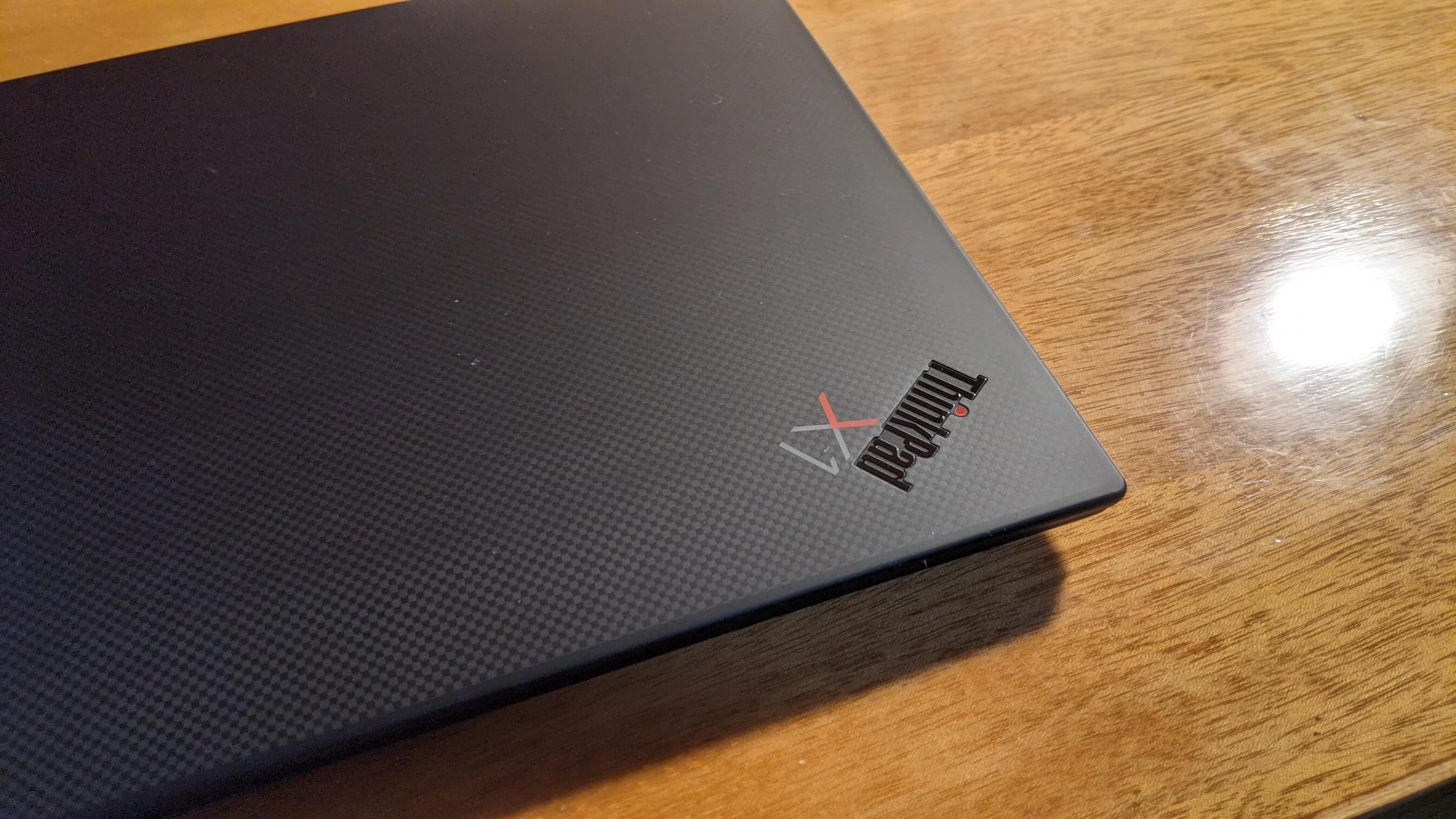
When the machine arrived, it actually felt great. Since it’s the 4K version, the lid has that “carbon fiber” texture, and the overall build quality is nice. A lot of people complain the hinge is ugly, but I don’t think so—in fact, I thought the old hinge was flimsy, and when the lid was closed the back often didn’t line up, which looked bad.
Plus, the new hinge supports “one-hand opening.” You know what I mean.
The first thing I did was activate Windows 10, update the BIOS, and follow Lenovo’s official instructions to activate Office and take a photo of the Office activation screen for the review gift. Here I have to rant about stupid Lenovo insisting on a photo of the Office activation. If you’ve bought Office 365 before, chances are you’d fail activation like I did—in the end I had to copy the activation screen from my Surface Pro 4, take a photo of that, and call it done.
The machine seemed fine at first, but after using it a while I found a hidden defect: the left button of the TrackPoint (the red nub) had a bump.
How to put it—the left button didn’t feel right when pressed, like a seesaw. It only worked if you pressed dead center; the left and right sides did nothing. That had to be a quality issue. Since it was brand new, and Lenovo had bragged at the launch that “if the new Carbon has any quality issue within 90 days, we’ll replace it with a new one,” I filed for after-sales service.
First I confirmed with customer service: would a replacement affect the cashback and gifts I’d already gotten from my review? They said no, so I started the replacement process.
In theory, Lenovo’s replacement for the Carbon is “on-site service,” but the process is kind of stupid.
- First, Lenovo told me to go to a repair center for diagnostics and get a fault ticket proving the machine was defective before I could apply for a replacement. I went to the repair center, queued all afternoon, and finally got the ticket.
- Then you report to Lenovo customer service, show the fault ticket, and after Lenovo confirms, they arrange for a nearby repair center to send someone to your home to inspect the machine. Once confirmed, they issue an inspection ticket, seal the machine in a box with tamper tape to ensure no one opens it, and the machine stays at your home—the on-site engineer doesn’t take it, just leaves.
- Then Lenovo schedules an SF Express pickup to come to your home and collect the sealed package.
- Lenovo simultaneously generates a new order and ships the replacement to you via SF Express.
That’s the theory. Apart from getting the repair ticket and the inspection, you shouldn’t have to leave home. But my experience had some twists, which is why I found the process especially “rigid and stupid.”
- I first went to a nearby repair center and got the repair ticket. After I showed it to customer service, they ended up dispatching an engineer from that same repair center—even though I’d just come back from there.
- Then the repair center was short-staffed and told me their on-site visit might take two days. I couldn’t wait, so I took the machine to the repair center myself.
- The repair center fucking inspected it again, issued another repair ticket, sealed the machine in a box, and then told me I had to take it back because the pickup address was my original delivery address.
- I hauled the machine back home and waited for SF Express. When SF arrived, they said they had to open the box and inspect it—electronics can’t just be shipped off without knowing what’s inside. But Lenovo had sealed the box—what the hell would opening it even mean? After a three-way phone argument, SF finally understood this shipment seemed to be a business partnership with Lenovo, so they didn’t need to open it and took it away.
- Finally, after 3 days, the new order was generated. Five days later, the package SF picked up arrived at Lenovo HQ—and five days after that I’d already received the new machine.
All in all, this replacement had me running around a lot, which shows the “on-site service” isn’t very efficient. At least I think it’s worse than Dell’s on-site service back in the day. And visiting the Lenovo repair station made me realize just how many “anime otaku programmers” there are among Lenovo laptop users.
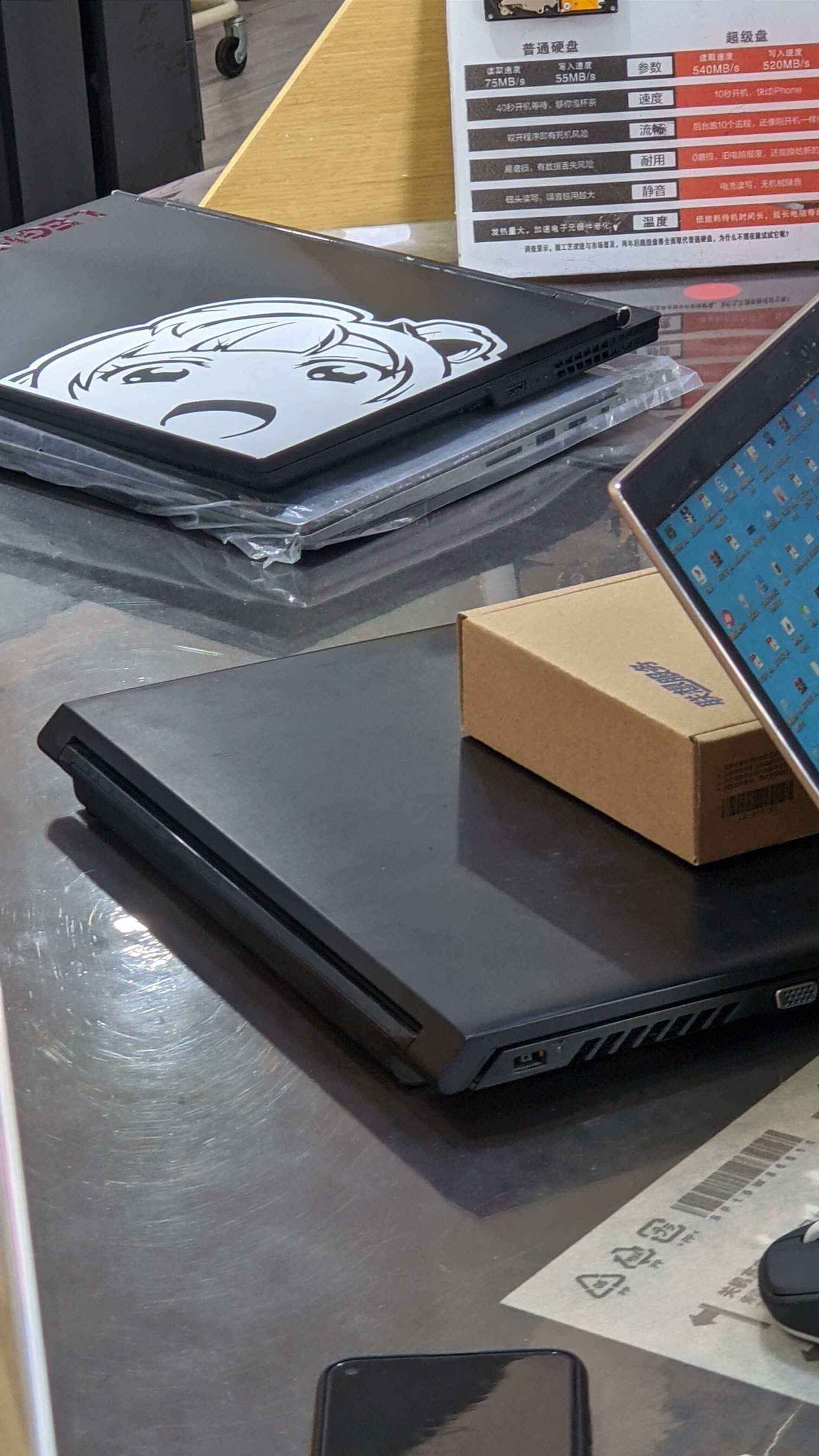
Thankfully I did get the new machine in the end, and after repeated checks, it didn’t have the previous defect. Though I feel the screen looks “a bit dirty” against pure white—not sure if it’s the coating on the LCD—but most of the time you can ignore it.
4. Using the Machine
There’s a lot of debate about this machine online, but I’ve been using it for over a month now, so I can talk about my impressions of the machine itself. As for installing Linux on it, I’ll write a separate post.
Keyboard feel: Acceptable
Most people complain about the shortened key travel on the new Carbon keyboard, but after using it this long, my feeling is: “It’s fine.” It’s not as good as the old long-travel keys, but it’s not that bad either—once you get used to it, it’s still better than most laptops. Of course, the shorter travel does have downsides: if you type fast and press hard, your fingers get tired.
4K screen: Exceeded expectations
Previously, the ThinkPad Carbon line had 4K screen models, but that screen got flamed hard for one reason: PWM dimming. A lot of KOLs will shill for that dimming, but flicker is flicker—there’s no getting around it.
This time the 4K screen is 16:10, so I was concerned it might have the same PWM dimming weakness. Considering the machine’s marketing bragged that the screen passed some “eye care certification,” I figured it probably wouldn’t be an eye-strain screen. When it arrived, the panel turned out to be a domestic TCL unit, supporting HDR, with color profiles available on the official site. Most importantly: no PWM dimming, no visible flicker. That was the big worry off my chest.
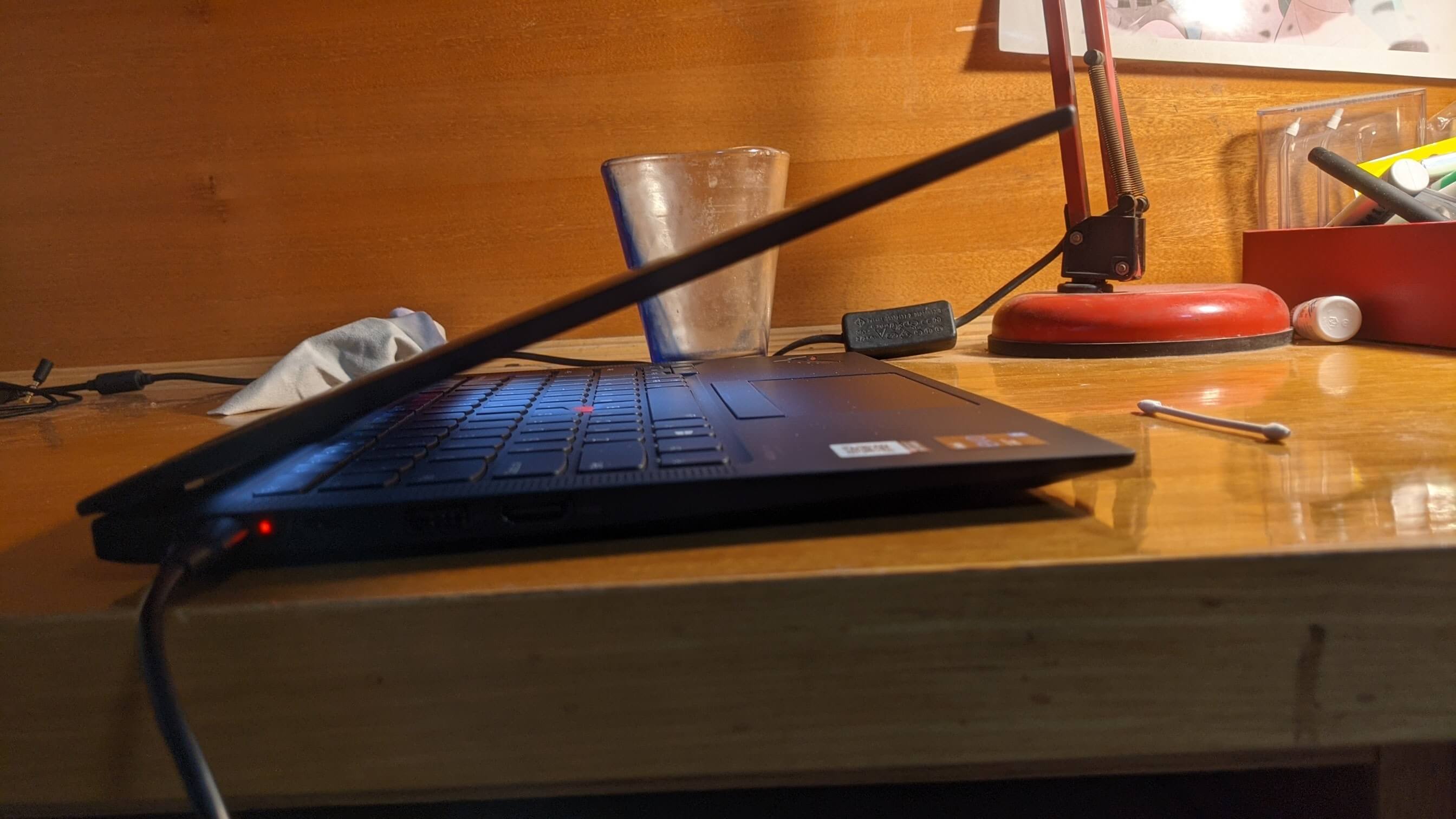
X1C 9th also has some weird black tech, like HPD that automatically detects whether someone is in front of the screen, and a power button with an integrated fingerprint reader. If you’re a Windows user, you’d probably love that, but under Linux only the fingerprint reader works—I haven’t seen anyone support HPD yet.
Battery life: Barely passing
A lot of people complain that the 4K screen drains battery massively, but based on my usage, the 4K screen isn’t the main power hog. This matches some reviews on YouTube: the 4K model only loses about 30 minutes of battery life. Still, the X1C 9th’s battery life isn’t magical. For me it’s about 4-5 hours with normal use—writing, browsing—no gaming. That’s no different from my old X1C 5th, and this generation’s CPU is on a more advanced process.
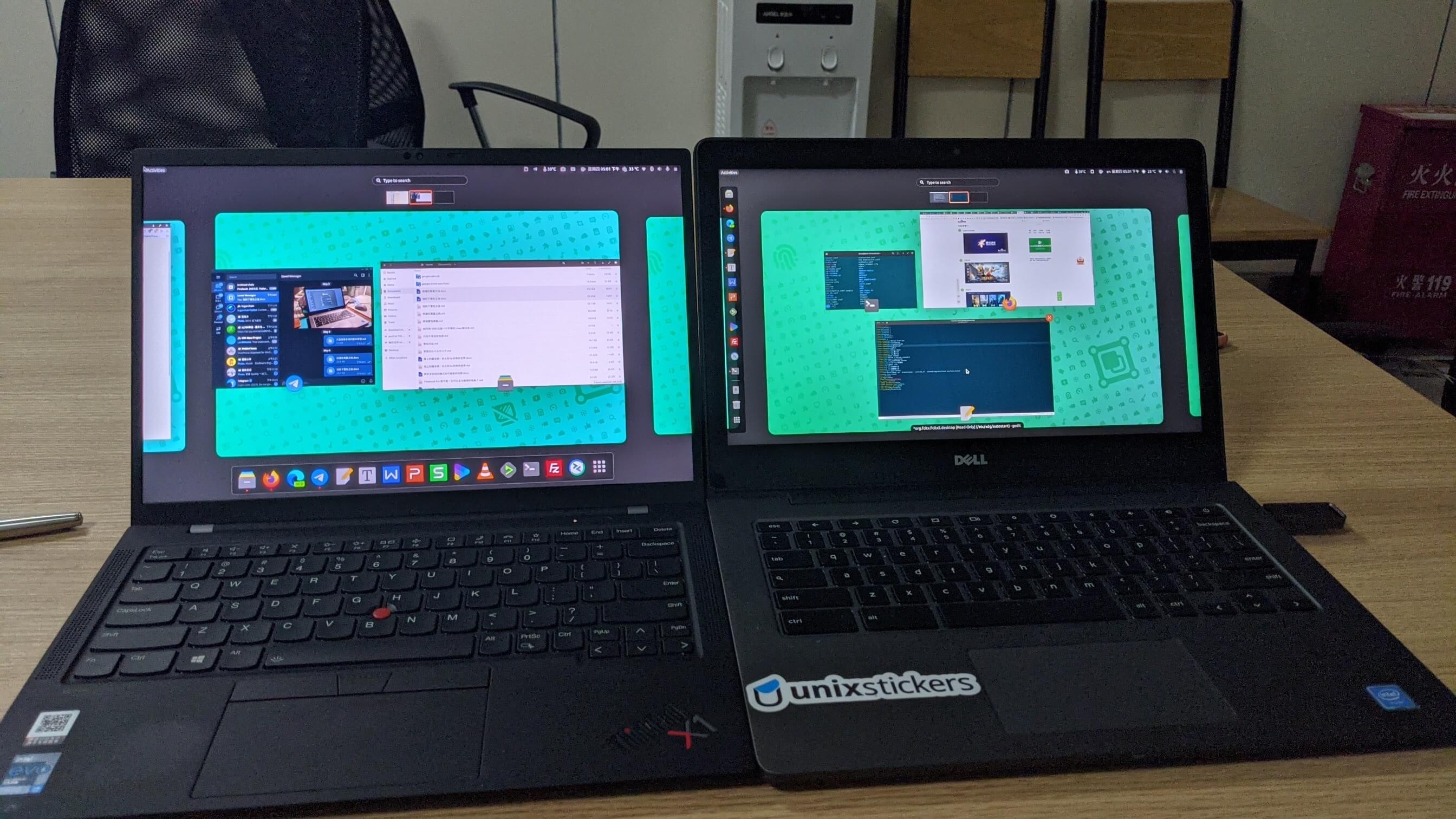
Of course, this laptop clearly can’t keep up with the big-battery Chromebook I had before—the drop is obvious.
Mind you, I’m on Linux; if you’re on Windows it might be better.
Performance: Exceeded expectations
With the i7 1165G7 and finally an Iris XE GPU, Gnome-shell effects no longer stutter. I can finally experience the same silky-smooth Gnome-shell operation as my 1070 Ti desktop at home. Also, the CPU power limit is set to 95-100°C this time, which is a huge improvement over the old X1C 5th’s 75°C limit. Plus the X1C 9th has dual-fan cooling, so performance is noticeably better—it even has a big advantage over the Yoga Gen 6 that launched around the same time. I even ran Dota 2 under Linux and it was playable at 4K (low settings), which shows how strong the integrated GPU is. Everyone says Intel CPUs got beaten up by Ryzen, but at least the integrated GPU kept its pants on this time.
Overall build: Big improvement
I have to say the overall build quality of the X1C 9th is strong—at least much better than the old X1C 5th. No more stupid issues like screws falling out or the bottom panel being loose. This generation also adds new quad speakers, and the sound is decent (though still a gap versus Apple’s). So apart from the CPU benchmark being lower than Ryzen, there’s not much to fault. What I was more curious about was whether the old common problem persists: keyboard marks left on the screen from pressure (physical). After a month of use, I found the issue still exists. Lenovo raised the lid to avoid it, but it’s still there—just personally I feel it’s lighter and less obvious than before. If you’re OCD about it, I’d suggest a screen protector.
5. Accessories
Screen protector: Buy whatever on Taobao. Reason as above—I recommend a soft, high-transparency film, not tempered glass. If you don’t like screen protectors, keep a sheet of A4 paper and slip it between the screen and keyboard before putting it in your bag, or a regular microfiber cloth works too.
Machine skin: Buy whatever on Taobao. I recommend a natural color—once applied, it’s basically invisible and won’t show sweat stains as much. Of course, if you want to be unique, you can get Dbrand’s honeycomb and Matrix combo skin. I bought one, hasn’t arrived yet—I’ll talk about it when it does.
Red nub: Still recommend saoto’s 3D-printed products. They’re pretty mature now and support direct shipping to China.

Mouse: Logitech Anywhere MX3
Charger: Lenovo Lipstick Power Pro, also through ThinkKid’s group buy, 10 yuan cheaper than market price.
Conclusion:
Overall the X1C 9th is a good product. The screen is improved, performance is good, and the price… well, at least compared to importing, buying the domestic model is more economical—and I heard the domestic price has gone up again. Given Intel’s roadmap, this laptop should easily last 3-4 years. Of course, I bought a ThinkPad because I use Linux. If you don’t care about that, other Ryzen laptops will be more appealing. And if you’re an Apple fan, the M1 MacBook is obviously the better choice.
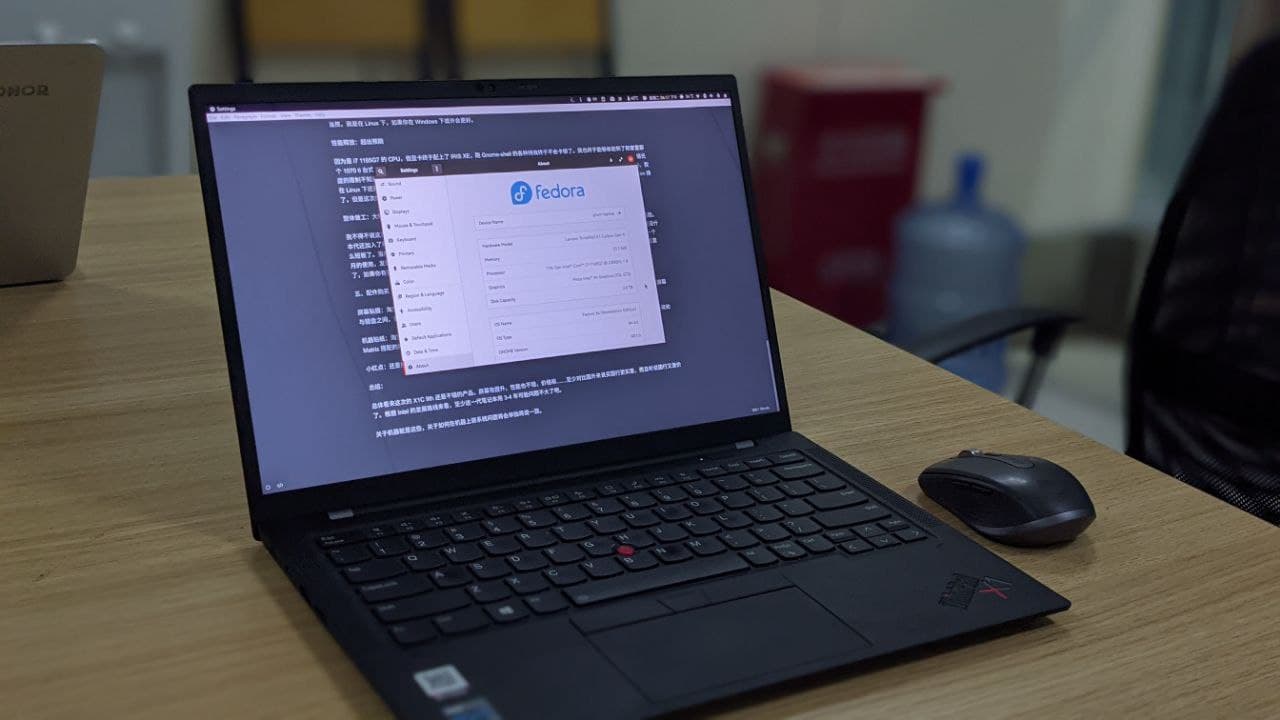
That’s it about the machine. I’ll write a separate post about installing an OS on it.
Comments are hosted on the Chinese main site. This mirror is read-only.