Living with Surface Pro 8
Impressions: Surface Pro 8
The reason for buying this is simple: to replace the old Surface Pro 4. That Surface Pro 4 would overheat badly the moment I opened DingTalk to teach a class, and on top of that the screen would start shaking. Turns out that screen shake is a known defect — “Zhang-chan” actually had to swap machines because of it, while I probably never hit it since I’d never thrown anything “heavy” at the tablet.
Anyway, the Surface Pro 4 just couldn’t keep up anymore, so I bought a Surface Pro 8.
Spec is i5 + 256GB + 16GB RAM, with the standard keyboard/pen/cover bundle. Double 12 sale, 9998 RMB for the lot. Not a bad price, eh.
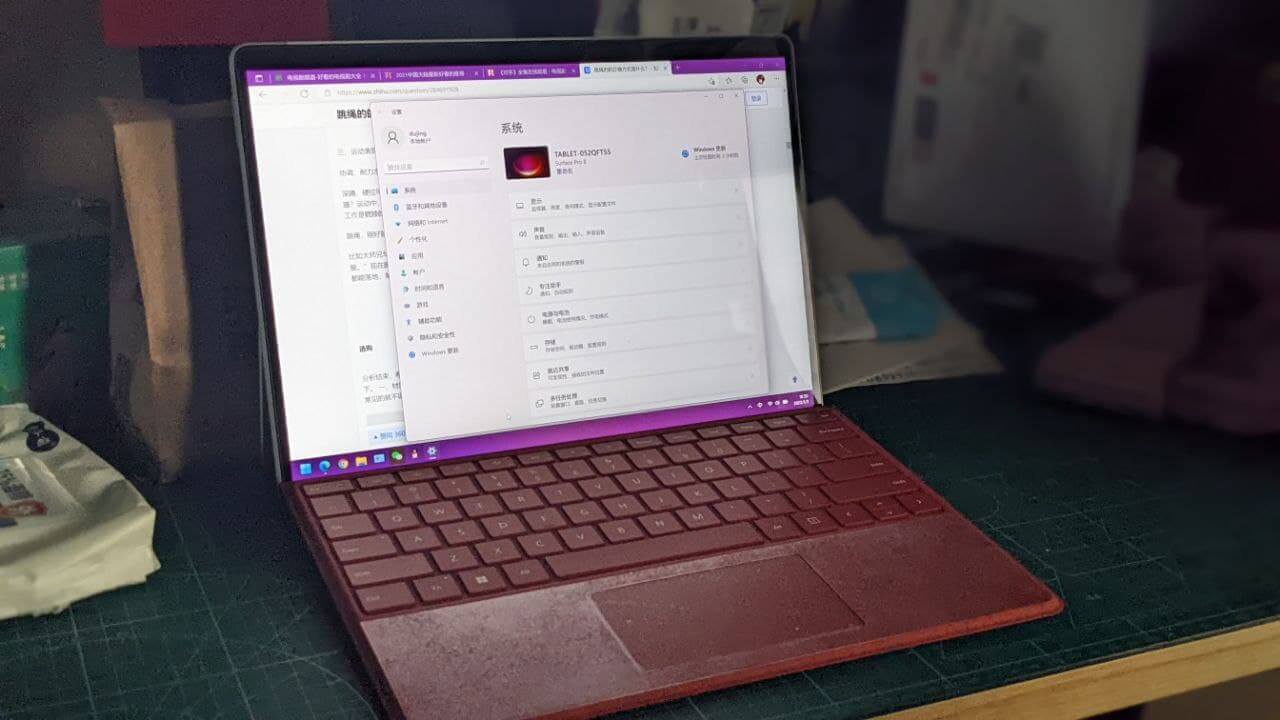
Quick rundown of my impressions:
- Performance is solid, a huge jump over the ancient Surface Pro 4. Pro 8 also clearly fixes a lot of the 4’s design problems: the keyboard snaps shut with magnets, and the keyboard material is the newer Alcantara, easier to clean and less prone to peeling.
- The bezels are really narrow — it uses the Surface Pro X chassis. Left and right are tight, though the “forehead” is still pretty big. Still, it beats the mold they’d been reusing for years.
- The new keyboard honestly feels worse than the old one. Key travel is shorter. The touchpad is better. Give and take.
- The new screen supports 120Hz, but it’s off by default — you have to go into Display settings and turn it on manually. Doesn’t seem to have any auto-switching either, but power draw doesn’t seem to increase much.
- The new pen is so-so. The legendary “haptic feedback that simulates paper friction while writing” — I felt absolutely nothing. The female teacher also thinks the new pen is worse in hand than the old one. Only real perk is that it charges in the keyboard’s slot.
- Thunderbolt 4 goes without saying — works with my existing Thunderbolt dock, plug and play.
- No TF card slot. That’s a shame.
- The speakers are great, especially the bass, which is surprisingly full. Perfect for videos and movies — the kind of difference the female teacher notices instantly.
- Windows 11 dropped IE, so compatibility with a lot of government agency sites will probably break. Luckily Edge still has an IE mode to cover it.
And the most important part: streaming DingTalk classes on this tablet no longer causes overheating or screen shake. My old Surface Pro 4’s top-left corner literally got baked yellow from the heat……
Comments are hosted on the Chinese main site. This mirror is read-only.