NuPhy Air 75
The Good Enough Choice: NuPhy Air 75 Mechanical Keyboard
I’m not really sure why I bought this keyboard. Probably because it looks good. I kept seeing it pop up in videos and it just looked so nice. Add in the durable PBT keycaps, the low-profile feel that’s completely different from the Keychron K3 series, and the 618 discount, and I couldn’t resist anymore—ended up buying it with interest-free installments.
After less than half a day with it, I already felt this keyboard was way better than the Keychron K3 I’d been using. The feel, the overall build quality, and most importantly the connection stability—all much better.
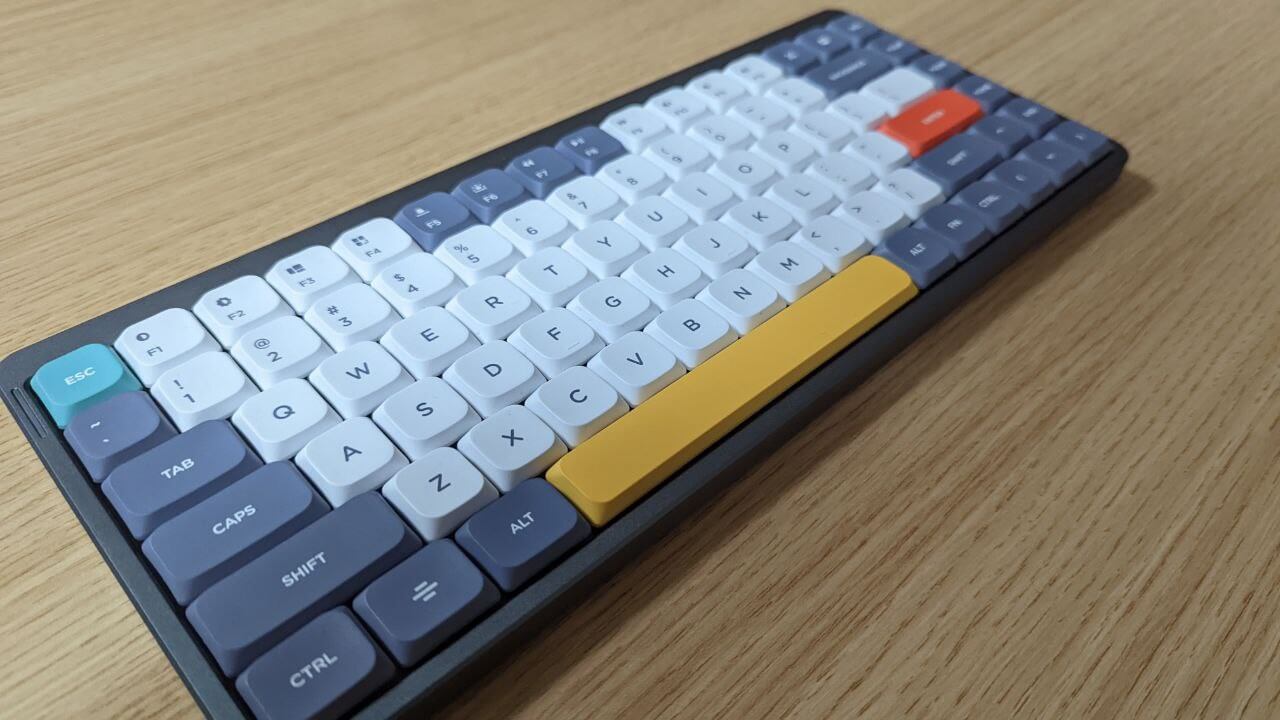
NuPhy keyboards also support firmware updates. The latest firmware on the official site claims to fix compatibility issues with Linux, but weirdly, mine worked fine with Linux even without updating. Maybe mine already shipped with the new version.
Still, I went ahead and updated to the latest 1.01 firmware. The added shortcut keys are pretty useful. https://nuphy.com/pages/firmwares-for-air75
When it comes to the typing feel, it’s hard to put the difference into words. All I can say is that since I started using this, my typing error rate has dropped a lot (compared to the Keychron K3). I got brown switches this time, and they feel better than the blue switches on the Keychron K3—those sometimes felt like typing on a metal plate. The lower error rate might also be because the keycaps themselves are bigger.
NuPhy Air 75 has a decent selection of keycaps—at least way more than the Keychron K3. There’s an official Christmas colorway, and even a Retro Gamer colorway from the damn Aya Neo. The colors all look good, which adds a lot of fun to the product.
NuPhy Air 75 claims Linux support and Bluetooth connection works fine, but under Linux it always shows extremely low battery, even when fully charged. Seems like there’s still a detection issue.
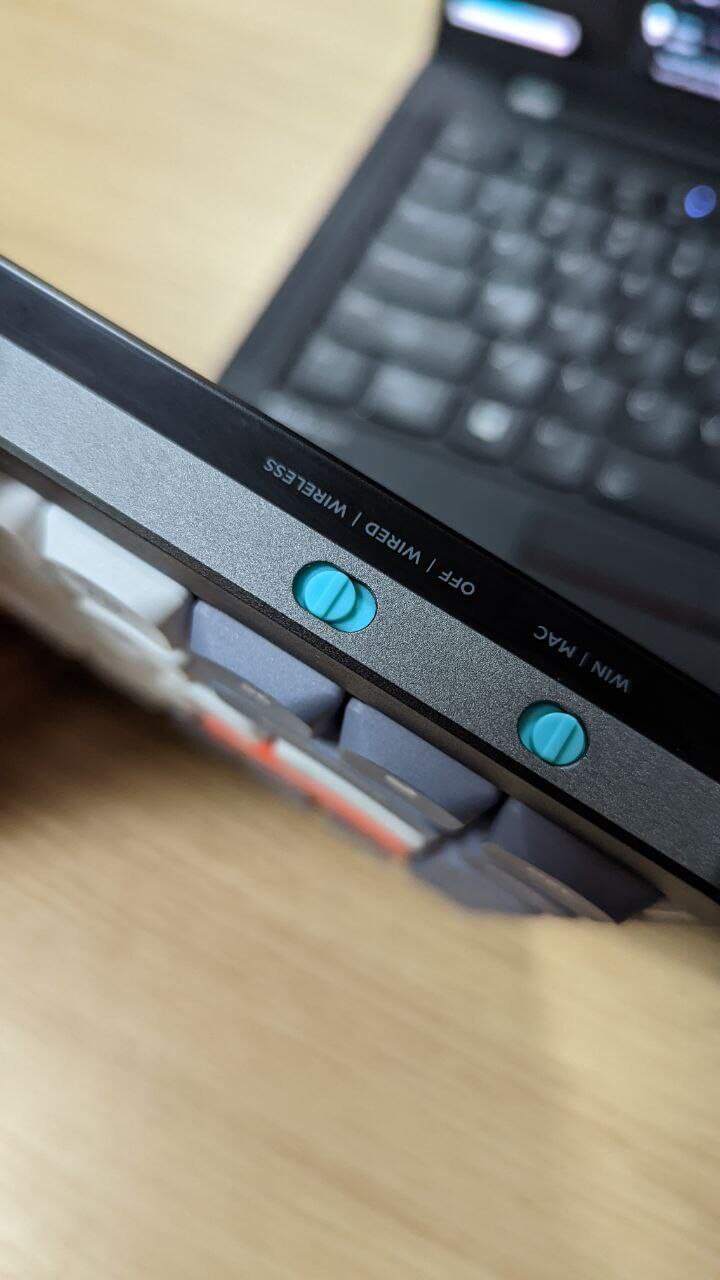
As a thin and portable keyboard, many of the NuPhy Air 75’s design choices are aimed at letting you place it on a laptop’s keyboard area. The biggest one is that “long bar” foot. According to the official description, this foot can precisely “latch” into the gaps between laptop keys, so you can safely place the keyboard on top of a laptop without worrying about accidental presses. In reality, this design is more for MacBook users. For a ThinkPad user like me, that long bar easily hits the arrow keys in the bottom right corner. But in actual use it’s not too bad—you can use the rubber strip on the top row to hook onto the very top of the keyboard, and the arrow keys don’t get pressed much. Maybe the ThinkPad X1 Carbon’s keyboard area is just too narrow, so the whole keyboard sits on top without touching the keys below.
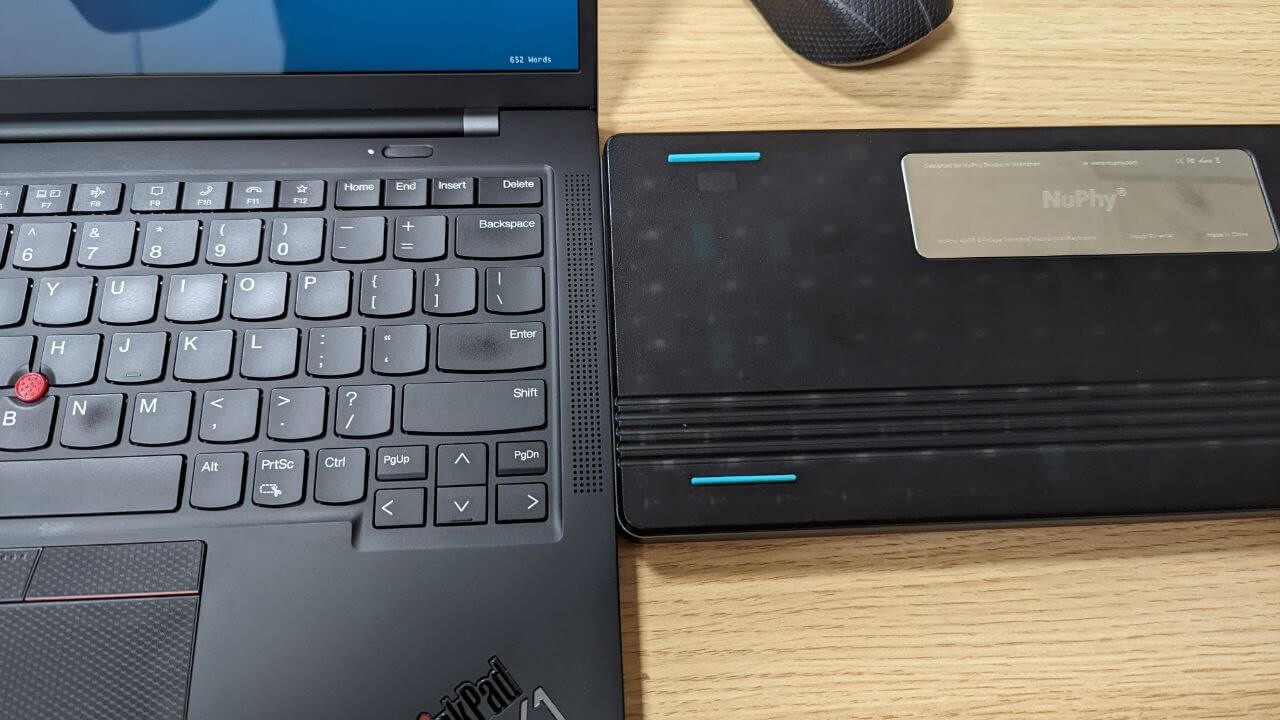
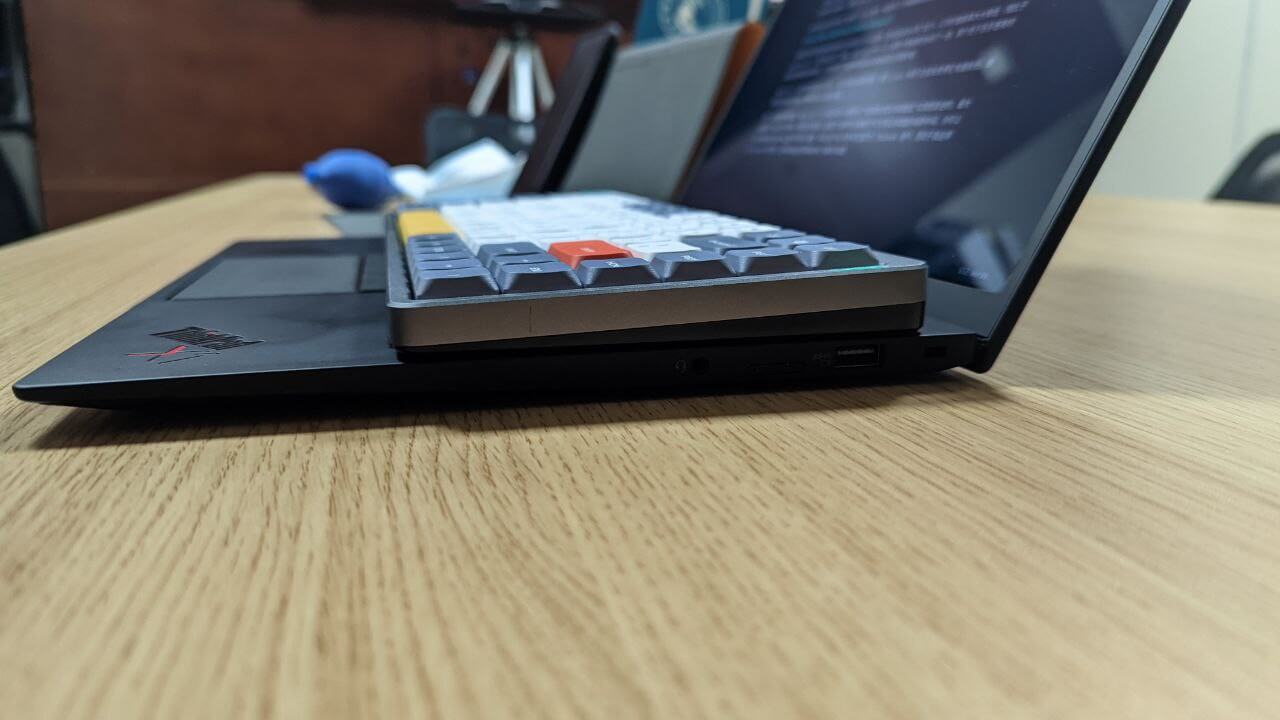
Of course, the NuPhy Air 75 isn’t without flaws. First, although it supports 2.4G wireless, there’s no storage compartment for the dongle, so it’s easy to lose. So far, Logitech seems to be the only one that does this well. The keyboard body is mostly plastic—probably to keep it thin and light—but that also means it’s not drop-resistant. Probably cracks after a couple of drops, so you have to be careful.
Another annoying thing is that the various shortcuts are really hard to remember. I have to look up the manual online every time—such a hassle. Then there’s the “switch binding” issue many foreign users report. I haven’t experienced it, but a lot of them say typing doesn’t feel as smooth. The fix is to lube the switches—not too technical, but pretty tedious. Try it if you’re interested.
NuPhy Air 75 also has an official leather case. It’s not cheap, but I got carried away and damn well bought it too.
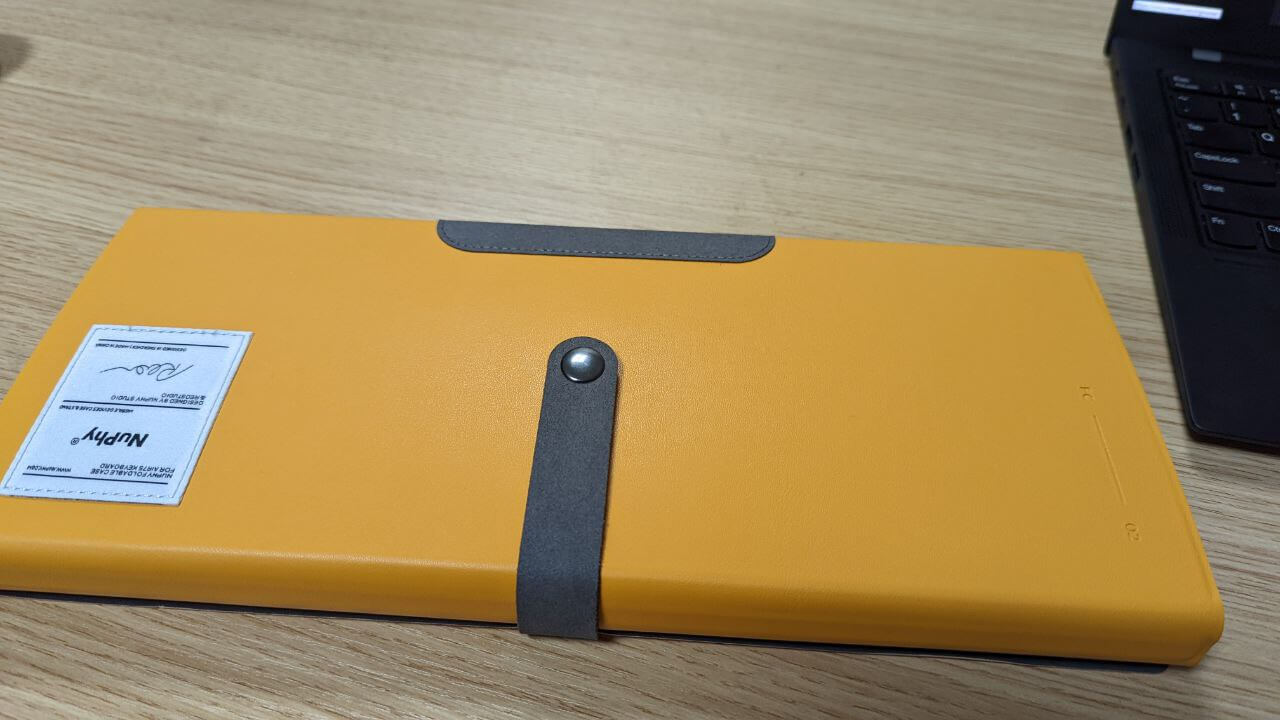
My feelings after getting it were complicated. First, the case fits the keyboard really well and looks great. It can also be flipped over to serve as a stand for tablets—propping up devices you want to connect via Bluetooth and use as a keyboard. But in practice, the case is a pain to use. You have to fold the keyboard back to store it completely, and once you take the keyboard out, the case just has to be tossed aside, taking up space. Personally, I prefer the simple slip case I had for the Keychron K3.
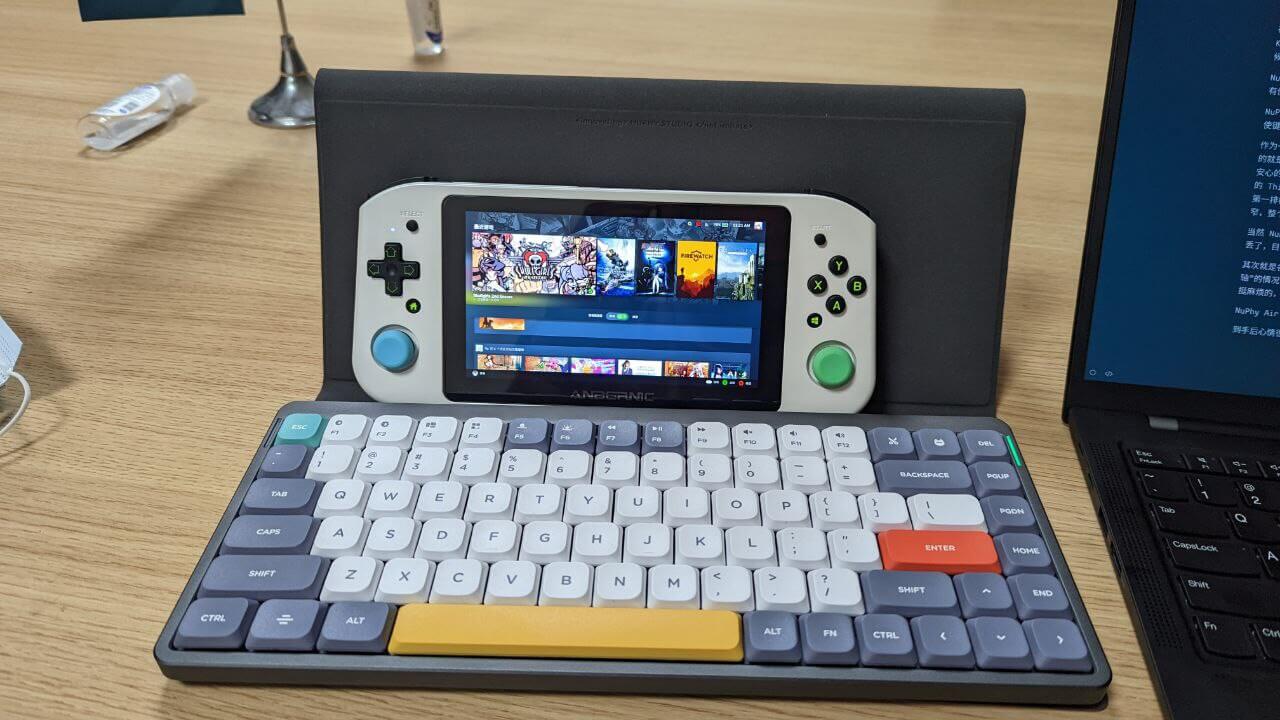
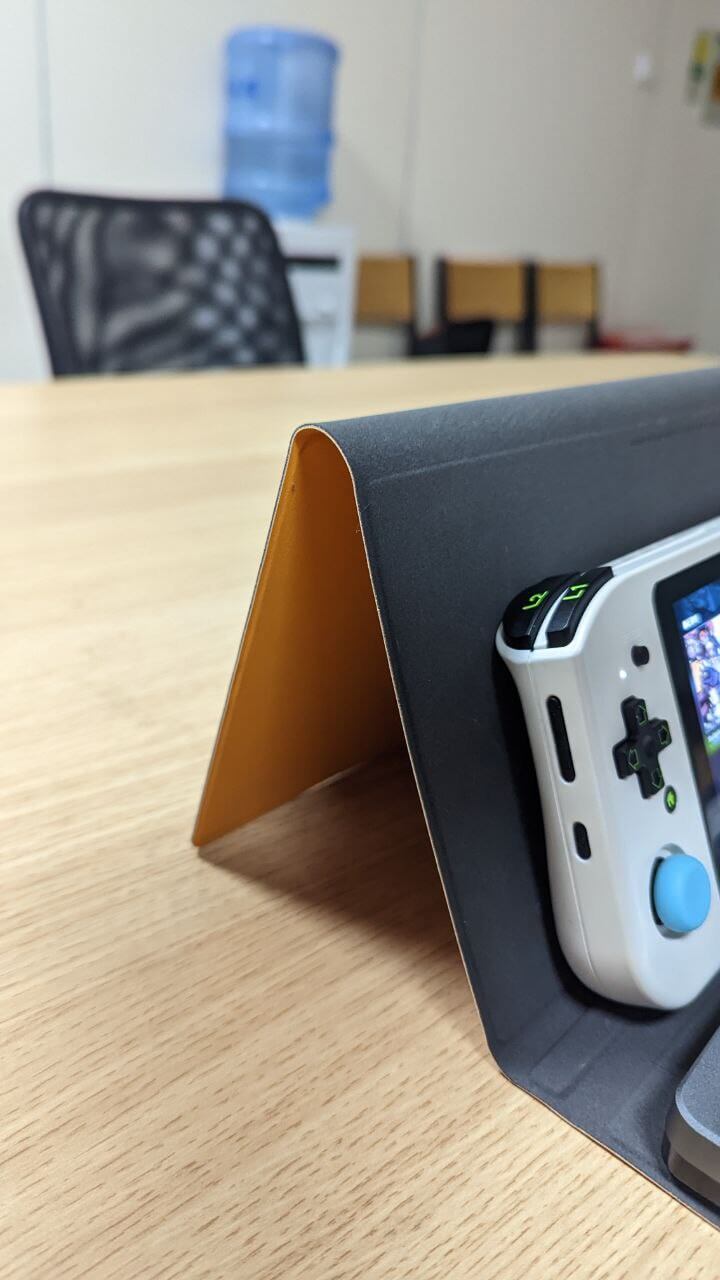
All in all, after several months of use, I think the NuPhy Air 75 is pretty good. The downside is just that it’s expensive—even on sale it’s way pricier than the Keychron K3. But considering it doesn’t have those boring disconnection issues, the keycaps are more durable, the typing feel is good, and the support is solid, if you just want a keyboard to use without fussing around, the NuPhy Air 75 is a “good enough” choice. It has everything you need and can handle almost anything.
Comments are hosted on the Chinese main site. This mirror is read-only.