Review: JD Tab
A Strange Journey Involving a Tablet
A while back, I got this sudden itch to buy a tablet, but my requirements were a bit unusual:
- Cheap enough
- Has a Type-C port
- Screen preferably 4:3 — I don’t game, just reading and videos
- Speakers have to sound good
- As few ads as possible, ideally none or stock Android
- 8 inches
It’s not like tablets meeting these specs don’t exist. The Xiaomi Pad 2 and 3 series are all over Xianyu, for instance — but those are e-waste that’s been hacked to hell and back…
Then I stumbled on something magical: the JD Tab, the tablet JD.com put out back in the day:
- 4:3 high-quality screen
- Flyme OS, no ads
- 8-inch size
- Harman Kardon speakers
- Type-C charging
- Going for just over 200 yuan on Xianyu, brand new
Holy crap, brand new? That’s gotta beat all that e-waste, right? So I got carried away and bought one. Little did I know that was the start of a whole series of adventures.
The thing arrived soon enough, shipped from Shandong, still in its shrink wrap, and it really did look brand new.
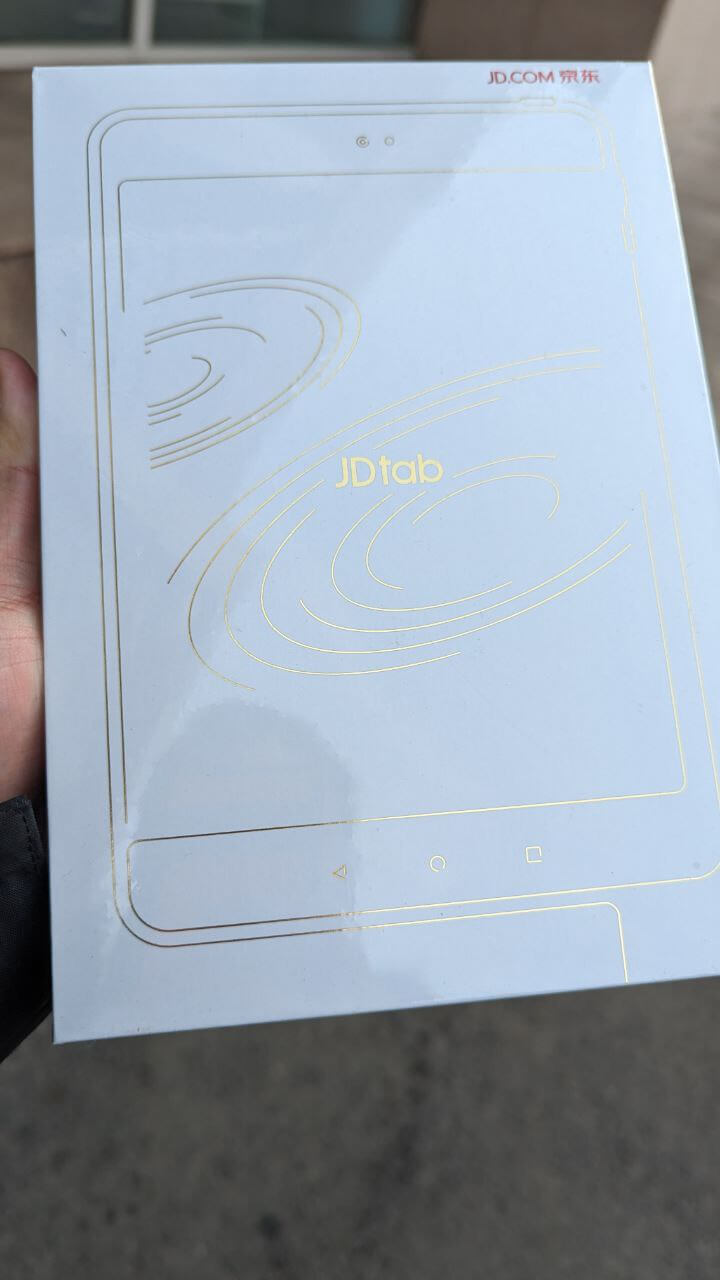
But the moment I turned it on, I lost it. The film was still on the screen, sure, but there was no “first boot” prompt — the system was already activated, and there was even a TikTok app installed.
Wasn’t this tablet from 2016 or even earlier? Did TikTok even exist back then?
At that point I was already pretty sure this wasn’t brand new — at the very least it’d been opened and re-shrink-wrapped. But considering the price, and the fact that the condition was genuinely flawless, I let it slide.
It didn’t take long for a problem to show up: there was a horizontal strip near the bottom of the screen where touch just didn’t work.
Bought a cheapo and it broke on day one. I hit up the seller on Xianyu right away, and they were super chill about it, offered to send a replacement. So I mailed the old one back, applied for a refund, then bought a new one from the seller — since their original account couldn’t trade again, they gave me a new account and I bought it through that.
Two days later, the replacement arrived.
This time I paid closer attention… Still shrink-wrapped… Still had the film on… Still no first-boot setup after opening… And still a TikTok app on the home screen…
Yeah, I figured this batch probably came from somewhere less than legit, which is why they’re all like this. Fortunately, the replacement’s touchscreen worked fine, so I started tinkering.
Out of the box it ran Flyme 5.2, an ancient system. Not unusable, but no Google framework, a pain to install anything, and after fiddling with it I just couldn’t get used to it.
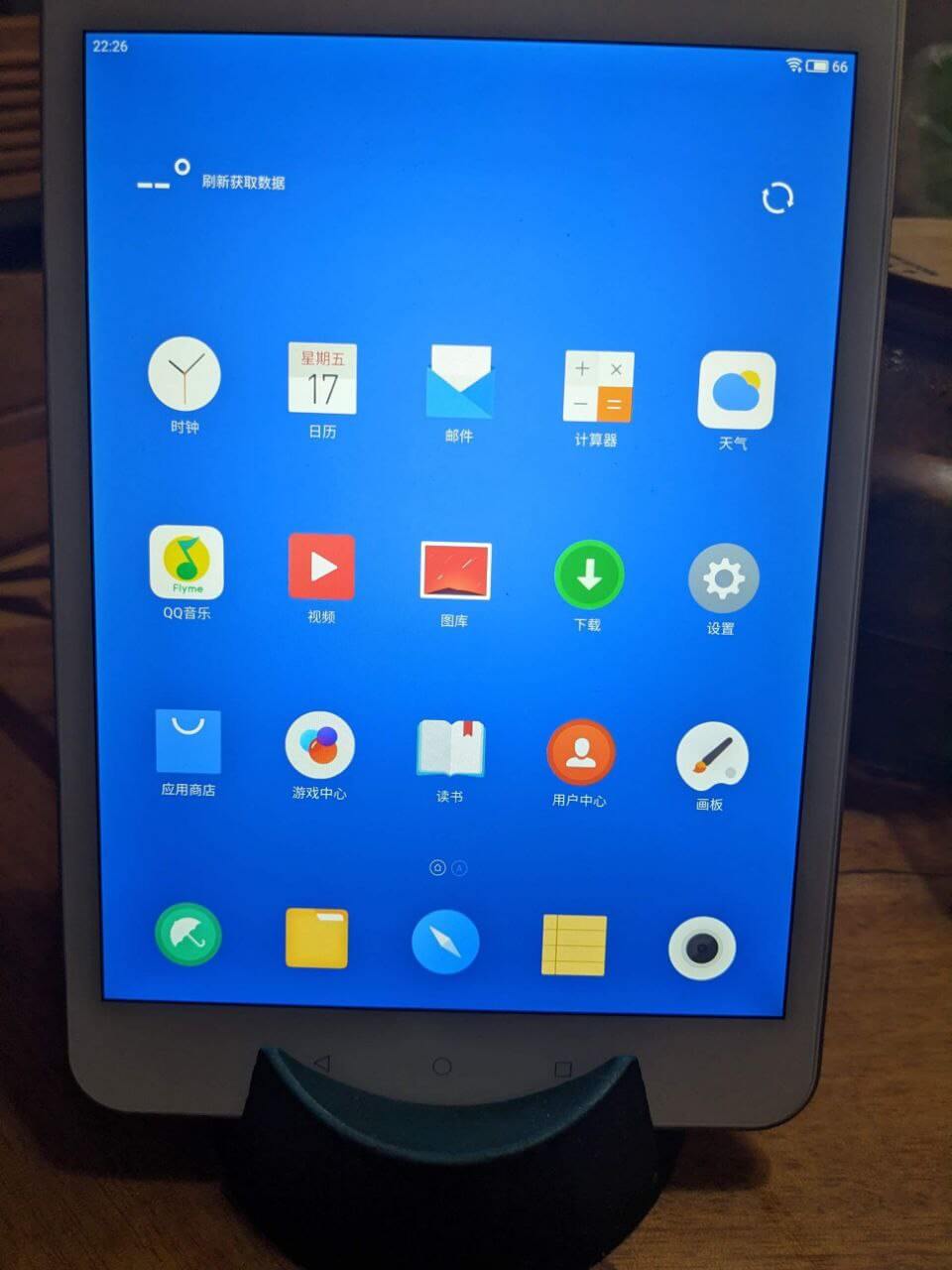
So I started poking around to see if I could flash a stock ROM, and whaddya know, I actually found something. Turns out this JDTab was sold overseas under the name Alfawise Tab — identical hardware. If you can get your hands on the Alfawise Tab ROM and flash it onto the JDTab, you can get stock Android on it. Only Android 6.0, sure, but still better than FlymeOS.
And I actually did find the Alfawise Tab firmware, plus the super tedious MediaTek flashing process. After a whole ordeal, I got it flashed — and it really was stock.
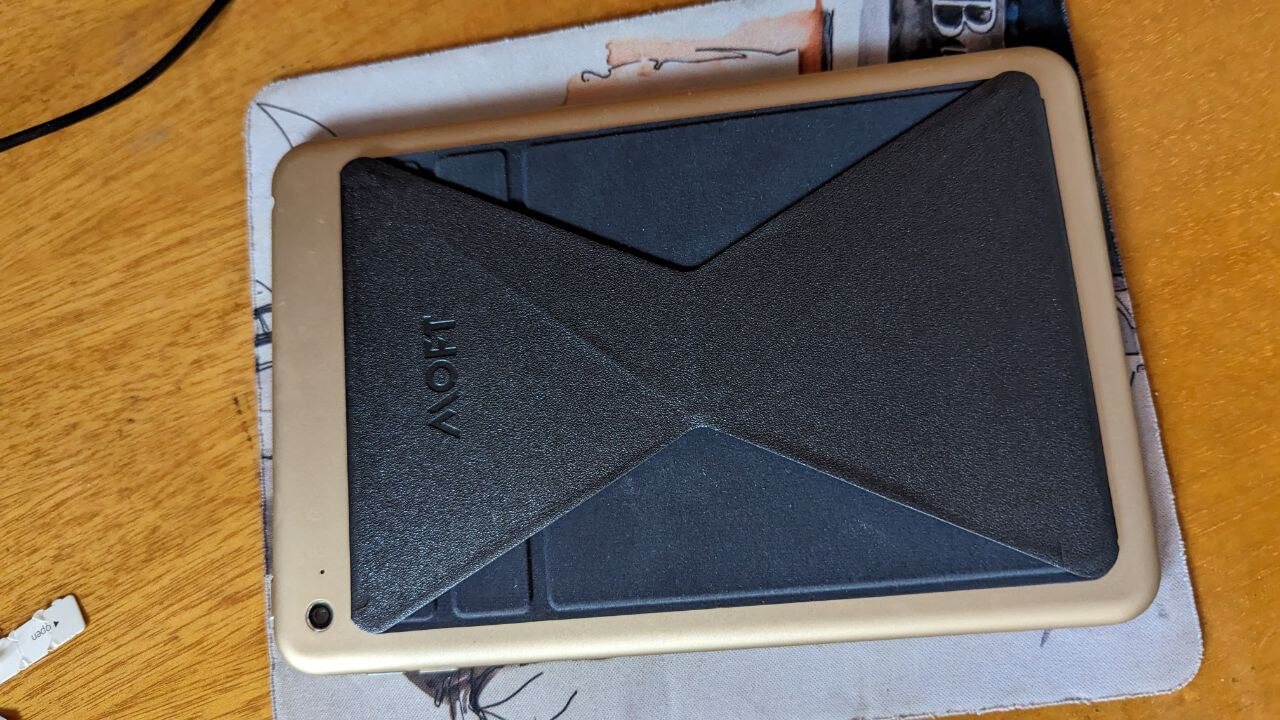
So I happily started installing apps, finally got everything set up, even bought a cheap hydrogel screen protector from Taobao, and stuck a kickstand on the back (since no cases exist for this thing). I was ready to actually use this machine.
Then a new problem reared its head…
This thing has a “sleep of death” issue.
After sitting idle for a long time, the screen goes black and won’t wake up. Long-pressing power does nothing. The fix is either to mash the power button and hope for the best, or hook it up to a PC, go into DFU mode, and reflash.
At first I thought the sleep of death was a stock ROM problem. Went through the whole flashing dance again, back to FlymeOS, used it for two days — no sleep of death. Just as I was getting happy…
The tablet slept to death again. So it happens on both FlymeOS and stock.
So I started searching online and found plenty of foreigners with the same issue. Some got replacements, some said reflashing fixed it, some said it just went away on its own, and some gave a ridiculous solution:
Open it up and unplug the battery.
So I decided to try it. After all, this tablet’s a lot easier to take apart than those glued-together ones — just unscrew and pry the screen off.
But while I was raring to go, I screwed up. I saw a crack appear on the screen…
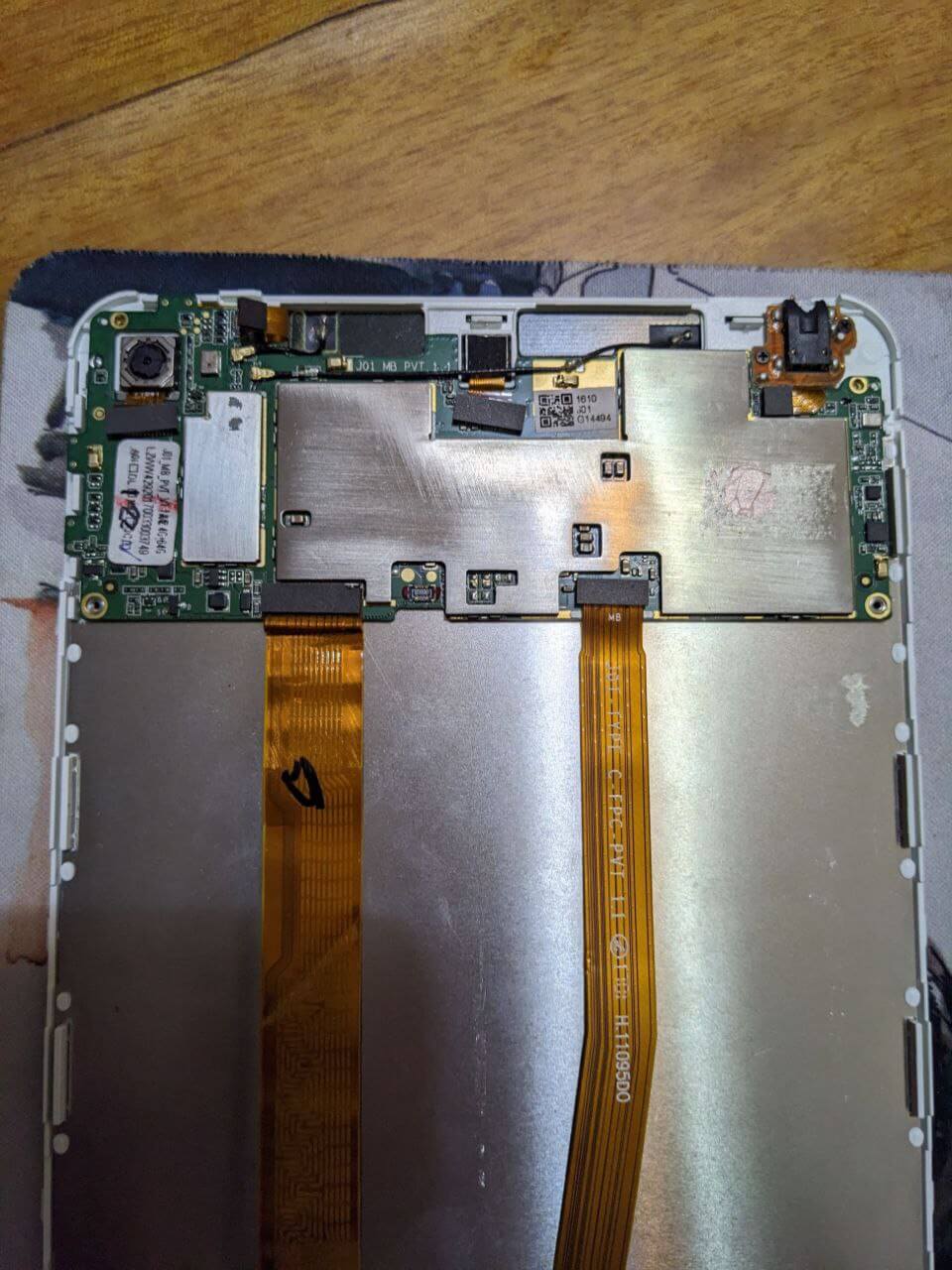
The screen was already cracked, so might as well go all in and open it. I disconnected the battery, plugged it back in, and it still wouldn’t boot — the only fix was reflashing.
Honestly, I was a bit desperate. Spent over 200 on a tablet, went through all this trouble, and now the screen’s cracked too. Total waste.
But then things took a turn. I happened to spot someone on Xianyu selling a JD Tab corpse — just the screen panel and motherboard, no battery, for 90 yuan.
I haggled a bit and got it for 50, cash on delivery.
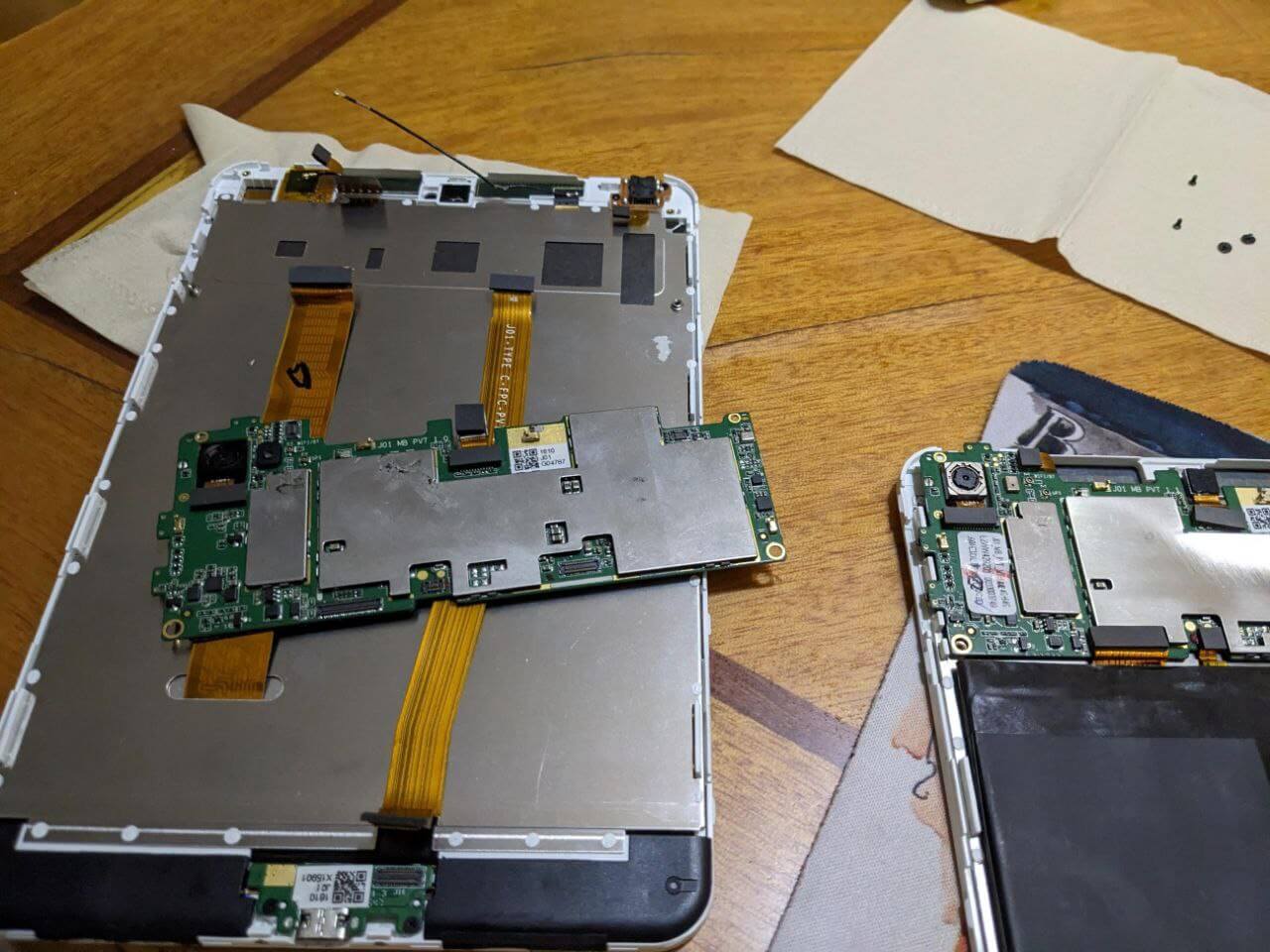
When the corpse arrived, I compared it to mine and found a bunch of differences.
- The corpse JD Tab was probably a genuine “JD.com unit” — the internal build quality was very different from the one I bought.
- The corpse’s speaker was bigger than mine, and it actually had the “Harman Kardon” label. Mine didn’t.
- The corpse’s motherboard had more foam padding, shock absorption, and shielding. Mine didn’t.
I hooked the corpse’s machine up to my tablet’s battery and it booted right up.
After getting into the system, I discovered that the previous owner of this “corpse” tablet was an auntie deep into a pyramid scheme. It was packed with videos and photos from various MLM gatherings, plus recordings. She really believed she’d strike it rich. This tablet was probably either handed out by the scheme or bought with her own money specifically for “study” — I lean toward the former.
The last date in the tablet was 2017. No idea what became of the auntie, whether she escaped the scheme’s clutches. That MLM company seems to still be alive today.
The corpse’s screen was intact, but someone had used plastic tape as a screen protector, and peeling that off and cleaning it took forever. Eventually I applied a Taobao protector, then assembled the corpse’s screen and motherboard with the battery I’d bought, flashed the stock ROM, and finally had a passably usable tablet.
And this tablet never had the sleep of death again. So the root cause really was hardware. The speaker got louder too.
Sticking to my principle of not wasting money, I put the old set — cracked screen, motherboard, and all — back on Xianyu for 90 yuan, noting only the motherboard was usable, suggested as a donor board.
A couple days later someone bought it, haggled down to 70.
And here’s the kicker: the person who bought it was the alt account of the guy who sold me the tablet in the first place — the very ID he had me buy from during the first return/exchange.
I don’t know if he forgot he’d dealt with me before, but the deal went through anyway.
And now I know where those “brand new JD Tabs” come from: most likely defective units bought up, given a quick repair and reassembly, then refurbished.
And that tablet from the pyramid-scheme auntie? That’s the real deal — a genuine “JD tablet” from back in the day.
Anyway, this strange journey with the JD Tab has finally come to an end.
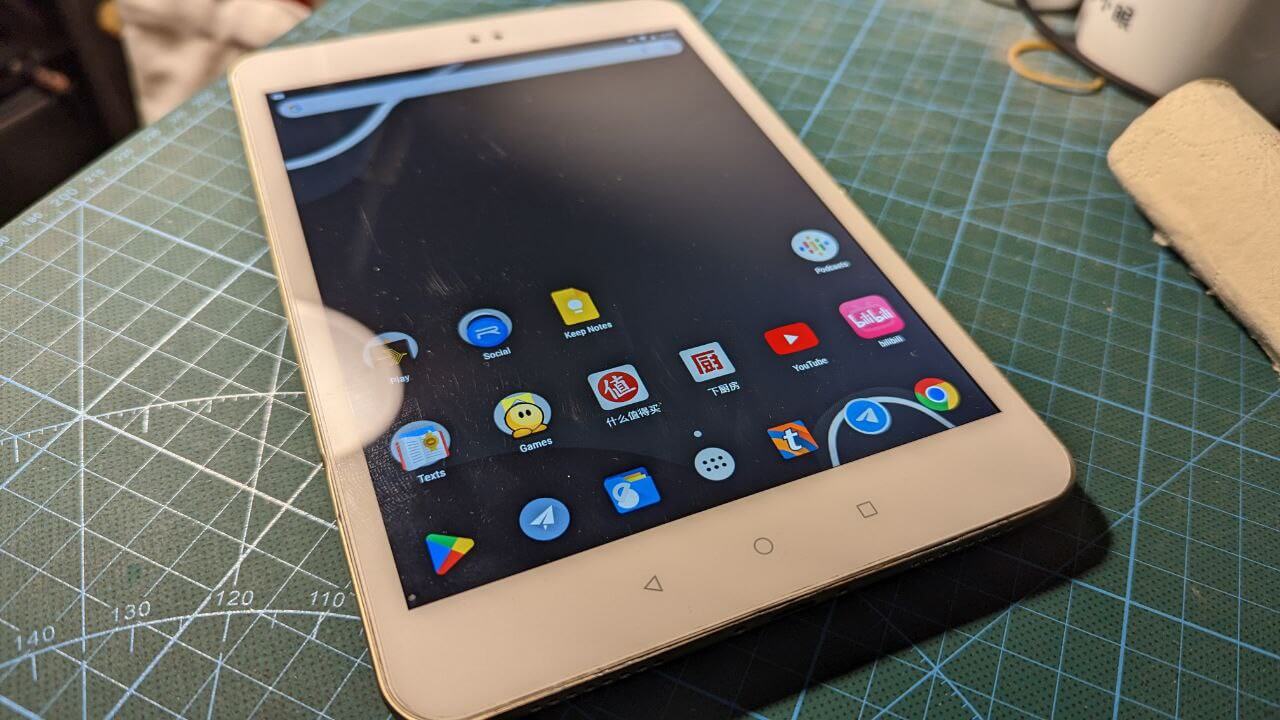
Oh right, the tablet is actually pretty decent. But given my experience, I wouldn’t recommend buying one on Xianyu.
Comments are hosted on the Chinese main site. This mirror is read-only.