Lenovo Chromebook 10e: First Thoughts
Even More Half-Baked Productivity: Lenovo Chromebook 10e
Not long after I sold off my HP Chromebook X2 11, I regretted it badly. I couldn’t find a tablet that met my needs anymore. Sure, that knockoff Surface from HP had all sorts of crappy problems, but compared to Android tablets that can only play games and watch videos, its advantages were pretty obvious.
Then I saw this thing on eBay:
Lenovo Chromebook 10e
Another Chromebook tablet. Performance-wise it’s about the same as the Duet, but the difference is it actually has a 3.5 mm headphone jack, and it comes with a keyboard cover that looks pretty solid. The only catch is it has no trackpad, but who cares—it’s a tablet, it has a touchscreen!
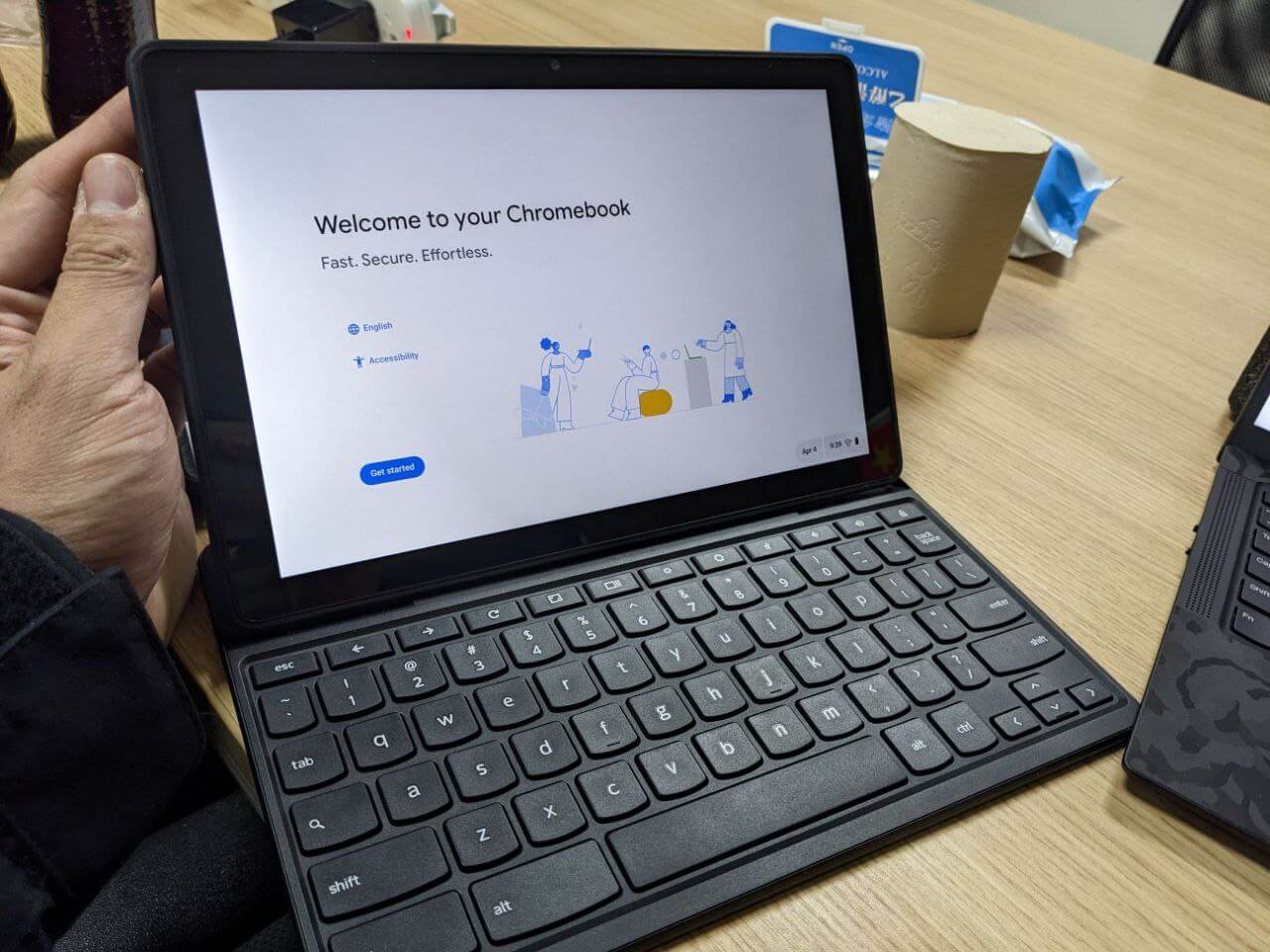
The biggest highlight: these units are all brand new on eBay, brand new, bro! Getting a brand new tablet with a keyboard cover for around 400 yuan really is a steal.
So I got carried away and bought it.
Honestly I didn’t use this tablet for long, but it impressed me the moment it arrived: the performance is really much better, and a lot of operations are way smoother than the Duet. You’d never guess it has the same MediaTek SoC as the Duet. But as the system upgraded to the latest version, the lag got more and more obvious…
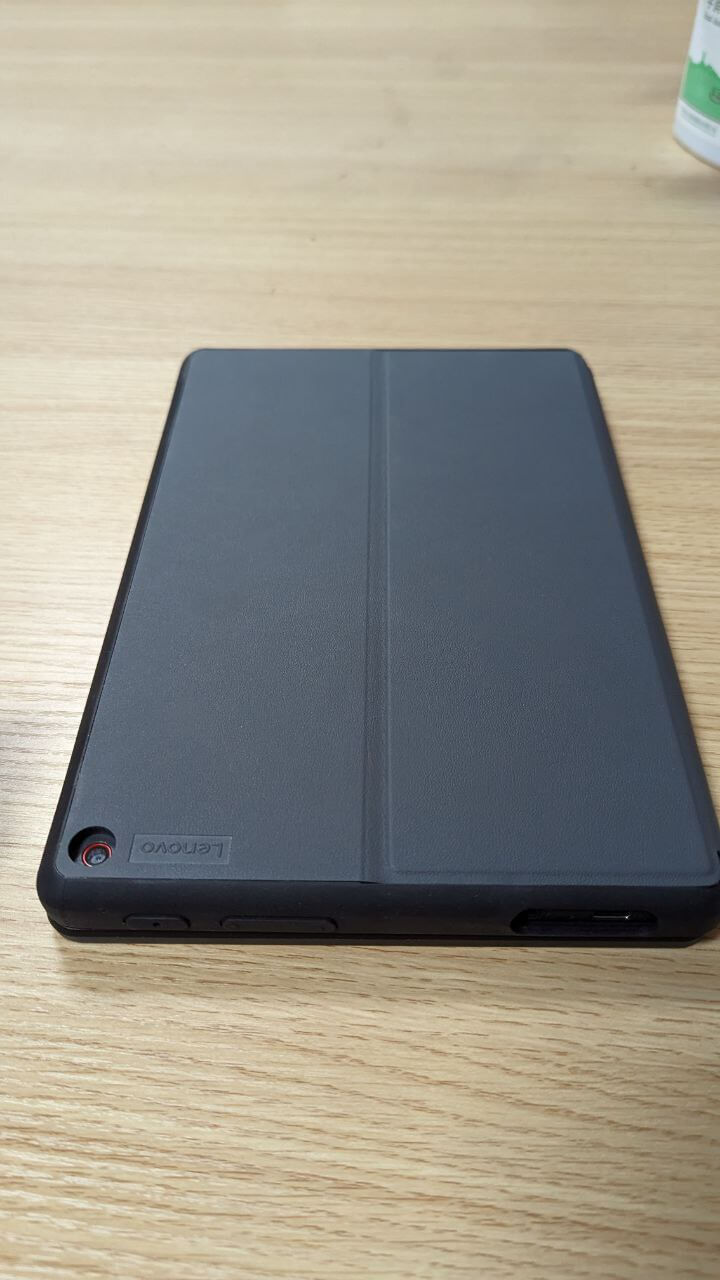
Still, overall it’s usable. As a tablet for simple web browsing, the 400 yuan price is decent value.
But then I ran into a fatal flaw that made me sell it without hesitation.
First, the speakers on this tablet are just terrible. If the Duet’s external speakers are a 5, the 10e’s are maybe a 1.5—roughly the sound of a knockoff tablet. I know your product positioning is a tablet for college students to casually use in class, but a random 5-yuan speaker on eBay would beat this.
The other flaw, and the most fatal one, is that this tablet doesn’t fully support hot-swapping at the system level.
After a certain version, ChromeOS added a “tablet UI.” That is, when tablets like the Duet and HP X2 11 have their keyboard removed, the system automatically changes the bottom dock into the tablet-style single horizontal bar, proving it’s in “tablet mode.” Plug the keyboard back in and the dock reappears, switching from “tablet mode” to “laptop mode.”
But this feature is incomplete on the 11e. Boot the system with the keyboard attached and it defaults to “laptop mode.” Detach the keyboard and the tablet enters “tablet mode.” Then when you attach the keyboard again…
It’s still “tablet mode,” but the keyboard works. You’ll find that short of rebooting with the keyboard attached, there’s no way to get back into “laptop mode.”
At first I thought it was a bug and reset the system several times, but nothing fixed it. Finally I found this line in the ChromeOS documentation:
“When ChromeOS detects a trackpad, it exits ’tablet mode’ and returns to ’laptop mode.'”
Oh shit. You know the 11e’s keyboard has no trackpad, right? So that’s the reason.
I never expected ChromeOS to base its judgment of “laptop” vs “tablet” mode solely on “trackpad.” Does it assume all ChromeOS 2-in-1 products come with a trackpad? Doesn’t it know most Android tablets don’t have one?
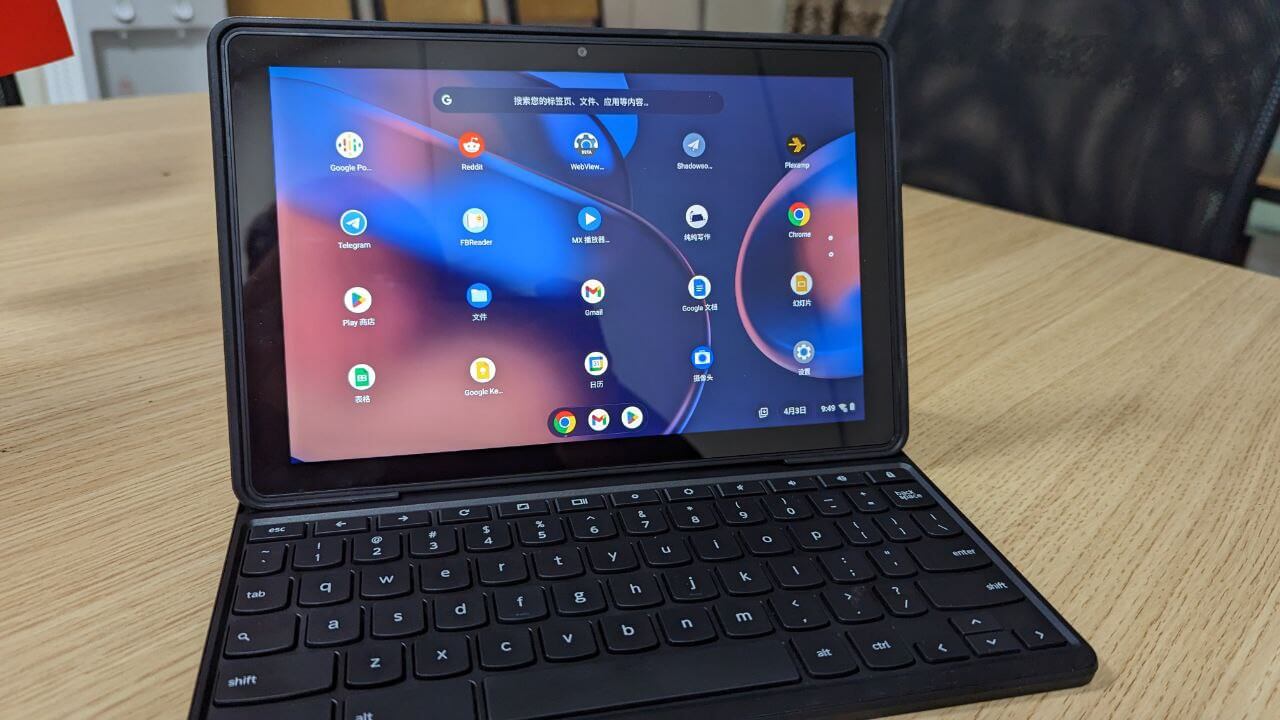
Oh right, I heard ChromeOS has officially dropped tablet support. Maybe all of this was designed for 2-in-1 laptops.
But this makes the Chromebook 11e experience really unpleasant. It means you can’t leave the keyboard cover behind—it has to stay fused to your tablet, or using it feels incredibly awkward. Compared to the HP X2 11, its “productivity” is even more half-baked.
Now I think I understand why even brand new units are so cheap. Maybe for a long time I won’t have any desire to mess with ChromeOS again.
Comments are hosted on the Chinese main site. This mirror is read-only.