Hands-on: Powkiddy RGB30
Retro Handheld Tinkering Log: Powkiddy RGB30
Preface:
Retro handhelds (open-source handhelds) have been kind of popular these past few years. I’ve bought and sold a few myself. Honestly, before this I was just following the crowd — I barely played any games on them, it was more about messing with the hardware. Lately I’ve been thinking about settling down and actually playing something seriously, so I started wondering whether I should put together a “handheld” that genuinely fits my needs.
So after a whole bunch of tinkering, I ended up with a result I’m reasonably happy with. I figured I’d write it up and share it with anyone who’s had the same idea, in the hope it helps or gives some inspiration.
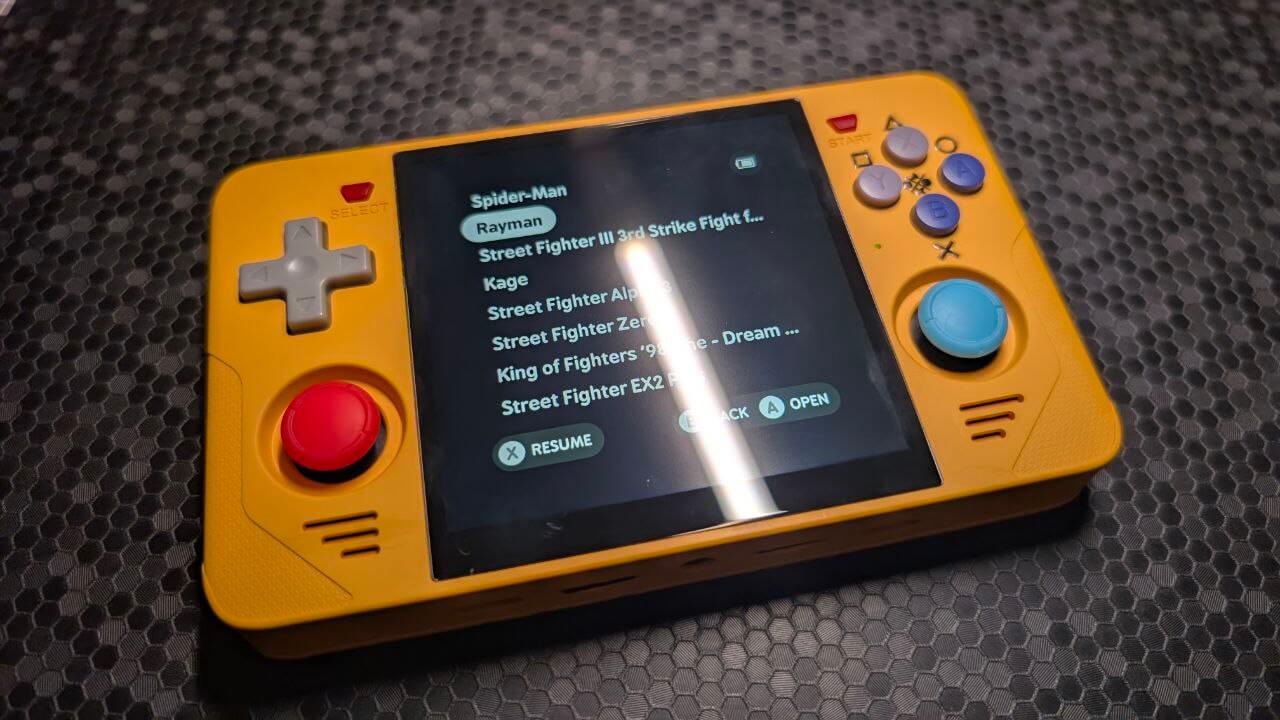
The target: Powkiddy RGB30
Why the RGB30 from Powkiddy as the target? One reason is that this machine is a bit special — a 720x720 4-inch square screen that can handle the aspect ratios of most retro games, plus the screen colors are gorgeous, and there are plenty of mod options. Good one to pick up and tinker with.
Reason two is that I happened to have one on hand. Simple as that.
System choice: MinUI / ArkOS / Rocknix
As an open-source handheld, the Powkiddy RGB30 ships with JeOS, but that system stopped getting updates a long time ago. Right now there’s Rocknix (the spiritual successor to JEOS), ArkOS (Ubuntu-based), and MinUI (based on stripped-down Linux and libretro). There are other oddball systems in this space too, but they’re all much the same, so I’ll skip them.
Here’s the main difference between the three mainstream systems:
Rocknix: A continuation of what JEOS was — focuses on stability, updates slowly, adds features slowly.
ArkOS: Updates very aggressively, has the best performance and the most feature support. The downside is instability, though that’s only for some devices — mainstream ones are quite stable. It’s also currently the only system that perfectly supports vibration on most modded models.
MinUI: A system that came along with the TrimUI and Miyoo handhelds. It basically uses the same general UI as those two, with a more simplified libretro at its core. The defining trait is how minimal it is — it only supports emulating certain systems, including FC, GBA, MD and so on, with PS1 as the ceiling. Nothing higher-performance. The UI is very intuitive, and it’s worth mentioning the thing nobody else can match: automatic sleep, shutdown, and resume, which gives this system’s handhelds a “pick up and play” experience on par with traditional handhelds.
Personally I go with MinUI first, then ArkOS. The former is all about a great experience, the latter about stronger performance and features. As for Rocknix, I can’t say it’s bad, it just feels like it sits between the two, a bit neither here nor there.
Most devices MinUI supports are Anbernic’s H700 series, which don’t have much performance anyway. They’re perfectly fine for PS1-and-below games. Not sure if it’s a legacy thing or what, but the RGB30 ended up being one of the rare RK3566 machines that MinUI supports.
ArkOS’s thing is that it’s Ubuntu-based with a ton of performance optimization, very strong customization, and support for many aggressive features — even the machine’s vibration motor. The price is instability, plus updates every other day, and games crash easily. ArkOS is also the only system that supports vibration on the RGB30, so if you’ve really decided you want vibration, ArkOS is your only option.
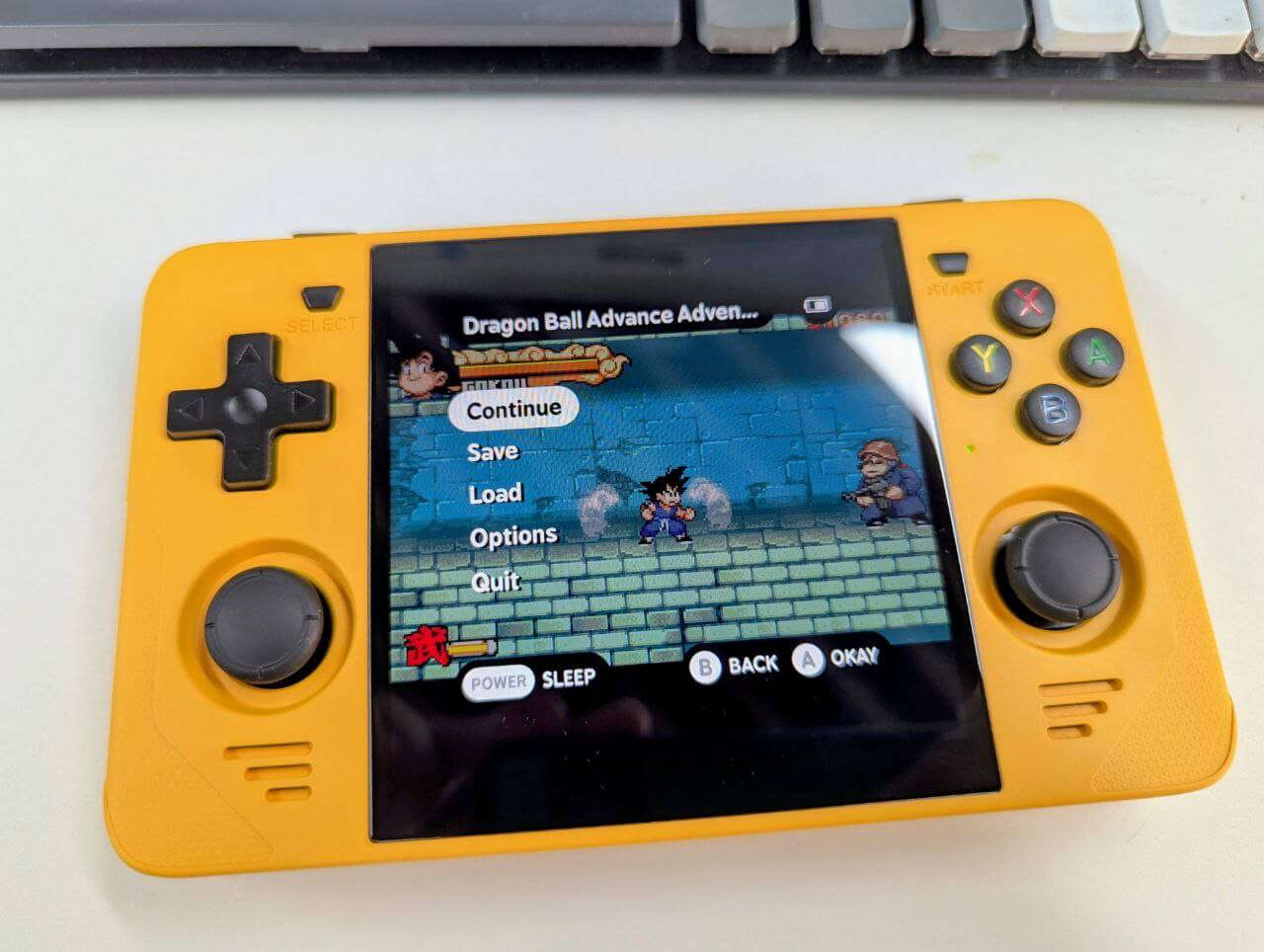
Given how things change, I’d suggest following the latest official manuals for installing all three systems.
Hardware MODs: sticks / D-pad / conductive rubber / vibration motor / grip / screen protector / stickers
Out of the box, the RGB30’s hardware — apart from that screen — is basically garbage. Stiff buttons, a D-pad that registers wrong directions, drifting sticks, a flimsy shell, and no vibration at all.
Good thing is there’s lots of room to mod this thing, so let’s go through them one by one.
Screen protector: official store
The RGB30 screen is decent, and you can apply a tempered glass protector. The funny part is the best tempered glass protector you can find is the official one, and they don’t even sell it — you have to pester customer service for it. But they will actually sell it to you. The best protector you can buy is the one customer service hands you.
Stickers / protective case: eBay
You can find stickers for this machine on eBay, not expensive, mainly bought to avoid scratches.
There are also some 3D-printed protective cases on eBay. The nice thing about these is you can flip them over as a screen cover when not in use, and flip them onto the back of the machine to use as a grip. I find them really handy.
Sticks: Hall effect / electromagnetic
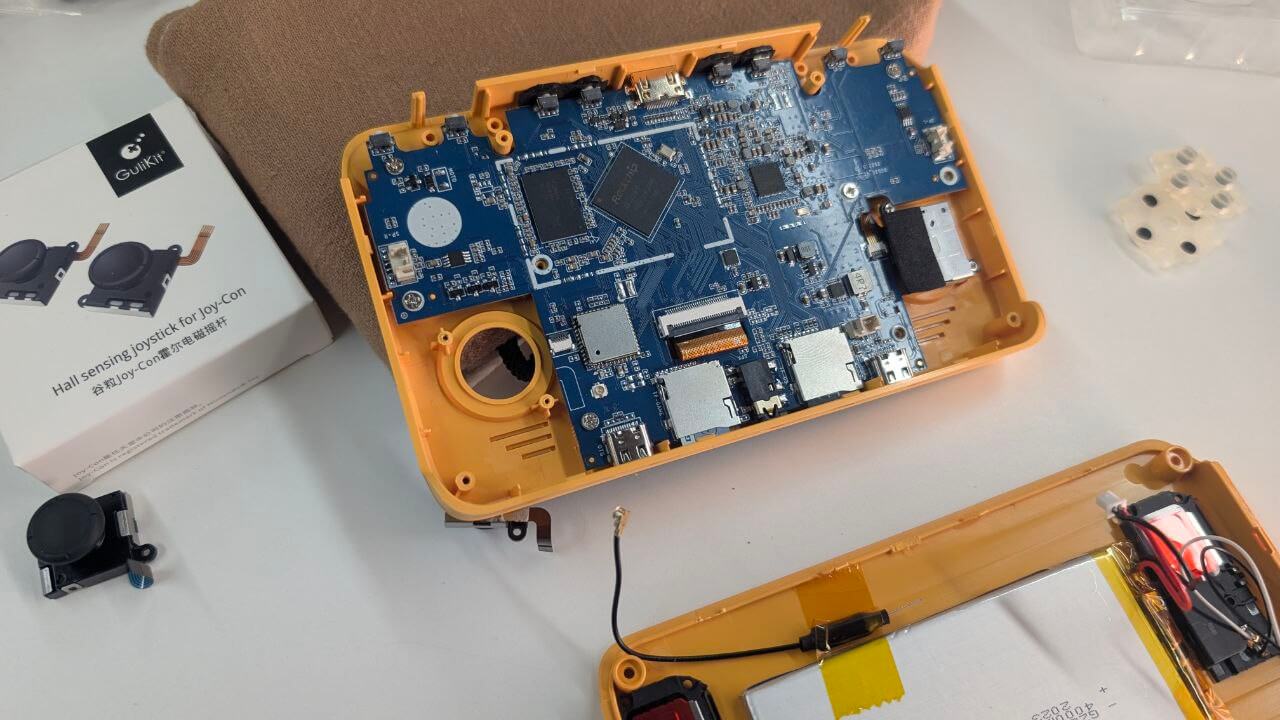
The RGB30’s sticks are compatible with all Switch sticks, meaning you can just buy a Switch one. There are way too many options for Switch stick replacements right now — beyond the Hall effect sticks that were all the rage recently, there are also the newest electromagnetic ones. Personally I think any of them beats the stock ones. Open up the machine and you’ll find the stock sticks have actually rusted. Absolutely ridiculous.
To replace them you just unscrew the back cover and open it up. Be careful when prying it open so you don’t snap the clips. Though honestly I feel like being careful doesn’t help — which clip wouldn’t break? The material is just too cheap. Good thing is a broken clip doesn’t affect anything.
Conductive rubber: Zhou-ge
The RGB30’s stock conductive rubber isn’t what I’d call bad, but it’s a bit on the stiff side. That’s not the main issue though — many of these rubber pads have already aged and yellowed, and the RGB30 is still using that aged kind. Truly ridiculous among ridiculous.
For replacing the rubber, naturally you go to our beloved Zhou-ge. On Taobao you can find the RG351MP conductive rubber, and also a Zhou-ge specially tuned “softer” version — I highly recommend that one. Other RG351 series rubber is interchangeable, so you can swap according to your needs; the standard RG351 is stiffer.
Replacing it is easy, just take it off.
D-pad and buttons: official / eBay
The RGB30’s stock D-pad cuts into your hand and is very stiff. Here you’ve got two choices.
One, you can contact Powkiddy’s official customer service and buy the D-pad and buttons from the V10 handheld — get the gray version, it looks better. That device’s D-pad is interchangeable with the RGB30, the edges don’t cut into your hand, and it looks nicer.
Two, find a 3D printing service on eBay. You can easily find a printing service run by some YouTuber who does teardowns — the price is okay, you can haggle, and you can just have them print the V10 buttons for you. You can also get them to print a set of shoulder buttons while you’re at it.
There are tutorials online saying you can fix the wrong-direction issue by applying some insulating tape, but I don’t recommend it. After swapping the D-pad and conductive rubber the problem is greatly improved anyway. And if you do apply insulating tape, many fighting games become basically unplayable — diagonals get very hard to hit, and you can forget about pulling off a shoryuken. Sometimes I even think a little wrong-direction input helps with fighting game motions.
By the way, if like me you often play PS1 games, you can buy a cheap PS Button sticker on eBay to help you remember the button layout.
Vibration motor: Taobao
The RGB30 has no vibration out of the box, but amazingly its motherboard has a spot reserved for a vibration motor, so you can buy one and solder it on yourself.
There are plenty of tutorials online, and soldering isn’t hard, but getting it enabled after soldering is a bit tricky.
So far only ArkOS can enable vibration. I’d suggest soldering it on while you’re bored, so you don’t have to open the machine and re-solder later when you switch to ArkOS. The ArkOS wiki page has a soldering manual for this machine.
Adding new platforms to MinUI
MinUI only goes up to PS1 by default, but it has no arcade platform at all — neither MAME nor NEOGEO. That’s a bit much. According to the author it can’t be perfectly adapted, but we can hand-roll support ourselves. The exact steps vary from person to person, so I’ll just give the idea.
By downloading the corresponding ArkOS packages, you can extract library files and bins like fbneo_libretro.so, copy them into the RGB30’s Bin directory, then create corresponding folders with the PAK suffix and put sh startup scripts inside. The script contents can be copied from something like NES, and that’s basically enough to manually add some platforms.
So far I’ve added CPS2, CPS3, PGM, NEOGEO, MD-CD and so on, but admittedly some libretro programs don’t support save states — mainly the CPS2 ones — so that feature is still missing.
Conclusion:
After all this modding, the RGB30 has become pretty usable. I’ve played some games on it — Tarzan on PS1, Street Fighter Alpha 3, Delta Force, and so on — and cleared quite a few of them. Great experience.
The conductive rubber and D-pad improvements also make fighting game motions smooth, and the 3D-printed case gives the machine some protection. Anyway, after a round of tinkering, this machine has reached a certain level of satisfaction — except CPS2 can’t save, but the CPS2 games I play are fighting games anyway, so saving doesn’t matter.
Comments are hosted on the Chinese main site. This mirror is read-only.