A Few Days with Chengmai Loongson 3A6000 Laptop
Hands-on: Chengmai Loongson 3A6000 Laptop
I once had a chance to be among the first people using a Loongson laptop, but I let it slip. Later, when Loongson was clearing out that batch of laptops on its official site for a mere 300 yuan, I didn’t bite either — and then that batch went up in price because it was the same model Stallman used. Kind of absurd. But given how RAM prices have shot up, upgrading a computer with a new machine is basically hopeless now, so I figured I’d mess around with Xinchuang and get ready for the day domestic hardware takes over my workplace. Maybe all these weird things I’m tinkering with now will be what I have to use at work. If I have to try it eventually, might as well try it early.
So a while back, with a friend’s help, I got my hands on a Loongson laptop — the kind with the most stock and the hottest demand on secondhand marketplaces right now. The machine is brand new: 3A6000 + 16G + 512G. The manufacturer is Chengmai, though the seller said, “They’re all made by Chengmai, I’ve got several brands stickered on the back here, which one do you want?” In the end I picked the one with a dragon on the back — at least it can be compared to Apple…
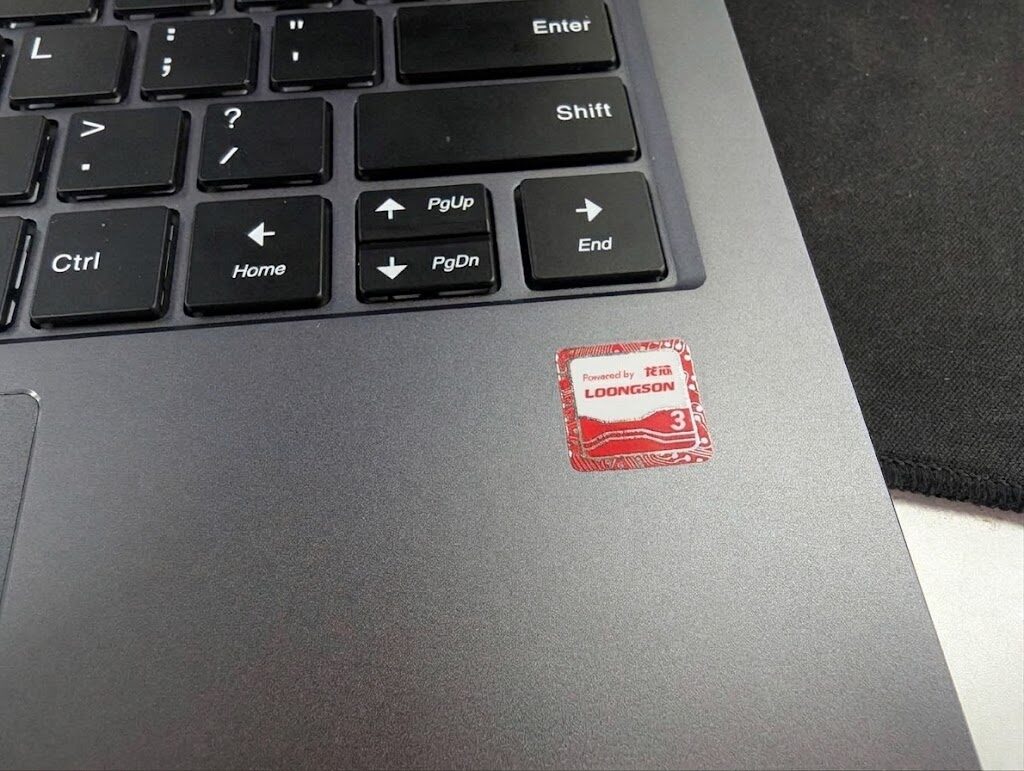
Exterior and specs
After getting it, I have to say the specs and build quality are pretty good. The keyboard feels great, it supports one-handed opening, and everything fits tightly. It even has a LAN port, plus a “privacy switch” — actually just a shortcut button that turns off WiFi/BT/Cam, and you can configure which ones in the BIOS.
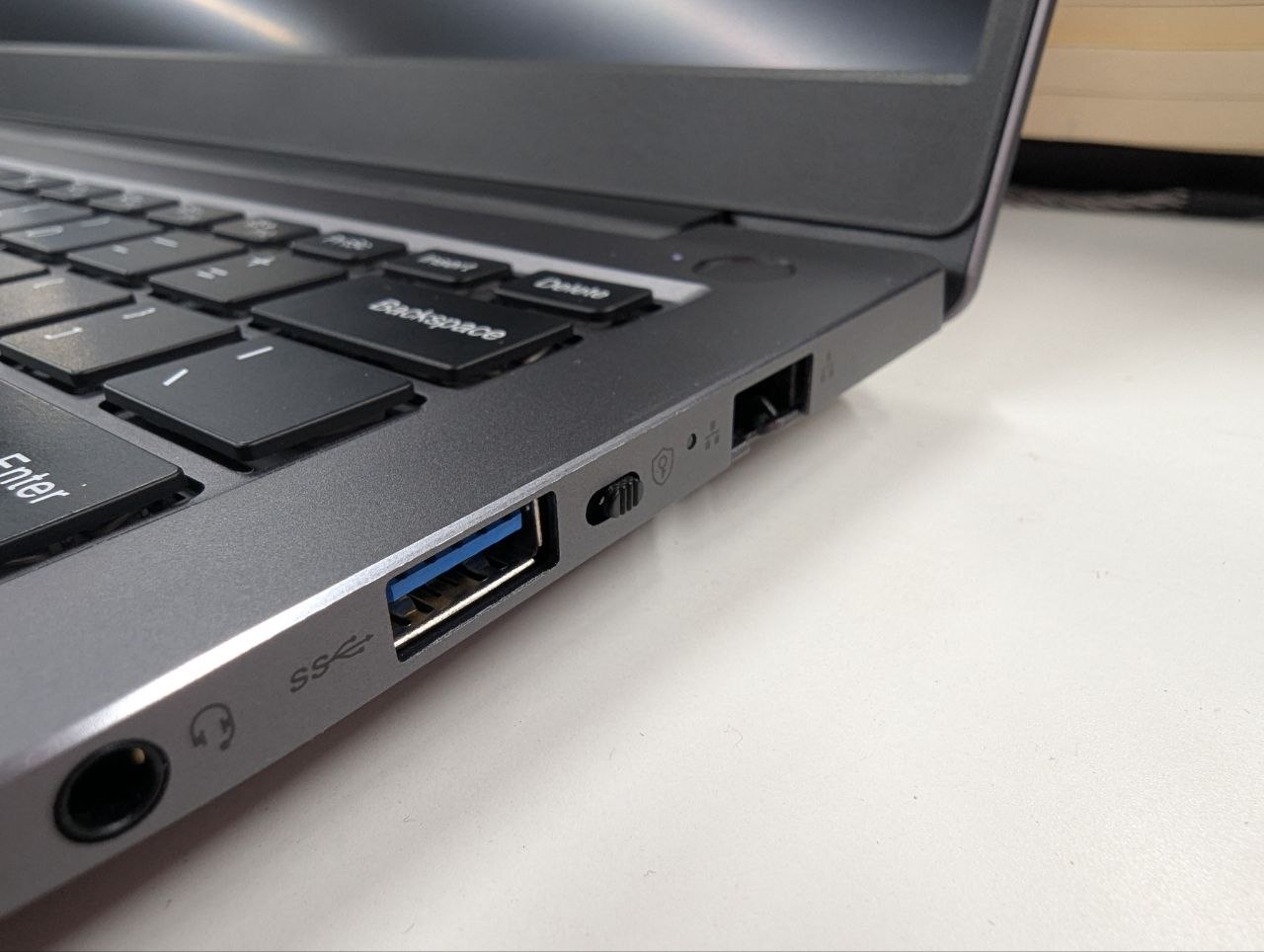
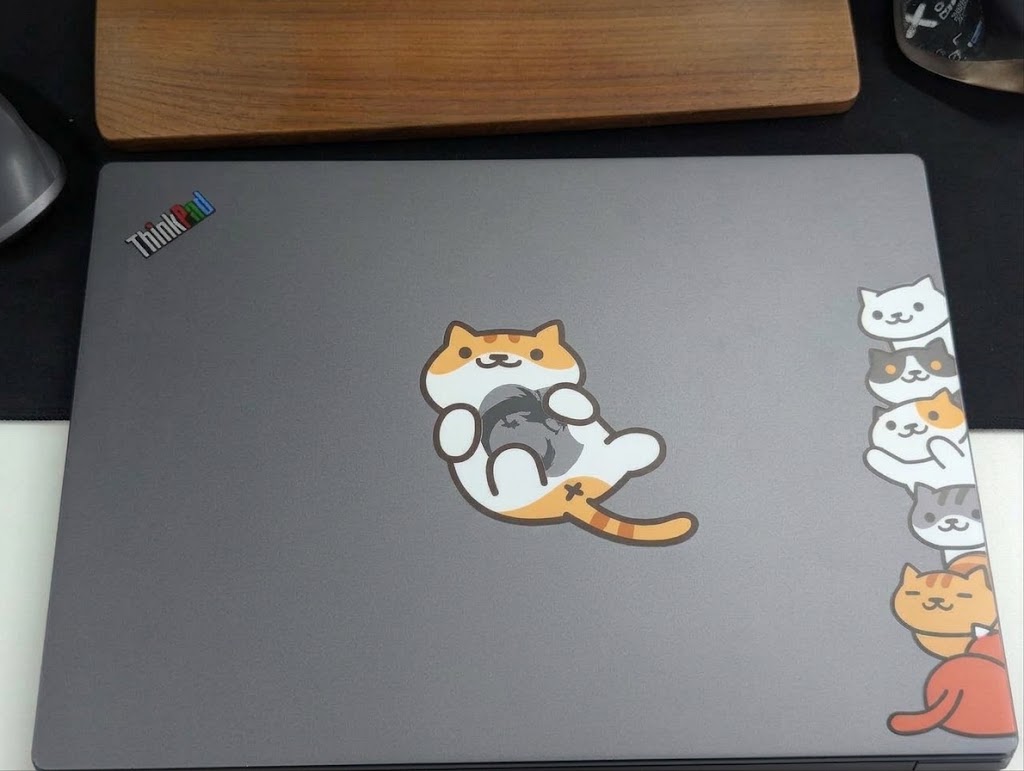
The power button has a built-in fingerprint reader. The screen is 1920x1200, and the color gamut and brightness look excellent — already blowing away plenty of ~3000 yuan Windows laptops with those big blue screens. There’s a dragon logo on top, though I’ve already modded it (I’ve got way too many random stickers from events and purchases, so now it’s become a Stick Bomb).
Inside, the layout is very tidy. It’s a single stick of DDR4 16G 3200 (worth a bit if I pull it out and sell it now), plus some 512G SSD of unknown origin named Kim something. Both are user-upgradeable. Dual-fan cooling too — you can tell a lot of thought went into this laptop’s design.
After some research, I found out that although this machine is made by Chengmai, it uses Zhuoyi Hengtong’s reference design, codename NL38-N11. Quite a few manufacturers use this design, and there’s a higher-end 2K screen version that I’ve seen on eBay too.
Performance and system
The Loongson 3A6000 is a relatively new model — the one Geekerwan and Uncle Tony (before he got exiled to Taiwan) tested, claiming performance can beat “a 10th-gen i3 at the same frequency.” Note the qualifier: “at the same frequency.” After all, the 3A6000 maxes out at what, 2.5GHz (the laptop only does 2.0GHz), meaning if you lock an Intel i3 to 2.5GHz, the 3A6000 can perform better. But a 10th-gen i3 has Turbo Boost, so it’s certainly not going to kneecap itself on frequency — its performance will still surpass Loongson’s.
But that doesn’t mean the Loongson is unusable. Quite the opposite — at this level, Loongson is basically “usable.” You can see plenty of people doing “Loongson plays Genshin/Black Myth smoothly,” and a lot of that is on this core. Of course, that’s also because games are more GPU-bound.
The latest Loongson is the 3B6600 series, supposedly hoped to launch in the second half of this year, but it’s still a long way from us being able to buy and use one. Currently mainstream Xinchuang products are all 3A6000. No need to dwell on the future.
Loongson’s platform now has its own instruction set, LoongArch. The upside is full self-control; the downside is it’s no longer x86, so most of your Linux packages won’t run on it.
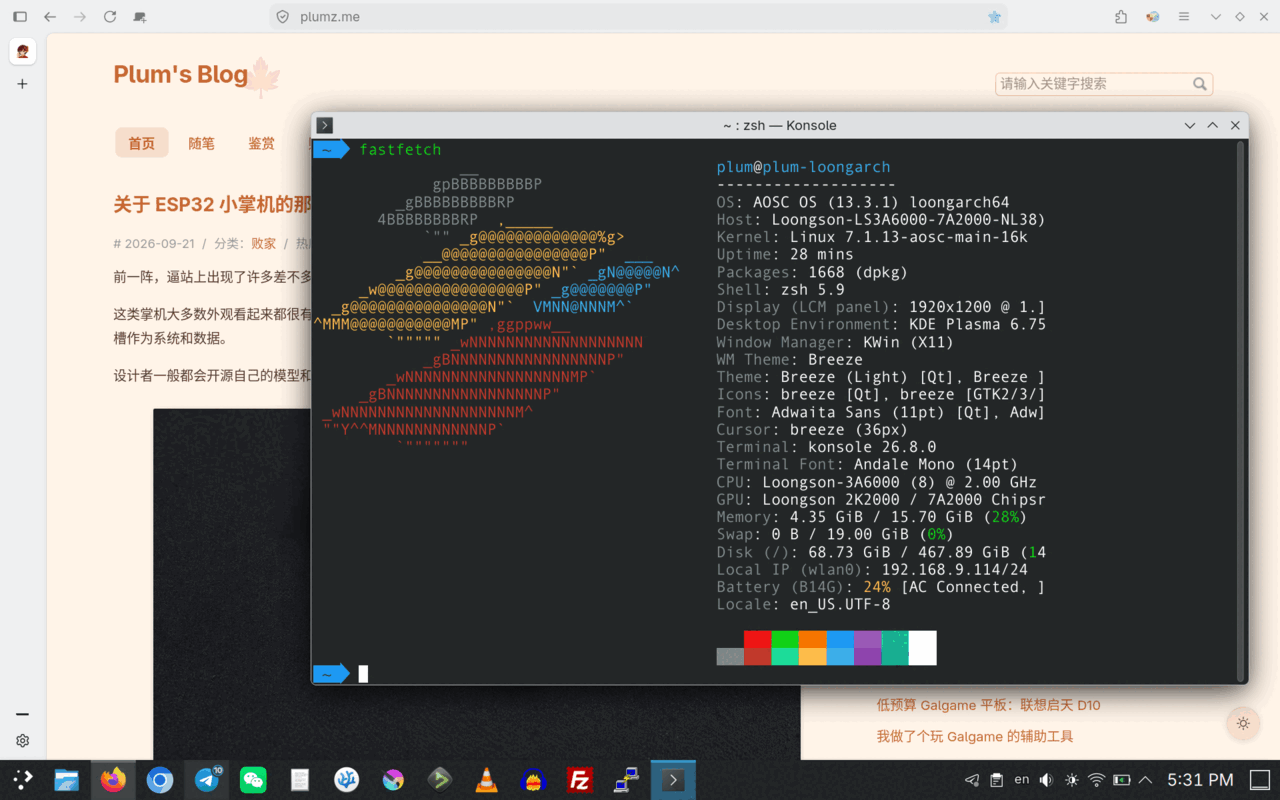
Of course, Loongson hasn’t left us with nothing — LATX, something like Rosetta, lets you run x86 programs conveniently, and some distros have integrated a whole set of solutions to at least make the system usable.
Right now there are several distros to choose from for Loongson: UOS, Deepin, loongnix, Kylin, Fedora, Debian, and Aosc (AnTong).
Quick note: UOS and Kylin are paid systems — you need to buy an activation code. Though with something like Kylin, not activating doesn’t seem to affect usage much. Loongnix is a distro with official Loongson backing, KDE + Debian underneath. As for official Debian, it’s already integrated LoongArch support, though it won’t be widespread until the next version. Something to look forward to.
Deepin is essentially the free cutting-edge test version of UOS, kind of like Fedora vs. RHEL. But Deepin’s Loongson support is absurd — e.g., the previous version booted fine, the latest one doesn’t. Customer service talks a good game, apologizes and says “sumimasen” very quickly, but the new version just doesn’t ship and the problem just doesn’t get fixed. Increasingly like our country’s absurd internet companies.
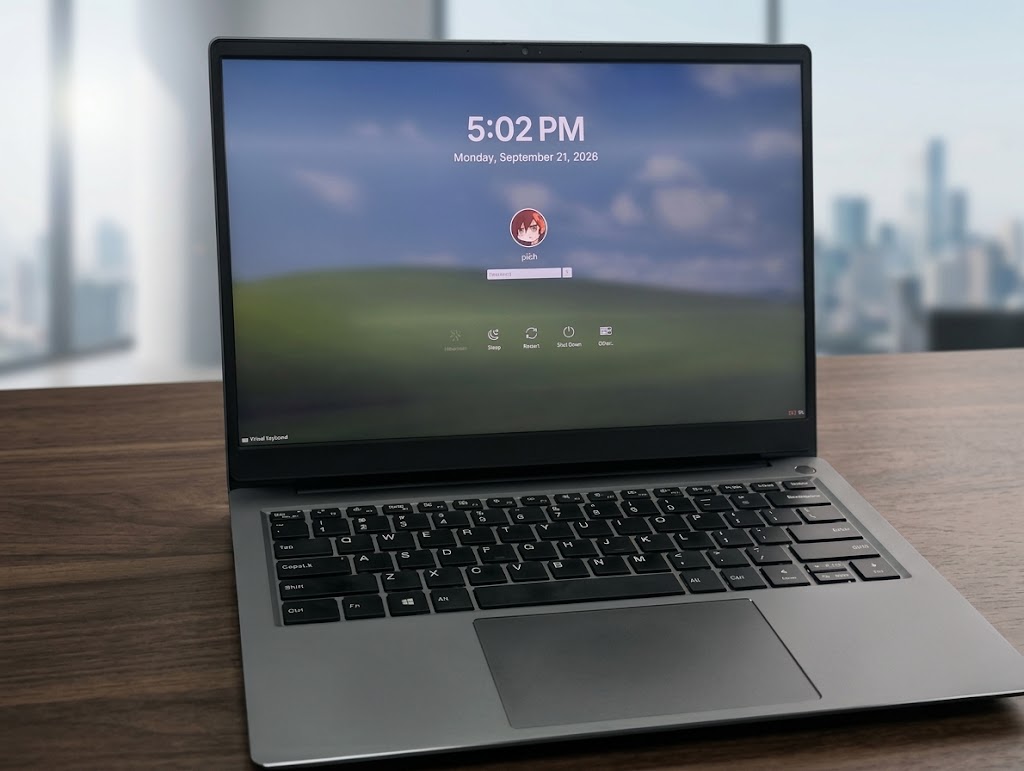
The community here with the strongest vibe is Aosc, AnTong. They often hold community events and campus tours and such — you could say Loongson promotion is inseparable from them. Aosc also has the best and fastest Loongson support right now, and its package manager OMA is very nice to use. Sure, there are plenty of problems — e.g., a recent update broke again — but given limited manpower, it’s already the best choice.
There’s also Fedora and Arch. Arch’s Loongson community edition is fairly active too, but personally I think Aosc is a bit better.
New World ~ Old World
Loongson has a “New World” vs. “Old World” distinction. The Old World is a closed-source system environment on new hardware, made to be compatible with old software, with a relatively old kernel. The upside: mature, stable, basically “works.” The downside: it gives up openness entirely, and lots of future stuff won’t run. Loongson’s official stance is “we will fully migrate to the New World” — i.e., the Loongson systems that follow Debian and the upstream Linux community are the future standard, and distros like Aosc AnTong will keep up with and promote the New World.
So the current situation is that many “domestic software” titles — WPS, Discord, etc. — are still in the Old World and can’t easily be used on New World distros. But the community developed a compatibility layer, libLoL (LoongArch on LoongArch), which lets you use Old World software with basically no loss. It’s a solution of sorts. Aosc ships this compatibility layer by default with the basic configuration done, so you can install Old World deb packages and just use them.
Aosc’s own repos are also quite rich — many essential apps are available, even VPN tools and proxies. Packaging is active too, so usage isn’t much different. In this respect it’s even more open and modern than some “Xinchuang systems.”
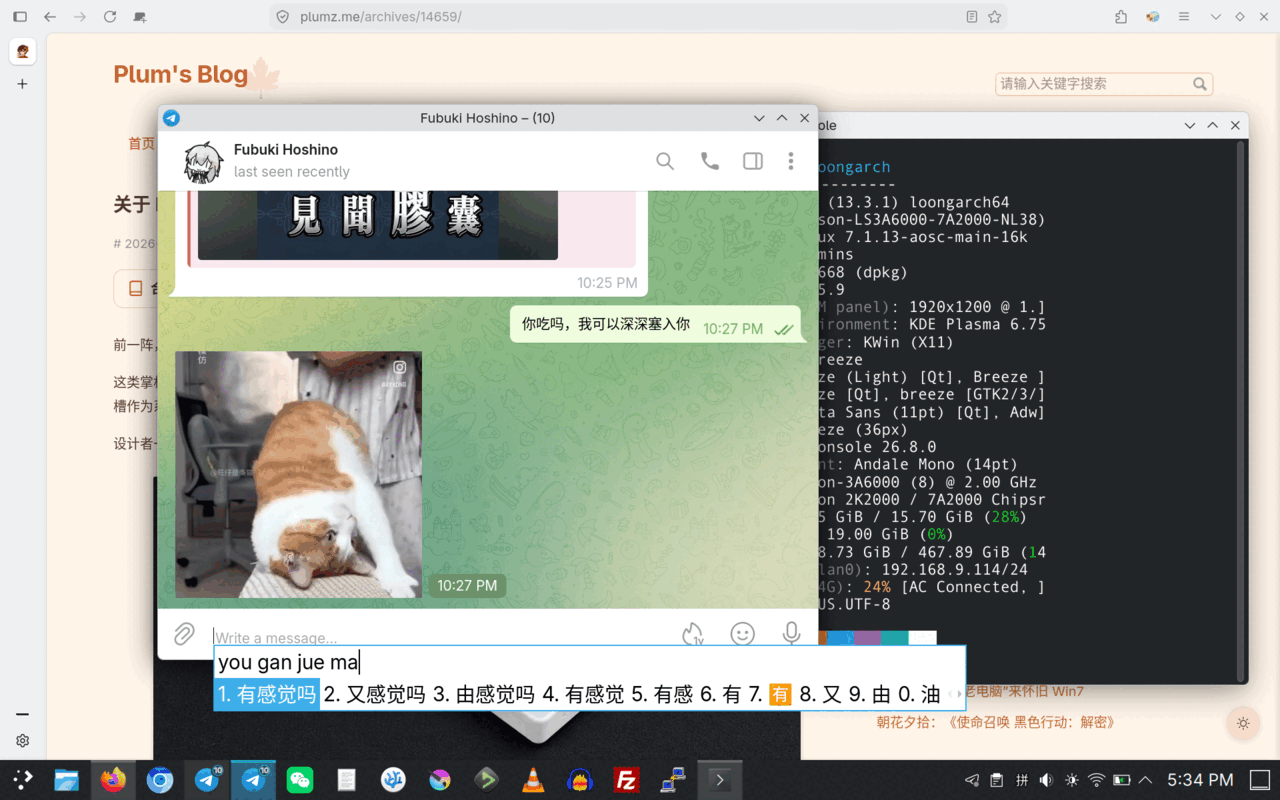
Also, many Loongson open-source software download pages mostly host Old World software, but with this thing’s help, plenty of software from the “Loongson App Cooperative” can be used too. Though I think most of that software is pretty absurd… 360 Browser, for instance. Still, for people who want to use it, it’s useful.
From a certain angle, Loongson’s software ecosystem isn’t that bad. And the “New World” goal and future are quite rosy — it’s also become the first instruction set to be supported by mainstream communities, pooling collective wisdom and opening up a bigger market…
Drivers and hardware support
New World sounds great, even gradually plugging into the mainstream Debian environment. But actual daily use still has annoyances, involving a few issues — first and foremost, GPU drivers.
Loongson uses something called the 7A2000 bridge chip to handle various hardware interfaces. This bridge chip contains a GPU module, and it’s even a “discrete GPU” with 2G of VRAM, claimed to be around the performance of some early AMD card, but it doesn’t seem to support modern OpenGL and Vulkan. That’s not even the main problem. The bigger problem is that much of this so-called “discrete GPU” is closed-source, which leads to an absurd situation: it might perform okay in the “Old World,” but in the “New World” it’s a complete pile.
Loongson officially promises to gradually migrate to the New World and has even released GPU drivers for it, but from experience it’s really just… “making sure the screen doesn’t tear.” Better than nothing. Most of the time, even scrolling on modern web pages (like this blog) stutters in many browsers.
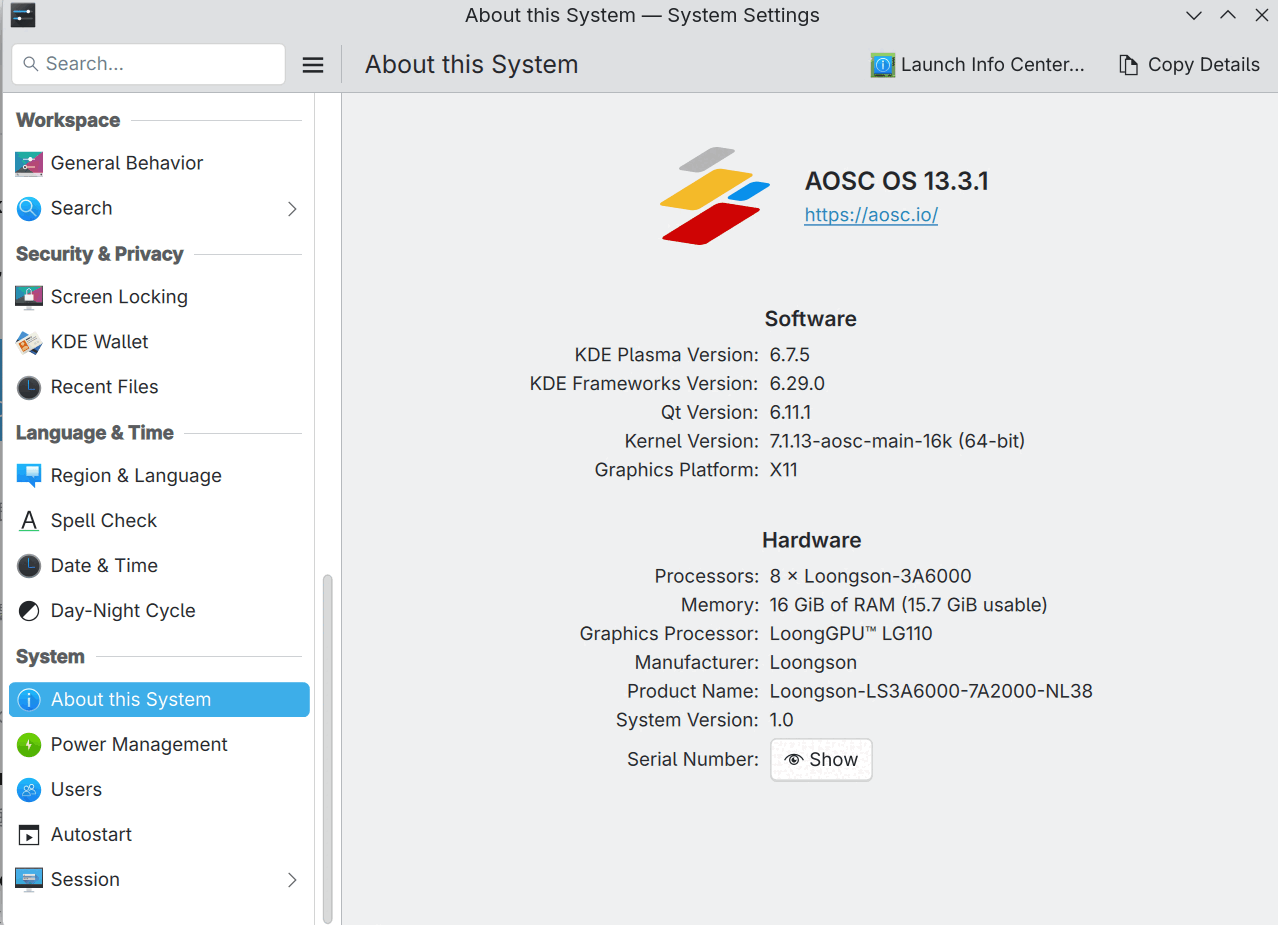
The fix is to disable all GPU compositing and use CPU rendering — and ironically, in many places CPU rendering is actually smoother than GPU rendering.
There are only two solutions: wait for official, more complete “New World GPU drivers” (which looks unlikely, at least in the short term), or reverse-engineer it — and reverse engineering has some legal issues too. Loongson doesn’t have as many users as Mali, so reverse engineering and development can make progress… so you just make do with it half-dead. I don’t recommend Loongson laptops for browsing overly complex web pages or watching high-res video in the browser; they’re better for typing or working in terminal-style interfaces (Omarchy?).
Most Loongson users are on desktops, though, and their fix is more direct: plug in an AMD graphics card, bypass this absurd GPU driver entirely, and get a decent experience. That’s the optimal way to play with a Loongson desktop. On a laptop, though, it’s a bit painful. Officially they say the 3B6000’s GPU is a bit better, but is the previous-gen LG110 just abandoned?
Besides the GPU, there’s also device BIOS updates. Most Loongson devices are one-shot deals — unless you’re a Xinchuang procurement customer, you’re unlikely to get solid technical support, let alone for secondhand products. Although Loongson community UEFI and other BIOS work keeps moving forward, ongoing updates only target a few “favored-son motherboards.” For example, the latest Turbo-Boost-like tech is only available on a few “favored-son devices.” As for other devices, manufacturers won’t care, and official info is hard to find too — it’s a bit like giving birth without raising the child. This ties into what I said before: “domestic products” are still made with a closed attitude, not intending to actively sell to the public, cutting themselves off from the people — hard to develop that way. Of course, Loongson is already the most open among them.
The first time getting bricked
Since the BIOS version on my machine wasn’t very high, I figured I’d search online and try my luck to see if there was an updated BIOS.
And sure enough, I found an article:
Guoguang UT6500-LA6 3A6000 laptop usage experience
It provided a newer version of the BIOS and EC for the Guoguang UT6500-LA6 3A6000 laptop — version 3.5 and version 2.8 respectively.
I saw this machine also uses the NL38-N11 mold, so doesn’t that mean it can be cross-flashed? So I directly flashed version 3.5 BIOS and EC, and sure enough it worked — but it felt like nothing changed, no real updates. If anything, standby time got shorter after booting into the system, and it even started freezing randomly for no reason. After some research, I found that the official retail system for the Guoguang UT6500-LA6 is still 2.8, so I figured flashing to 2.8 would be more stable…
After all, 3.5 worked fine, so 2.8 definitely wouldn’t have any problems, right?
Well, after flashing 2.8, the machine wouldn’t boot. Fans ran at full speed on startup, and the whole thing was bricked…
And I remember I once backed up the original BIOS, but after searching for ages I couldn’t find it — I couldn’t even tell which BIOS was the original. And now there’s another problem, even if I did find it…
How do I flash it? The machine won’t even boot.
So, impulsive and lucky me, I experienced the first bricking of my Xinchuang journey.
Comments are hosted on the Chinese main site. This mirror is read-only.