Impressions: Lenovo Kaitian D11
I’ve talked before about Lenovo’s “Kaitian D10” tablet, which works as a dedicated Galgame machine. It’s great value for the price and totally fine at that price point, but there were still a few things about it that bugged me.
- Performance is too weak, it can only run Win10
- Screen colors are good, but still not good enough
- The Secure Boot certificate expired, so it throws an error at boot
None of these are huge problems, but they’re still a bit annoying. Then, by pure coincidence, I saw someone on eBay selling the upgraded version of this thing: the “Kaitian D11”, codename IdeaPad Duet 3 11IAN8.
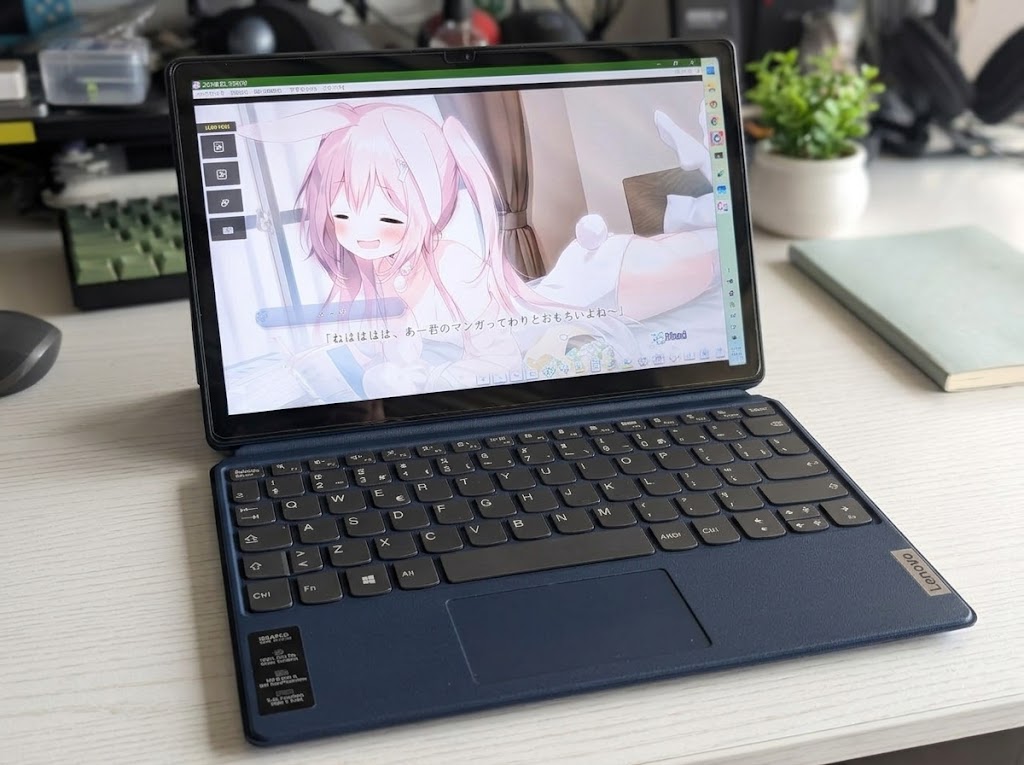
There really isn’t much to say about this thing. First, the screen: brightness, colors, and the oleophobic coating on the surface are all clearly better than the “Kaitian D10”. Paired with Win11 it also supports auto brightness, plus some kind of… fancy feature that adjusts colors based on ambient light.
Lenovo officially supports this device’s BIOS all the way to 2026, so there’s no certificate expiration issue. When I bought it the seller said there were two versions, a 128G one and a 256G one, with only a small price difference. I checked and was surprised to find the big difference between 8+256 and 128G is that the SSD is changed to NVMe instead of SATA, which is a world of difference in practice. So I’d suggest going 256G if you can — though if the price gap is too big, 128G isn’t terrible either. I got mine for just over 1000.
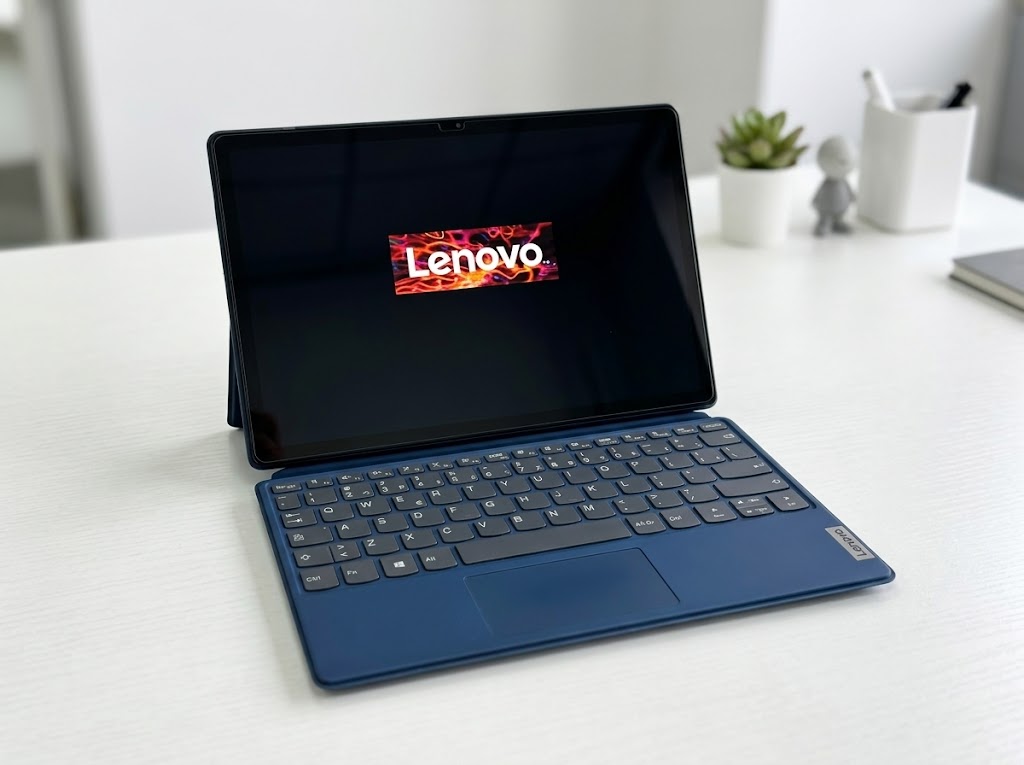
The version I got seems to have a European keyboard, which isn’t great to use, but it’s way better than the Japanese one. Still, I have to say that regardless of the key layout, this keyboard is just bad — the feel is terrible, barely usable at best.
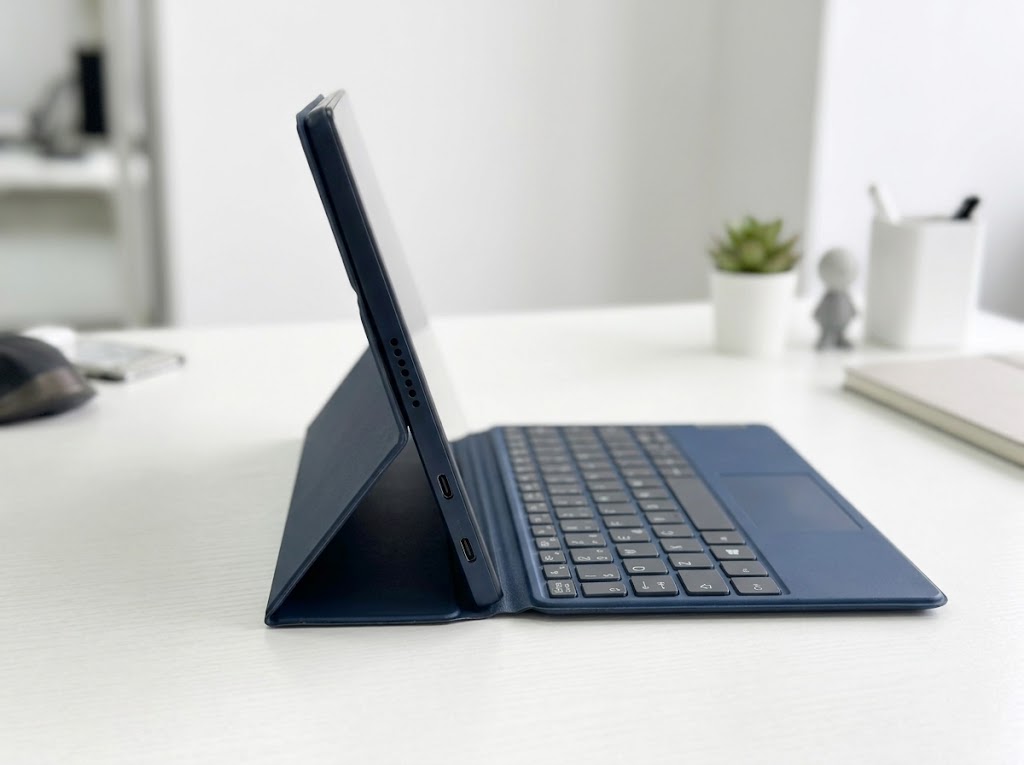
The tablet’s stand is different from Surface: it’s the kind that only props up with the cover, which is a real hassle, nowhere near as convenient as Surface. You can put a screen protector on this thing — it seems to share a screen with some Lenovo Xiaoxin Pad, so buy a few and try them out; it can cover the protective surface.
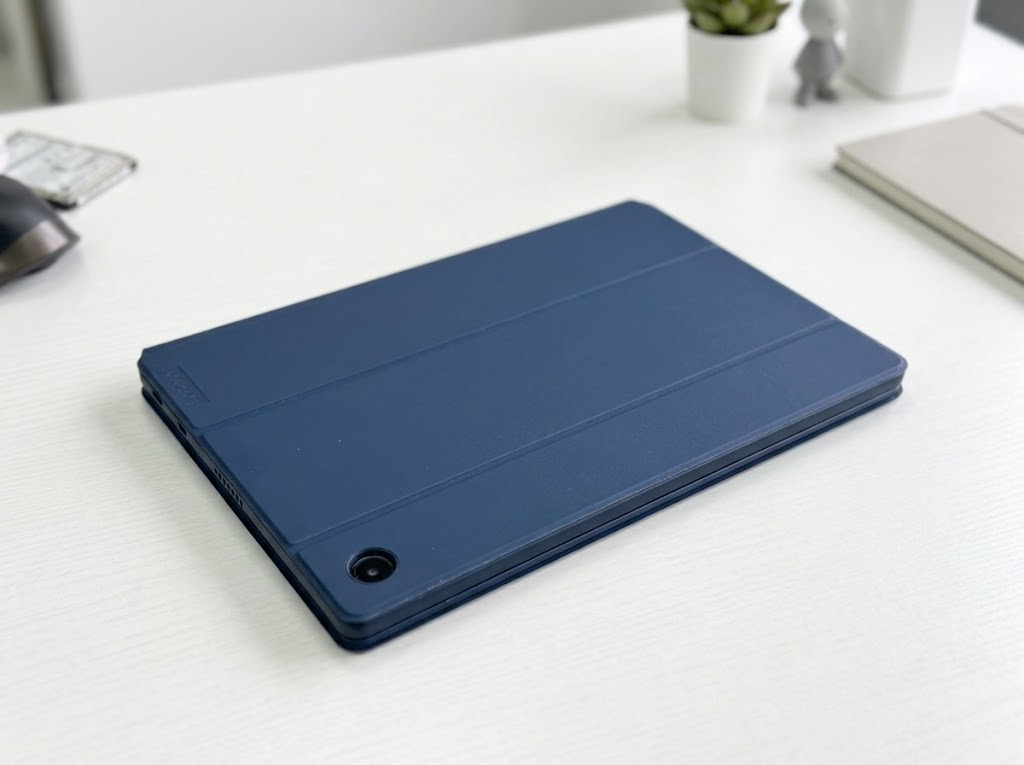
After casually using this tablet for a few days, one thing became clear: it’s bad at everything.
First, the N200 processor plus no fan means basically every app stutters — you can’t even watch YouTube smoothly, let alone do heavier work. Then the tablet itself is seriously overweight; holding it is a forearm workout, and you can’t comfortably hold it one-handed to read a PDF. The heavy weight makes even typing pinyin on the touch keyboard unpleasant, and as a tablet it’s nowhere near the Surface Go 2 — you can only hold it horizontally, using it like a big tablet to poke at…
So my verdict: apart from playing Galgame, this thing can’t do anything else.
But so what? I bought it to play Galgame in the first place.
The Galgame experience on this thing is actually pretty good. First, the screen is big enough and the colors are vivid enough that anime-style Galgame art looks really easy on the eyes. Then there’s battery life: total power draw is often just 3-4W, and remaining time easily hits 8 hours, which is unbelievable — back when I played Galgame on a Surface Pro 4 years ago, battery life topped out at 3-4 hours. The device has face unlock and fingerprint unlock built in, but both are a mess to use, especially the fingerprint. I’ve never seen perfectly working fingerprint authentication under Windows, and I don’t know if it’s Windows’ fault or the driver’s.
Probably because they’re all pure little cores, this thing sleeps fast and standby time is long — I often leave it there for half a month, it goes into hibernate, and it still has power when I open it. Combined with that plugin I mentioned before, I’m full of praise for the Galgame experience.
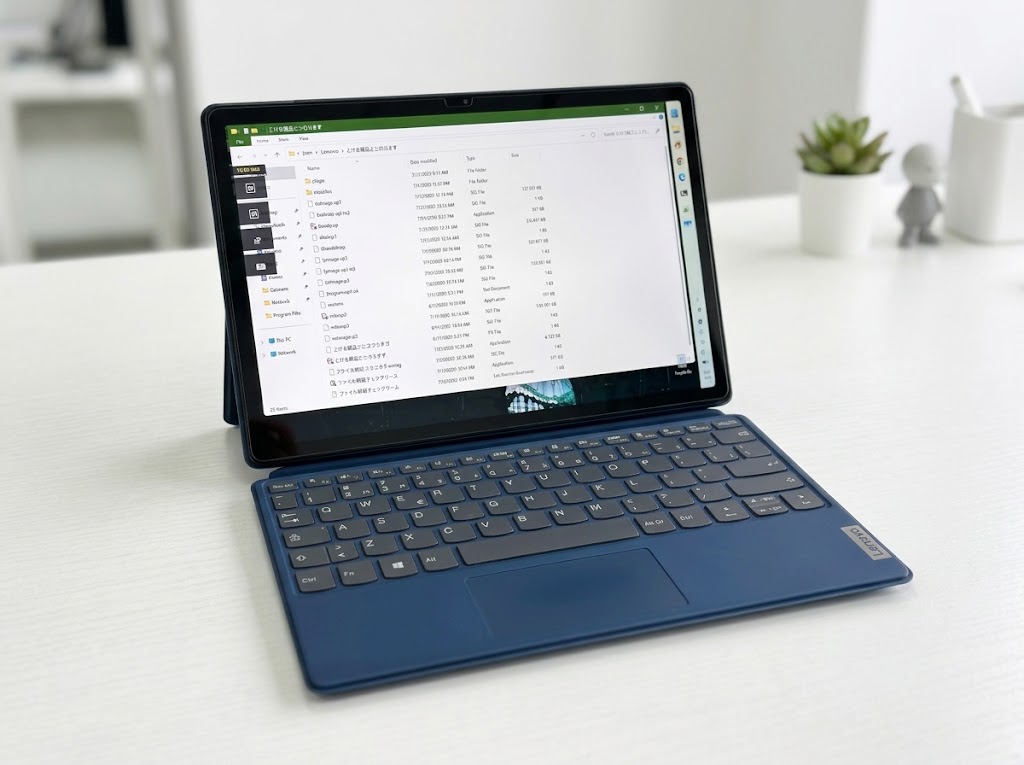
So if all you need is a “dedicated Galgame machine”, this tablet is a good choice. But don’t forget: apart from playing Galgame, it isn’t suited for anything.
Comments are hosted on the Chinese main site. This mirror is read-only.