Dash Cam
Car Gadget Purchase Diary
Getting a car is just the beginning… beginning of what? The beginning of buy, buy, buy!
Because the Honda Vezel wasn’t easy to get and there weren’t many discounts, just being able to buy one with a small discount was already good enough. Can’t expect them to throw anything in, so I had to buy seat cushions and the rest myself.
Good thing Taobao is pretty much universal—got all of that sorted fast. Of course, as a nerd who likes building computers, what I care about more is other stuff.
Dash Cam
My front door is right by a hospital—in other words, a staging ground for insurance scammers. So a dash cam is absolutely essential! At first I didn’t have one, and every time I drove past the entrance I was extra extra careful, terrified that some old lady would suddenly fly out from the roadside and drop in front of my car in a Superman-landing pose, then insist I scared her into irregular periods or something.
So with so many dash cams out there, which one to buy? There’s a detailed post on Quora, but it didn’t recommend any brands, which annoyed me. Someone I respect on a Hi-PDA forum recommended the GS90C with the Ambarella A7LA70 chipset. Looked decent enough, so I bought it.
It arrived pretty fast, but after installing it I found problems.
This thing uses a suction cup. At first I thought twisting the mechanism would make it stick tight, but before I’d even finished looking for a spot in the underground garage, it suddenly fell off. Felt the glass—a bit hot. No wonder people say these things fall off easily in summer heat. I’d considered that, but didn’t think it’d be this bad.
It kept falling off the first day, and on the second day it wouldn’t even turn on… After some back-and-forth with the seller, I decided to return it.
After returning it, I had to pick a new dash cam. This time I decided to go by brand directly, and absolutely no suction-cup types. So I settled on the Papago 730.
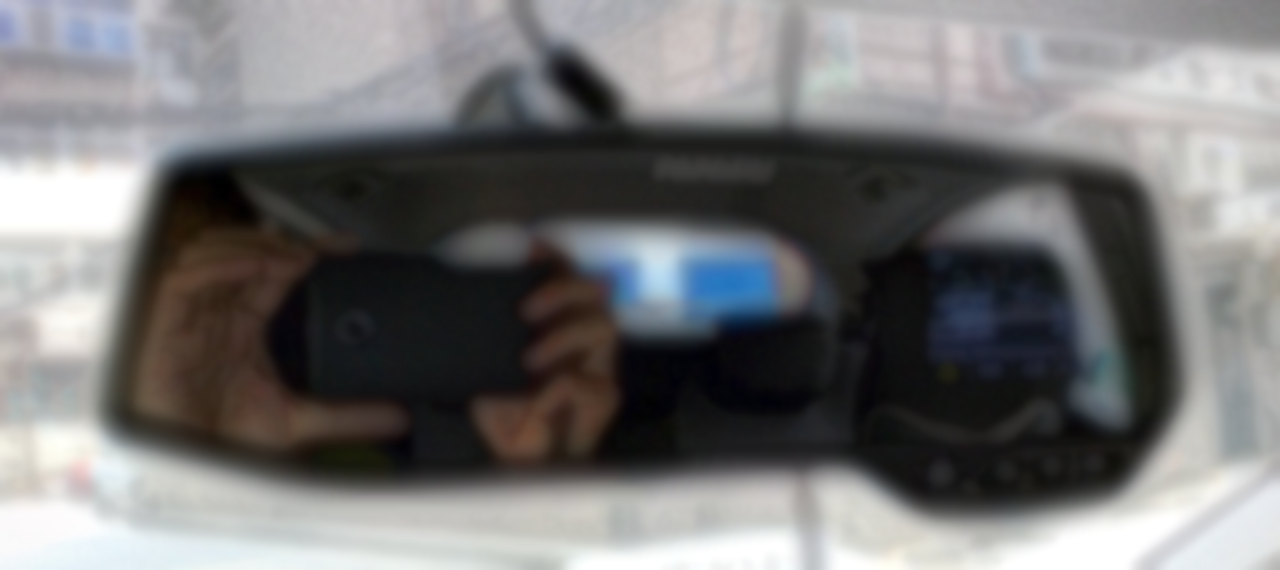
What’s good about this one is it directly replaces your rearview mirror—because it IS the rearview mirror, with a camera and mount extended out beside it.
The official spec says max 32 GB, but I plugged in a Samsung 64 GB EVO card and it recognized it fine.

Aside from max resolution being only 1080P, I haven’t found any other problems. Hope it stays stable. But one thing’s for sure: at least this one won’t fall off.
In-car Music
I used to listen to music on my commute all the time, and after changing vehicles that’s still a must. The Honda Vezel itself has Bluetooth and also supports plugging in an iPhone to get track info.
But I don’t have an iPhone, nor an iPod. With the wishful thinking of “they’re all made in Japan,” I plugged in my Walkman—turned out to be useless. The car can read music from a flash drive itself, but unfortunately only MP3, and mine are all FLAC. Whether it’s the Nexus 6, Nexus 9, or ZX1, as long as it’s Android, if you want simple music playback, it’s not easy. In the end the Walkman A15 did play normally, but the volume and sound quality were terrible—mids clearly missing in a huge way.
So I went straight for an AUX cable, paired with a mount, for playback.
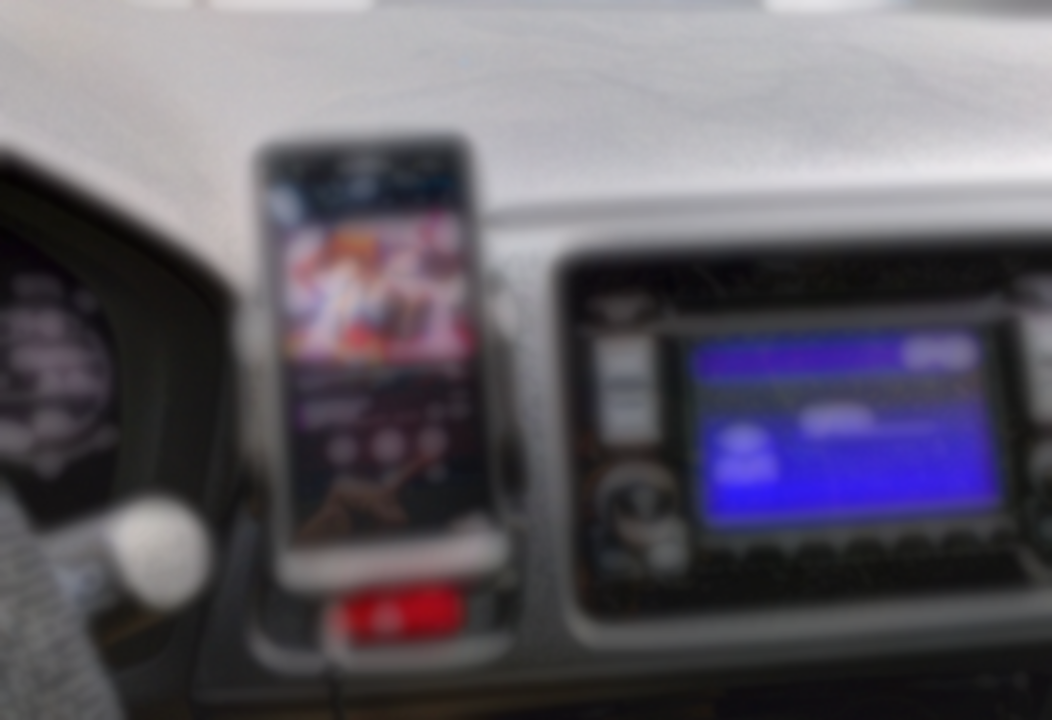
The result was surprisingly good, and I also discovered the car stereo isn’t that bad—seems more of the badness is at the decoding layer. This mount seems like it can even hold the A15 strapped together with a PHA-2. Maybe I’ll just use this setup for in-car from now on—the ZX1’s battery life isn’t great anyway.
Maps & Navigation
I’m a Google Maps user, so Google Maps is my first choice for navigation. Actually at first I wanted to buy another Nexus 7 2013 or something just for navigation, but on second thought, I’m not an idiot, I don’t not know the roads—why would I need navigation every day? So I just left the adjustable mount in place, and prop up my phone when I need navigation.
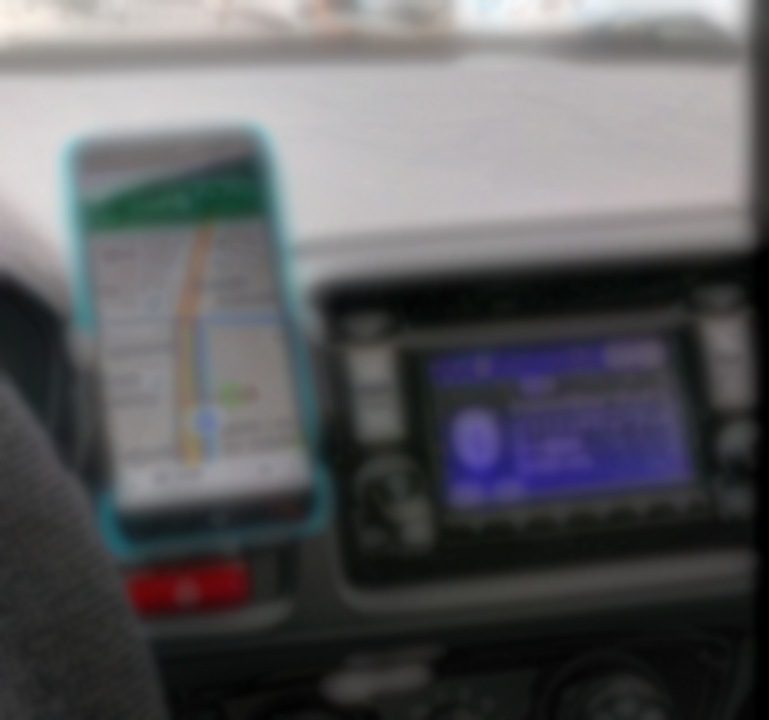
Today I tested Google Maps navigation and it worked surprisingly well—it can even adjust the route on the fly when I take a wrong turn. Very nice. On the Meizu M2 Note positioning was fast. Data usage will probably be higher, but it’s a 4G China Mobile number with plenty of data, so whatever.
Of course, someone at work recommended Amap (Gaode), so I installed that too and enabled offline maps, hoping Amap works as a backup when there’s no network.
Comments are hosted on the Chinese main site. This mirror is read-only.