Windows 10 To Go
Starting with Windows 8, there’s a feature called Windows To Go. Basically you install your entire Windows system onto a USB drive, find a computer, plug the drive in, and boot into your own system.
Pretty cool, right? It’s essentially the same idea as a Linux Live CD. Even so, it’s not exactly easy to pull off.
Microsoft gives you a wizard in the Control Panel, but it’s useless, because when you run it, it tells you “only Microsoft WTG-certified USB drives can be used to create Windows To Go.”
And those certified drives? Either you can’t buy them, or the only one you can get on JD.com starts at 699 yuan. Absolutely makes you want to scream.
So we just have to ignore that dumb wizard and do it ourselves.
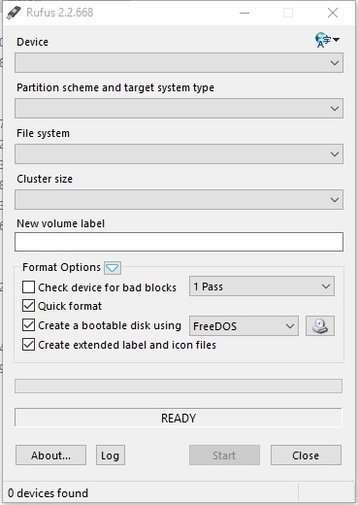
There are other tools for making this thing, like this one: Rufus
And GimageX:
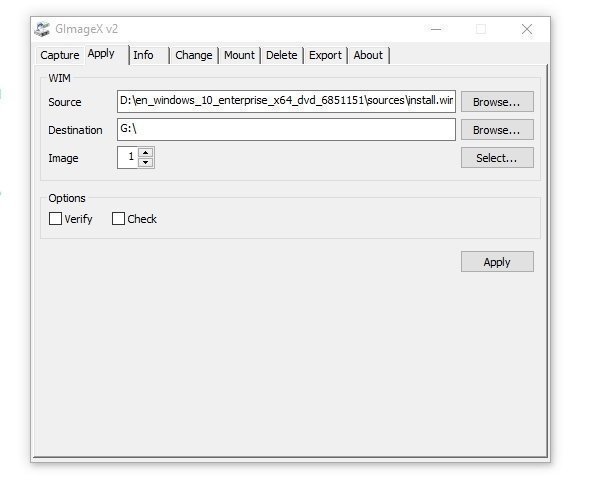
The difference is that after GimageX finishes, you still have to write the boot sector yourself via the command line.
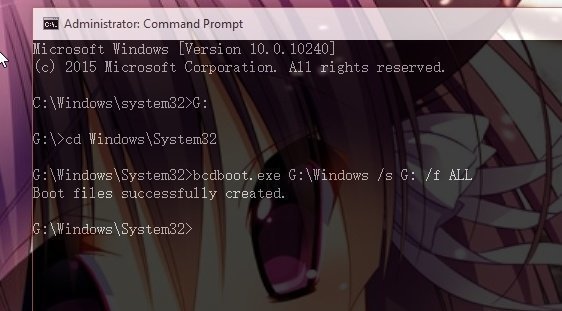
So the question is, which one’s better?
The answer is Rufus, because a USB drive made with GimageX won’t even boot! And you have to load the boot partition yourself, which is a total pain!
Rufus makes WTG with no extra steps at all. All you need is a Windows 10 boot ISO ready; check it and then just select Create Windows To Go down below. No fiddling with setting it as an active partition or any of that mess, and it supports UEFI.
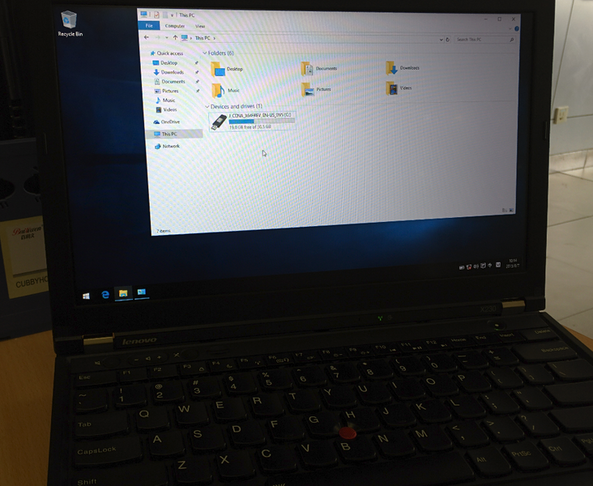
Activation is a bit of a hassle though, remember to use KMS yourself. And last but important: don’t use a garbage USB drive.
Comments are hosted on the Chinese main site. This mirror is read-only.