Reloading Ubuntu Unity Indicators
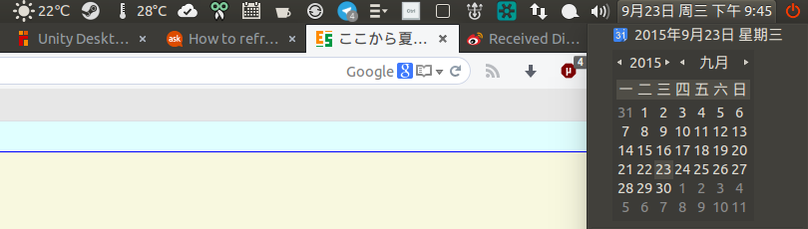
One reason I like using the Unity desktop is its indicators and global menu. But sometimes the damn thing fails to start and stuff just doesn’t show up — the clock, the volume speaker icon, that kind of thing. Logging out and back in fixes it, but I was in the middle of a Dota 2 update and didn’t want to do that, so I went looking for another way.
At first I wondered if there was some reload command, maybe resetting all of Unity would do the trick.
setsid unity
It does actually work, but it’s too much hassle. There’s a simpler way: just kill the process and let it restart itself. This time it was the clock that disappeared:
killall indicator-datetime-service
The other services can be fixed the same way:
indicator-application-service (global menu)
indicator-sound-service (sound service)
indicator-messages-service (mail and IM messages)
indicator-session-service (shutdown and logout on the far right)
Honestly, after using Unity this long, I’ve gotten used to it and it’s pretty good. Though lately I’ve been thinking about migrating to Fedora 23 and GNOME Shell…
Comments are hosted on the Chinese main site. This mirror is read-only.