Two Errors Installing VMware 12 on Ubuntu 14.04.3
Advertisement
VMware 12 has been out for a while now. I didn’t upgrade the desktop at home, and the laptop got upgraded but I barely use it. Today I felt like running a VM, so I pulled it out and upgraded — turned out there were two errors during install.
The first was a theme error
Advertisement
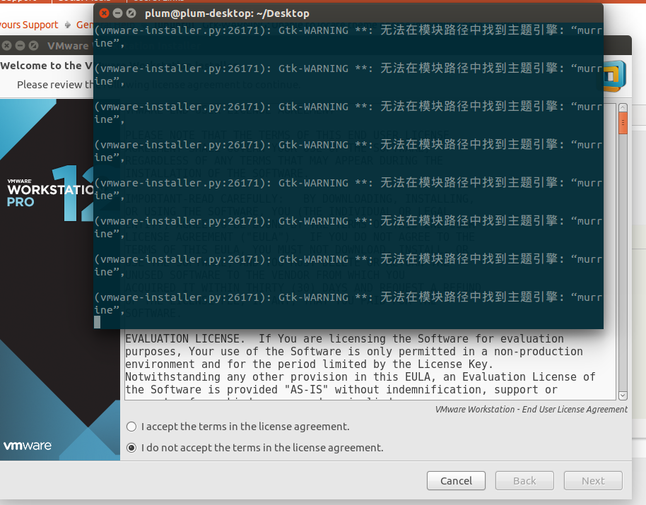
Easy enough:
sudo apt-get install --reinstall gtk2-engines
sudo apt-get install gtk-murrine-engine
sudo apt-get install gtk2-murrine-engine
sudo apt-get install gtk2-murrine-engine:i386
The second was a module error
Gtk-Message: Failed to load module "canberra-gtk-module"
To fix this you first need to install the module:
sudo apt-get install libcanberra-gtk-module libcanberra-gtk-module:i386
Then make a symlink:
sudo ln -s /usr/lib/x86_64-linux-gnu/gtk-2.0/modules/libcanberra-gtk-module.so /usr/lib/libcanberra-gtk-module.so
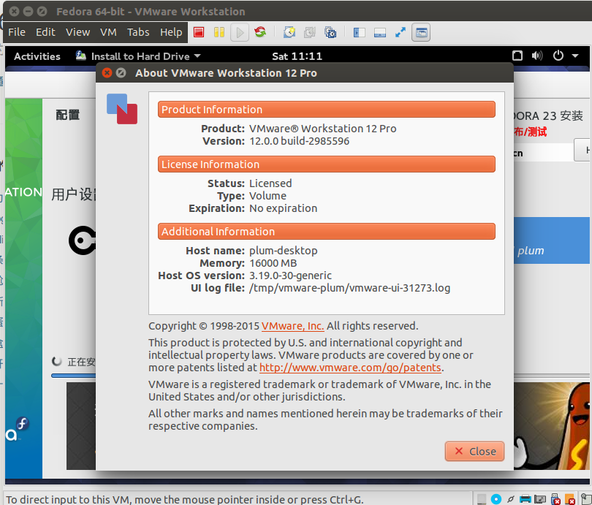
And then you can use it happily:
Comments are hosted on the Chinese main site. This mirror is read-only.