Impressions: Synology DS216se
Synology DS216se
We already had a NAS at home, but it was useless to the older folks in the family. Fine for me, too much hassle for my parents.
For them a NAS is actually necessary — they need somewhere to keep the photos they take, whether on phones or cameras. Importing photos from a phone to a PC is way too much trouble for them, and I didn’t want to install some domestic Chinese management app and get burned. Dumping everything onto one computer also seemed unsafe — one dead hard drive and it’s all gone. So we decided to go with a Synology.
Given data safety concerns, I picked the two-bay DS216se.
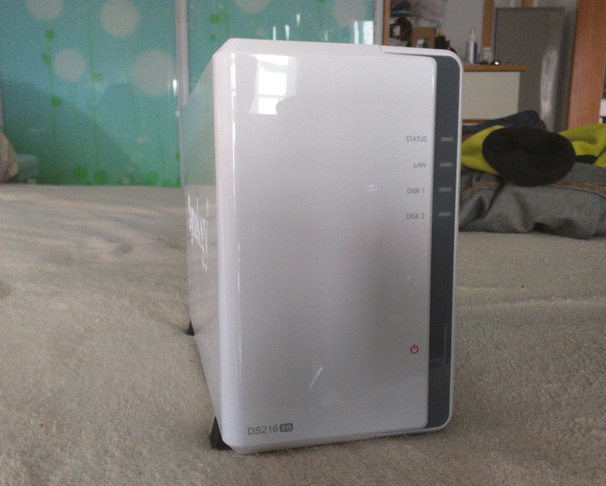
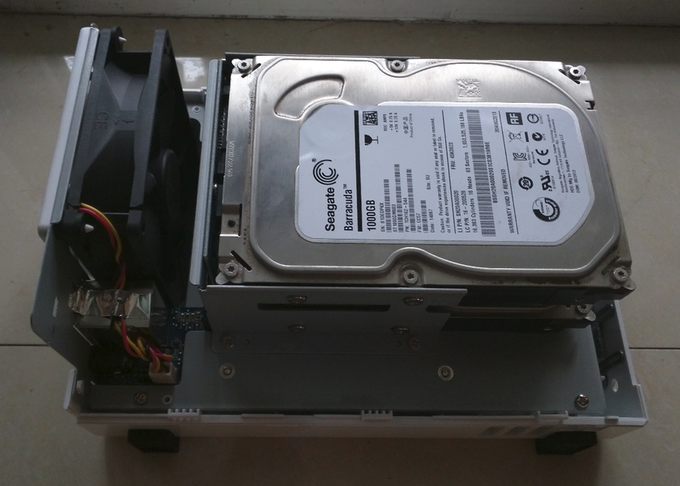
Installing a white Synology couldn’t be simpler: pop it open, shove the drives in, plug it in.
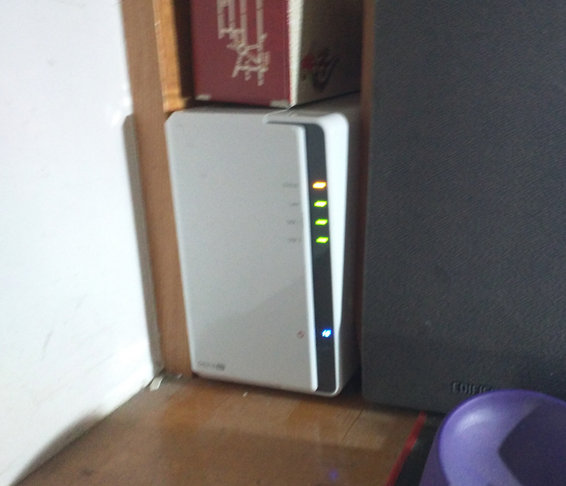
Then tuck it into a corner. Image includes my shaky-cam blur-the-serial technique.
On first boot it asks you to format the drives and install the system. All automated, done through the web UI, nothing to worry about. Once it’s up, just install the official apps and do whatever you want. There’s an app for uploading photos, and it can auto-sync phones to the album. I installed the sync app on both my parents’ phones, set it to Wi-Fi only, and that basically covers it. Viewing photos is just the app, or a browser on the PC. Doesn’t get much better.
The drives default to Synology’s own hybrid RAID 1 mode, so you’ve got both safety and expansion covered.
There are downsides. It’s a low-end model, so copy speeds and processing power are pretty ordinary. What it has going for it is the software — powerful, convenient. Convenient is everything.
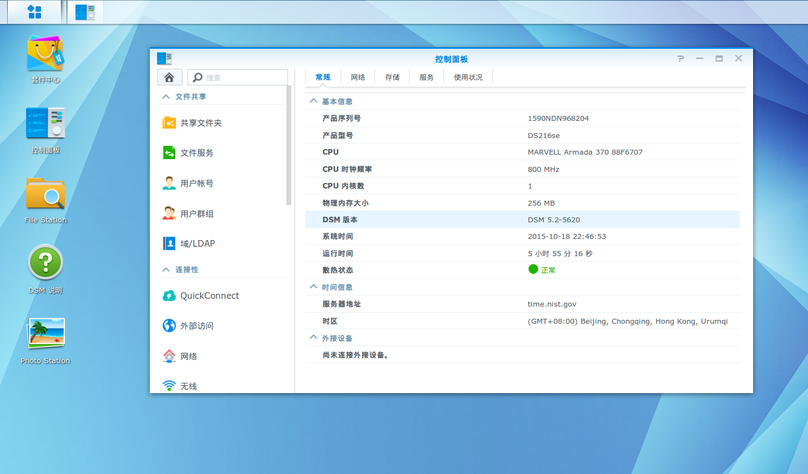
Anyway, white Synology is the way to go. Shame the high-end models are so expensive. Next up: turning the old NAS into a FreeNAS box.
Comments are hosted on the Chinese main site. This mirror is read-only.