ThinkPad X250 2TB Samsung (Seagate) Drive Swap
No way around it — the music library grew again, and I’ve stuck to the whole carry-a-DAC-and-my-library-everywhere thing, so the 1TB drive I’d put in the laptop finally ran out.
So I went bigger. The largest 9.5mm drive you can get right now is 2TB. Drive in hand, system is Ubuntu Linux, and my setup is SSD mounted at root with the HDD mounted separately at /HDD, with symlinks for the directories that need storage. That means the only thing to worry about is getting the mount options right, and the swap goes off without a hitch.
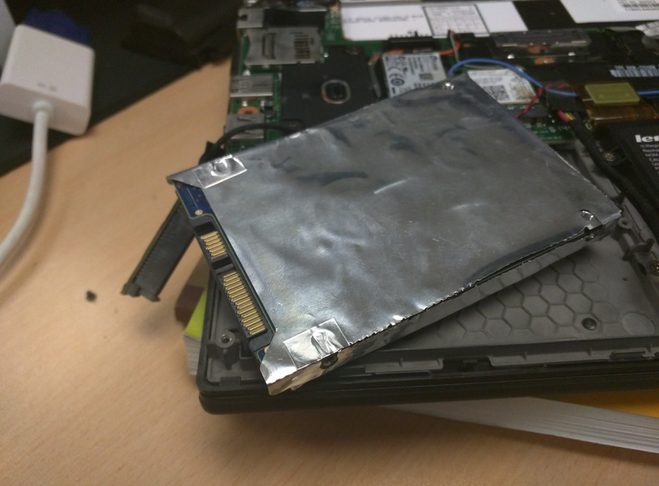
First, open it up — just pop the bottom panel, same as before.
First boot after the swap throws an error; pick manual repair and it drops you into a root shell.
/etc/fstab decides the drive by UUID, so all you need is the new drive’s UUID to replace the old mount entry.
To get the UUID: blkid. If you need the device path first, fdisk will tell you.
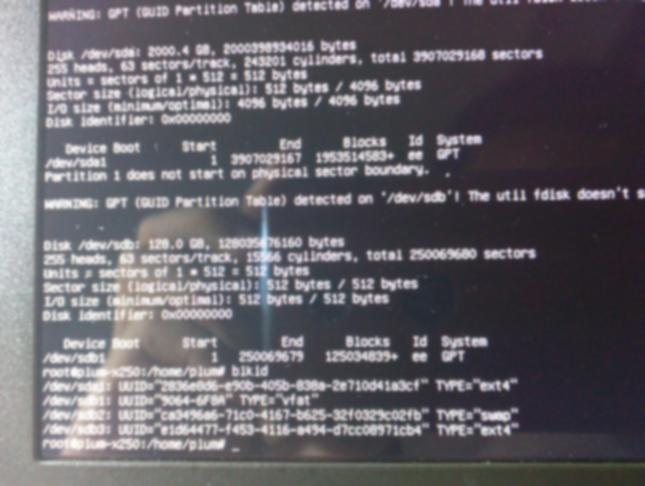
With the UUID in hand, the rest is editing /etc/fstab.
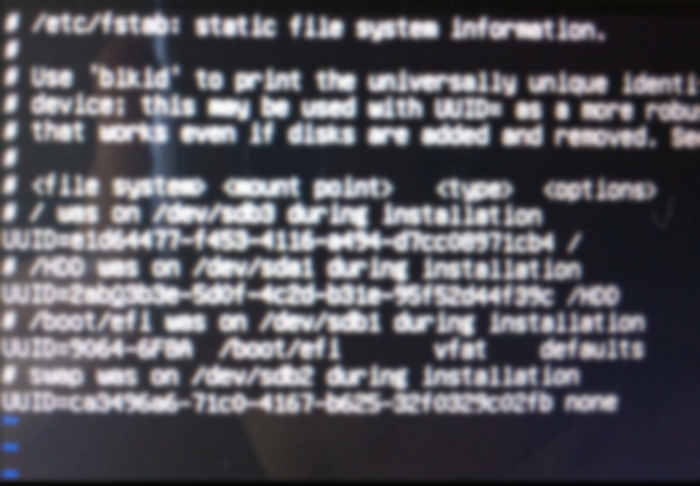
Done, reboot, problem solved. One aside: if you only have a single drive mounted and aren’t running SSD + HDD like me, you may need a LiveCD to edit the mount options.
Last, a bit of wisdom on picking laptop drives:
As long as the system has an SSD for speed, buy the storage drive on capacity. Everything else is noise.
Comments are hosted on the Chinese main site. This mirror is read-only.