Hands-on: Sharp WG-S30 Electronic Notebook
Sharp WG-S30 Electronic Notebook
My memory is bad in certain ways, and lately I’ve been trying to work on my foreign languages—English and Japanese—so I wanted something I could carry around and jot down new words in as I run into them. Before this I used an ordinary leather-bound notebook. I wrote quite a lot in it, and then a while back I lost it…
When I was getting ready to replace it, I happened to see on YouTube that Sharp makes this “electronic notebook” (電子ノート) thing, and that it’s already on its umpteenth generation. The newest WG-30 was about to go on sale in mid-October, so I kept an eye on it, ordered from Amazon Japan on launch day, shipped it through Tenso, and had it in hand for about 1000 RMB all in.
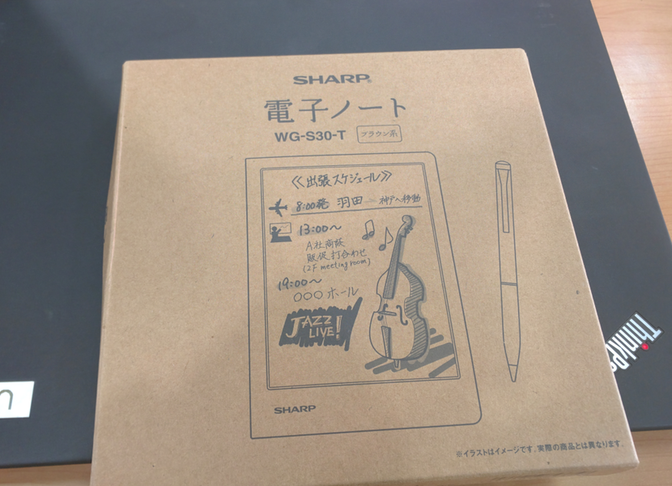
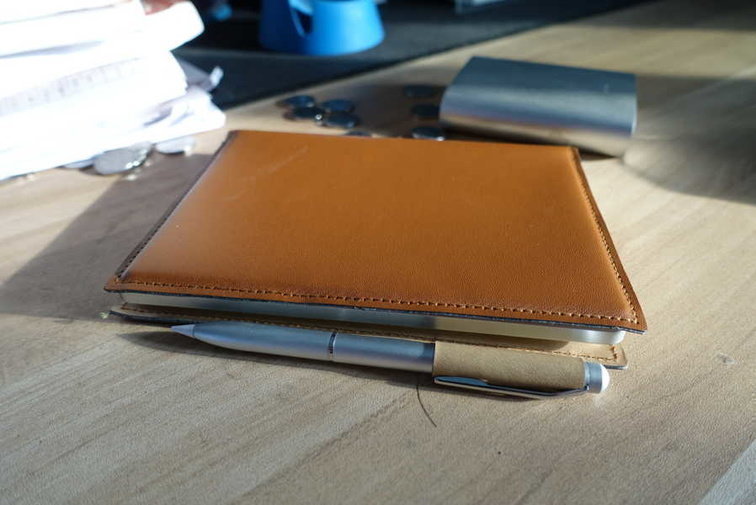
The packaging is simple: a leather case and a stylus come standard.
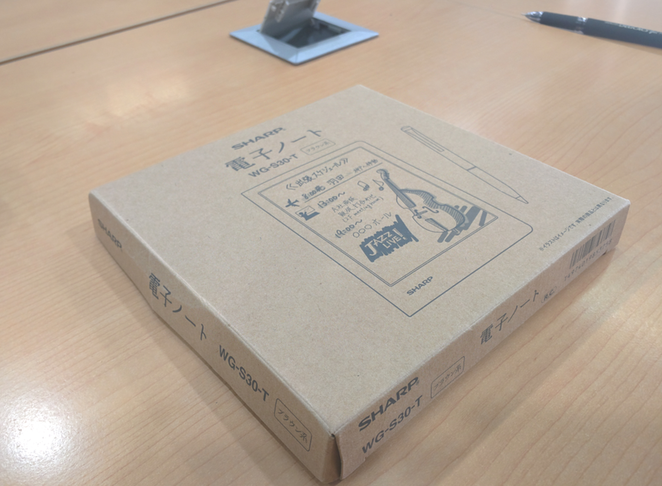
It comes in two colors, by the way. I picked the ブラウン系—brown. There’s also a black one.
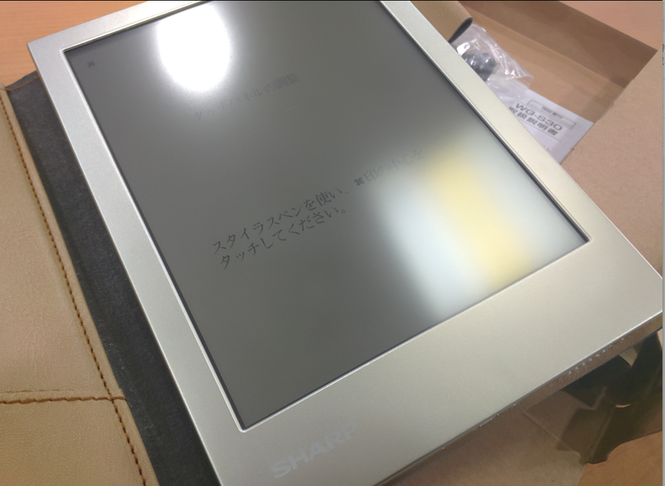
The first time you turn it on, you have to calibrate the touch pen. Anyone who’s used older machines like Palm OS or Pocket PC will recognize this: tap the four corners, then the center.
Once calibration’s done you can actually use it. The interface is dead simple—the home screen is the notebook, and you can create your own notebooks. The manual is built into the system; there wasn’t one in the box.
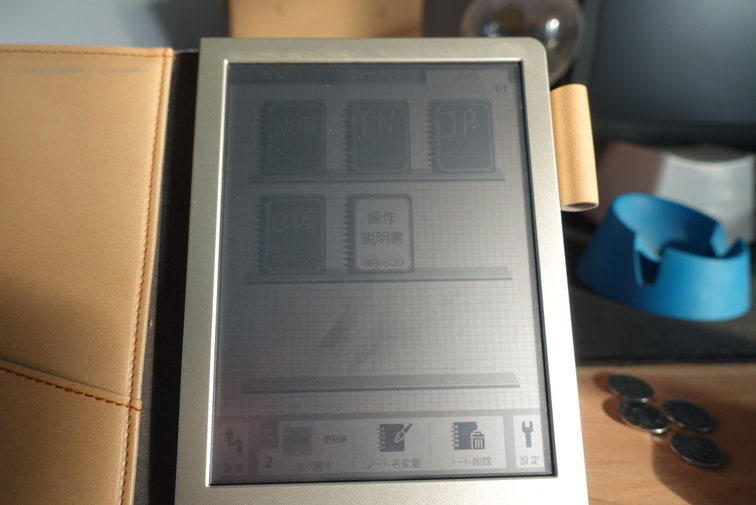
You can create a notebook by tapping the content at the bottom, and then you just pick up the pen and write. Being the newest model, it lets you invert the paper color.
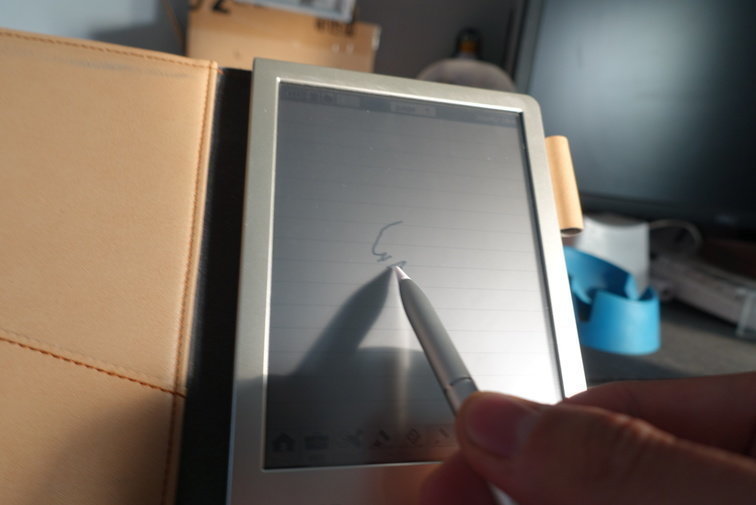
Here’s what inverted looks like:
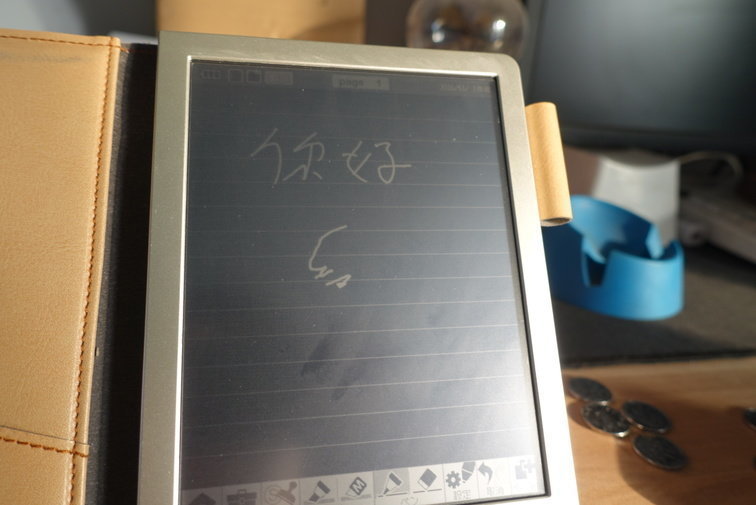
The new WG-30 adds a whole bunch of features—not just inversion but more stroke options when writing, plus beefier quick-icon functions, kind of like pre-made stamps you press on to save writing time. All in all, it takes the “make note-taking easy” premise about as far as it goes.
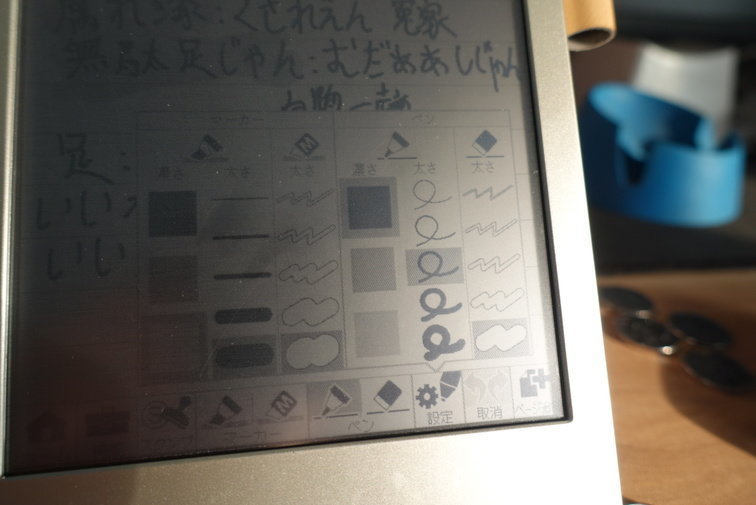
The function bar at the bottom is straightforward too—two brushes and two erasers you can switch between quickly.
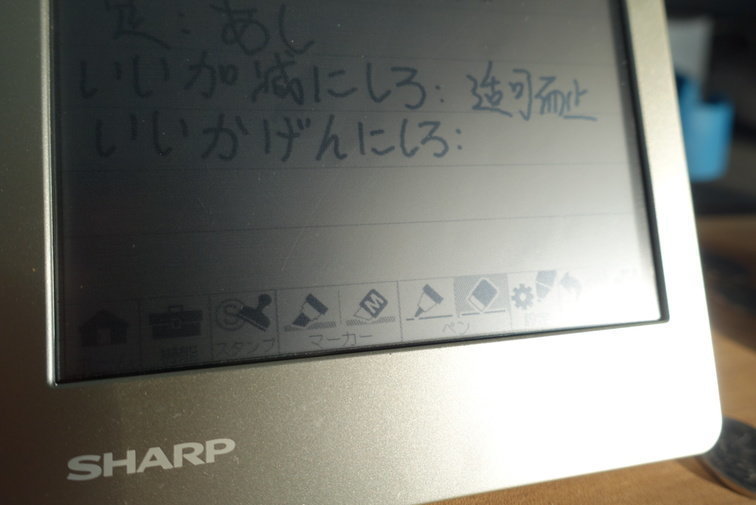
The top bar is useful as well: the left button renames the current notebook’s cover and category, the right one flips pages. A single notebook can stack up a lot of pages.
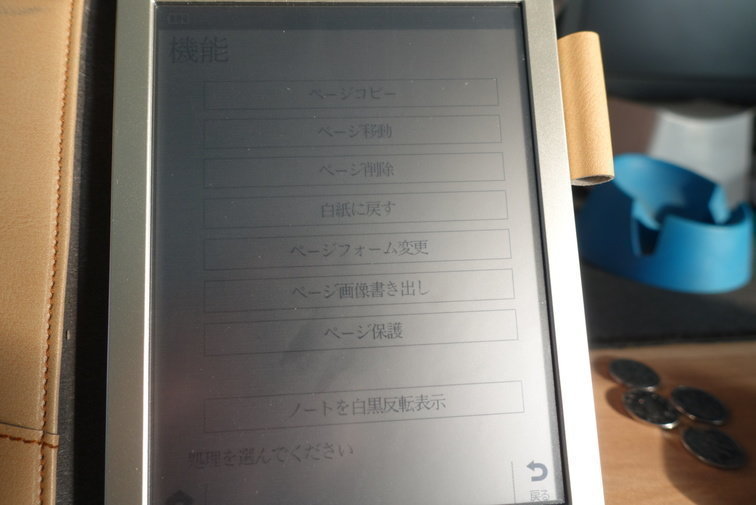
Lastly, the notebook’s own settings. This page lets you set the grid size, lock a page so it can’t be edited, delete a page, and so on.
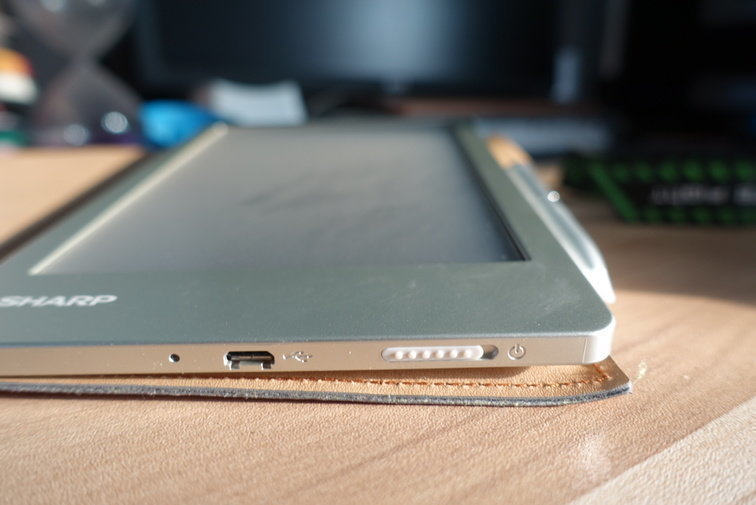
The ports are on the bottom, and so is the power switch.
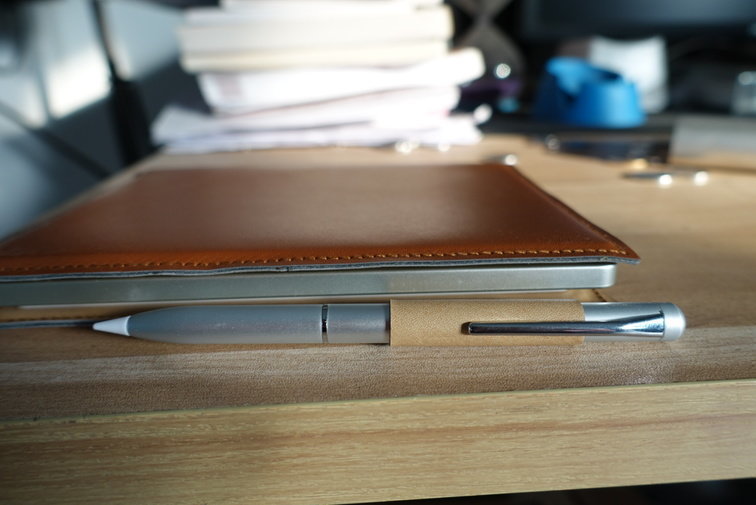
The pen slots into the side.
Photos done, now the real post:
For something like this, I figure it’s better to just tell you straight: how is it, is it worth buying. No point padding it out with more waffle and more photos, right? So everything above was just the by-the-book show-and-tell. The actual content starts here.
First off, as an “electronic notebook,” Sharp clearly put thought into this thing. They put a lot of effort into making quick notes easy and into the system design. It starts up reasonably fast—even a cold boot takes only 3 seconds—and it opens straight to the last page you were writing on, so you don’t have to tap anything extra. The machine is designed purely as an “electronic notebook”: no Wi-Fi, no Bluetooth, no entertainment features. What you get in exchange is longer battery life and a more single-minded device. Thinking about it, that’s not a bad call at all. Most importantly, as an electronic notebook its battery life genuinely meets the requirement. The official claim is 30 days; at least from when I bought it in mid-October until now, I’ve charged it once, and it’s still full. I carry it with me and use it basically every day. As a pocket notebook, being able to guarantee “whenever you pull it out, it has power” is a huge plus.
Second, the writing experience. This electronic notebook uses the old kind of soft screen—anyone who used a Pocket PC or Palm OS machine back in the day will know what I mean. The screen is a bit soft, with no big sheet of glass, probably down to cost. And precisely because of that, writing on it doesn’t have that “pen sliding across glass” feel—it’s more reassuring. The screen doesn’t support multitouch and has no pressure sensitivity, but they seem to have put some work into pen-tip detection: I tried tapping it with a finger, my palm, and other things that aren’t exactly sharp, and the screen didn’t react. Only a fine, pointed stylus-like touch registers, so you can write with peace of mind. Meanwhile, to get the best results you have to fully treat it as pen-and-paper—meaning you can just rest your whole palm on it while writing without worrying about anything. In that situation the writing experience is basically 90% of real pen and paper.
Smoothness is a little behind pen and paper—write too fast and the strokes break. You can mitigate that by pressing harder with the tip. Also, the screen isn’t scratch-resistant, so you can buy some cheap matte film and put it on as a wear layer. Broadly speaking, the writing side is acceptable.
The system is all Japanese, but I don’t think that’s a problem. As a Chinese person, knowing the kanji in the interface is enough; it doesn’t matter if you don’t know what those few hiragana say—tap around a bit and you’ll figure it out. The only one you might need to know is ページ, which means “page.” Pen-tip selection is graphical too, so you can just use it without much of a barrier. The machine also supports exporting written pages directly as BMP images, which is handy if you want to organize them.
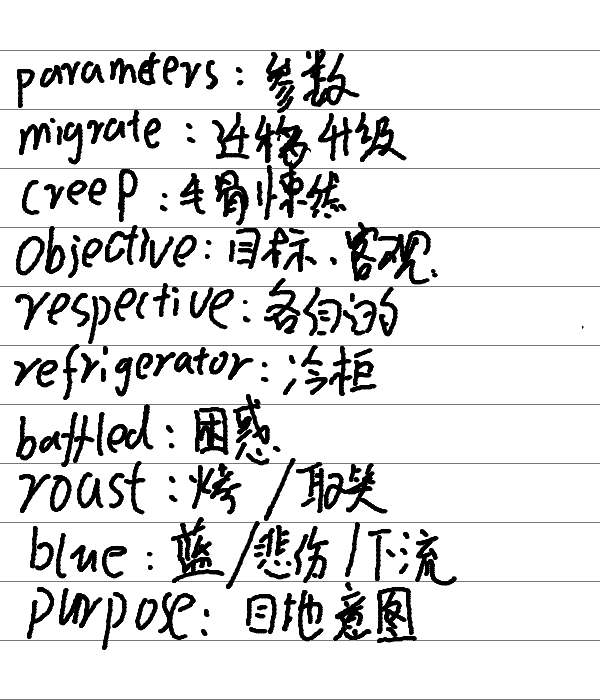
So next, let me get to the machine’s biggest flaw: the screen is too dim.
I don’t know if it’s for battery life or some other requirement, but this machine has no backlight. Meaning: in good light it’s no problem, but in a slightly darker place you have to strain to see it. The official addition of inverted mode boosts contrast, but no backlight is no backlight—if it’s dark, you can’t see it. When taking photos I had to find an angle with direct sunlight to capture the screen contents clearly. In practice the impact isn’t that huge, though—maybe because I’ve always used pen and paper, and without light, pen and paper don’t work either. So anywhere you could take notes with pen and paper, this electronic notebook works too, and anywhere there’s too little light to write, this electronic notebook can’t be used either…
Thinking about it, I can’t tell whether that was deliberate. If you’re interested, search for a hands-on video and see just how dim it is, and whether you can live with it.
Finally, let me say whether this thing is worth buying:
As a dedicated electronic notebook, the Sharp WG-S30 performs well in writing experience, has excellent battery life, doesn’t look cheap, is light to hold, and its system features exist for note-taking. Even though it’s in Japanese, most people can pick it up quickly. But the screen is too dim and performs terribly in low light—don’t even think about using it at night—which directly and drastically narrows the product’s usable range…
For my own needs, though, it does the job, which is why I carry it and use it every day. But if you’re going to buy one, I don’t recommend the newest WG-S30, because on Taobao the WG-S20 and even earlier models are already cheap enough that buying one just to play around with isn’t much of a waste. The screen and battery life are the same as the WG-S30’s, and the new model only adds some labels and more pen-tip functions.
Last, a personal thought: when it comes to taking notes—whether for record-keeping or studying—the device doesn’t matter. What matters is whether you actually want to write it down.
Comments are hosted on the Chinese main site. This mirror is read-only.