Renaming the Current User and Home Directory on Linux
The Acer C720 is sold.
I was originally planning to restore Chrome OS on it, but the buyer wanted me to install Ubuntu 14.04 for him instead, and gave me a username and password: username chromebook, password 123456.
That saved me a lot of hassle, because I’d just finished setting up Ubuntu 14.04 on this thing — only with my own username and my own password.
Renaming the user is easy enough, but the home directory has to change too. Honestly, it looks simple, but this was my first time doing it, so I figured I’d give it a try.
Old username: plum Username to change to: chromebook
Rough steps:
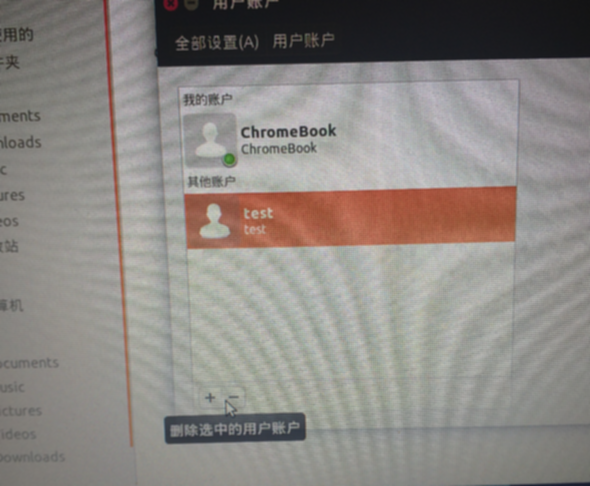
First, create a new admin user, say test, and log in as that user.
Under test, run these commands:
sudo usermod -l chromebook -d /home/chromebook -m plum

sudo groupmod -n chromebook plum
Then log in as the new user and delete the old user, and update the old user’s full name while you’re at it.
Comments are hosted on the Chinese main site. This mirror is read-only.