Living with NFC Tag
First Time with NFC Tags
I’ve known about NFC for ages — my Sony Xperia Z1 had it way back — but I never really used the feature.
Okay, not entirely never. I tapped my China Construction Bank card with it once and saw some card info through Alipay, and that was it…
I’d seen NFC tags around too, Sony made some I think, but at the time it felt like a solution in search of a problem.
Still, one of these pointless things eventually landed in front of me as a filler item on a JD order. Might as well try it.
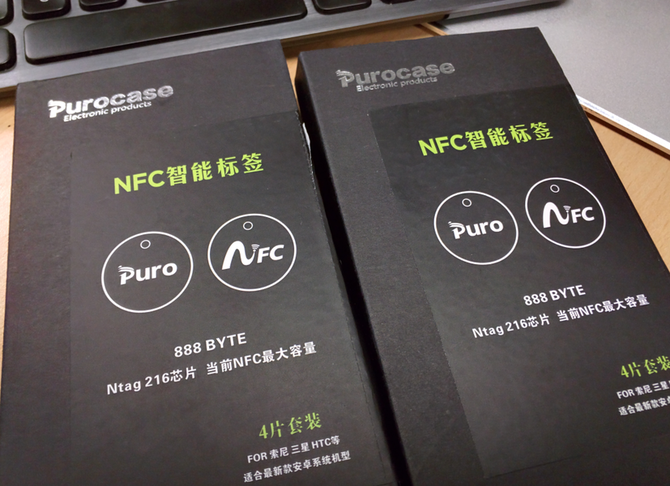
Four tags in a box, different colors, plus lanyards.
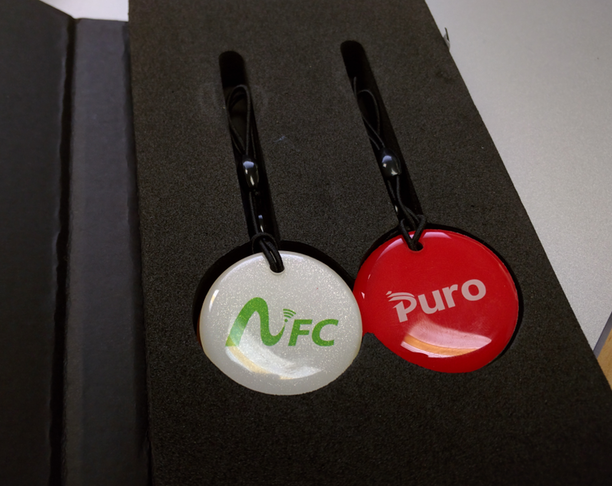
And that’s all. Not even an app recommendation. I dug through the box and found one line in a corner saying you’re on your own to find NFC management software — they just sell you the read/write hardware…
Fine. There are plenty of options on Google Play. I went with NFC Tools Pro, which is seriously powerful: you can write text, links, even Bluetooth pairing and WiFi connection info straight to a tag.
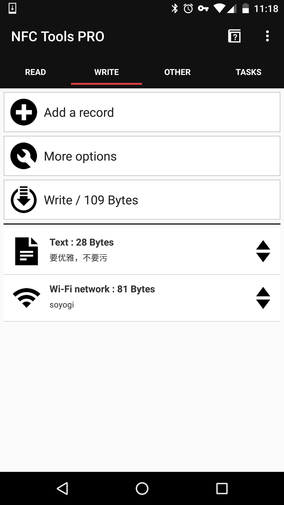
Better yet, you can stack several records — write text and the WiFi config in one go. Writing is easy: line up what you want, hit write, then hold the tag against the back of your phone.
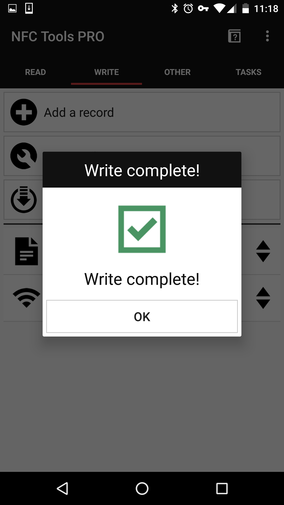
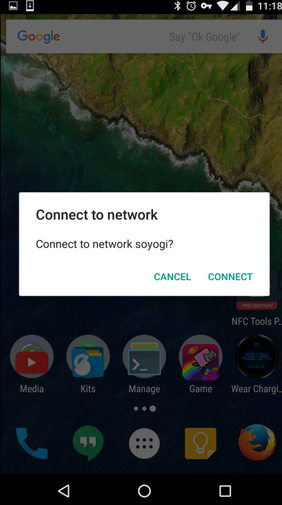
That simple. I tested it afterward and it worked — the quick WiFi connect in particular does its job nicely.
I stuck the little tag to my desk with double-sided tape. It works. Maybe I’ll find more uses later, though NFC is a bit awkward here — in a country where iPhones rule, this NFC thing will probably just be for me. Still, hiding text in an NFC tag could make decent material for a novel.
Comments are hosted on the Chinese main site. This mirror is read-only.