Installing Python 3.5 on Ubuntu 14.04.3
Advertisement
Add the PPA:
sudo add-apt-repository ppa:fkrull/deadsnakes
sudo apt-get update
Install Python 3.5:
Advertisement
sudo apt-get install python3.5
sudo apt-get install python3.5-dev
sudo apt-get install libncurses5-dev
Move the existing Python 3.4 out of the way and point python3 at the new 3.5:
sudo mv /usr/bin/python3 /usr/bin/python3-old
sudo ln -s /usr/bin/python3.5 /usr/bin/python3
Install the new pip:
wget https://bootstrap.pypa.io/get-pip.py
sudo python3 get-pip.py
sudo pip3 install setuptools --upgrade
sudo pip3 install ipython[all]
Put the symlink back:
sudo rm /usr/bin/python3
sudo mv /usr/bin/python3-old /usr/bin/python3
Create a Python 3.5 kernel:
cp -R ~/.ipython/kernels/python3 ~/.ipython/kernels/python3.5
sed -i -- 's/3/3.5/g' ~/.ipython/kernels/python3.5/kernel.json
And that should be it.
Reverting the python3 symlink while keeping the 3.5 kernel is meant to avoid breaking Ubuntu’s package management updates.
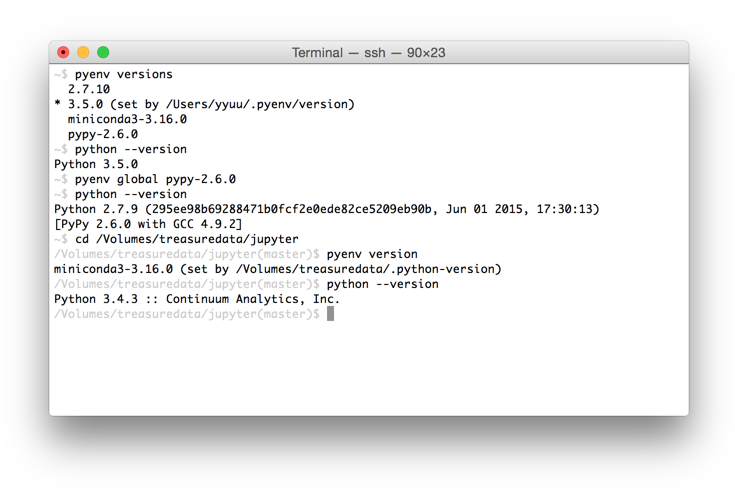
Sure, this method works, but it’s kind of pointless in itself — there are easier ways, e.g. just install pyenv and use it to pick versions.
Comments are hosted on the Chinese main site. This mirror is read-only.