Living with Surface Pro 4
Surface Pro 4
Advertisement
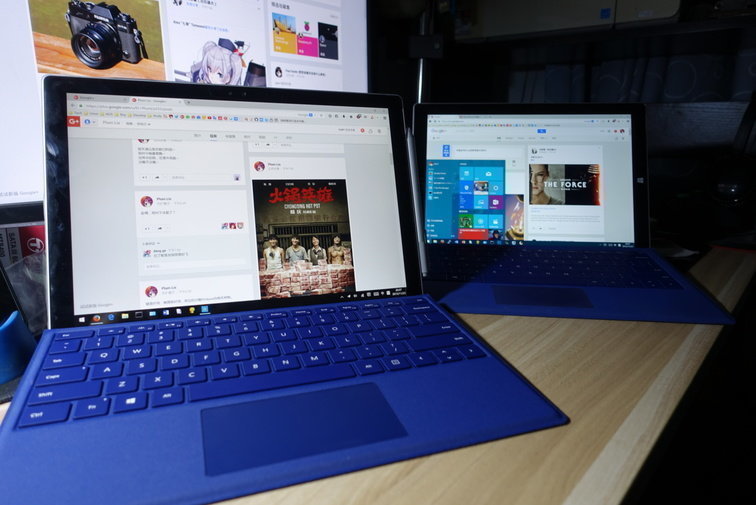
As a handheld, the Surface Pro 3 kept me company for a long while. But eventually the newer Surface Pro 4 came out. Not a huge upgrade, but considering I spend more time with this thing than with my desktop, I figured I should treat myself. So I upgraded.
Advertisement
On the whole the two machines aren’t that different. Most of it is a spec bump.
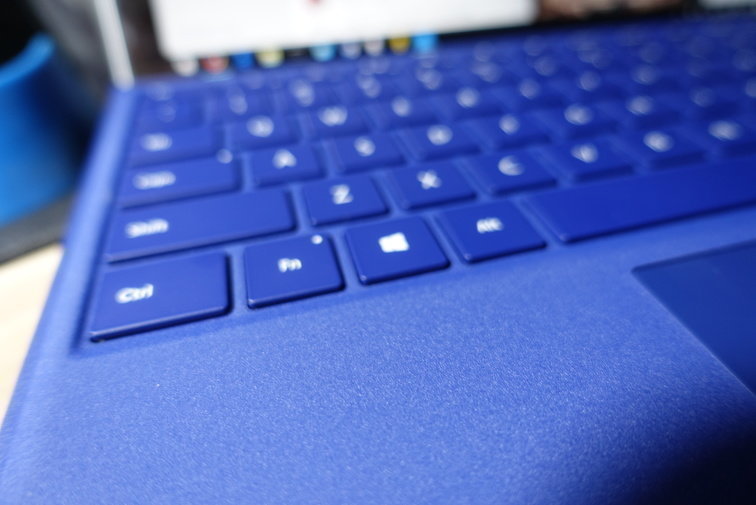
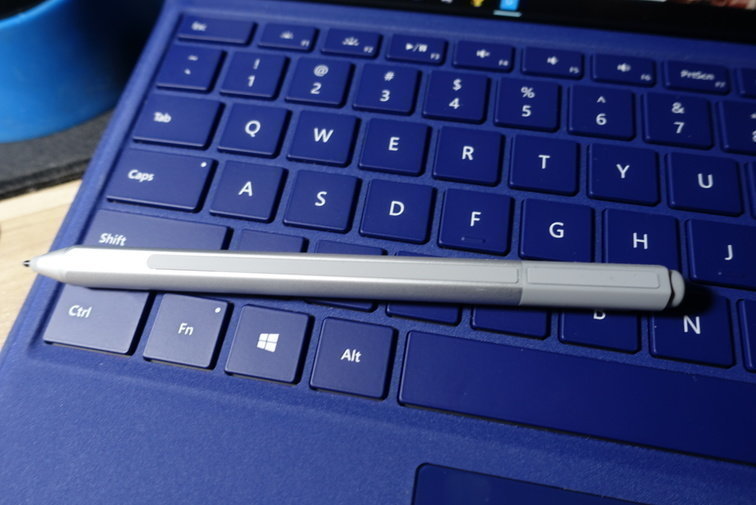
- The new keyboard couldn’t be better. The extra key travel and the bigger touchpad directly improve the whole control experience by a lot.
- The new CPU and GPU are a clear step up. I tried running Dota 2, and it actually plays… surprising.
- The Surface Pro 4 is a bit thinner and lighter than the Surface Pro 3. Not very noticeable, but for some people that might matter more.
- The new hybrid cooling seems a bit more efficient. You don’t get the Surface Pro 3 situation where the fan just never stops; it spins for a while and then stops.
- The machine has quite a few bugs, both at the OS and firmware level. Two-finger scrolling often stops working, the Start menu won’t come up, that sort of thing.
- Out of the box the screen was lifting at the bottom edge. I pressed on it and it went away, so I figure the adhesive just wasn’t stuck down properly.
- The new pen uses magnets. At first I thought it attached to the right side, but it turns out it sticks to the left side.
- The Surface Pro 4 seems more deeply integrated with Windows 10. Much better than the half-baked job on the Surface Pro 3.
Final verdict… as a handheld platform (no typo), I’m pretty satisfied. Looking forward to seeing how the Surface Pro 4 holds up. I also picked up Office 365 Home today, since I bought the Pro version and it doesn’t come with Office.
Comments are hosted on the Chinese main site. This mirror is read-only.