A Failed System Migration
My X250’s Linux system used to live on an NGFF Plextor SSD. Now I wanted to swap that SSD for a 240 GB Transcend, so being the lazy person I am, I had to do a system migration.
Migrating a system isn’t actually hard. Back up the old system as an archive, or just copy it directly, then fix the UUIDs it mounts by.
Since I don’t have an NGFF reader, direct copying was off the table, so I had to go with archiving first. For that you need an Ubuntu Live CD and to do the work from inside it.
# Mount the old root partition, since I only have one root partition
sudo -s
mkdir /mnt/old
mount /dev/sdb3 /mnt/old
# Archive the root partition; by the way, pool is the mount point of my old HDD, because the backup has to go on another disk
tar czf /mnt/pool/oldubuntu14.04.tar.gz ./*
After archiving there’s one detail: I boot with GPT + EFI, so the EFI partition should be backed up too. But it’s fine to just copy that one directly, no need to archive it.
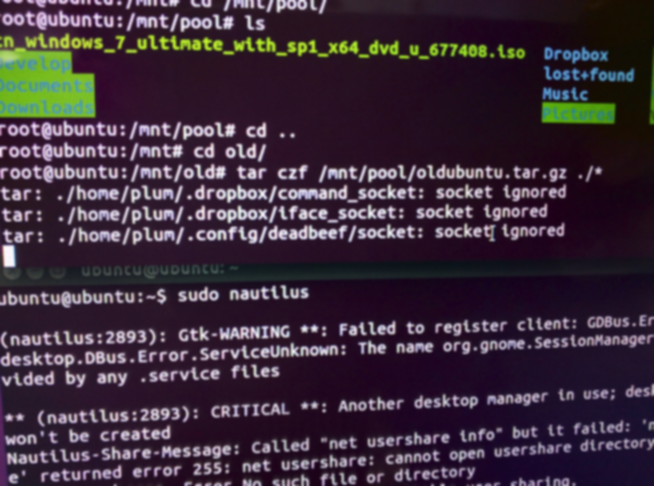
Once the archive was done, I opened up the machine and put in the new drive, booted into the Live CD again, and first used Gpart to partition it. Normally that’s three partitions — root, efi, swap — matching the old drive. Then mount the new partitions and extract the archive.
sudo -s
mkdir /mnt/new
mount /dev/sdb3 /mnt/new
cd /mnt/new
tar xzf /mnt/pool/oldubuntu14.04.tar.gz
While I was at it, I copied the efi files over too. efi is a FAT partition, and you set it to the boot label.
That wasn’t the end of it. A lot of wikis describe the old MBR boot setup — chroot into your system and reinstall grub and so on. That doesn’t work well here, and it’s not actually necessary. You just need to go into the new drive and change every place that has the old UUID.
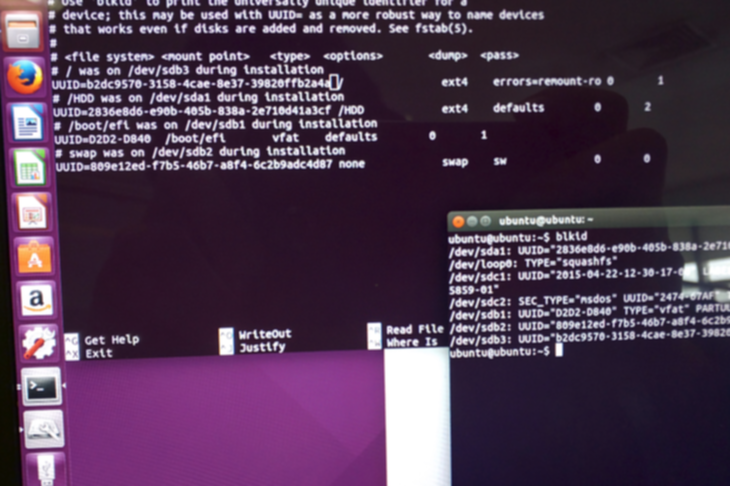
Mainly it’s just these few spots:
# This is the boot list; usually changing the newest UUID is enough to make sure you can get in
/boot/grub/grub.cfg
# Then the root mount
/etc/fstab
Last, don’t forget there’s also a grub.cfg in the EFI partition — change its UUID to match your root partition.
Edits done, booted, success. Then I got in and found the Intel graphics driver module was dead…
Everything else worked fine no matter what I tried, but that module just would not come up. After a whole lot of flailing around it finally did start, and I didn’t take notes, but by then the system seemed unrecognizable, and I couldn’t find the original archive either — seems I don’t know where I cut it to.
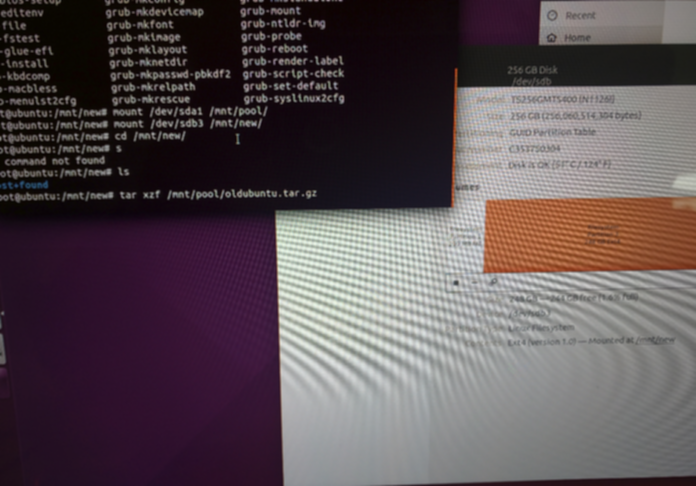
Thought about it and figured there was no point continuing. Better to just redo it… Following my earlier notes it’s quick enough to rebuild. If I’d known, I’d have just reinstalled from the start.
So this was a failed system migration…
Comments are hosted on the Chinese main site. This mirror is read-only.