Impressions: Huawei Nexus 6P
Huawei Nexus 6P: First Impressions
After getting the Nexus 6 last year, some things satisfied me and some didn’t, so when the Nexus 6P launched this year I kept hesitating about whether to upgrade.
The things I wasn’t happy with:
- The screen was too yellow. It’s an AMOLED panel, and supposedly not even a good Samsung one, which is why it took me forever to adjust after switching from a Sony Xperia Z1.
- Battery life was a bit of a mess. With the Moto 360 sipping power over Bluetooth, I barely got through a day, and sometimes had to top up around noon.
- No LED notification light. The Nexus 6 actually has one, but Android disables it by default, and even if you turn it on you apparently need a paid app to make it work. Ridiculous.
The biggest thing making me hesitate was this: the Nexus 6P does fix those complaints, but not in a way that leaves you feeling reassured.
- The Nexus 6P still uses an AMOLED screen, but it’s supposedly Samsung’s latest Super AMOLED, guaranteed not to have color shift.
- The Nexus 6P got a bigger battery, but battery life doesn’t seem to have improved much.
- The Nexus 6P has a new LED notification light, though it’s apparently disabled by default too. New Android 6 devices seem to prefer that raise-to-wake thing for notifications.
Meanwhile, the Nexus 6P brings new problems:
- Even though it’s Super AMOLED, it still has burn-in issues.
- No more wireless charging, my favorite feature on the Nexus 6. The reason: a Google engineer said that with USB Type-C fast charging you can fill it up in under an hour, so there’s no need for crappy wireless charging, and wireless charging would make the phone thicker.
- It uses the Snapdragon 810. Sure, it’s supposedly the V2.1 revision, but everyone says the 810 is a giant heat source and a piece of garbage, and anyone who uses it is an idiot.
So when the Nexus 6P went on sale I played it safe and preordered one, but I stayed cautious — if the reviews turned out bad, I could still cancel the order.
Yet the YouTube reviews of the Nexus 6P were surprisingly good. Everyone said it was one of the few well-made Nexus phones in recent years — except for one big guy who bent his two Nexus 6Ps and called it a joke. That didn’t affect me; who the hell bends phones for fun…
I thought it over and bought it anyway. It took almost two weeks, because the forwarding company kept demanding fees, so I used Bird Xiaohai (笨鸟海淘) instead, and I never expected it to sit in customs for that long…
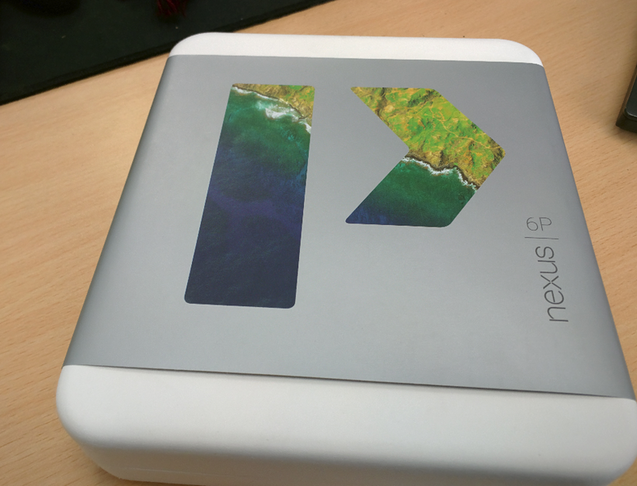
Small box, big phone. The build quality is honestly surprisingly good, though compared with the Nexus 6 it’s a trade-off.
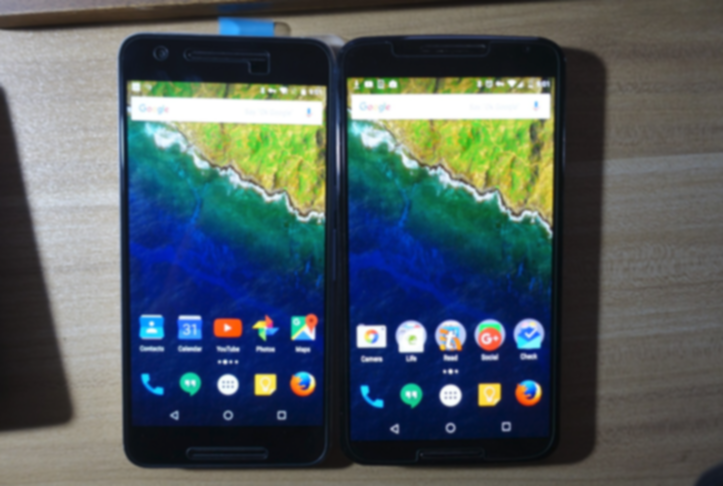
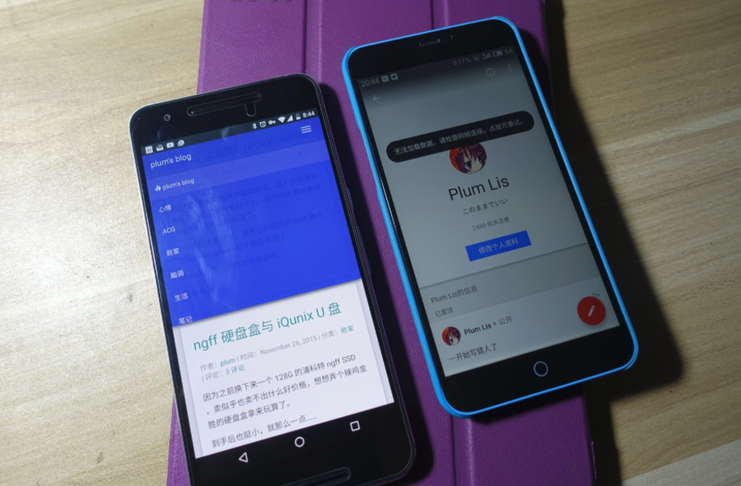
First, a comparison with the Nexus 6 — Nexus 6P on the left, Nexus 6 on the right. The photo doesn’t really show the yellow screen, but in person the difference is obvious.

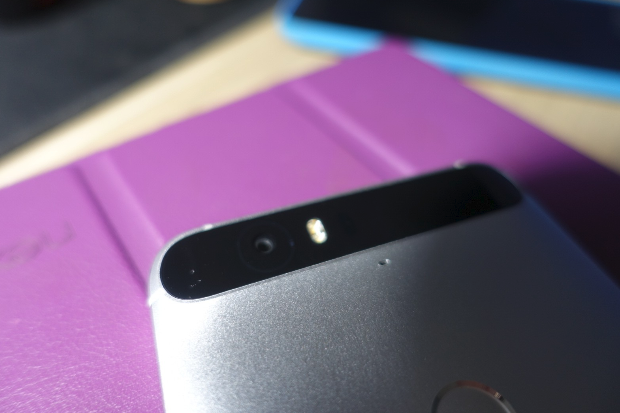
And the back:
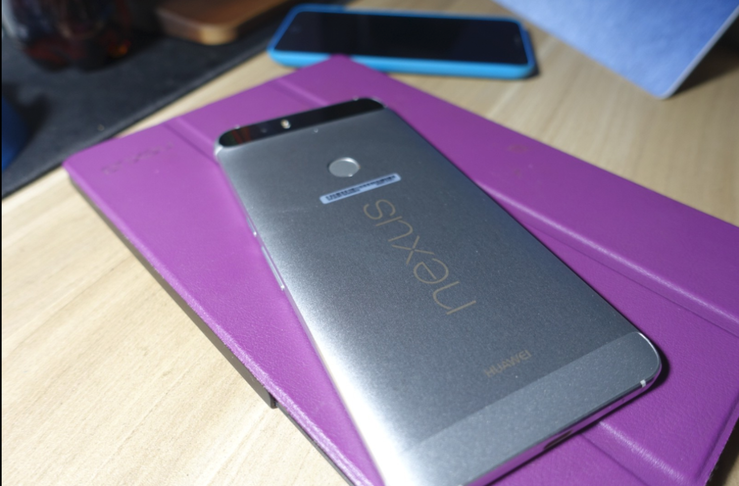
There’s a noise-cancelling microphone below the camera:
Even though it’s an AMOLED screen, the colors aren’t far off from a Surface Pro 4 — pretty great, honestly:

While we’re at it, here’s a certain manufacturer that gets battery life and cost savings by brutally lowering screen brightness:
Overall impressions:
- First, the Nexus 6P is exactly the same size as the iPhone 6 Plus. I compared it with the iP6P at work and found they’re identical, but because of that the Nexus 6P is narrower than the Nexus 6 — the Nexus 6 is even wider than the iPhone 6 Plus. In short, both the screen and the body of the Nexus 6P are smaller than the Nexus 6, but the resolution is unchanged.
- The all-metal unibody build really is something. After handling all sorts of crooked, janky phones, picking up the Nexus 6P feels like a poor guy arriving in the big city. Every button fits perfectly, the phone feels solid, and it’s not as easy to bend as that foreign guy said. Of course, that doesn’t mean there are no build issues — more on that later.
- The screen is indeed Super AMOLED, and it looks way better than the Nexus 6’s — not just a little. There’s an sRGB mode in developer options that gives colors closer to IPS, but it looks too washed out, so I turned it off. Overall, the color is far better than the Nexus 6’s, which looked like it had been soaked in urine.
- Battery life isn’t as good as I imagined, but one charge a day is enough.
- No wireless charging, but fast charging really makes up for it. I got home at 6:30 PM, plugged it in, went out for a run at 7, and found the battery had gone from 39% to 93% — terrifying…
- The buttons and exterior have no build problems, but there does seem to be an issue where screen protectors lift at the bottom-right or top-left corner. Lots of people on Reddit reported it too. The first tempered glass protector I bought lifted at the bottom-right corner and nothing could press it flat — not even a hair dryer. Eventually I found people saying switching brands solved it, so I bought a Nillkin protector on Taobao that claimed to be “absolutely problem-free,” and it fits perfectly. It’s thin, but fitting is what matters. If you’re buying one, get this.
- USB Type-C is pure happiness. No more worrying about plugging it in the wrong way. But according to a Google engineer, you should be careful which brand of Type-C cable you buy. I bought a 诺西 cable and it seems fine so far.
- According to foreign reports, some units have mismatched volume between the top and bottom speakers, and the company says this is “intentional.” I didn’t encounter it.
- Foreign reports also say call volume can be too low. I tested for a week and didn’t encounter it.
- As for the 810’s overheating, all I can say is the phone does heat up easily, but I never saw it reach the “so hot it crashes or burns your hand” level. Maybe because I don’t play games?
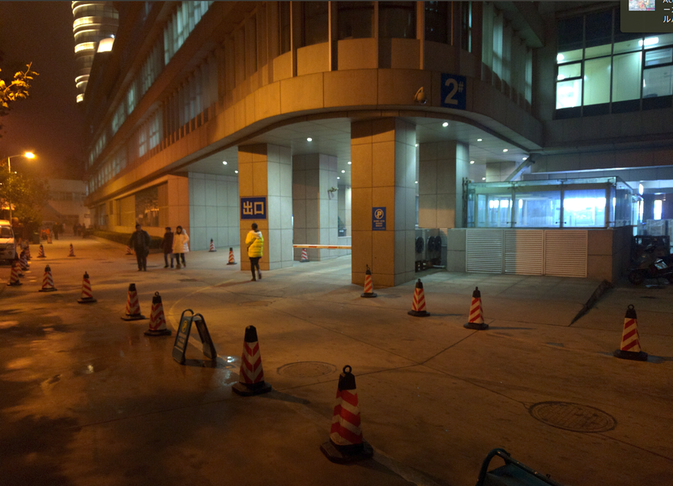
- One of the phone’s headline features is the camera, but I really don’t think it’s that good — or rather, it doesn’t feel much better than the Nexus 6. Maybe I don’t know how to use it? Maybe my settings are wrong?
- The so-called laser autofocus just focuses faster. The distance is no different from the Nexus 6, and next to an RX100M3 they’re all crap anyway.
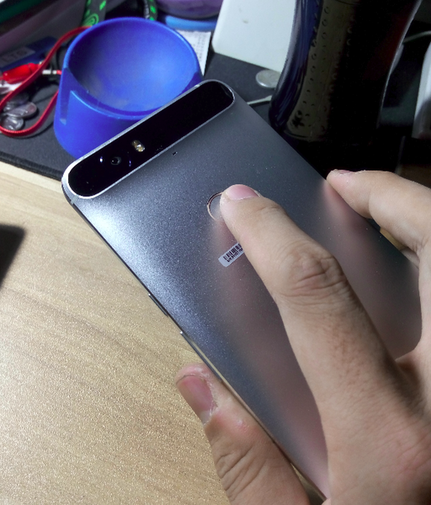
- The fingerprint unlock works great and is fast, but if you have an Android Wear device and use Smart Lock, you’ll feel this feature is useless…
That said, the fingerprint sensor’s position and feel are great.
The Nexus 6P’s photos are genuinely strange. Sometimes they look worse than the Nexus 6’s, yet all the foreign reviewers praise them. I honestly don’t know if I’m shooting wrong.

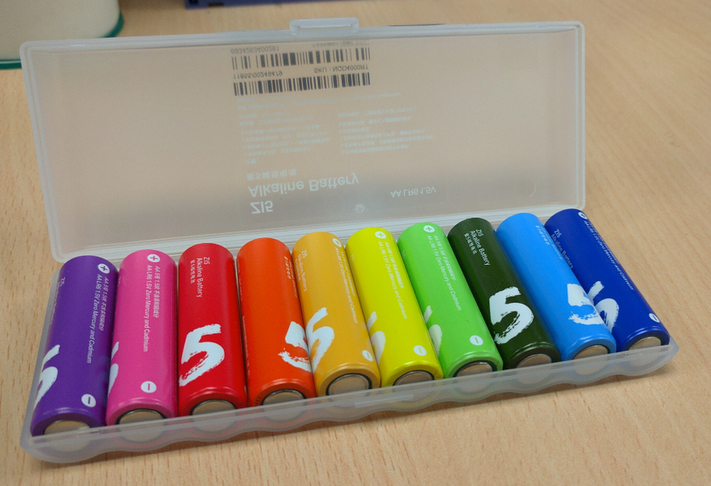
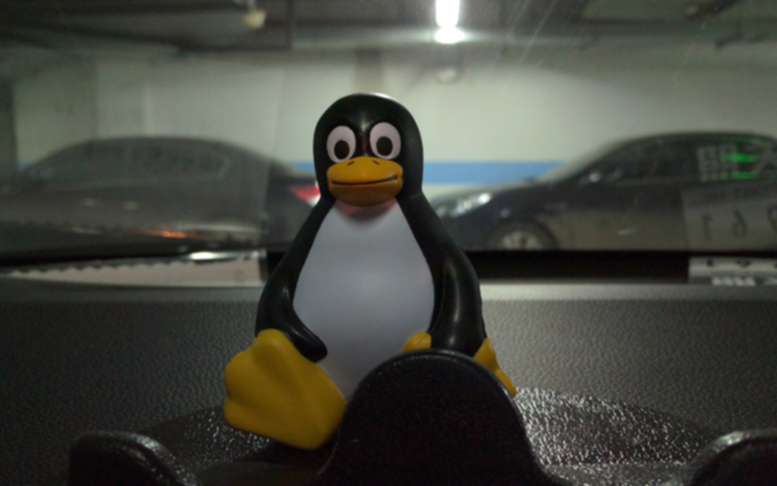
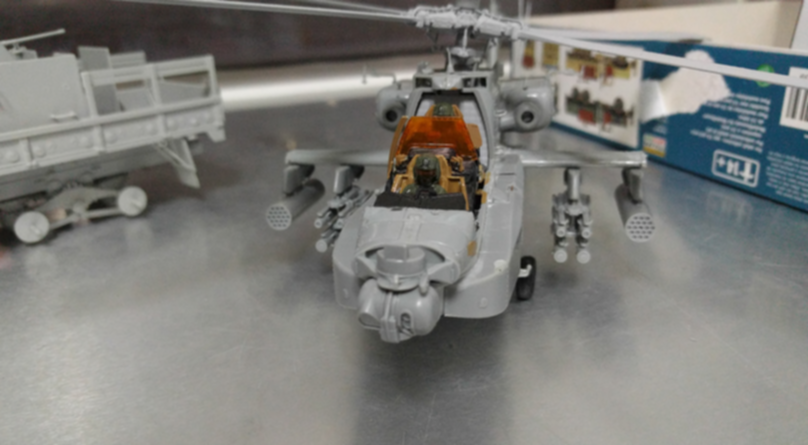
All in all, after a week with the Nexus 6P, I feel pretty good about it. Losing wireless charging bothered me, but fast charging solved that worry. The phone is a size smaller than before, but the screen didn’t shrink much, so it should feel better in the hand. The camera, personally, doesn’t feel like an upgrade, but double-pressing the power button to launch the camera is my favorite thing — I’ve been taking a lot more photos.
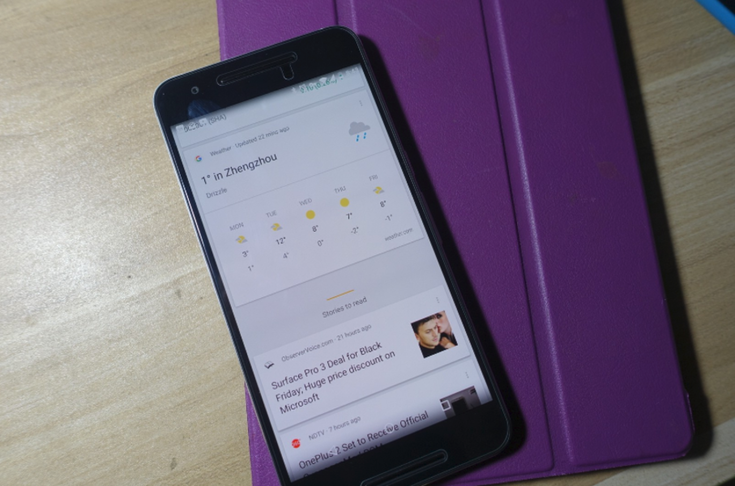
Personally, I think it’s worth buying — at least it’s one of the better Nexus phones in recent years.
Comments are hosted on the Chinese main site. This mirror is read-only.