Bluetooth Module and USB Charger: First Thoughts
Desktop Bluetooth and USB Fast Charging
Recently I picked up two things: a USB fast-charging adapter for the Nexus 6P that I plan to use at work, and a Bluetooth module for my desktop.
The Bluetooth module is straightforward. Usually you plug in a USB one and the system just recognizes it, especially since my desktop runs Linux — even more likely to work out of the box.
But that was too easy. I could’ve just bought any random one, but I always want something fancier, so I got a Dell Bluetooth dongle that supposedly supports entering the BIOS. Of course, that BIOS trick only works with a Dell Bluetooth keyboard.
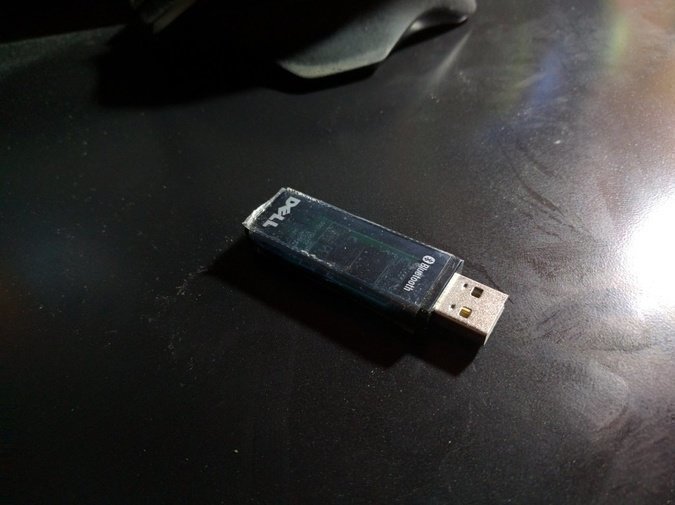
The Dell Bluetooth keyboard works fine with this dongle, but plug the thing into a desktop and it isn’t recognized… and that’s not all — it doesn’t work under Windows 10 either.
Figured it wasn’t worth the hassle, so I ended up buying a cheap Bluetooth 4.0 module.
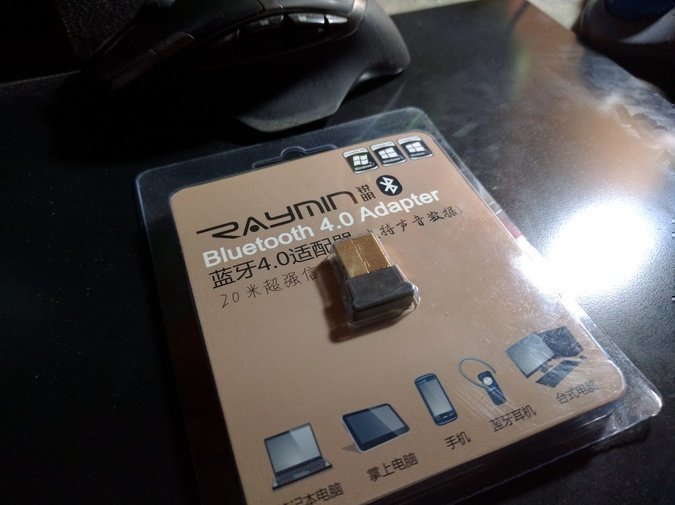
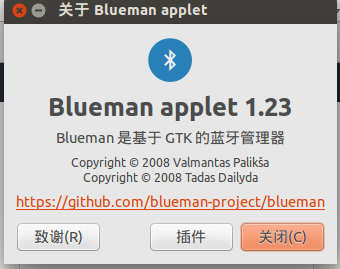
Plug it in and it’s recognized — simple, brute-force, no problems. While I was at it, I installed Blueman to take over from the crappy Gnome-Bluetooth.
sudo apt-get install blueman
The Nexus 6P’s fast charging doesn’t use Qualcomm’s tech — it’s just plain USB Type-C with 5V 3A, so I need a 5V 3A USB charger…
Which is a pain in the ass to find. Even if Taobao has them, they’re not exactly reliable.
So I thought, why not try a 2.4A one? Might not hit 3A speeds, but at least it won’t be slow…
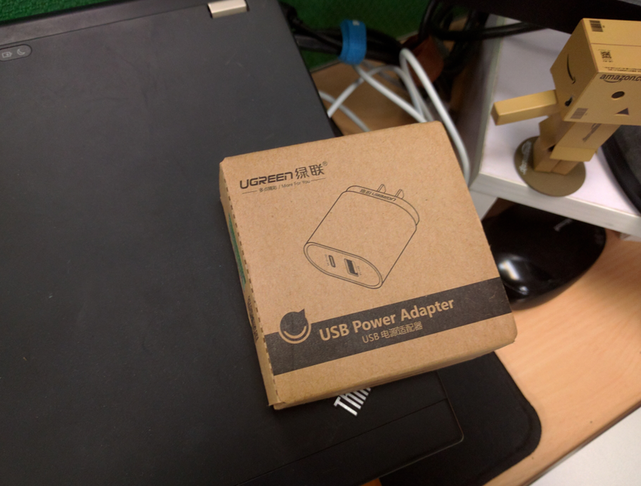
So I bought a UGREEN one first, then an Anker one later.

Disappointing. After plugging in, there’s no “Rapid Charging” text — just normal charging. It does say “1 hour 20 minutes until full,” which isn’t exactly slow, but it’s a far cry from Rapid Charging’s “40 minutes to full.”
Ah, whatever. It’s for work anyway, so who cares.
Comments are hosted on the Chinese main site. This mirror is read-only.