Impressions: Digital Accessories (Screen Protectors/Cases)
Accessories I Bought Recently
I’ve got a fair number of digital devices on hand, and the biggest headache after buying them is buying accessories for them… screen protectors, cases, and all sorts of add-ons. I’ve wasted quite a bit of money on this front over time, so let me briefly go over what I’ve picked up recently and share a few lessons along the way.
1. There are only two kinds of screen protectors: coated glass and uncoated glass
My phone usage environment is pretty rough, and my home is very dusty, so I can only keep using screen protectors. Ever since tempered glass protectors came along, that’s all I’ve used. I never paid much attention to protectors before—I always figured anything thick enough was a glass protector—until recently when I finally noticed the difference.
First off, the official protector that came with my Meizu Note always felt slick no matter what, completely different from the Nillkin one I had on my Nexus 6P—the latter gets fingerprints and smudges if you so much as touch it.
After that I did some reading up on what people call “glass protectors” and found the key point: the glass itself is nothing special, but without an anti-fingerprint coating on the surface, the feel drops off dramatically.
So I started hunting for protectors with a full coating for the devices I have.
Surface Pro 4:
Mofi’s protectors do actually have a coating, and I’ve already replaced the off-brand one I had.
Nexus 5X / Nexus 6P:
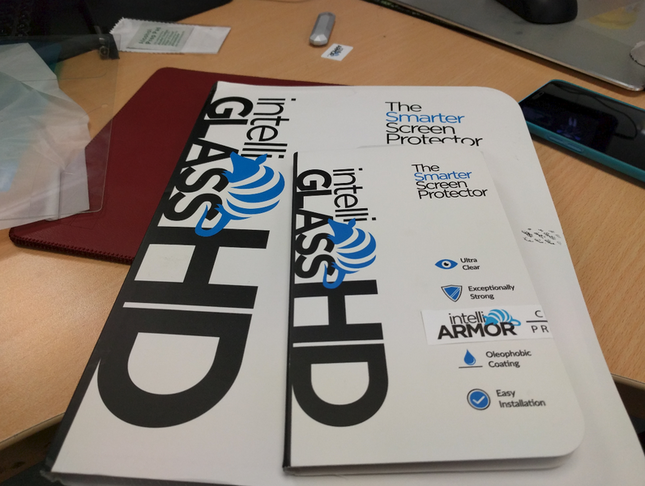
I haven’t seen any protector in China that definitively has a coating. Personally, if you’re not in a hurry, I’d suggest ordering from intelliARMOR.com overseas. They run discounts often—most are $10 or under—and shipping should be around $2. The price really isn’t much higher than Taobao; you just have to wait 2–3 weeks for it to arrive. Also, this seller only offers direct shipping to China through their own site—Amazon doesn’t have direct shipping. And intelliARMOR.com offers two versions of the Nexus 6P protector: one is Case Friendly, which leaves a gap around the edges for use with a case, and the other is a full-coverage fit. Pick whichever suits you.
Google Pixel C:
The only usable protectors for the Google Pixel C are an 18-yuan uncoated one from a Taobao shop and intelliARMOR.com’s coated one. I strongly recommend the latter—yes, you have to wait several weeks, but the smooth screen is genuinely worth it.
2. Official case matching matters a lot
At first I used a Korean SGP case on my Nexus 6P, but I quickly ran into problems: the cutout for the charging port at the bottom was square, and my pinky often rests right there when I’m using the phone, so it dug into my hand.
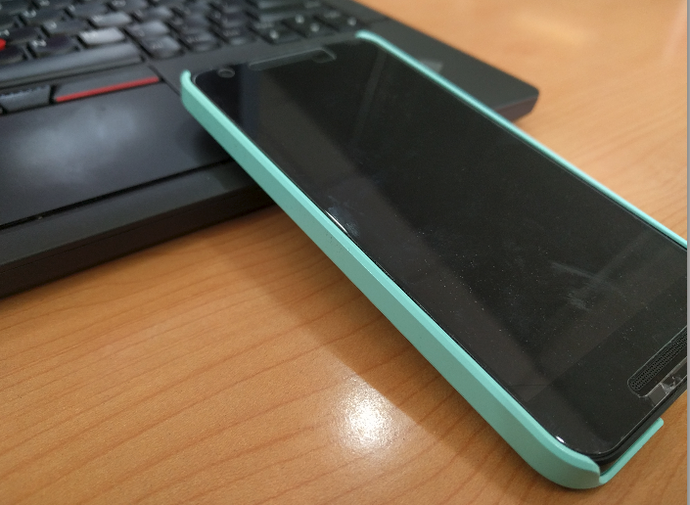
Same story with the Nexus 5X—I started with an SGP case too, blue, looked decent enough, but the button cutouts were terrible and pressing them was a real chore.
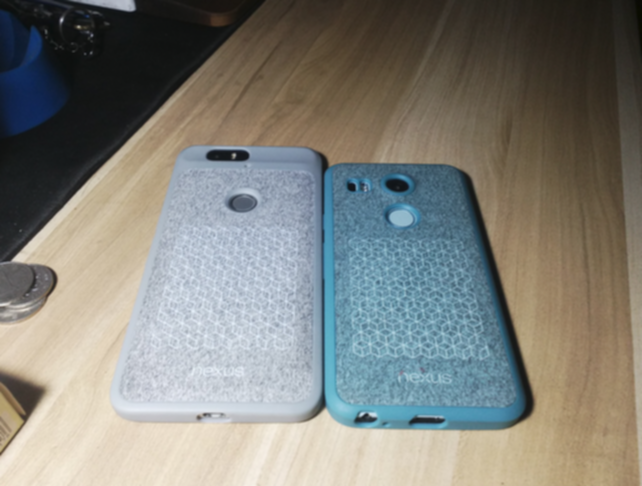
Eventually, after seeing recommendations from folks on Reddit, I bought the two official cases recommended in the Google Play Store, the ones with the felt layer on the back.
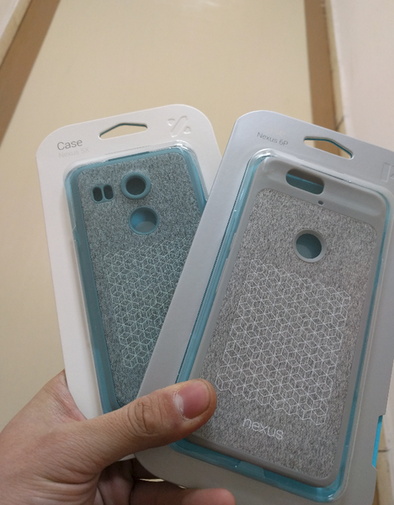
They look a bit ugly at first glance, but the felt backing makes them feel surprisingly good in the hand, and the case isn’t completely rigid either. Most importantly, the charging port cutout no longer digs into my hand.
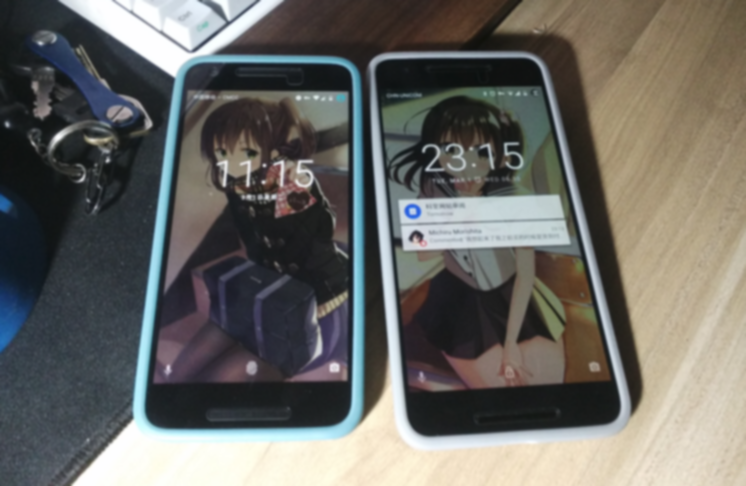
Protection is basically complete—the camera and the front screen are covered too.
3. Skins
If you don’t want to use a case and you trust your own hands enough, and you’re only worried about wear and tear, you can go for a phone skin. The best ones are from dBrand—they offer fitted skins for all Nexus models and support customization.
They’ve also recently added Surface Pro 4 skins, with customization options far better than the off-brand stuff on Taobao.
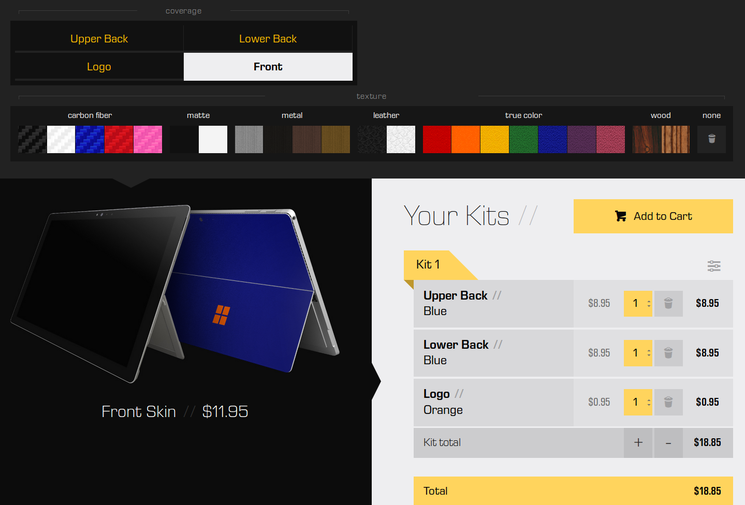
Default prices are a bit steep, but again, wait for an official sale or a discount code, choose standard shipping, wait two weeks, and it basically comes out cheaper than a custom Taobao job.
One disappointment: dBrand doesn’t offer skins for the Google Pixel C, and I don’t know why they don’t. But the Pixel C isn’t without options—you can also buy Skinomi ones.
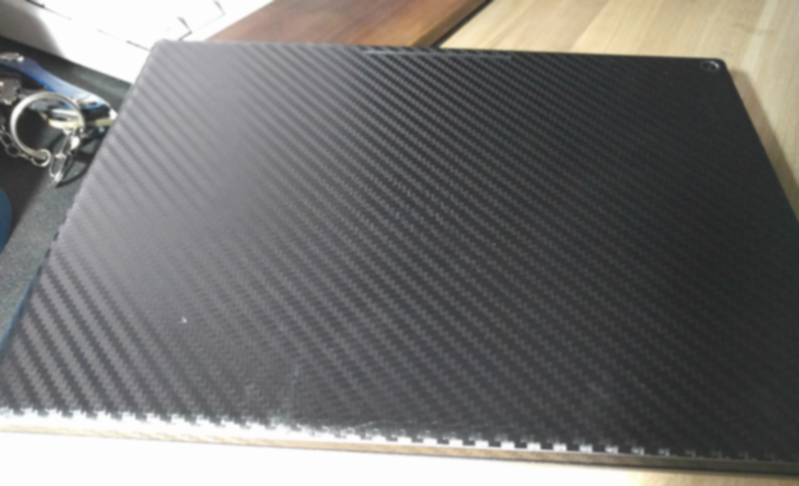
The result is just okay, quite a shame really, but better than nothing. I’ll keep waiting for dBrand to release a Pixel C skin.
4. USB Type-C fast charging
First off, you need a charger that supports 5V 3A—Google didn’t use any Qualcomm fast-charging tech this time around.
For chargers that meet that spec, I’d suggest buying the LG original charger (supposedly) on Taobao; in practice, mine tested out at 5V 3A and can achieve Rapid Charge.
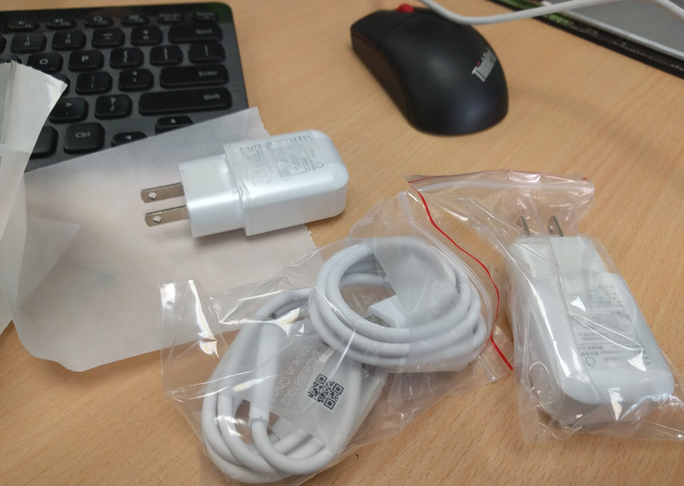
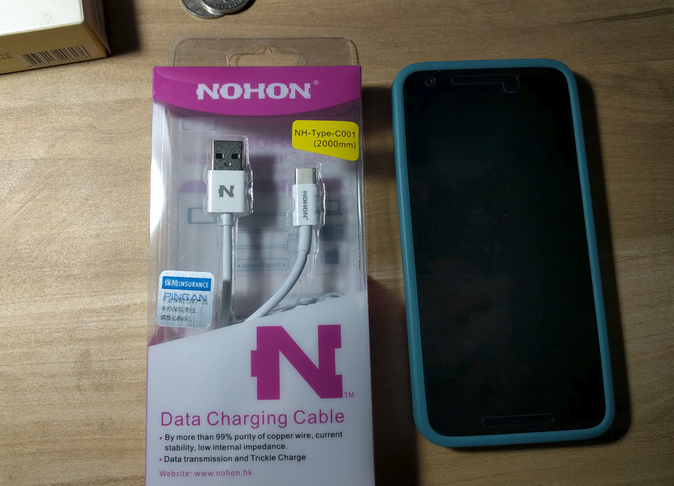
The LG charger can come bundled with a USB Type-C cable, but if you need to buy one separately, I’d suggest getting a Nohi (诺希) cable from JD.com—no problems in personal use.
5. Stylus
The Google Pixel C can be paired with a stylus. I think I mentioned earlier that I bought a Jot Dash. I haven’t really gone into detail about this pen, but it’s probably the best choice at this stage before products supporting Android 6.0 stylus technology come along. I don’t recommend anything else besides it—of course, you’ll need to update your Pixel C firmware to the latest version first. As for information about this pen, you can find plenty of options online. As for using it with the Pixel C, you’ll need the right software too—search the “Productivity” category in Google Play for a surprise.
So that’s about all I wanted to say. As for other options, quite a few of them are lessons I paid for with real money. The lazy can use these as reference; those who like to tinker can keep experimenting. Anyway, I’m off to pay my credit card bill…
Comments are hosted on the Chinese main site. This mirror is read-only.